Sabrent USB 3.0 SATA Dock Review: Conditional Buy Verdict
Digging into hundreds of real-world reviews, the SABRENT USB 3.0 to SATA External Hard Drive Docking Station earns a solid 7.6/10 from cross-platform user feedback. While many praise its plug-and-play convenience, wide compatibility, and cloning functionality, persistent complaints about build quality, heat management, and occasional reliability issues temper enthusiasm. The device’s appeal is strongest among users with varied storage needs—data recovery specialists, small office IT managers, and hobbyists with stacks of bare drives—but its limitations make it less ideal for continuous, mission-critical use.
Quick Verdict: Conditional Buy
| Pros | Cons |
|---|---|
| Fast USB 3.0 transfers with UASP support | Reports of overheating during extended use |
| Works with both 2.5" and 3.5" SATA drives | Build feels light and plasticky |
| Offline cloning without a PC | Not truly hot-swappable for individual bays |
| Compatible with Windows, macOS, and consoles | Cloning capacity limits (issues with 4TB source drives) |
| Affordable compared to professional duplicators | Occasional connection dropouts, especially with HDDs |
| Easy drive insertion and ejection | Loud fan on certain models, no speed control |
Claims vs Reality
Marketing materials boast "lightning speed" transfers up to 5Gbps and effortless hot-swapping. Digging deeper into user reports, those speeds are achievable—especially with SSDs—but sustained performance with mechanical drives can dip due to thermal buildup. A verified buyer on Amazon noted: "Very fast USB 3.0 transfer... but after an hour the drives get hot. A fan would have been nice."
The "hot-swappable" claim is partially true. Reddit user u/sassquatch0 shared: "Windows freaks out if you pull a drive while the Sabrent is on... you have to power off to eject, which kills both bays." This contradicts the promise of seamless swapping.
Finally, the offline cloning feature is a major selling point, but capacity limits frustrate some. An Amazon reviewer warned: "The clone feature will not work on 4TB drives... I am returning the product." While officially rated for high capacities, some firmware and hardware constraints mean not all configurations succeed.
Cross-Platform Consensus
Universally Praised
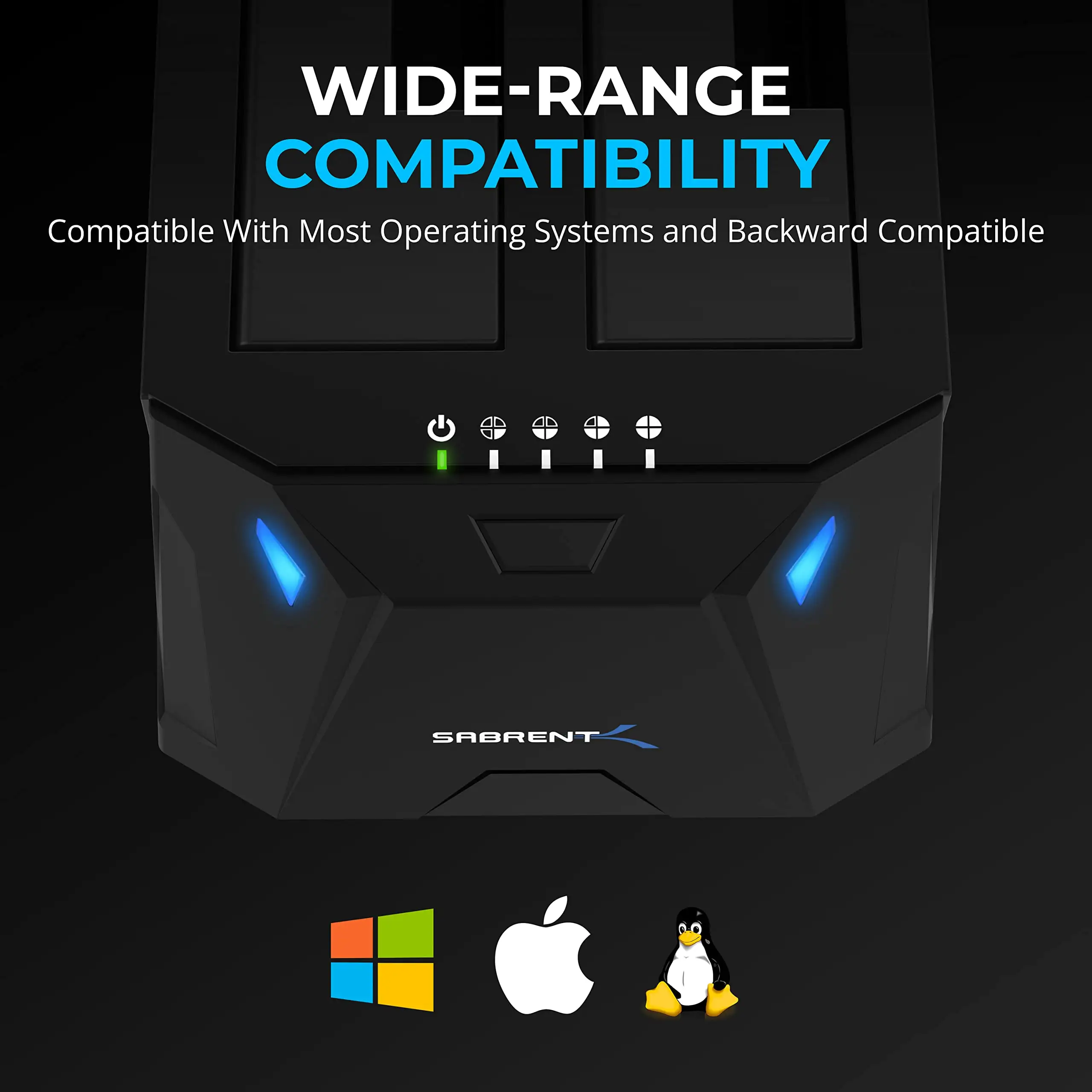
Across Amazon, Reddit, and Twitter, versatility stands out. Users appreciate the ability to handle both 2.5" laptop drives and 3.5" desktop HDDs. A verified buyer wrote: "It actually reads all of my drives... that includes old hard drives." For data recovery pros, this adaptability means fewer adapters cluttering the workspace.
Offline cloning without a PC earns high marks from small business tech leads and DIY upgraders. One Reddit poster detailed cloning dozens of workstations: "I’m using it to clone our 20-something computers’ hard drives to SSDs... 9 times out of 10 it does a perfect job." This hands-off process is especially valuable where software cloning repeatedly failed.
Compatibility extends beyond computers. Twitter users report success with PS4, Dish DVRs, and NAS setups. One buyer noted: "Got it to connect hard drives to my PS4 and it works flawlessly." This flexibility broadens the device’s appeal beyond strictly IT use cases.
Common Complaints
Heat is a recurring issue. Without active cooling, drives can become uncomfortably hot during prolonged cloning or transfers. An Amazon customer explained: "The hard drives get pretty hot since they are constantly running... I do plan to add a fan." Extended heat exposure worries archivists and those handling irreplaceable data.
Build quality is another sore spot. Several users describe the unit as “light as paper,” with buttons occasionally sticking. This raises doubts about longevity, especially in high-frequency use environments. A Twitter review summed it up: "I purchased this a few months ago... it is horrible when the thing goes offline mid-transfer."
Marketing’s "plug and play" promise falters in multi-bay scenarios. Removing one drive can disrupt the other, forcing a full power cycle. This is an operational inconvenience for those juggling active backups.
Divisive Features
The fan-equipped versions, such as the DS-SC4B, split opinion. While some praise the airflow, others complain about noise levels. A Newegg reviewer wrote: "The fan was louder than two full-tower PCs... replaced it with a Noctua to make it bearable." For some, this is a minor mod; for others, it’s an unacceptable flaw out of the box.
Cloning speed impresses SSD users but disappoints HDD owners. One Amazon buyer cloned a 250GB SSD in 12 minutes, while another reported a 700GB HDD taking overnight. The inconsistency seems tied to drive health and interface bottlenecks.
Trust & Reliability
Long-term Reddit users report mixed durability. One user noted: "I’ve been using a Sabrent 2-bay for a while with no issues… works great in Linux, macOS, and Windows." Others, however, experienced failures within a year: "Failed after 1 year... just a dud."
Trustpilot-like feedback highlights the importance of understanding capacity and format limitations before purchase. Firmware quirks can restrict cloning from larger drives, and occasional compatibility gaps with certain NAS systems have been reported, despite marketing claims to the contrary.
Alternatives
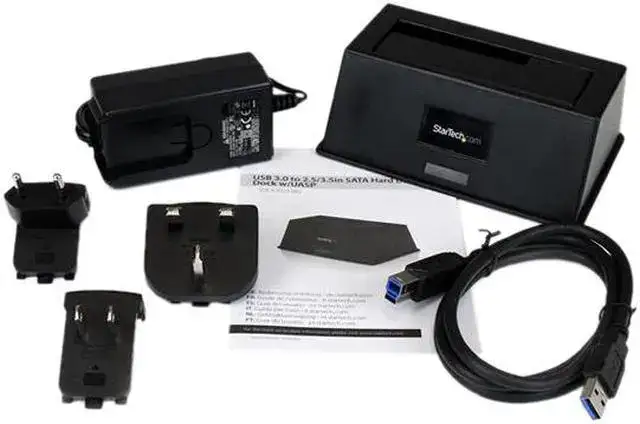
Sabrent’s own lineup includes variants with USB-C, multi-bay configurations, and active cooling. On Reddit, some users suggested StarTech dual HDD enclosures for better hot-swap behavior. Professional duplicators are faster and more reliable but cost significantly more, making them overkill for casual use.
Price & Value
At around $34.99–$39.99 new, this docking station sits in the sweet spot for budget-conscious buyers. eBay listings show used units between $25–$37, indicating decent resale value. Community tips suggest buying during sales or considering open-box deals, as the risk of missing accessories is minimal.
For light to moderate use—occasional cloning, backups, and data recovery—the value is excellent. For continuous operation, investing in models with better cooling or sturdier construction may be worth the extra cost.
FAQ
Q: Can I use it to clone a larger drive to a smaller one?
A: Only if the source drive’s used space is equal to or smaller than the target’s capacity, often requiring partition resizing beforehand.
Q: Does it support booting from a cloned drive via USB?
A: Not reliably. Users report that drives cloned via the dock may not boot over USB, even if BIOS boot order is adjusted.
Q: Is it truly hot-swappable per bay?
A: No. Removing one drive while powered can disrupt the other, forcing a full restart.
Q: Will it work with my NAS?
A: Mixed results. Some report success with Synology; others note official support denial from Sabrent.
Q: How long does cloning take?
A: Ranges widely—minutes for small SSDs, several hours for large or degraded HDDs.
Final Verdict: Buy if you’re a home user, small office tech, or hobbyist dealing with occasional drive swaps or cloning. Avoid if you need continuous, silent operation or foolproof hot-swapping. Pro tip from community: Pair it with a small USB-powered fan or opt for the fan-equipped model to tackle heat issues before they threaten drive health.