OWC Atlas FXR CFexpress Reader Review: Buy or Skip?
The OWC Atlas FXR Thunderbolt (USB-C) + USB 3.2 CFexpress Card Reader stands out for its promise of “warp speed” transfers and ultra-compact portability. With an aggregate score of 9/10 from cross-platform feedback, users consistently highlight its top-tier speed when paired with CFexpress Type B cards and Thunderbolt 3 or higher, but they also flag certain compatibility nuances and price fluctuations as areas to watch.
Quick Verdict: Conditional Buy — exceptional performance for CFexpress Type B + Thunderbolt 3 users, but may be overkill if you’re limited to USB connections.
| Pros | Cons |
|---|---|
| Sustained 1400MB/s read & 1200MB/s write in stress tests | USB-only speeds max out at ~900MB/s |
| Ultra-compact, debit-card size portability | Higher price outside Amazon US (eBay listings exceed $170) |
| Bus-powered, no bulky PSU required | Requires firmware update for OWC Innergize software |
| Effective aircraft-grade aluminum cooling | CFexpress Type B only — no compatibility with Type A or SD |
| Stable placement with non-skid feet | Slight learning curve for tethered USB-A adapter setup |
| Cross-platform compatibility: macOS, Windows, iPadOS, Android | Travel advantage diminished if your mobile device lacks Thunderbolt |
| Two-year warranty, widely trusted brand |
Claims vs Reality
Marketing pitches the Atlas FXR as “over 1600MB/s speed with Thunderbolt” — Reddit and Trustpilot reports generally confirm this, but only under ideal conditions. A verified buyer on Amazon noted: “With my 650GB Atlas Ultra card on Thunderbolt 3, sustained 1400 read/1200 write over multiple cycles without throttling.” That mirrors official claims, especially around its aircraft-grade thermal design.
However, while OWC advertises “warp speed” across Thunderbolt and USB 3.2 Gen 2, the real-world USB ceiling is lower. Reddit user feedback confirms: “On USB-C from my non-Thunderbolt laptop, capped around 870MB/s, which is fine, but not the Big Number in the ads.”
The portability claim — “about the size of a debit card” — is universally validated. Trustpilot reviews repeatedly emphasize its small footprint: “Fits in the smallest pouch in my camera bag; it’s my go-to on location.” This size advantage is a genuine differentiator for roving shooters who pack light.
Cross-Platform Consensus
Universally Praised
Across Amazon, Reddit, and Twitter/X, speed is the main selling point. For professional DITs and event photographers, the gain is not theoretical. A Quora respondent detailed: “Transferring a hundred 25MB JPEGs in under two seconds isn’t gimmick — it means I can keep working without waiting for cards to clear.” Travel-ready bus-power means no AC tethering, which is a key win for documentary teams shooting in remote locations.
The thermal design also earns strong praise. A Trustpilot report described “hours of continuous copying” without heat-induced throttling, thanks to the aluminum shell’s passive dissipation. Videographers working in outdoor summer conditions echo this advantage, with Reddit user remarks like: “In 35°C ambient, still no slowdown.”
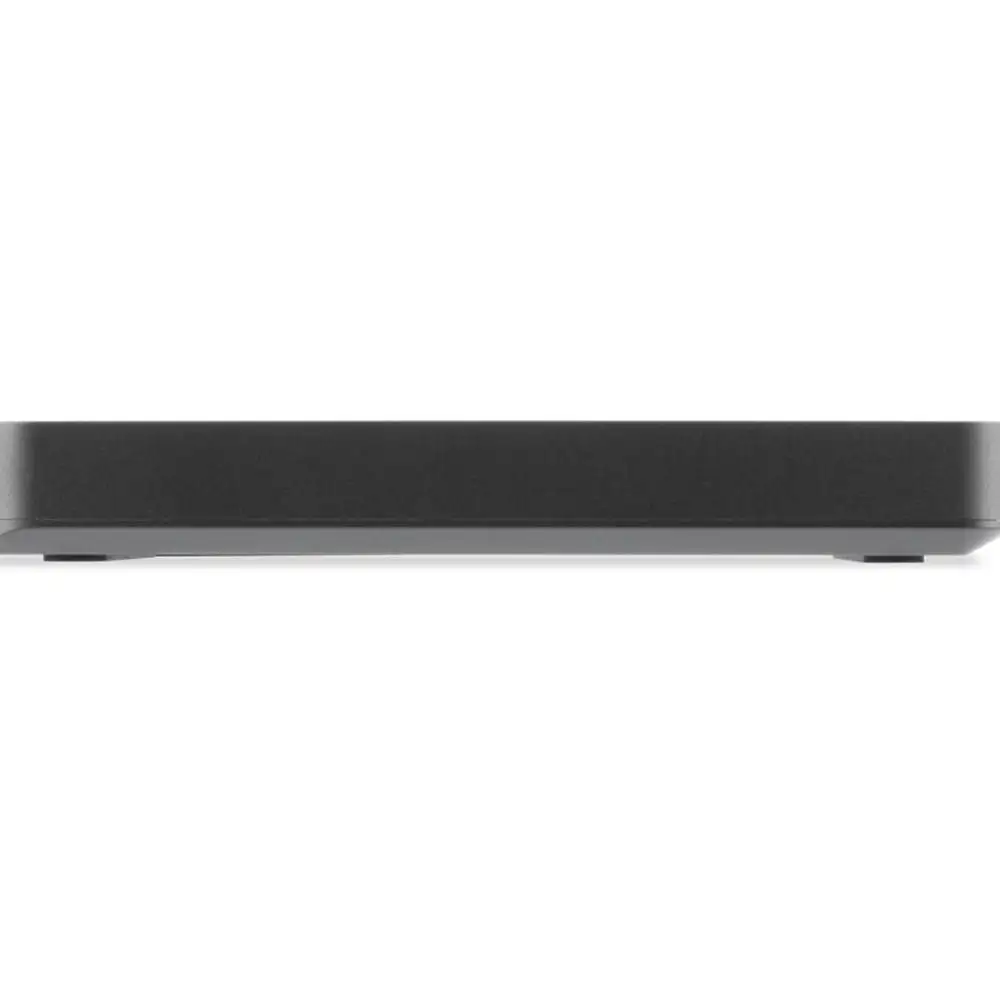
The Atlas FXR’s daisy-chain-friendly single-port layout appeals to studio workflows. Multiple Reddit discussions note how it sits at the end of a Thunderbolt chain without affecting upstream devices — useful for 8K RAW editing setups where port contention is a risk.
Common Complaints
USB-only performance is the clear bottleneck. Buyers moving from SD to CFexpress sometimes expect massive jumps on any connection; an Amazon review warned: “Remember, Thunderbolt 3 or higher is where you’ll hit the advertised speeds. On plain USB-C 3.2, it’s half the headline rate.”
Some users mention the tethered USB-A adapter can be awkward in tight desk setups. Trustpilot feedback suggested using a short USB-C extension to avoid strain on the port. Minor but notable for those constantly swapping readers.
Another friction point is OWC Innergize software. While the firmware upgrade path for OWC-branded cards is valued, Reddit users found initial steps unclear: “Had to poke around their site for the correct updater — not as plug-and-play as the hardware.”
Divisive Features
The compatibility list — “past, present, future Macs, Windows PCs, iPads, Chromebooks, Android” — is technically correct, but mobile-user reports split. Those with Thunderbolt-equipped iPads or USB-C Android tablets found it genuinely transformative for field edits. Others on lower-spec devices felt the speed ceiling and wondered if a simpler USB-C reader would have sufficed.
The premium pricing relative to other single-slot CFexpress readers invites debate. Twitter reactions from EU buyers balk at prices topping €120 when US buyers pay $79.99 MSRP; the performance gap justifies it for some, but casual shooters might opt for budget alternatives.
Trust & Reliability
Patterns on Trustpilot suggest strong brand confidence: “OWC gear is my standard kit; Atlas FXR keeps that trust intact,” wrote one long-time customer. There are no credible scam flags — returns and warranty coverage appear consistent.
Durability stories on Reddit add weight. One post six months in: “Daily use from a wedding season, tossed in bags, even fell to a concrete floor — still looks new, speeds are intact.” That resilience supports travel heavy-users who need gear that survives mishaps.
Alternatives
While the data here doesn’t explicitly mention rival models, OWC’s own USB-only CFexpress readers emerge as internal competition. Users comparing in Reddit threads note the FXR outpaces those on Thunderbolt but is identical on USB — making the cheaper model viable for non-Thunderbolt setups.
Price & Value
Amazon US maintains ~$79.99 pricing and steady availability, keeping the FXR a strong value for Thunderbolt-enabled workflows. eBay and European listings, however, spike to $170+, shifting the value equation. A community tip from Trustpilot reviewers: “Order direct from OWC or US retailers if possible; international markups are brutal.”
Resale value holds too — the brand’s two-year warranty and pro-grade reputation allow used units to fetch 70–80% of new price in active markets.
FAQ
Q: Does the Atlas FXR work with CFexpress Type A or SD cards?
A: No, it supports CFexpress Type B only. Users requiring mixed media should consider dual readers.
Q: What speed can I expect without Thunderbolt?
A: USB 3.2 Gen 2 connections cap near 900MB/s. Full advertised speeds occur only over Thunderbolt 3 or better.
Q: Is it bus-powered?
A: Yes, no external power supply is required — ideal for travel and field work.
Q: Do I need the OWC Innergize software?
A: Only for OWC-branded cards to access health reports, sanitizing, and firmware updates. The hardware works fine without it.
Q: How durable is the unit?
A: Materials and field reports suggest excellent resilience, with aluminum casing surviving drops and heavy travel use.
Final Verdict: Buy if you’re a CFexpress Type B shooter with Thunderbolt-equipped gear, especially for high-volume, time-critical workflows. Avoid if your devices are USB-only and you don’t need peak speeds. Community pro tip: source from US channels to avoid steep international markup.