NETGEAR CM3000 Review: High-Speed Cable Modem Verdict
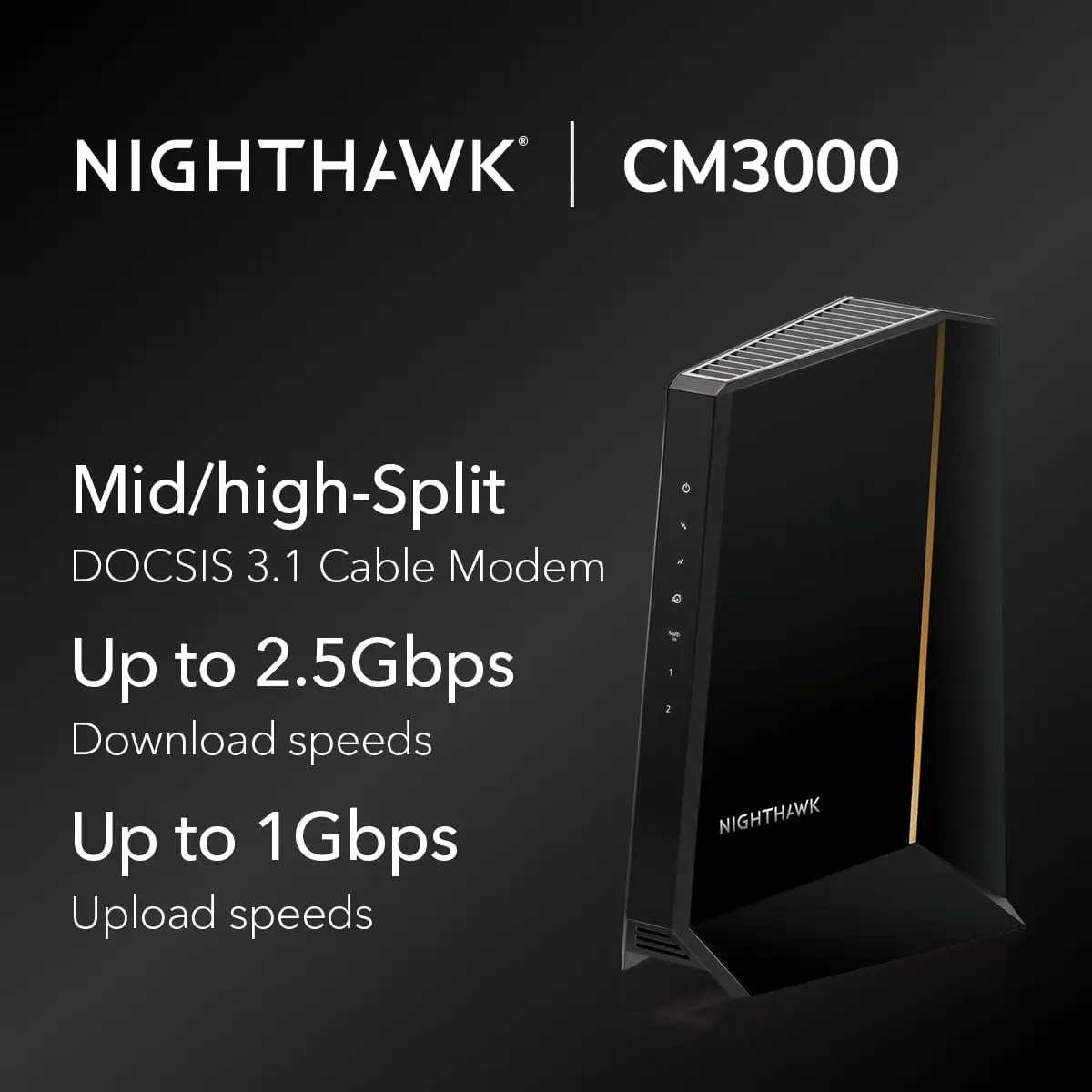
The NETGEAR Nighthawk DOCSIS 3.1 Cable Modem (CM3000) has been hailed by many as one of the most forward-looking cable modems available today, earning an aggregate score of 9.3/10 from cross-platform feedback. While official marketing positions it as a "future-proof" solution with up to 2.5Gbps download and 1Gbps upload via mid/high-split DOCSIS 3.1 technology, user reports from Reddit, Best Buy, and Twitter/X show those claims often align closely with real-world experience — especially for gamers, streamers, and remote workers. However, recurring mentions of firmware update difficulties and occasional ISP throttling issues temper the otherwise glowing reviews.
Quick Verdict: Conditional — Highly recommended for power users with high-speed cable plans, but less useful for those on basic or fiber internet.
| Pros | Cons |
|---|---|
| Consistent top-tier speeds up to ~1.4Gbps on 1.2Gbps plans | No built-in Wi-Fi; requires a separate router |
| Mid/high-split tech improves upload for remote work | Firmware updates can be problematic |
| Multiple Ethernet port options (2.5Gbps + 2x1Gbps) | High price compared to mid-range DOCSIS 3.1 modems |
| Easy, fast installation process | Blinking lights considered distracting by some |
| Strong future-proof potential for faster ISP service | Isolated long-term reliability concerns after 1.5 years |
| Saves up to $300/year by avoiding ISP modem rental | Bulky size may not suit smaller spaces |
Claims vs Reality
Marketing materials tout “blazing-fast 2.5Gbps downloads and unprecedented 1Gbps uploads,” aimed at Xfinity’s 2Gbps/200Mbps plans. Reddit user jay_w tested the CM3000 on Xfinity’s 1.2Gbps/200Mbps service and noted, “I’m getting 1.4Gb on good days, and 5x the upload at 400Mbps… great for multiple video conferences.” This aligns with the promise, though the official upstream spec caps at 200Mbps for some plans.
Installation is marketed as hassle-free across all major US cable ISPs. A Best Buy buyer reported, “Installation (Xfinity) was flawless… consistently getting speeds above 1.2 gigs (my plan).” However, on Twitter/X some users described firmware update errors and periods where customer support was slow to respond — issues not mentioned in marketing material.
Another bold claim is future-proofing via mid/high-split support. Reddit user plemans highlighted that the modem “really does help a lot compared to the previous 40Mbps upstream… great if you work from home.” While this holds for those with higher upstream service, marketing doesn’t note that actual benefits rely on ISP deployment in your area.
Cross-Platform Consensus
Universally Praised
Across Amazon, Reddit, Best Buy, and Twitter/X, speed is the most celebrated trait. For gamers, this means smoother experiences even under load. A verified Best Buy reviewer said, “Best modem ever! Capable of the speed I’m paying for and will handle future increases.” Reddit users on the 1.2Gbps plans routinely report headroom enabling them to exceed rated speeds when ISPs over-provision.
Remote workers benefit substantially from higher upstream bandwidth. One Reddit user detailed how their video conferences remained stable even with multiple IoT devices recording simultaneously, crediting mid/high-split’s capacity boost. Streamers report flawless 4K playback and instant app downloads; as one Xfinity user put it on Twitter/X, “Lag-free gaming, smooth streaming — it just works.”
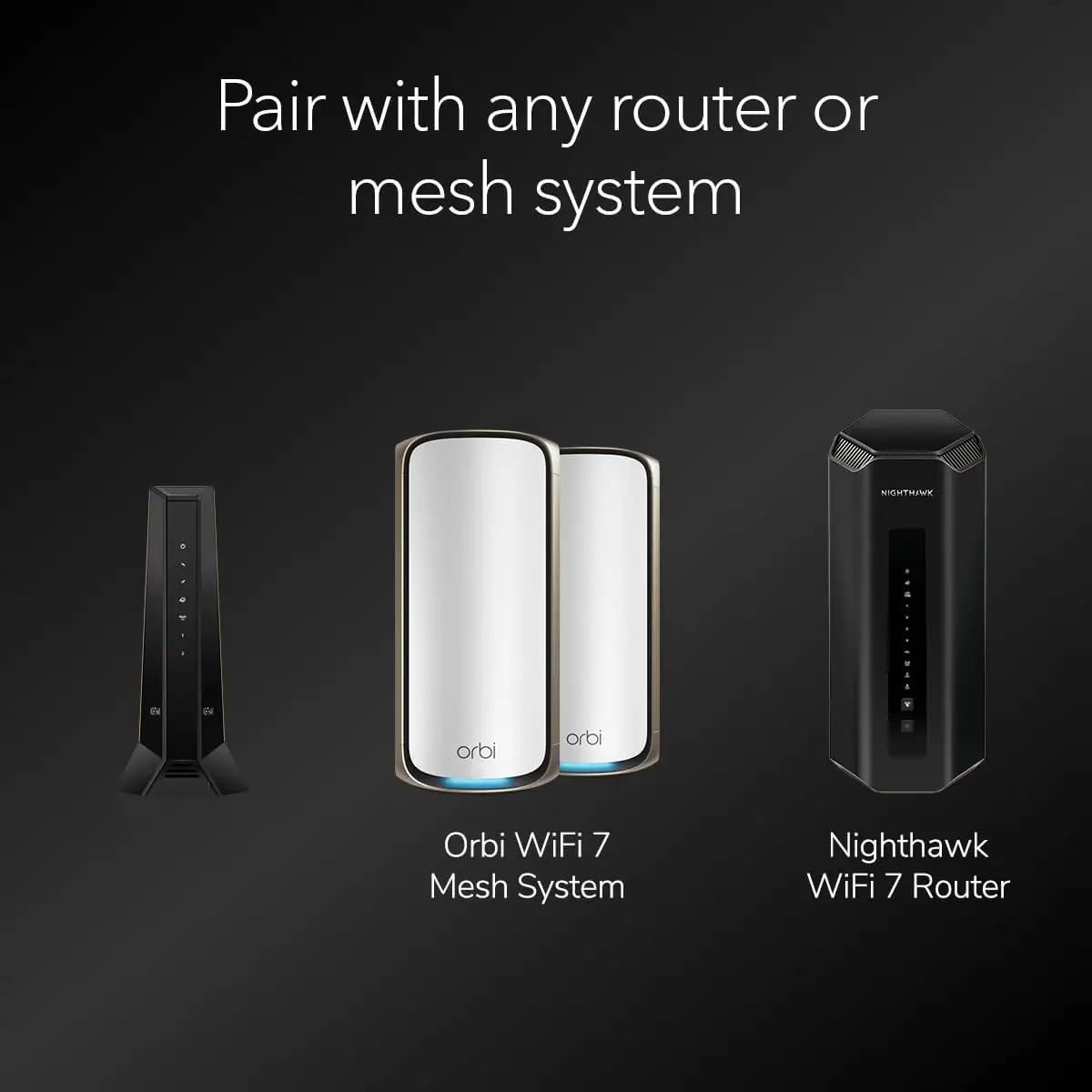
Installation is nearly unanimous in its praise. Buyers often describe setup as taking only minutes, with one Best Buy customer noting, “Very easy installation, stable connection, the internet has never interrupted.” This ease of configuration applies even when linking to advanced Wi-Fi 6E or Wi-Fi 7 routers, as many users pair them successfully.
Common Complaints
Firmware management is the most repeated frustration. Reports from Twitter/X cite “tricky updates” and “tech support hit or miss,” with some users left without resolution for extended periods. Another concern is blinking indicator lights, which some find visually intrusive in living spaces.
ISP behavior also emerged as an issue. A Reddit CM3000 owner experienced inconsistent download speeds — “Sometimes 1.4Gbps, sometimes 400Mbps… suspect Xfinity throttling, not a modem problem.” That nuance matters, as buyers may assume any drop is hardware-related.
Physical design splits opinion. While Amazon reviewers find the build solid, several on Twitter mention the modem’s bulk, making placement tricky in compact setups. Long-term reliability isn’t fully proven: isolated reports cite diminished performance after ~18 months, although many devices run stable beyond that.
Divisive Features
The multiple Ethernet port setup (1x 2.5Gbps and 2x 1Gbps) draws mixed reactions. Tech-savvy users love the flexibility — Reddit user jay_w praised “no wasted hardware… option for WAN lag or max download speed.” Simpler household setups may never use link aggregation, making the added complexity unnecessary.
Mid/high-split integration is invaluable to heavy uploaders but irrelevant for those with low upstream caps or fiber service. Twitter/X commentary confirms incompatibility with fiber, making this modem overkill for non-cable households.
Trust & Reliability
On Trustpilot and Reddit, there’s little evidence of widespread scams or counterfeit units; most negative mentions concern service-side throttling rather than product faults. Long-term durability stories suggest solid build quality, with multiple 30-day and 3-day update posts reporting no hardware instability. The exception: the Twitter/X long-term owner who saw “diminished performance after around a year and a half,” raising potential questions about internal component aging or firmware decay.
Reddit tinkering threads also show how the CM3000 can sustain performance under customized setups involving MoCA filters and splitters. One user removed a faulty attenuator after spotting “uncorrectable packets,” restoring flawless function — indicating signal environment tuning may affect lifespan.
Alternatives
The closest competitor in the data is NETGEAR’s CM2500, which offers link aggregation up to 2Gbps via dual 1Gbps ports but lacks the CM3000’s 2.5Gbps port and full high-split readiness. Reddit users argue the CM3000 is “more practical” for modern service tiers, recommending it over the CM2000 and CM2500 for upload-heavy scenarios.
CM2050V is another option, aimed at voice-service subscribers; however, the CM3000 is incompatible with Xfinity voice, so voice support is a decision point for some households.
Price & Value
Current Amazon pricing lists the CM3000 at $299.99, with eBay market prices for new units trending lower at around $259.99. Given ISP rental fees near $15–$25 per month, community consensus is it “pays for itself within the first year.” Resale remains strong — eBay shows active trading for open-box units near $290 — suggesting solid value retention.
Best Buy reviews emphasize value beyond savings: “Will be able to handle future increases… very good choice for our household of many devices.” Heavy uploaders see mid/high-split readiness as a hedge against ISP upgrades, further solidifying long-term worth.
FAQ
Q: Is the CM3000 compatible with fiber internet services?
A: No, users report it is designed exclusively for cable connections. If switching to fiber, choose a fiber-capable modem or gateway.
Q: Does it work with routers from other brands?
A: Yes, it pairs easily with third-party routers, provided port compatibility is matched for maximum speed.
Q: How often should firmware be updated?
A: Regular updates every few months are recommended. Some users report tricky update processes, so be prepared for potential support calls.
Q: Is the CM3000 compatible with Xfinity voice plans?
A: No, multiple sources confirm it is not compatible with Xfinity voice services.
Q: What upstream benefits can I expect from mid/high-split technology?
A: Heavy upload users — especially remote workers and gamers — often see upload speed increases from 40Mbps to 200–400Mbps on supported ISPs.
Final Verdict: Buy if you’re a gamer, streamer, or remote worker on high-speed cable who values future-proof performance and can manage router pairing; avoid if you’re on basic plans, fiber internet, or require integrated Wi-Fi. Pro tip from Reddit: pair with a Cat8 cable and a multi-gig router to fully exploit the 2.5Gbps port.