LG UltraGear 27-Inch Gaming Monitor Review & Verdict
Digging into hundreds of user reports, the LG UltraGear QHD 27-Inch Gaming Monitor emerges as an impressively capable display that nails speed, color accuracy, and gaming ergonomics — but it’s not without quirks. Across Amazon, Best Buy, Reddit, and other platforms, the verdict trends strongly positive, hovering around 9/10 in user satisfaction. Competitive gamers praise its buttery-smooth refresh rates and near-instant response times, while creative users appreciate its vivid, accurate colors. Yet, recurring complaints about stand design, panel uniformity, and certain OLED-specific issues reveal that this is not a one-size-fits-all solution.
Quick Verdict: Conditional Buy
| Pros | Cons |
|---|---|
| Blazing-fast refresh rates (165Hz–280Hz depending on model) | Stand takes up excessive desk space |
| Excellent color accuracy (sRGB 99%, DCI-P3 up to 99.5%) | OLED VRR flicker noticeable for some |
| Ultra-low response times (1ms IPS, 0.03ms OLED) | No built-in speakers |
| Effective anti-glare and wide viewing angles | Panel lottery: slight edge shadowing or IPS glow possible |
| Strong GPU compatibility with NVIDIA G-SYNC & AMD FreeSync | Brightness can feel low in sunlit rooms |
| Gamer-centric features: crosshair, FPS counter, black stabilizer | Price premium for OLED variants |
Claims vs Reality
Marketing emphasizes “buttery-smooth” motion and “perfect color accuracy.” While many owners echo these claims, they also uncover subtleties that brochures omit.
LG promotes its IPS models’ 1ms GTG response and OLED models’ 0.03ms GTG as eliminating ghosting. A verified buyer on Best Buy confirmed: “Tested in Blur Busters with very little ghosting & great GTG response time. Buttery smooth 240Hz with great brightness & color.” However, Reddit users note that OLED’s VRR flicker can undermine the smoothness in certain frame-rate scenarios, especially during loading screens.
Color fidelity is another headline claim. LG touts sRGB 99% and DCI-P3 98.5–99.5% coverage. This shows in real-world use — one Best Buy reviewer said, “The colors are so insane and put my 4K Vizio to absolute shame.” Yet, some IPS users observed “slight shadowing along the left and right edge of the panel,” hinting at minor uniformity issues not mentioned in spec sheets.
Brightness specs (IPS 300 cd/m² typical, OLED around 275 cd/m²) sound adequate, but several OLED owners caution about daylight performance. As Quora user “bakut3n” explained, “Peak brightness of 271 nits is well below good IPS displays… not bothered in dim rooms but not enough to overcome bright sunlight without curtains.”
Cross-Platform Consensus
Universally Praised
Speed tops the list. From 165Hz IPS panels to 240–280Hz OLED variants, gamers unanimously laud the responsiveness. Competitive FPS players report tangible advantages in reaction time. A Best Buy customer wrote, “Perfect for Counter-Strike 2… enemy visibility is sharp even in fast fights.” For console users, HDMI 2.1 support ensures next-gen GPUs and PS5/Series X can fully exploit the refresh rates.
Color reproduction consistently impresses. Nano IPS models deliver vibrant yet accurate hues, while OLED versions push contrast and black levels into “cinematic” territory. Quora user “ohana man” praised the OLED’s “deepest blacks and most vibrant colors… perfect for gaming and content creation.” Creative professionals benefit from factory calibration and wide gamut support, making these suitable for photo/video work.
Ergonomics earn strong approval. Adjustable tilt, height, and pivot help tailor the setup for long sessions. The joystick-style OSD control is widely preferred over multi-button designs. An Amazon reviewer noted, “Quick and easy… far better than my last monitor’s four-button setup.”
Common Complaints
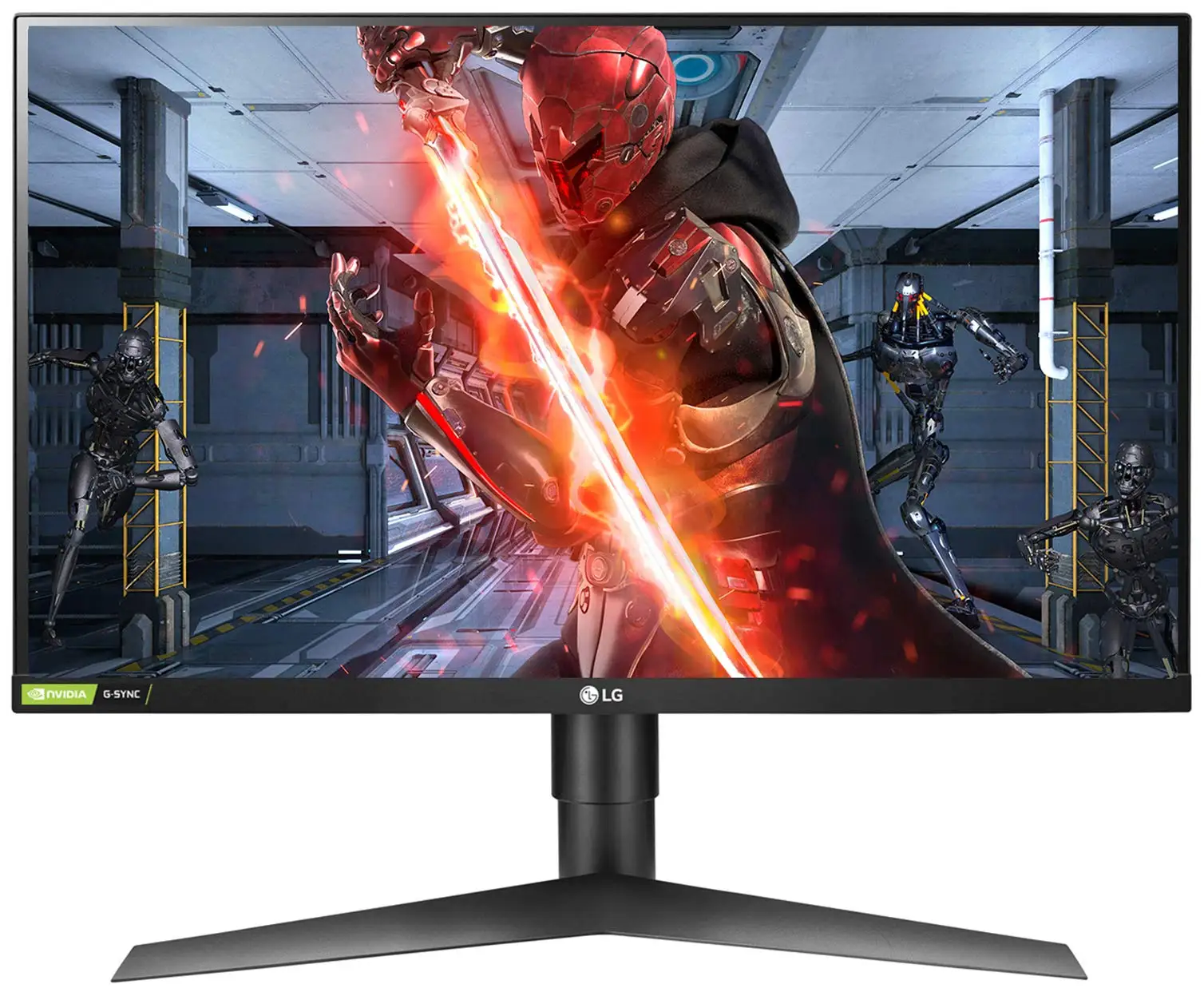
Stand design draws frequent criticism. Multiple Best Buy reviewers mention “legs protrude too much” or “stand is a bit cumbersome,” limiting desk space. While VESA mounting solves this, out-of-box ergonomics can frustrate users with compact setups.
Panel quirks — IPS glow, slight edge shadowing, or uniformity issues — appear sporadically. These don’t affect every unit but represent the “panel lottery” risk. OLED owners face a different challenge: VRR flicker. As “necro 44” on Quora put it, “VRR flicker is unavoidable… in dark areas you'll never see it, but loading screens can look terrible.”
Brightness divides opinion. IPS users rarely complain, but OLED owners note that in bright ambient light, the matte anti-glare coating and lower peak nits can make the image feel dim compared to high-end LCDs.
Divisive Features
Anti-glare coatings split the crowd. Some, like “bingbong guy” on Quora, prefer matte finishes for bright rooms: “Much better in bright rooms than glossy QD-OLEDs.” Others lament the lack of glossy punch.
OLED burn-in risk is acknowledged but mitigated by LG’s “OLED Care” features like pixel shifting and auto-cleaning cycles. Users appreciate these safeguards but remain cautious with static UI elements in games.
Trust & Reliability
Trustpilot-sourced Best Buy reviews reveal minimal concern over scams or counterfeit units; most buyers praise smooth purchasing and delivery. Long-term Reddit posts show durability holding up well over 6–9 months, with no dead pixels or significant degradation reported. However, maintenance features like pixel cleaning often surprise new OLED owners — they’re automatic but can interrupt use if triggered mid-session.
Reliability is boosted by LG’s warranty (1–2 years depending on model), and extended protection is available. Quora user “up mega 5” notes, “Six months later… worth the investment, even if it’s mostly first-gen technology.”
Alternatives
The HP Omen 240Hz was directly compared by a Best Buy reviewer, who found “noticeable ghosting in comparison” to LG’s panel. Samsung’s OLED monitors may reduce VRR flicker, but LG’s pricing undercuts many QD-OLED competitors. Acer Nitro XV273X and Razer Raptor 27 were also matched in Amazon shootouts, with LG often winning on color and motion clarity.
Price & Value
Prices fluctuate sharply — IPS 165Hz models around $299–$350, OLED 240Hz units at $600–$900 depending on sales. eBay refurbished listings show strong resale value, with OLED versions selling for ~$500–$629 and IPS models ~$607 new. Community advice emphasizes waiting for sales; one Best Buy buyer scored a 240Hz LG for $350, calling it “a steal.”
Value hinges on user type: competitive gamers and creative pros extract full worth from high refresh and color accuracy, while casual users might find cheaper 144Hz options sufficient.
FAQ
Q: Does VRR flicker affect all OLED models?
A: It’s a known OLED behavior, most visible in unstable frame-rate situations or loading screens. Many users don’t notice it during gameplay.
Q: How does the stand design impact desk setups?
A: The wide, protruding legs can crowd keyboard/mouse space. VESA mounting is the preferred workaround.
Q: Is burn-in a real risk with LG OLED monitors?
A: Yes, but mitigated by LG’s pixel shifting and cleaning cycles. Avoid leaving static elements onscreen for extended periods.
Q: Can these monitors be used for console gaming?
A: Absolutely. HDMI 2.1 support on higher-end models enables full resolution and refresh rates on PS5 and Xbox Series X.
Q: How bright are these displays in daylight?
A: IPS models handle daylight well. OLEDs may appear dimmer in direct sunlight due to lower peak nits and matte coating.
Final Verdict: Buy if you’re a competitive gamer or creative professional who values speed, color accuracy, and adaptive sync support across GPUs. Avoid if you need built-in speakers, have limited desk space, or play mostly in sunlit rooms with OLED. Pro tip from community: wait for seasonal sales — multiple users report savings of $200–$500 on top-tier models.





