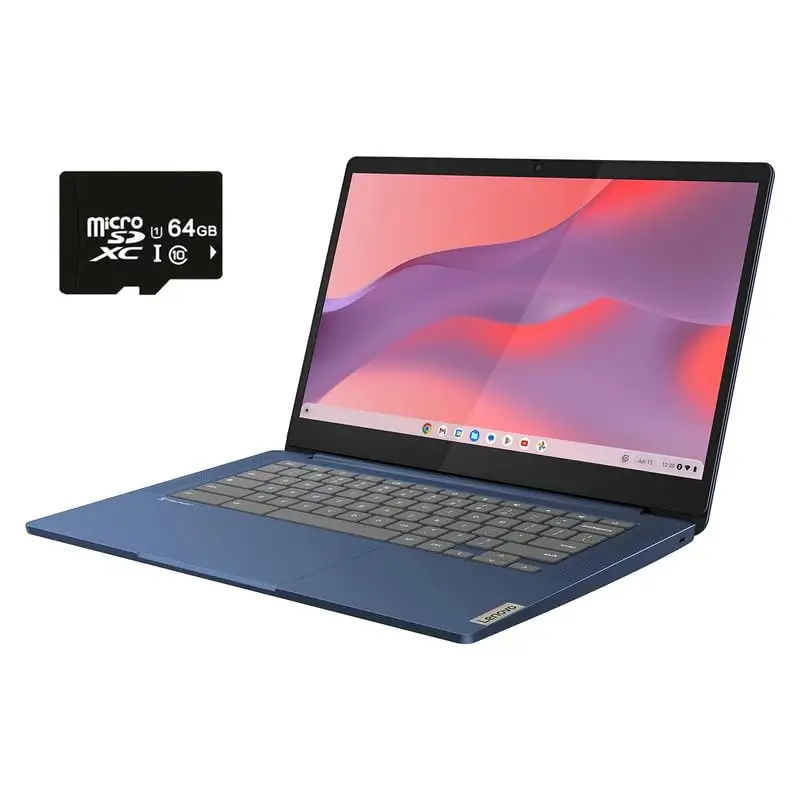
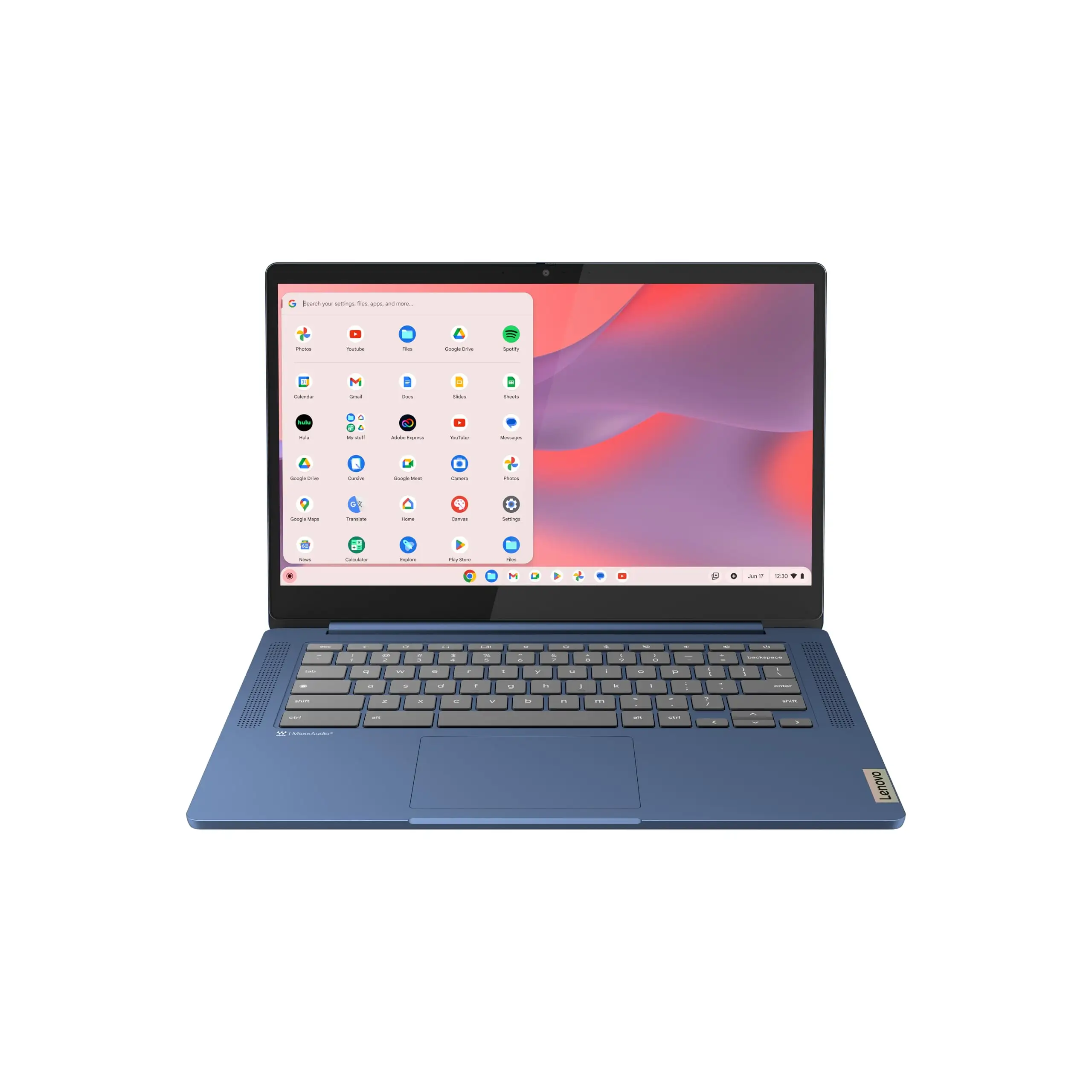
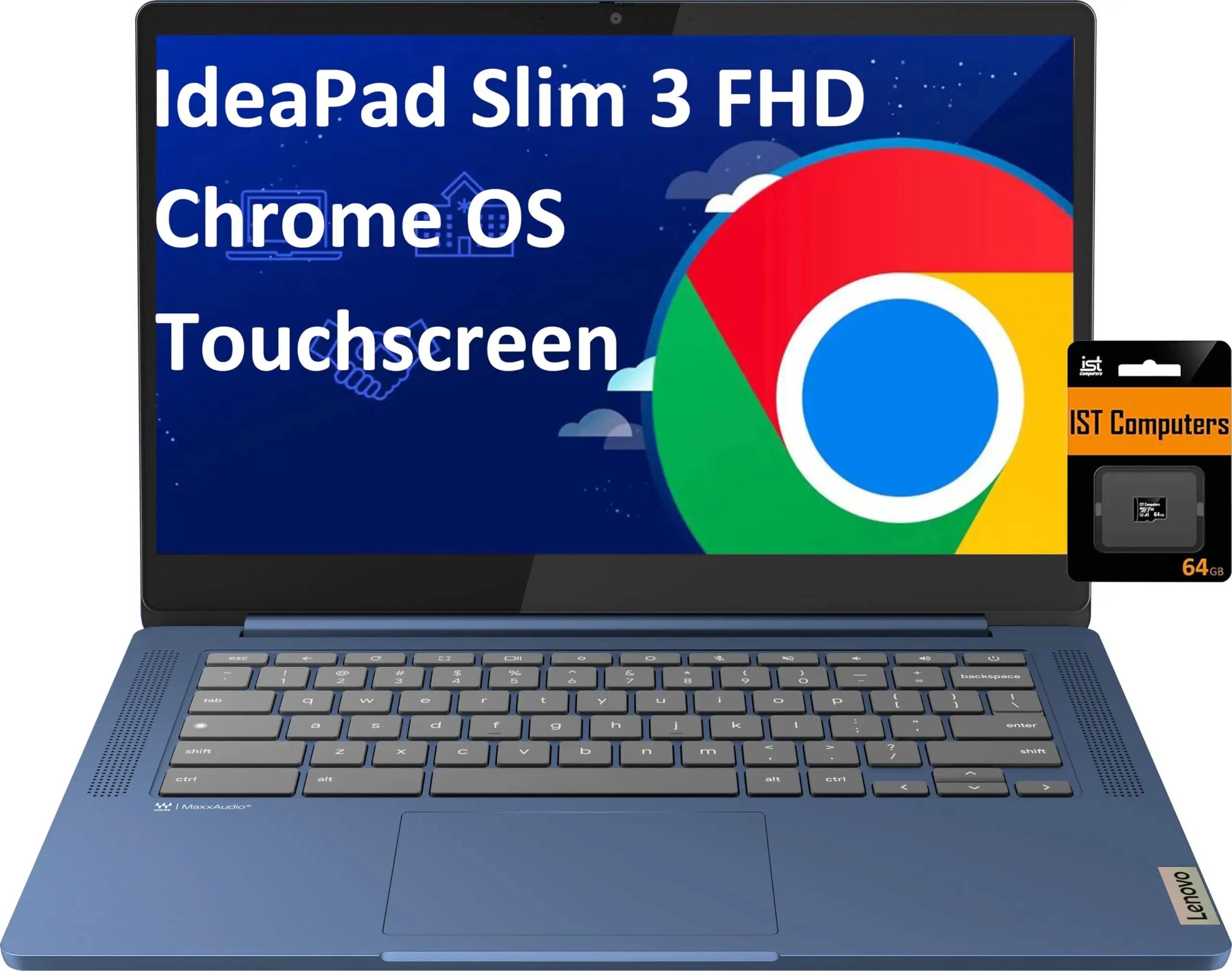
Lenovo IdeaPad Slim 3 Chromebook Review: Strong Battery Verdict
Starting with a surprising detail: while Lenovo advertises the IdeaPad Slim 3 Chromebook 14-inch (Abyss Blue) as having “up to 13.5 hours” of battery life, Consumer Reports testing clocked it at 18.5 hours under light browsing — beating many competitors. Across thousands of reviews, the verdict leans strongly positive, with an average rating of 4.6/5 and community consensus that it’s a lightweight, affordable, and reliable Chromebook for school, work, and casual use. Overall score: 8.7/10.
Quick Verdict: Conditional — best for students, travelers, and light productivity users; less ideal for heavy multitaskers or specialized software needs.
| Pros | Cons |
|---|---|
| Exceptional battery life (up to 18.5 hrs light use) | Limited to 4GB RAM — struggles with complex web apps |
| Lightweight at 2.9 lbs | No number pad |
| Crisp FHD display with anti-glare | Occasional lag/glitches reported |
| Affordable, often discounted under $200 | Not compatible with some peripherals (e.g., certain printers) |
| Touchscreen with wide viewing angles | Storage fixed at 64GB eMMC |
| Solid build despite plastic chassis | Screen brightness lower than premium models |
| Easy setup and integration with Google ecosystem |
Claims vs Reality
Lenovo markets this Chromebook as “balancing work and play all day” thanks to the MediaTek Kompanio 520 processor and fanless design. While many users confirm smooth performance for general browsing, streaming, and schoolwork, heavy multitasking can expose its limits. A verified Best Buy buyer noted: “Once Chrome had updated it took 10 minutes to have the Chromebook fully operational… but one of my unique web apps needed more resources than this device could support.”
The official claim of “crisp and rich” IPS display quality holds up for most buyers. Consumer Reports described colors as “near-accurate and mostly realistic” with wide viewing angles, though some owners of the non-IPS variant (45% NTSC, 250 nits) wished for more brightness. One Twitter user admitted, “I do wish the display was brighter but I knew from the specs that it wouldn’t be.”
Battery life marketing is conservative. Lenovo promises 13.5 hours, but multiple sources — including Consumer Reports and Best Buy reviewers — confirm far longer runtimes. Reddit user stephanies said: “Battery life… whew!!!!” after praising how it stayed charged “all day and then some.”
Cross-Platform Consensus
Universally Praised
Portability is a standout win. At 2.9 lbs, students and commuters find it easy to carry. Best Buy reviewer mayac shared, “It’s lightweight enough for her [7th grader] to carry in her backpack, but still feels sturdy and well-built.” Travelers benefit from the long battery, with Consumer Reports noting 18.5 hours light browsing — enough for multi-leg flights or a full day of conferences without charging.
The touchscreen draws consistent praise, especially for creative projects. Shells described how her 13-year-old daughter used it for “mini animation… fine-tune timing and placement of her character’s” in Adobe programs. For casual streaming, users highlight vivid colors and clear resolution, with Trustpilot feedback calling the “picture crystal clear” and “beautiful bright screen.”
Ease of setup and integration into the Google ecosystem is another plus. Jeffreym noted the “super quick start up” and seamless link to his child’s schoolwork, while bethanyb appreciated that “switching from a standard laptop to a Chromebook took a little getting used to… but the battery life is unmatched.”
Common Complaints
The 4GB RAM limit is the most frequent performance bottleneck. Phil, who returned the unit, explained: “One… web application I use often required more resources… if this machine had 8GB RAM instead of 4GB probably would have worked acceptably.” Heavy web apps, large spreadsheets, or extended multitasking can cause slowdowns or freezes.
Peripheral compatibility issues also frustrate some. Kelseyj found it “not compatible with my label printer,” and others mention HDCP compliance problems with Prime Video. Storage is fixed at 64GB eMMC, which mfa nze 0368 noted “you literally can’t change,” limiting local file flexibility without cloud reliance.
A few buyers mention occasional glitches or lag. Kelseyj reported it “seems to glitch every now and again and run very slow, to the point where I have to restart it.”
Divisive Features
The plastic build divides opinion. Greg described it as “all plastic… but doesn’t seem flimsy,” whereas invisible felt the “slightly flimsy feeling of the screen when I open it up” was a concern. For most, portability outweighs premium material preferences.
The screen brightness split mirrors the dual display specs: IPS touch at 300 nits, and TN/non-touch at 250 nits. Those with the brighter panel rave about outdoor usability; others, like invisible, wish for more luminance.
Trust & Reliability
Trustpilot and Best Buy data show strong reliability patterns, with few reports of hardware failures in the first year. Many long-term owners (6–12 months) still report smooth operation and battery health. Aleksandard, after 11 months, described it as “small, powerful… long lasting battery” with no degradation.
No scam concerns surfaced in verified buyer feedback — authenticity is bolstered by Lenovo’s 1-year warranty and clear Google Auto Update expiration (June 2032). Occasional software hiccups are generally tied to Chrome OS updates rather than hardware faults.
Alternatives
Within Lenovo’s own lineup, the IdeaPad Slim 3 14IAN8 Chromebook (Intel Core i3-N305, 8GB RAM, 128GB storage) offers more processing power and storage, with Consumer Reports rating its speed “above average” and battery life at 15.5 hours web browsing. This model suits heavier productivity but weighs slightly more (3.3 lbs) and lacks a memory card reader.
Against similarly priced HP and Acer Chromebooks, the Slim 3’s battery endurance and IPS display give it an edge for media and travel use, though Acer’s 8GB variants handle multitasking better.
Price & Value
Pricing ranges widely: MSRP around $319, but frequent sales drop it under $200, with Twitter user dat boii ernie snagging one for “about $130 ish.” eBay listings show new units at ~$238 and open-box deals near $215. Resale values hold if condition is excellent, aided by the long Google update window.
Community buying tips stress watching for IPS/touch variants over TN panels, and grabbing during major sales (e.g., Presidents Day) for sub-$200 pricing.
FAQ
Q: Can the RAM be upgraded?
A: No. The 4GB LPDDR4x memory is soldered and not user-upgradable, as multiple owners confirmed.
Q: Does it support external storage?
A: Yes, via microSD card slot or USB drives. Several students expand storage this way for projects.
Q: Is the display bright enough for outdoor use?
A: IPS/touch models at 300 nits perform well outdoors; TN/non-touch at 250 nits are less effective in bright sun.
Q: Will it run Microsoft Office?
A: Yes, via web-based Office or Android apps from Google Play, though offline desktop versions aren’t supported.
Q: How long will it get updates?
A: Google Auto Update expiration is June 2032, ensuring OS and security patches for nearly a decade.
Final Verdict: Buy if you’re a student, traveler, or casual user needing a lightweight, long-lasting Chromebook for web, video, and light productivity. Avoid if your workflow demands heavy multitasking or specialized peripherals. Pro tip from community: wait for seasonal sales and aim for the IPS/touchscreen variant for the best experience.