Lenovo 15.6" Chromebook Review: Budget-Friendly Verdict
At just $120 on sale for some buyers, the Lenovo 15.6" Chromebook (Intel Quad-Core, Arctic Grey) is emerging as a budget hero for casual computing — scoring a solid 8.3/10 in aggregated user sentiment.
Best Buy buyer dsbourii summed it up: “For a basic and cheap computer, it's very nice and kinda fancy (in display). I strongly recommend this laptop for college students.”
Quick Verdict: Conditional — best for students, light travelers, and households needing an affordable web-focused machine. Avoid if you require heavy app support or gaming.
| Pros | Cons |
|---|---|
| Bright, clear 15.6" FHD display with wide viewing angles | Limited to 4GB RAM — struggles with heavier multitasking |
| Strong battery life (7–10 hours reported) | Not ideal for gaming or resource-heavy apps |
| Lightweight, portable design | Occasional audio cutouts/hardware quirks reported |
| Fast boot times and smooth everyday performance | No Linux support without workarounds |
| Affordable pricing often under $250 | TN panel models have dimmer displays |
| Responsive touchpad and optional touchscreen | Some units have screen fade over time |
Claims vs Reality
Marketing highlights its "all-day battery" and "quick, nimble performance" thanks to Intel Celeron/Pentium processors. While Lenovo advertises up to 10 hours per charge, real-world use broadly supports this for typical browsing and streaming. A Best Buy customer jodi confirmed: “Battery life is strong… perfect for everyday use!”
However, performance claims are nuanced. The quad-core N6000 handles light workloads smoothly — Google Docs, emails, YouTube — but users note limitations for demanding tasks. dsbourii experienced “a little slow and lag at times… had issues with uploading my senior photos.” The “full connectivity” pitch holds up, with USB-C, HDMI, and microSD routinely praised by buyers who use peripherals or expand storage.
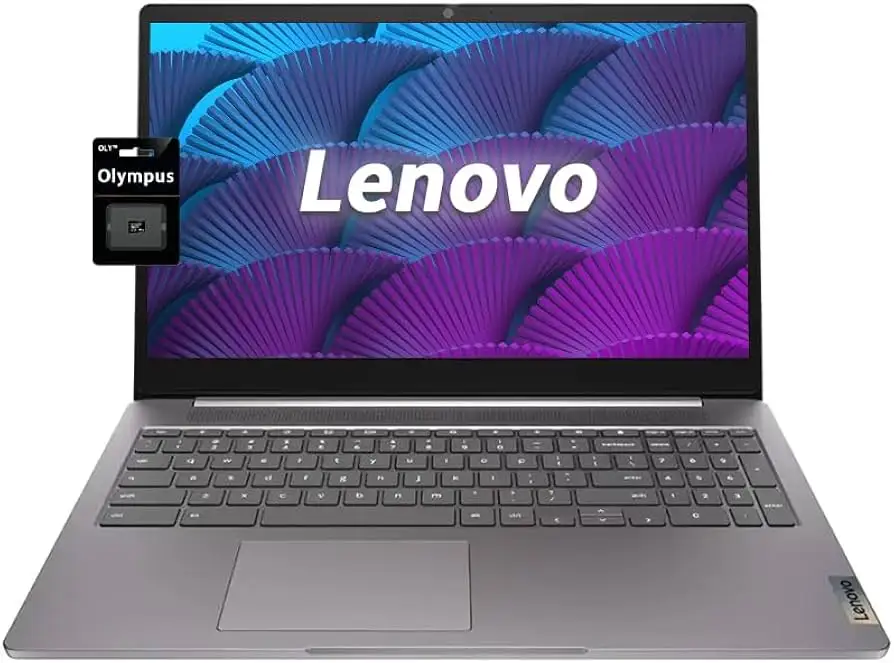
Display marketing touts FHD IPS with anti-glare and narrow bezels, yet not all SKUs match this. One Best Buy reviewer flagged screen quality changes: “The screen somehow fades away a little bit, which I don’t want to happen,” suggesting panel variance between units or potential long-term wear.
Cross-Platform Consensus
Universally Praised
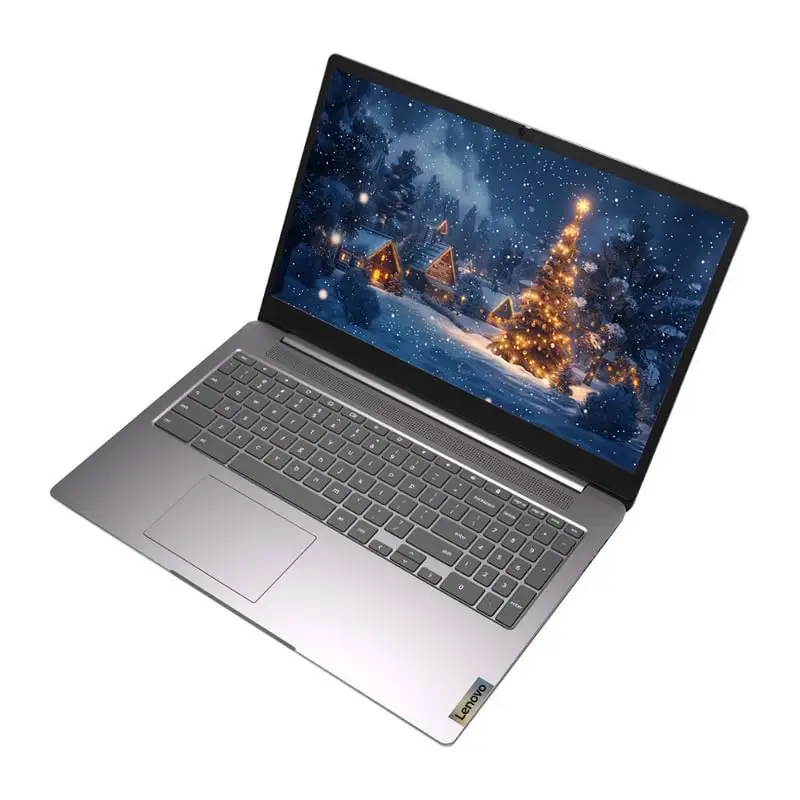
For students and families, the generous screen size is a star. hey daddy shared: “Love it that it's 15.6, great screen size, and… I can take it anywhere, especially in the car with the kids when we travel.” Portability is consistently praised thanks to ~3.5 lb weight; robbie d called it “lightweight and thin,” making it a travel-friendly Chromebook.
Battery endurance inspires confidence across sources. georgep reported “battery has good life,” while denise iad, gifting it to her 7-year-old, valued its ease for “school programs and gaming” without constant charging breaks. Boot speed earns similar praise — anonymous noted it “boots up quickly” and works “perfect for students, work, or browsing.”
The affordability draws a wide base. nyle called it “very affordable and works for my needs consistently,” and carlosh stated, “For the price, can’t be beat.”
Common Complaints
Software limitations frustrate power users. lenitriaw highlighted, “It doesn’t support Linux… affordable option for a kid,” framing it as unsuitable for development work. Gaming complaints are common too. One Best Buy buyer noted it’s “not so good at games,” even popular lightweight titles.
Hardware quirks occur in pockets. booker experienced a nonfunctional touchpad after dropping a phone on it. briannah reported “audio cuts out and I have to restart it” but wasn’t overly concerned given warranty coverage.
RAM capacity (fixed at 4GB) can bottleneck multitasking, especially with multiple tabs open, and storage limits push users toward microSD expansion. While marketed as 128GB eMMC, some configurations ship with 64GB — leading to faster fill-up.
Divisive Features
The touchscreen option divides opinion. ashleyi missed it in her model: “The only complaint I would have is that I miss a touch screen!” Yet others find the non-touch display sufficient, valuing anti-glare and brightness over input type. Similarly, some users love the Arctic Grey finish (“sleek… perfect!” per fatoud), while others seek other color schemes like Abyss Blue for stylistic flair.
Trust & Reliability
No significant scam reports emerged, but minor durability notes did. Six-month owners like jian alym reported “never had an issue, works fast,” bolstering trust in Lenovo’s Chromebook build quality. Community reassurance comes from long-term satisfaction posts — billys described it as “comparable to other products in performance at a great discounted price.”
Warranty comfort aids trust, especially for first-time buyers like briannah who balance occasional glitches against “a year of warranty.” Lenovo’s privacy shutter is consistently appreciated for webcam control.
Alternatives
Users comparing on Reddit and Best Buy mention Lenovo’s own Flex 5 Chromebook — a pricier 2-in-1 with 8GB RAM suitable for multitask-heavy workflows — and the older C340 15 convertible, which Consumer Reports found “very good overall display” but slower speeds. The 3i stands out by keeping costs low and maintaining a large display without convertible hinges, appealing to those who prioritize simplicity over form factor versatility.
Price & Value
Street prices vary wildly — from $218.49 at Lenovo Outlet to $490.99 for upgraded configurations on Newegg. Frequent Best Buy sales hit $120, which dsbourii called “cheap and convenient for studies.”
Resale value trends low, typical for Chromebooks; most buyers keep them until end-of-life updates expire. Buying tips from the community suggest targeting sales events or outlet deals, and verifying panel type (IPS vs TN) before purchase to avoid dim screens.
FAQ
Q: How long does the battery really last?
A: Most buyers report 7–10 hours under typical use — web browsing, video calls, streaming — aligning closely with Lenovo’s claims.
Q: Can it run Linux apps?
A: Out of the box, it doesn’t support Linux, as lenitriaw noted. Workarounds exist, but expect limitations compared to Linux-ready Chromebooks.
Q: Is the display touch-enabled?
A: Optional — some configurations include a touchscreen, others do not. Check specs at purchase to avoid disappointment like ashleyi experienced.
Q: How is gaming performance?
A: Light titles like Minecraft or Roblox run acceptably, per kadene, but demanding games lag or are unsupported.
Q: Is it good for school use?
A: Yes — multiple parents and students confirm it handles assignments, research, and streaming lectures well, aided by portability and solid battery life.
Final Verdict: Buy if you’re a student, parent, or casual user seeking a large-screen Chromebook under $250 with dependable everyday performance. Avoid if you need high-RAM multitasking or specialized OS support. Best tip from the community: check sales, confirm display panel type, and consider adding microSD for flexible storage.