Kenwood DMX4707S Review: Great Value, Real Quirks
“Go to the radio settings and turn off RDS CT.” That one line from a Reddit thread captures the Kenwood DMX4707S Digital Media Receiver with Apple CarPlay and Android Auto experience better than any spec sheet: when it’s dialed in, owners call it “awesome”; when it isn’t, they call it “hot garbage.” Verdict: strong value with real quirks — 7.9/10.
Quick Verdict
Yes — conditional. If you can live without a physical volume knob and you’re okay troubleshooting occasional CarPlay/Android Auto hiccups, most buyers feel this is a big, modern upgrade for older vehicles. If tactile controls and “set it and forget it” reliability are non-negotiable, the complaints are loud and specific.
| Verdict Trigger | What people liked | What people disliked |
|---|---|---|
| Daily usability | Best Buy reviewers praise a “responsive capacitive touch screen” and “ease of use.” | Multiple buyers call the touch volume controls “tiny” and “a pain.” |
| Phone integration | “CarPlay works perfect,” and Android Auto “works flawlessly (after replacing my old cable).” | Others say CarPlay “sometimes disconnects for no apparent reason.” |
| Value | “Great unit for the price!” / “bang for buck” | Some feel it’s “underwhelming” versus older premium units. |
| Install/fit | “Slim design… easy install,” “looks like OEM” | Some seek steering wheel controls to compensate for missing knob. |
| Clock/time | Turning off RDS-CT fixes time drift for several users | The auto-changing clock “drove me crazy for a week.” |
Claims vs Reality
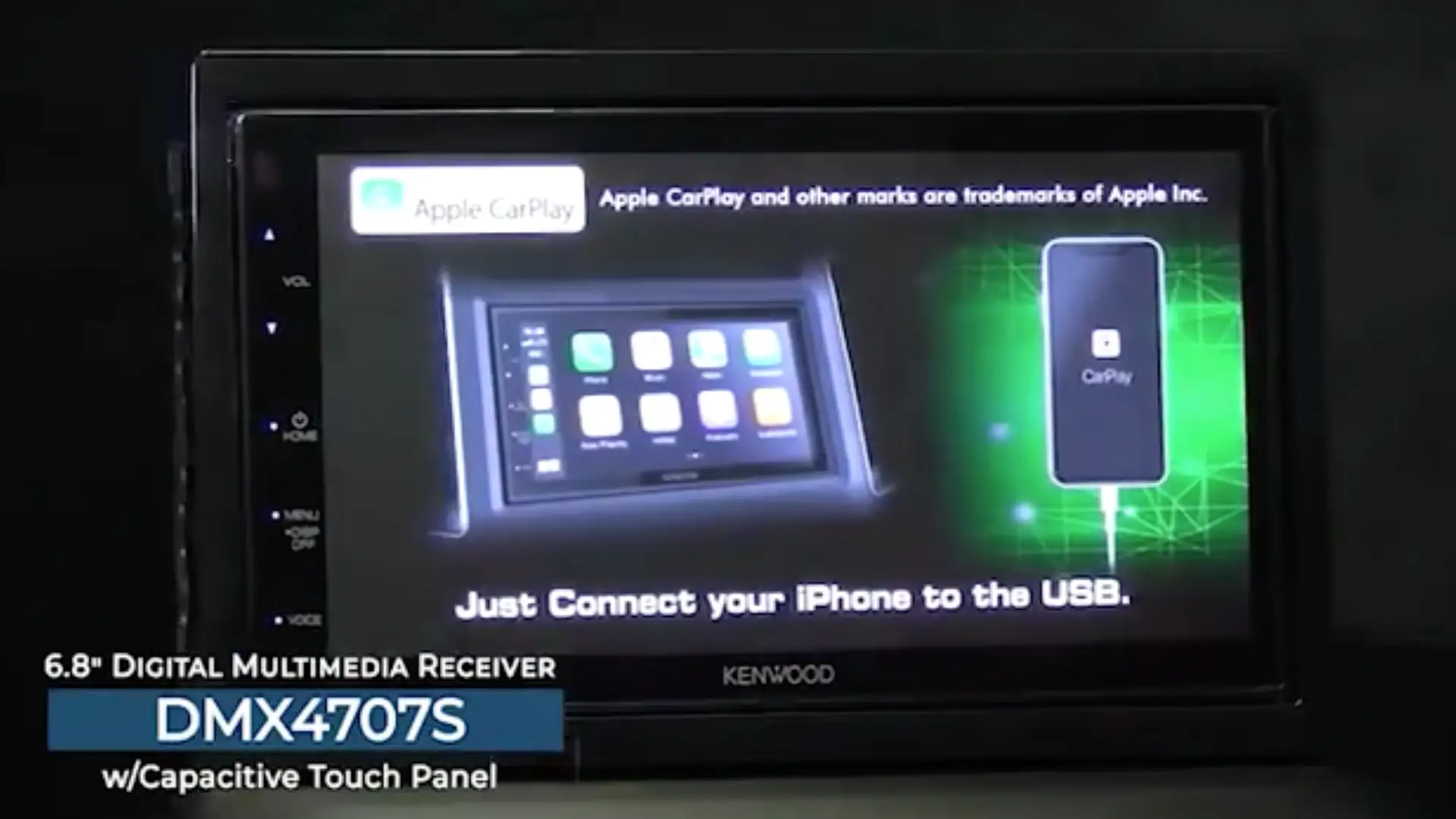
Kenwood’s official positioning emphasizes smartphone integration and a “convenient and easy-to-use capacitive touch panel,” plus sound shaping like a 13-band EQ and time alignment. Digging deeper into user reports, those claims generally hold up — but the friction points show up in the same places across platforms: connectivity stability, clock behavior, and the decision to remove a real volume knob.
A big marketing promise is smooth Apple CarPlay/Android Auto usability (wired). In practice, many owners are thrilled. A Best Buy reviewer wrote: “touch screen is very responsive, carplay works perfect,” framing it as a straightforward modernization. Another said: “android auto works flawlessly (after replacing my old cable),” which hints that cables and connection quality matter to the real-world experience. But the gap appears when people expect “it just works” every time: an Amazon reviewer noted, “apple carplay sometimes disconnects for no apparent reason,” and a Best Buy reviewer echoed that it “does lose the wired connection on occasion… but a simple unplug and plug back in fixes the issue.”
Another claim is day-to-day ease, helped by a capacitive panel. Users largely agree the screen is a highlight, yet they separate “screen touch” from “side controls.” On Best Buy, one enthusiastic buyer praised the “responsive capacitive touch screen” and “screen resolution and clarity,” while on Amazon a verified reviewer criticized usability of volume specifically: “kind of a pain to raise and lower the volume.” The reality isn’t that the touchscreen is bad — it’s that the lack of tactile volume control changes the driving experience for people who adjust audio frequently.
The third promise is practical vehicle integration: rear camera input with parking guidelines and a shallow chassis for easier installs. Here, feedback tends to validate the pitch. A Best Buy reviewer wrote: “backup camera picture is great,” and another described the integration as “awesome,” especially when cargo blocks rear visibility. Installation stories often read like relief: “Slim design made for plenty of clearance and an easy install,” and “looks like OEM in my 2014 Mazda 6,” suggesting the fit-and-finish lands for many buyers.
Cross-Platform Consensus
Universally Praised
A recurring pattern emerged across Best Buy and Amazon reviews: for owners upgrading older cars, this head unit feels like a leap forward in everyday convenience. The strongest “why I bought it” narrative is straightforward phone integration. One Best Buy customer described the motivation as wanting “something I could hook my iPhone up to,” and then concluded: “it’s absolutely awesome… would recommend it anytime.” That kind of response tends to come from drivers whose factory radios lack modern navigation and messaging support; the payoff is immediate access to maps and music without adding a separate mount.
Sound and tuning controls are another repeated bright spot, especially for budget-minded audio tinkerers. A Best Buy reviewer called it an “excellent audio output and good factory radio upgrade,” and specifically liked having crossover and speaker-location adjustments at this price. That resonates with DIY installers trying to squeeze better staging out of stock speakers without going full amplifier-and-DSP. Even when users don’t call it “audiophile,” they describe it as noticeably better than OEM: one reviewer said it was an “overall nice unit… serious upgrade from stock,” while still admitting the screen isn’t “super bright or high rez.”
Practical install/fit is the third consistently praised theme. Owners routinely frame it as a double-DIN replacement that doesn’t fight the dashboard. A Best Buy reviewer wrote: “Slim design made for plenty of clearance and an easy install,” while another highlighted the factory-like look: “it looks like OEM.” For drivers paying for installation, the story becomes “modern features without a custom fabrication headache.”
- Common praise highlights (Best Buy + Amazon): responsive touch screen, “looks like OEM,” solid sound upgrade, easy install, backup camera integration.
Common Complaints
The clearest, most specific complaint is volume control. This isn’t a vague “UI is bad” gripe; it’s about the physical reality of driving with touch buttons. A Best Buy reviewer said: “my only complaint would be the volume buttons. They are tiny and you have to tap for each level instead of being able to just hold.” On Amazon, a verified reviewer echoed the same friction: “kind of a pain to raise and lower the volume.” Another Amazon reviewer went further, saying the touch interface for volume forced them to “push hard and repeatedly on the volume to go up or down,” and concluded they would “never buy another unit without a dial.” For commuters who adjust volume constantly (podcasts, calls, different app loudness), that complaint is more than preference — it becomes a safety and irritation issue.
Clock behavior is the second repeat offender, and the stories are oddly investigative: owners discover the radio is pulling time from FM stations. A Best Buy reviewer described “an issue with setting the time” that went away “after deactivating RDS CT.” Another said the time kept changing automatically and disabling “RDS-CT” “drove me crazy for a week” until solved. On Reddit, a user posted bluntly that the unit was “hot garbage” due to issues including time changes, then explained the fix: “Kenwood… has a setting where it pulls/syncs time from FM radio stations… turn off RDS CT.” The complaint isn’t just that the clock is wrong — it’s that the setting can surprise people who don’t listen to FM at all.
Connectivity reliability is the third broad complaint, mainly around wired CarPlay disconnections. A Best Buy reviewer said CarPlay “does lose the wired connection on occasion… 1/10 times,” and an Amazon reviewer reported it “sometimes disconnects for no apparent reason.” On Reddit, a CarPlay user described their frustration: “it was disconnecting a lot… different cords to no avail,” and they “changed out for a Sony.” This cluster matters most to drivers who rely on navigation daily; intermittent disconnects can feel like a deal-breaker even if a quick re-plug fixes it.
- Most-cited pain points: no volume knob, finicky touch volume buttons, occasional CarPlay disconnects, clock/time drift linked to RDS-CT.
Divisive Features
The most divisive theme is whether issues are “the unit” or “the ecosystem.” In the Reddit thread, one person downplayed complaints by framing them as Apple-related: “car play is apple and all things apple are garage made to look pretty,” while another user defended the Kenwood experience with Android Auto: “I connect with a USB cable and it’s never done anything but work perfectly.” Meanwhile, a different Reddit commenter had the opposite experience on CarPlay and solved it by switching brands: “had it changed out for a Sony.”
USB mirroring is also polarizing because expectations vary. A Best Buy reviewer warned that mirroring “only works with Android phones,” and that streaming app compatibility was limited: “Netflix, Hulu, Prime Video… will not work through USB mirroring,” which they called “pretty disappointing.” For Android users wanting basic mirroring or light control, it can be a perk; for buyers expecting full “phone on screen” video app compatibility, it becomes a letdown.
Trust & Reliability
The reliability conversation splits into two narratives: short-term setup quirks and longer-term durability concerns. In the short term, many frustrations read like configuration or cable-quality problems — for example, multiple owners fix the clock by disabling “RDS CT,” and at least one reviewer reports that “a firmware update from Kenwood fixed” early clock instability. That pattern suggests some “defects” are actually defaults or early firmware behaviors that don’t match buyer expectations.
Long-term durability feedback is more worrying, even if less frequent. One Best Buy reviewer offered a stark data point: “this is my 3rd in 5 years… they only last about two years,” and recommended an extended warranty for anyone keeping a vehicle long term. Reddit adds emotional weight rather than lifespan metrics; one poster labeled the head unit “garbage,” but their account centers on repeated annoyances (time sync, settings) more than outright hardware failure.
- Reliability takeaways from user feedback: some issues are solvable settings/firmware; a minority report repeat replacements over years and advise warranties.
Alternatives
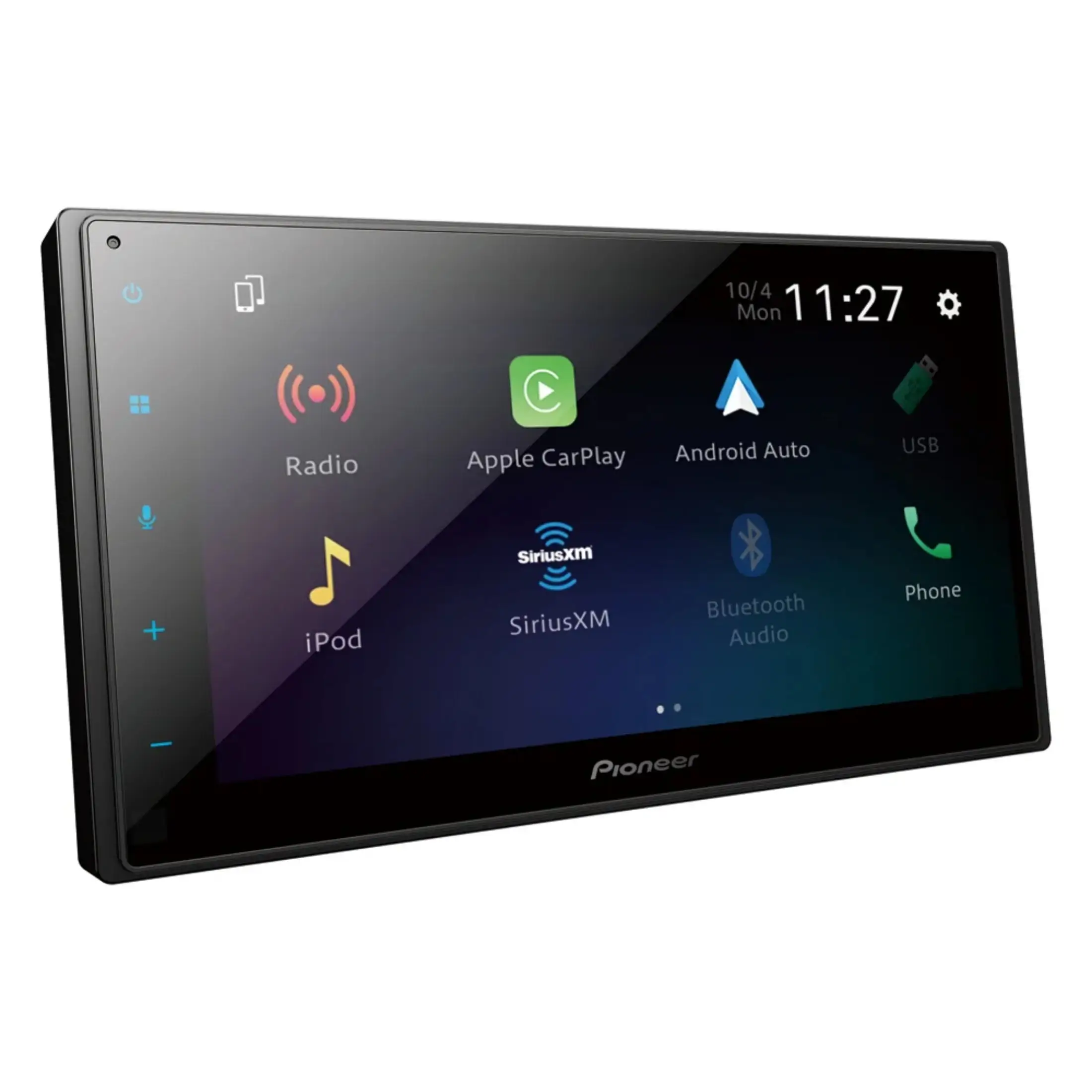
Only one clear alternative brand appears directly in user discussions: Sony. The contrast mostly revolves around reliability and screen/visibility rather than audio specs. A Best Buy reviewer praising the Kenwood still pointed out: “screen glare during daylight (Sony XAV-AX5000 offers anti glare),” suggesting Sony is seen as stronger for glare control. On Reddit, a frustrated CarPlay user said they “changed out for a Sony” after frequent disconnects, framing Sony as the escape hatch when connectivity stability matters more than sticking with Kenwood’s ecosystem.
At the same time, not everyone agrees Sony is “better.” In the same Reddit thread, another commenter argued the opposite: “Kenwood is definitely a higher quality unit over a Sony,” while claiming their wired Android Auto “never done anything but work perfectly.” So the “alternative” story is less about universal superiority and more about which pain point you’re trying to eliminate: glare/CarPlay stability vs. loyalty to Kenwood’s interface and tuning features.
Price & Value
On Amazon, the DMX4707S is positioned as a midrange buy, listed at “$299.00” with a “4.3 out of 5 stars” rating and hundreds of reviews. Best Buy pricing data shows how dramatically value can swing depending on timing: the same model appeared as “$69.99… clearance” with a “comp. value” of “$319.99.” That gap helps explain why some owners call it “great for the price” while others feel less impressed; expectations change when you pay $70 versus $300.
Resale listings also reflect steady demand for used units. An eBay seller described a used DMX4707S as “radio works great” after “3 months,” while another listing showed used pricing around the mid-$100s plus shipping. For bargain hunters, community chatter reinforces that timing matters: in the Reddit thread, one user reacted, “bruh I just bought it… it was only $50 tho,” which immediately sparked others asking where they found that deal.
- Buying tips implied by user stories: watch for clearance pricing; consider extended warranty if longevity worries you; plan for steering wheel controls or a remote if you miss a knob.
FAQ
Q: How do you stop the Kenwood DMX4707S clock from changing by itself?
A: Several owners say disabling the FM time-sync feature fixes it. A Best Buy reviewer wrote that “after deactivating RDS CT… all is well,” and a Reddit user instructed: “go to the radio settings and turn off RDS CT… it will turn off the time sync feature.”
Q: Does Apple CarPlay disconnect on the DMX4707S?
A: Some users report occasional disconnects, while others say it’s stable. A verified Amazon reviewer noted “apple carplay sometimes disconnects for no apparent reason,” while a Best Buy reviewer said it happens about “1/10 times,” and re-plugging “fixes the issue every time.”
Q: Is the lack of a volume knob a real problem day-to-day?
A: For many drivers, yes. A Best Buy reviewer complained the buttons are “tiny” and require tapping “for each level,” and an Amazon reviewer called volume changes “a pain.” Others love the unit overall but still say they “miss the volume control knob.”
Q: Does USB mirroring work on iPhone?
A: User feedback says mirroring is Android-only and limited. A Best Buy reviewer wrote the “mirroring option” doesn’t work for iPhones and called it out as the reason they withheld a 5th star, while another said mirroring works only with Android and even then not with apps like “Netflix” or “Hulu.”
Q: Is this a good choice for upgrading an older vehicle?
A: Many buyers describe it as a big modernization for older cars and trucks. A Best Buy reviewer said it “looks like OEM,” and another said it “upgrades [a] truck like the new ones.” Several praise backup camera integration and phone navigation as the main quality-of-life leap.
Final Verdict
Buy the Kenwood DMX4707S Digital Media Receiver with Apple CarPlay and Android Auto if you’re upgrading an older vehicle, want a capacitive touchscreen with modern CarPlay/Android Auto, and you can tolerate touch-based volume controls. Avoid it if you need a physical volume knob or you’re highly sensitive to occasional wired CarPlay disconnects. Pro tip from the community: if the clock keeps drifting, “turn off RDS CT” in radio settings.