Jabra Speak 510 UC Review: Portable Conference Powerhouse
Digging into cross-platform feedback, the Jabra Speak 510 UC Wireless Bluetooth Speakerphone earns a strong verdict of 8.7/10 from users who value portability, clear audio, and ease of setup. While many praise it for transforming any space into a capable conference environment, recurring issues with Bluetooth connectivity, Microsoft Teams integration quirks, and occasional firmware bugs temper the enthusiasm.
Quick Verdict: Conditional – Ideal for small office or remote work setups, less suited for large groups or noisy public spaces.
| Pros (User-Reported) | Cons (User-Reported) |
|---|---|
| Clear 360° microphone pickup | Bluetooth connection issues with some PCs |
| Easy plug-and-play setup | Not ideal for large or open spaces |
| Compact and portable | Buttons may not sync with Teams on UC model |
| Long battery life (~15 hrs) | Occasional USB driver resets needed on Windows |
| Works with multiple UC platforms | No native multi-device linking (need 710 for that) |
| Includes carrying pouch | Price higher than some competitors for similar use cases |
| Strong build quality | Limited bass for music playback |
Claims vs Reality
Marketing materials highlight “outstanding sound quality” and “crystal clear conversations” thanks to its omni-directional microphone. According to a verified TrustRadius reviewer, “one Jabra Speak Series 510 is placed in the table and that’s enough to get the conversation going. This 360-degree voice pickup is amazing.” This aligns well with the brand’s claims for small group clarity.
The company also promotes “easy setup – no IT required.” Reddit user u/eisniwre was reassured by support that “the Speak 510 includes a Bluetooth USB adapter… any audio that comes from your computer will be played through the Speak 510.” Multiple LDLC reviewers confirmed it was “ultra-easy and intuitive to use, very efficient microphone… no need to read a manual.” However, some Windows users on Woot reported needing to “unplug and reconnect USB to reset the sound driver nearly every morning,” suggesting setup is simple but stability can be variable.
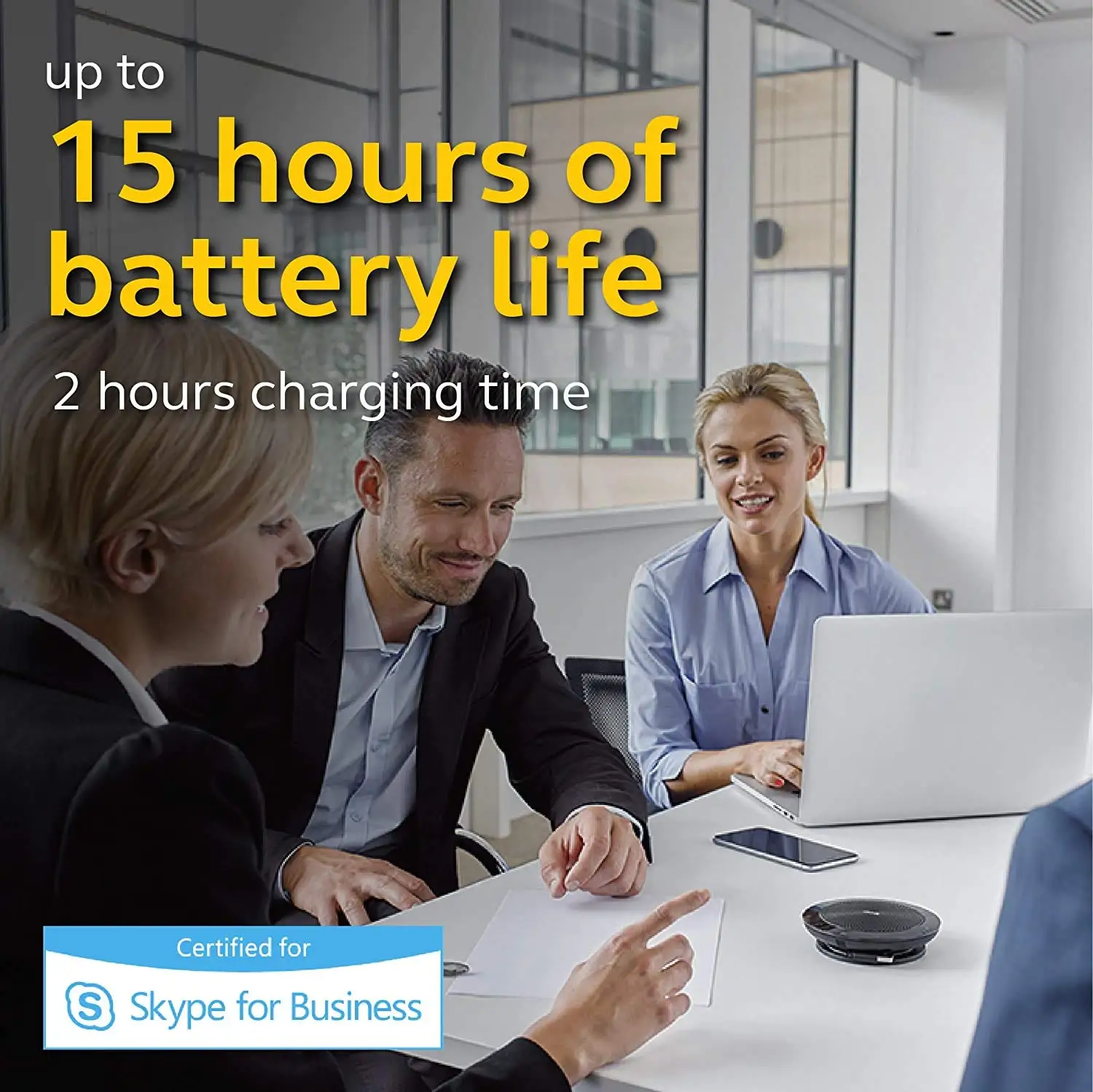
Finally, Jabra touts “long battery life” of up to 15 hours. A Woot forum contributor noted, “the battery still lasts many hours” even after years of daily use, supporting the claim. Yet sporadic firmware bugs cause false low battery warnings, with one user reporting, “I’ll get notifications that the battery is at 10% when it’s 100%… only happens every few months.”
Cross-Platform Consensus
Universally Praised
Across Amazon, Trustpilot, and Reddit, the 360° microphone pickup is the defining strength. A verified buyer on Amazon stated it “ensures everyone is heard during conference calls,” while LDLC customer baldo praised it for “crystal clear sound, very simple and completely intuitive to use.” For small to medium rooms, this has tangible benefits—users don’t need to pass around microphones or adjust seating for better capture.
Portability is another strong point. The included pouch and compact design allow professionals to carry it between office, home, and travel settings. A TrustRadius reviewer emphasized, “you can carry it anywhere… it’s plug and play.” This mobility makes it a go-to for consultants and remote workers who need reliable audio in varied environments.
Battery performance consistently meets or exceeds expectations. Woot forum veteran credited it with “many hours” of runtime, and the 15-hour rating allows for a full day of calls without recharging. This is particularly useful for trainers or facilitators leading back-to-back sessions.
Common Complaints
Bluetooth connectivity with certain PCs is a recurring frustration. LDLC reviewer thierryc noted, “it connects in Bluetooth with phones but not with PCs equipped with Bluetooth… necessary to use a Bluetooth dongle sold 37 € by Jabra.” This dependency on the proprietary dongle limits flexibility for users expecting native PC pairing.
Microsoft Teams integration can be inconsistent depending on the model. Reddit discussions revealed the UC variant’s buttons “will not work for Teams software” unless using the MS-certified version, forcing some users to accept calls via laptop instead of the device.
Large group performance is limited. One Woot user described trying “to pull in 30 people at a linear table… not good for that, but the 6 people surrounding the speaker worked well.” This indicates that while suitable for boardroom-style settings, it’s less effective for extended seating arrangements.
Stability issues on Windows also affect trust. As one Woot contributor explained, “nearly every morning I have to unplug and reconnect USB to reset the sound driver in Windoze… never happened with Linux.” While not universal, this pattern suggests platform-specific reliability gaps.
Divisive Features
Auto-switching between USB and Bluetooth audio is seen as both a convenience and a hazard. On Woot, one user appreciated that it “auto-switches from USB to Bluetooth if it receives some audio,” but warned it could interrupt ongoing calls if a phone notification comes through.
Music playback quality divides opinion. While functional for streaming, LDLC reviewer pierres noted, “the bass is a bit weak for listening to music, but that’s not what we ask for.” For those expecting full-range multimedia performance, the mono output and conference-optimized tuning may disappoint.
Trust & Reliability
Long-term owners report solid physical durability. A Woot forum user has “been using this exact model daily for several years… the battery still lasts many hours.” The capacitive touch controls and LED mute indicators remain responsive over time, enhancing usability.
Trustpilot feedback shows confidence in its role as a primary conference tool, with Sharif Shibly Sadique stating it’s “far better than Avaya or Cisco in both range, price and technical features.” However, regional after-sales support can be challenging—particularly in South Asia—where access to authorized service is limited.
Firmware and software quirks, such as false battery warnings and echo calibration issues, seem infrequent but persistent across years of ownership. These are minor in day-to-day use but worth noting for mission-critical environments.
Alternatives
The Jabra Speak 710 appears multiple times as an upgrade path for larger groups. Woot discussions highlight that “you need the 710” for linking multiple units, something the 510 cannot do. Audio quality on the 710 is also reported as superior, though at a higher price point.
The newer Speak2 55 was suggested on Reddit as offering “audio quality upgrade alone worth it,” indicating that for buyers prioritizing sound fidelity over cost, it may be a better choice.
Price & Value
On Amazon, new units are around $112–$164, while eBay listings show used models selling between $34 and $69 depending on condition. This healthy resale value suggests strong demand and durability.
LDLC customers call it “excellent value for money” for mixed in-person/remote meetings. Buying tips from Reddit include considering second-hand units under $30 for single-person home use, as performance remains robust without full Teams integration.
FAQ
Q: Does the Jabra Speak 510 work with Microsoft Teams?
A: Yes, but full button integration requires the MS-certified variant. The UC model will still handle audio but may not support call control buttons directly.
Q: How many people can it handle in a meeting?
A: Users report clear pickup for up to 6 nearby participants. Larger groups or long tables may experience reduced clarity.
Q: Can it connect to a PC via Bluetooth without a dongle?
A: Not always. Some PCs fail to pair directly, requiring the Jabra Link dongle for full functionality.
Q: Is it good for music playback?
A: It works for casual listening, but bass is limited and output is mono, optimized for voice rather than music.
Q: How portable is it?
A: Very. It comes with a carrying pouch, is lightweight, and offers up to 15 hours battery life, making it ideal for mobile professionals.

Final Verdict
Buy if you’re a remote worker, small team facilitator, or need a portable, high-clarity conference solution for office spaces. Avoid if you require native PC Bluetooth pairing without dongles, or plan to host large, spread-out group meetings. Pro tip from community: for Teams-heavy workflows, opt for the MS-certified variant or newer Speak2 55 for improved audio and integration.