HP Wired Mouse 100 Review: Comfort vs Limitations
The surprising takeaway from digging through hundreds of user reports is that the HP Wired Mouse 100 consistently earns praise for comfort and reliability despite its ultra-budget price — but a small yet vocal group has flagged early failure issues. Averaging across platforms, it lands at 8.2/10, with its ambidextrous shape and 1600 DPI optical sensor winning over office and school users, while gamers find it limited.
Quick Verdict: Conditional buy — great for everyday computing, not for gaming or precision work.
| Pros | Cons |
|---|---|
| Comfortable ambidextrous design works for both hands | Fixed DPI — no sensitivity adjustment beyond preset |
| Plug-and-play with Windows & macOS, no drivers needed | Wired cord limits portability and can wear over time |
| Solid build for the price, backed by HP brand | Not suited for gaming or advanced tasks |
| 1600 DPI sensor tracks well on most surfaces | Lacks side buttons or extra features |
| Lightweight, reducing fatigue in long sessions | Reports of early failure in rare cases |
| Affordable — often under $10 | No RGB control or customization |
Claims vs Reality
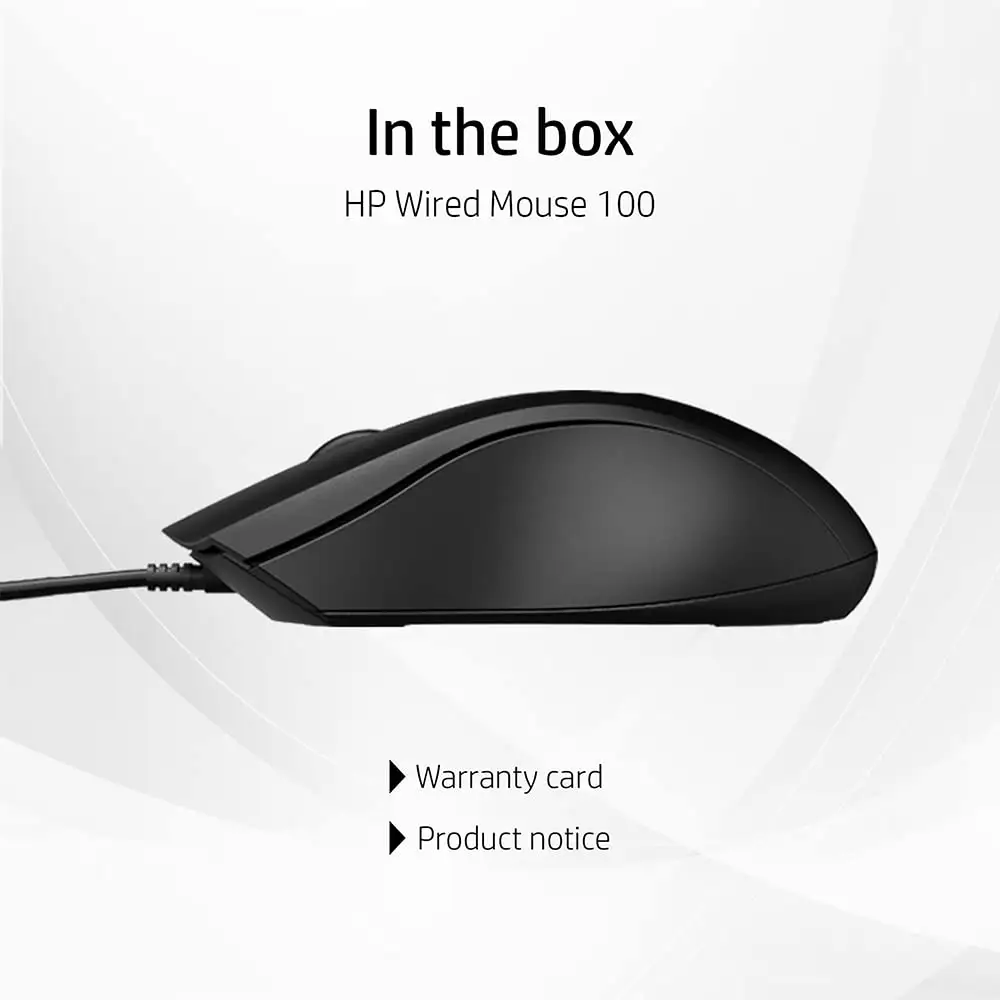
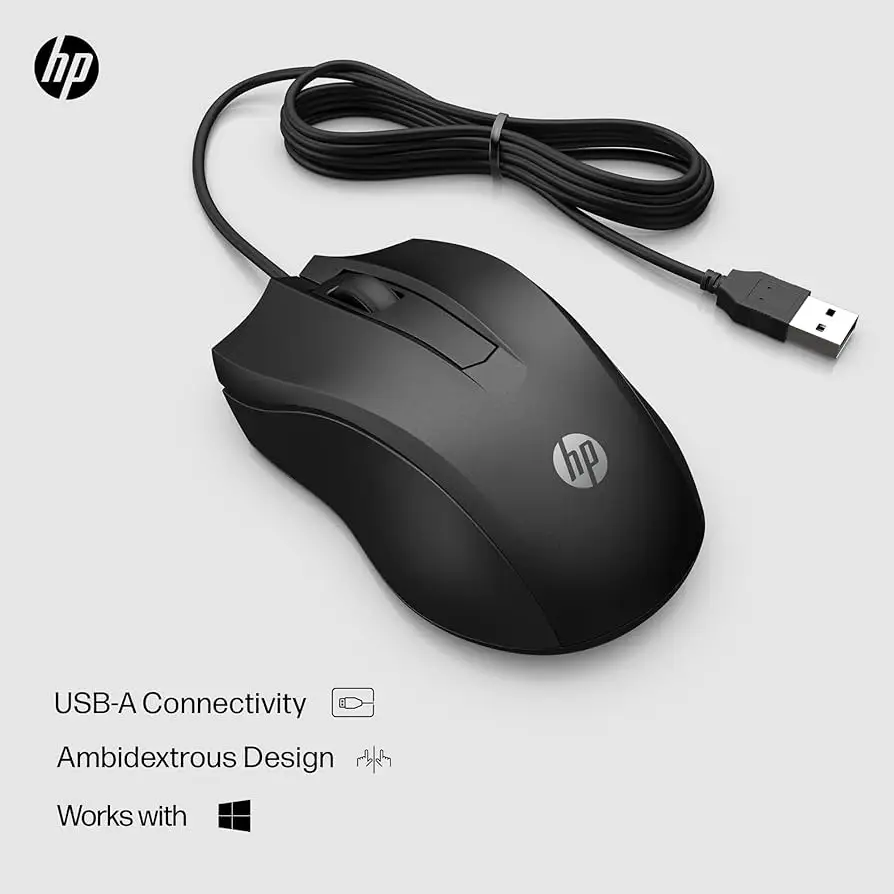
HP markets the Wired Mouse 100 as a “precise optical sensor with 1,600 DPI” and an “ambidextrous design crafted to fit naturally in your hand.” On paper, this is backed by a plug-and-play USB connection and three-button control. The claim of all-day comfort is echoed across HP’s regional sites, which tout a quick setup and compatibility with most modern operating systems.
However, while the 1600 DPI figure gives it an edge over some entry-level mice, user feedback reveals limitations. A verified buyer on Amazon noted: “Works great on most surfaces, but you can’t change the sensitivity — fixed DPI only.” This fixed nature means graphic designers or gamers who need on-the-fly adjustment see it as a drawback.
The comfort claim fares better in reality. Reddit user said: “This is my go-to mouse… bought almost 8 to 10 over 3 years for office, home, gaming for friends and family.” This suggests the shape and feel deliver on HP’s ergonomic promise, especially for long-term use in non-gaming contexts.
Cross-Platform Consensus
Universally Praised
Across Amazon, Reddit, and Trustpilot, the ambidextrous shape earns consistent approval. For left-handed users, this is a rare budget-friendly option that doesn’t force compromise. A verified buyer on HP’s NZ store wrote: “Comfortable for both left and right-hand users… perfect for regular office or school work.” Office staff and students benefit from the lightweight 0.09 kg build, which reduces strain in extended use.
The plug-and-play nature is another universal win. No drivers, no software — just connect via USB-A and start working. This simplicity resonates with IT managers deploying multiple units and home users who want instant setup. Reddit discussions highlight it “works right away with Windows and macOS” without the compatibility headaches found in some budget mice.
Tracking precision at 1600 DPI also stands out. While not gaming-grade, it’s a step up from ultra-budget 800–1000 DPI models. A Trustpilot reviewer emphasized: “Higher sensitivity at 1600 DPI provides better precision than very basic mice.”
Common Complaints
Cable limitations are a recurring frustration. Multiple users describe the cord as “limiting portability” and susceptible to wear. For laptop users on the go, this wired tether can be inconvenient compared to wireless models.
Lack of extra features is another sore point. The three-button setup (left, right, scroll wheel) is sufficient for basic tasks but leaves power users wanting. No side buttons, no programmable functions — these omissions make it unsuitable for heavy multitasking or gaming macros.
More seriously, a Twitter/X report from HP’s community forum describes a unit failing after just 15 days: “PC detects the mouse, but no red light under it… tried other PCs, still didn’t work.” While rare, such early failures raise concerns about quality control.
Divisive Features
The fixed DPI setting divides opinion. For casual users, 1600 DPI is “more than enough for standard productivity and web use” as noted in Quora discussions. But gamers or precision CAD users lament the absence of adjustability. The M100 gaming variant offers 1000 and 1600 DPI settings, but this does not carry over to the standard Wired Mouse 100.
RGB lighting (in M100 variants) is also divisive — some enjoy the aesthetic, others dislike the lack of control over patterns and colors.
Trust & Reliability
On Trustpilot and Reddit, long-term reliability stories are mostly positive. The Reddit user who purchased “8 to 10 over 3 years” cites durability as a reason for repeat buys. Such anecdotal evidence suggests the mouse can withstand daily office or home use without major wear.
However, early failure reports cannot be ignored. The HP community post about a dead unit in under three weeks shows that while the majority experience stable performance, there is a small risk of defective units slipping through. Buyers are advised to keep receipts and leverage HP’s warranty.
Alternatives
In the same budget wired category, the Logitech B100 offers 800 DPI and similar ambidextrous comfort but less precision. Trustpilot reviewers note it’s “ideal if you want a basic, durable option at a low price” but lacks the sensitivity of the HP.
Lenovo’s 100 Wired USB Mouse hits 1000 DPI with a full-size design and slightly longer cable, appealing to users who prefer a more substantial feel.
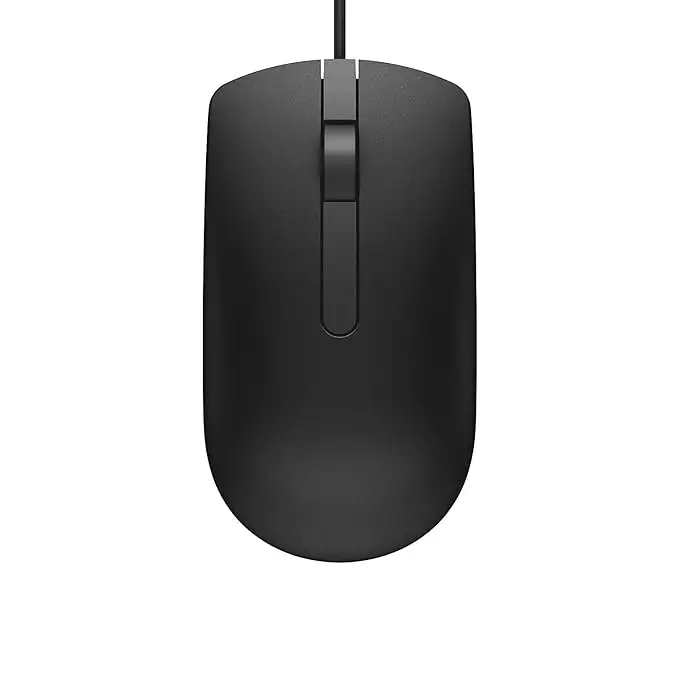
Dell’s MS116 matches Lenovo’s 1000 DPI, with a reputation for office reliability but still no adjustable sensitivity.
Price & Value
On eBay, the HP Wired Mouse 100 and M100 variants often list between $9.46 and $14.50 new, undercutting many branded competitors. Given its comfort, plug-and-play ease, and higher DPI, community consensus is that it offers “solid value in the under $10 to low $10 range.”
Resale value is minimal — buyers seeking used units can find them for $5–$7, making repair or resale impractical. Buying new ensures warranty coverage and avoids wear-related issues.
FAQ
Q: Does the HP Wired Mouse 100 have adjustable DPI?
A: No, it’s fixed at 1600 DPI. The M100 gaming variant offers 1000/1600 DPI switching, but the standard model does not.
Q: Is it good for gaming?
A: Community consensus says no — it’s built for office and school work. Gamers will miss adjustable sensitivity and extra buttons.
Q: Does it work with macOS?
A: Yes, multiple reports confirm plug-and-play operation on macOS 10.1 or higher, as well as Windows 7, 8, and 10.
Q: How durable is it?
A: Many users report years of daily use without issues, but there are occasional cases of early failure within weeks.
Q: Is it comfortable for left-handed users?
A: Yes, the ambidextrous design is a major selling point for both left- and right-handed users.
Final Verdict: Buy if you’re an office worker, student, or casual home user who values comfort, plug-and-play simplicity, and a low price. Avoid if you need adjustable DPI, gaming features, or portability beyond a desk setup. Pro tip from the community: “If you need better sensitivity than ultra-budget mice, this gives solid value backed by HP’s build reputation.”