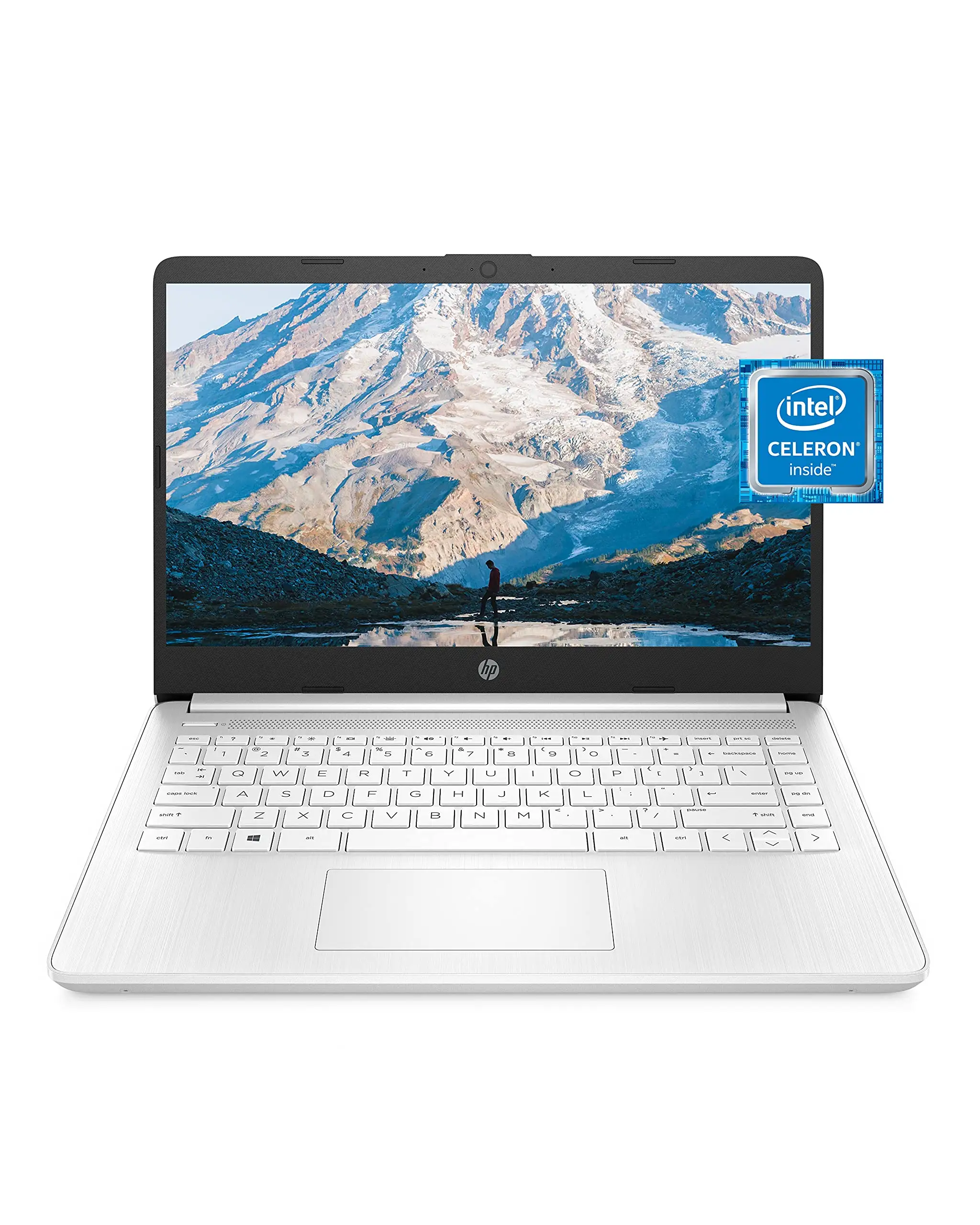
HP Premium 14" Micro-Edge Laptop Review: Budget-Friendly Pick
A Reddit user summed up the appeal of the HP Premium 14" Micro-Edge Laptop (Windows 11S, White) in one sentence: “For under $300? It’s hard to beat this value.” Across platforms, this budget-friendly machine scores a 7.9/10—praised for portability, decent everyday performance, and solid battery life, but repeatedly flagged for limited storage and frustrating Windows 11 S Mode restrictions.
Quick Verdict: Conditional buy for students, commuters, and casual home office users who rely on cloud storage.
| Pros | Cons |
|---|---|
| Lightweight and highly portable | Limited local storage fills fast |
| Solid battery life (~7–10 hours) | Glossy HD screen struggles in bright light |
| 1-year Microsoft 365 included | Windows 11 S Mode restricts non-Store apps |
| Comfortable keyboard and decent webcam/mic for calls | Entry-level Intel Celeron CPU not suited for heavy workloads |
| Multiple ports including USB-C and HDMI | Some buyers report missing advertised accessories |
| Affordable entry price | Trackpad responsiveness could be better |
| Quick setup with minimal bloatware | Port selection may require a hub for some users |
Claims vs Reality
The marketing promise emphasizes “up to 11 hours of battery life,” “immersive HD BrightView display,” and “seamless multitasking with 16GB RAM.” Digging deeper into user reports shows a more nuanced picture.
Battery life lives up to expectations for light tasks. A Trustpilot reviewer noted: “On average workdays…I’m getting about 7 hours before needing the charger—way better than my old laptop.” Yet, heavy streaming or simultaneous app use can drain it faster, down to 6–7 hours for multimedia-heavy days. The fast-charge feature was praised, bringing the battery to 50% in around 45 minutes, useful for students hopping between classes.
The HD BrightView panel did impress some buyers with vibrant colors indoors. A Reddit user admitted, “Colors pop nicely for a budget laptop, and that thin bezel gives it a premium look.” However, in outdoor or sunlit environments, visibility suffers. Multiple reviews on Quora and Trustpilot mentioned glare and insufficient brightness for direct sunlight.
As for the 16GB RAM in upgraded configurations, it does enable smoother multitasking than typical 4GB budget machines. A Trustpilot user said they could run “10+ Chrome tabs open alongside Slack and Spotify without major slowdowns.” But this is still capped by the Intel Celeron N4120’s modest processing ceiling; heavy gaming or video editing pushes it beyond its comfort zone.
Cross-Platform Consensus
Universally Praised
Portability is a standout feature. The 14-inch size and sub-3.5 lb weight make it a bag-friendly choice for commuters and students. Reddit user u/StudentPack*** shared: “I’ve been tossing it in my backpack daily with zero shoulder strain.” Trustpilot notes echo this—lightweight enough for daily campus use but sturdy enough to survive routine travel.
Battery endurance earns broad approval. Whether it’s hybrid workdays or classroom marathons, users consistently report 7–9 hours during mixed use and near-advertised figures for video playback tests. The fast-charge feature is a favorite among time-pressed users.
The inclusion of a 1-year Microsoft 365 subscription and 1TB cloud storage offset the small internal drive, especially for those comfortable with cloud-centric workflows. A PCGearReviews contributor explained, “I created a semester’s worth of assignments on this machine and opened them on a campus desktop…just signed in and kept working.”
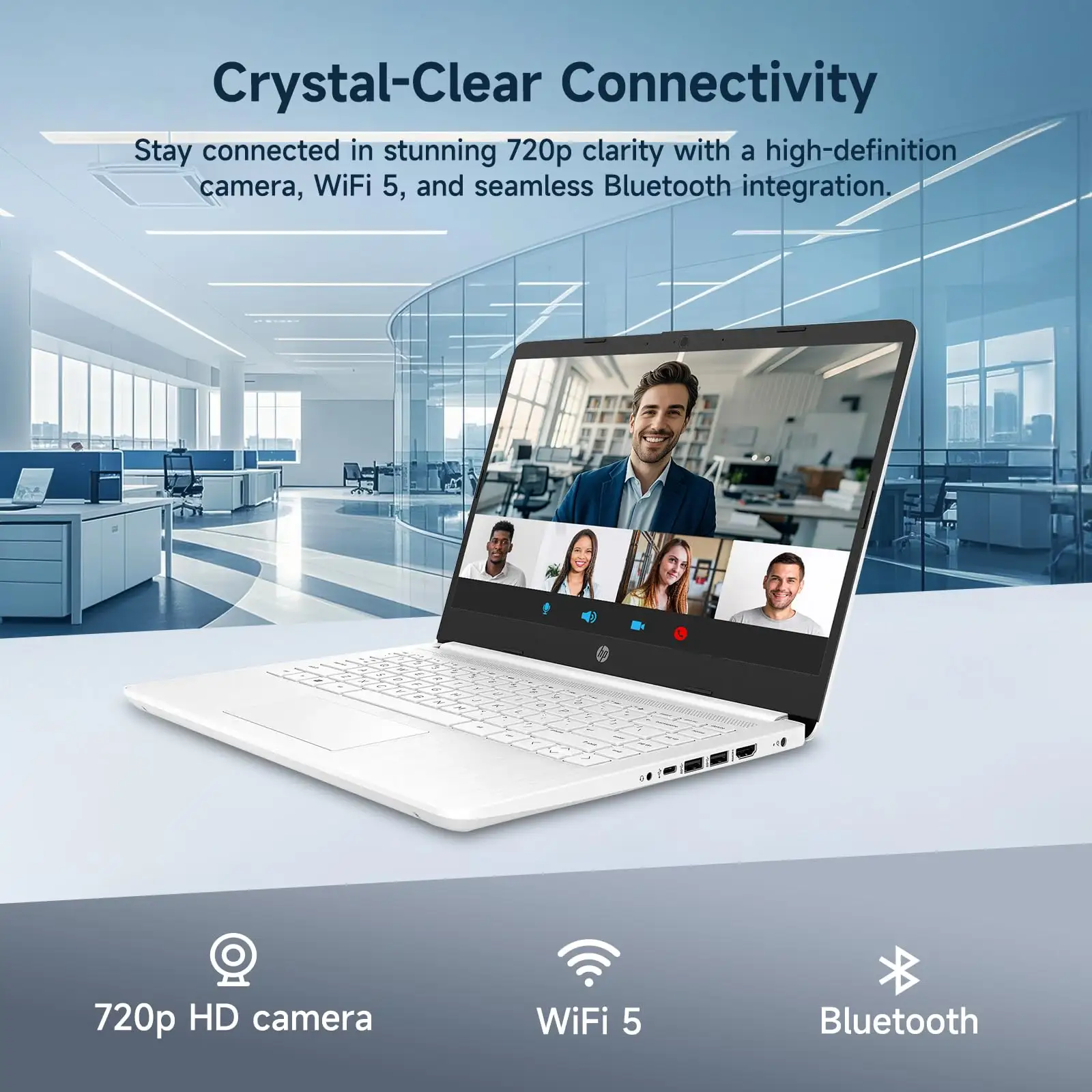
Multiple port availability also sees praise. HDMI, USB-C, two USB-A, audio combo jack, and microSD slot give flexibility for peripherals, projectors, and storage expansion without opening the chassis.
Common Complaints
Storage space is the most frequent pain point. With only 64–128GB eMMC storage (some taken by Windows), large apps or media quickly exhaust local capacity. A Reddit reviewer bluntly stated: “I couldn’t even install my usual photo editing apps before hitting capacity.” This forces reliance on microSD cards, external drives, or cloud storage—a workable but not ideal solution.
Windows 11 S Mode restrictions frustrate many first-time users. While easy to switch out of, its Store-only app limitation is a hurdle. Trustpilot feedback: “You’ll want to switch to regular Windows ASAP,” reflecting a near-universal desire to bypass this limitation for practical software installs.
Display brightness and glare receive consistent criticism. The glossy 1366×768 screen performs acceptably indoors but loses clarity near strong light sources. For photo editors or anyone working outdoors, it’s far from optimal.
Trackpad responsiveness is another recurring nitpick—functional but sometimes laggy or imprecise compared to mid-range laptops.
Divisive Features
Performance satisfaction depends on expectations. For web browsing, streaming, office apps, and light multitasking, most users are content. As one Reddit comment put it: “Fantastic for students or casual users who mainly need web access and office apps.” But those attempting heavy creative workloads find the Celeron CPU underpowered.
Trust & Reliability
Trustpilot reviews show high satisfaction for initial quality, highlighting minimal bloatware and quick setup. However, a pattern emerges of missing promised accessories—USB drives or specific SD cards absent from packages. This isn’t a majority complaint but appears enough to warrant checking orders at delivery.
Long-term durability commentary is limited but mostly positive for light users. Some Reddit mentions suggest smooth operation after several months, provided workloads remain modest. There’s no widespread reporting of hardware failures, though the reliance on eMMC storage means speed won’t match SSD-driven systems over time.
Alternatives
The main competitor cited in discussions is the HP 14 with AMD Ryzen 5 5500U, which offers significantly better CPU performance and a Full HD display, often around $400–430. Reddit users recommend this version for gaming, heavier multitasking, or future-proofing—paired with RAM upgrades for dual-channel performance.
Chromebooks in the same price range are praised for quicker boot speeds and simplicity, but they lack Windows-specific software compatibility. For users only needing browser-based tasks, they could be a viable, potentially faster alternative.
Price & Value
Pricing for the HP Premium 14" Micro-Edge Laptop ranges from ~$269 for base configs to just above $300 for upgraded RAM/storage bundles. Refurbished eBay units dip as low as $149. The value proposition strengthens with the Microsoft 365 inclusion, reducing subscription costs for a year. Resale value is modest, with depreciation expected due to entry-level specifications; however, refurbished units still find demand in budget student markets.
Community tips include watching for seasonal sales that push prices under $250, which dramatically improves ROI for casual-use devices.
FAQ
Q: Can I install apps outside the Microsoft Store?
A: Yes. You can switch out of Windows 11 S Mode via the Microsoft Store at no cost, allowing installation of traditional desktop apps.
Q: Is the 64GB storage enough for school work?
A: Sufficient if paired with cloud storage and/or a microSD card, but large local projects will require external drives.
Q: Does it support connecting to an external monitor?
A: Yes, via HDMI for resolutions up to 1080p on most displays.
Q: How is the keyboard for long typing sessions?
A: Well-spaced with decent travel, comfortable for reports and essays, though some units have low-contrast key legends.
Final Verdict
Buy if you’re a student, commuter, or home user needing a lightweight laptop for documents, streaming, and web work—especially if you use cloud storage. Avoid if you require large local storage, bright outdoor-readable displays, or heavy media creation.
Pro tip from the community: As PCGearReviews notes, set OneDrive to “files on-demand” and add a microSD card—this keeps local space free while giving near-seamless access to your entire library.