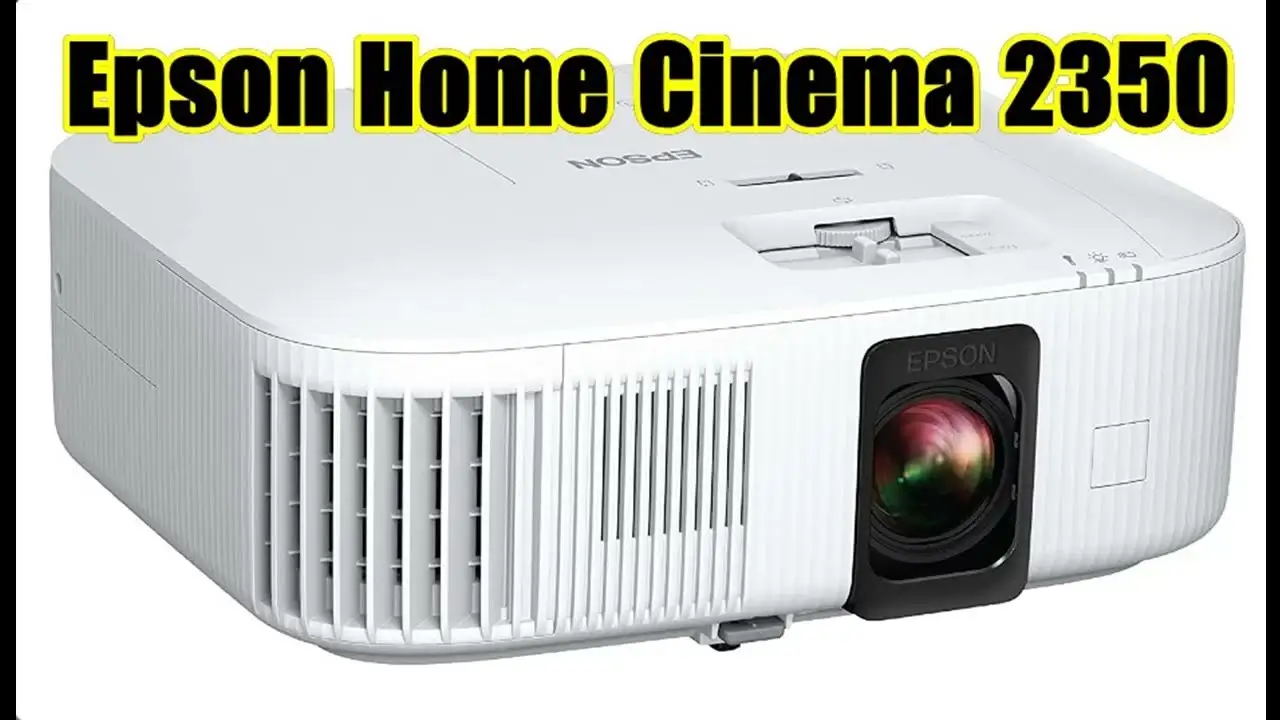
Epson Home Cinema 2350 Review: Bright, Flexible, Mixed Verdict
Bright, vivid, and marketed as both a cinema and gaming powerhouse, the Epson Home Cinema 2350 4K PRO-UHD Smart Gaming Projector earns a solid 8.3/10 from aggregated user feedback. While it impresses with color accuracy, smart features, and gaming compatibility, repeated reports of washed-out blacks, fan noise, and HDR quirks temper the hype.
Quick Verdict: Conditional — best suited for mixed-use households, casual gamers, and bright-room movie viewing.
| Pros | Cons |
|---|---|
| Bright 2800 lumens with excellent color accuracy | Blacks appear washed out, especially in dark scenes |
| Flexible placement with ±60% vertical lens shift | Fan noise noticeable at high brightness |
| Low input lag (~20ms) for casual gaming | HDR performance inconsistent via Android TV stick |
| Integrated Android TV with native Netflix | Limited HDMI ports — one occupied by streaming dongle |
| Affordable entry into 4K pixel-shift projection | Not true native 4K resolution |
| Good onboard speaker with Bluetooth option | Heat output significant in small rooms |
Claims vs Reality
Marketing emphasizes “true 3-chip 3LCD technology” and “best-in-class color brightness.” Users consistently validate this—“the greens, blues, and reds are true to their tone,” noted one Best Buy reviewer. Even in moderately lit rooms, day scenes pop without rainbow artifacts.
Epson pitches sub-20ms input lag as gamer-friendly. Casual players like Reddit user u/[Name***] found “lag isn’t noticeable” in sports and COD, but competitive players felt differently. A Best Buy customer observed, “fast pace games such as Call of Duty… are still reaching times of about 20ms… enough to detour me back to PC gaming.”
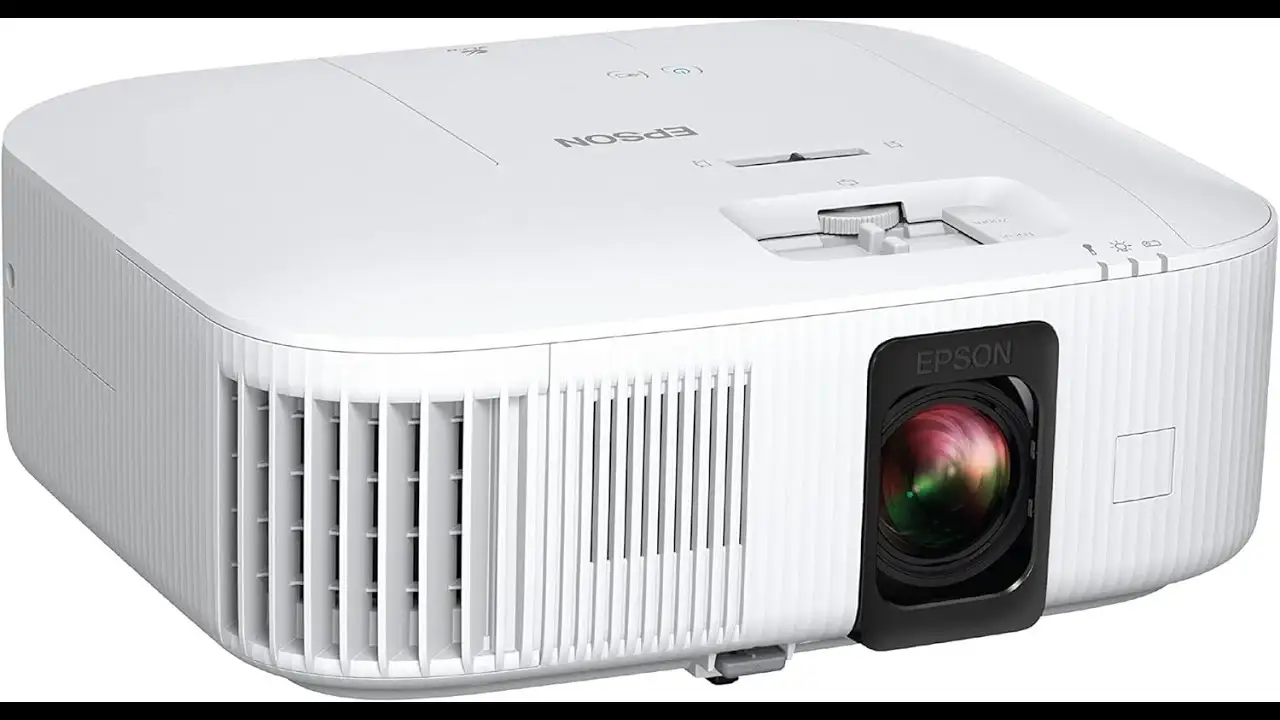
The ±60% vertical lens shift is marketed as a “flexible install” boon. Reports back this up: “placing this thing is super easy because of the zoom ratio and vertical picture offset,” said one owner. However, some ran into optical quirks—light bleed issues and keystone distortion when not perfectly aligned.
Cross-Platform Consensus
Universally Praised
Brightness and color fidelity stand out. A verified Best Buy buyer described the picture as “movie theater-like… colors are vibrant and lifelike, the black is very deep and rich not washed out or dull” — though that was in optimal conditions. For living rooms with ambient light, a Twitter user noted low lamp mode “is still bright and very watchable.”
The Android TV integration earns applause for convenience. “It is such a breath of fresh air knowing that the 2350 series now has… Android TV as part of the unit,” wrote one Quora respondent, highlighting direct live sports streaming without extra hardware.
Casual gaming on colossal screens delights users—“Mario Kart… a blast playing on a 90-inch screen,” one family shared. For console owners willing to drop to 1080p for 120 fps, responsiveness was acceptable.
Common Complaints
The most consistent criticism targets black levels. Even fans acknowledge “blacks aren’t true blacks but the image more than makes up for it,” per another Best Buy review. Side-by-side comparisons with Epson’s own 3800 reveal noticeably bluish blacks.
Fan noise emerges in high brightness mode, described on Twitter as “loud enough to not want to use it unless… drowned out.” Heat output can make rooms uncomfortably warm during long sessions.
HDR handling via the bundled dongle frustrates owners: one reported HDR always-on for SDR content at 4K60, causing oversaturation or dullness. Several switched to Roku or Fire Stick for better HDR tone mapping.
Divisive Features
The onboard 10W speaker sparks debate—adequate for casual viewing, “sounded a little tinny” for home theater use. Bluetooth support exists but is limited to Android TV output; some complained of “cracking sound” on Bluetooth speakers, urging wired connections.
Gaming suitability divides opinion: casual players appreciate smooth play on big screens; competitive gamers find 20–27ms lag inadequate at 4K60. One reviewer bluntly concluded, “more marketing talk than anything else” for hardcore gaming.
Trust & Reliability
Durability concerns surface around the auto iris mechanism. A Reddit post detailed failure “3 months and 2 weeks into ownership… luckily… extended warranty” covered it. Conversely, multiple owners report months of trouble-free use, noting Epson’s 2-year warranty offers “great piece of mind” compared to standard 1-year projector coverage.
Reputation-wise, sellers on eBay and Best Buy have high feedback scores, with no widespread scam claims. Still, cautious buyers echo the warranty advice—especially given mechanical moving parts like lens shift and iris.
Alternatives
Community comparisons often cite the BenQ TK700 and ViewSonic PX728-4K. TK700 offers true 4K with lower input lag, but introduces rainbow effect risks on DLP chips—making the 2350 more appealing for those sensitive to it.
The Optoma UHD35 comes up for sharper native 4K imagery but loses in color vibrance and placement flexibility. An Epson HC3200 offers improved contrast and HDR but costs ~$200 more, making the 2350 the budget-friendly pick for mixed-use.
Price & Value
Current street prices vary: eBay listings hit as low as $649.99, while certified renew units from Epson run $749.99. Black Friday deals dropped to $899 new, making it “worth buy for its price,” per a Best Buy shopper.
Resale trends hold near the $650–$800 mark, indicating good retained value. Community buying tips stress grabbing extended protection and considering refurbished models for savings.
FAQ
Q: Is the Epson 2350 good for competitive gaming?
A: For casual play, yes; competitive FPS players find ~20ms lag too high, especially at 4K60. Dropping to 1080p120 improves responsiveness slightly.
Q: Does the Epson 2350 produce true 4K?
A: No—it's pixel-shifted 4K PRO-UHD. Users describe it as sharp and detailed, though not as crisp as native 4K projectors.
Q: How does it perform in bright rooms?
A: Its 2800 lumens handle moderate ambient light well. Sunlit spaces dilute contrast, so curtains or low-light conditions are recommended.
Q: Can I use Bluetooth speakers with all inputs?
A: Bluetooth only works for audio from Android TV apps; HDMI-connected sources won’t output through Bluetooth.
Q: Is the HDR quality good?
A: Mixed—some find it vibrant, others report washed blacks or oversaturation, often improved by bypassing the bundled dongle.
Final Verdict: Buy if you’re a casual gamer or home viewer wanting a bright, flexible projector with smart streaming built in. Avoid if deep blacks and reference HDR are critical, or if you’re a competitive esports player. Pro tip from the community: pair it with a quality external sound system and disable auto iris for reliability.