HP LaserJet Pro 4001n Review: Fast but Wired Only
Digging deeper into user reports, the HP LaserJet Pro 4001n Black & White Printer scores a solid 8.4/10 in community consensus, with standout praise for speed, print quality, and reliability, but repeated criticism for its lack of wireless connectivity and missing duplex automation. While HP markets this as a “high-speed smart printer” ideal for offices, the reality is that it thrives in small-to-medium wired network setups but frustrates users who expect modern wireless flexibility.
Quick Verdict: Conditional — excellent for wired small office setups, but avoid if you need Wi-Fi or automatic duplex.
| Pros | Cons |
|---|---|
| Extremely fast printing (up to 42 ppm) | No built-in Wi-Fi |
| Sharp text quality at 1200x1200 dpi | No automatic duplex printing |
| Robust Ethernet networking for multi-user setups | Setup can be difficult for non-technical users |
| High paper capacity (350 sheets standard, expandable) | Locks out third-party toner cartridges |
| Reliable wake-from-sleep performance | Single-function — no scanning or copying |
| Low cost per page with high-yield toner | Mobile printing only via wired network router |
Claims vs Reality
HP’s marketing promises “blazing fast printing speeds” and “maximum productivity.” On speed, users agree: multiple Best Buy reviewers called it “quite possibly the fastest printer I have owned” and “done printing before I can get into the room.” Reddit feedback confirms speeds living up to the 42 ppm claim, with one tester noting a 60-page Word document printed in just over two minutes via network.
However, HP also touts “smart” features via the HP app. In reality, these are only accessible if the printer is connected to a router by Ethernet, since there’s no Wi-Fi module in the 4001n. Many buyers missed this detail — one verified Best Buy customer admitted, “didn’t realize it’s not even wireless… now what do I do with it?” This mismatch between marketing’s emphasis on mobile printing and the hardware’s wired limitation has become a key source of buyer frustration.
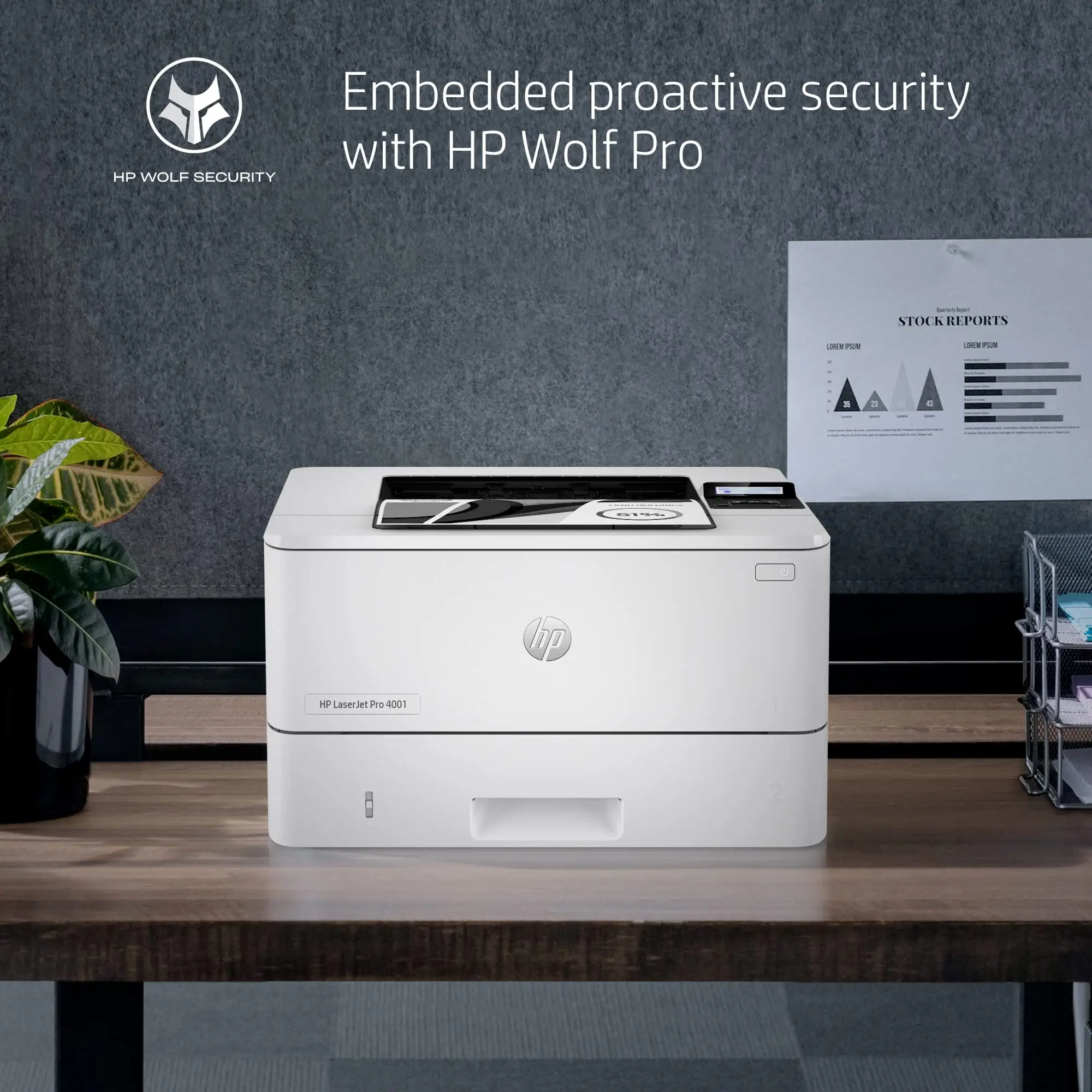
HP highlights “strong security” with Wolf Pro settings, which users in small business environments praise for safeguarding sensitive documents. Yet, this security comes with a catch: dynamic security blocks non-HP cartridges. Several reviewers voiced annoyance, noting “HP locks out third-party cartridges” and warning that firmware updates could disable previously working remanufactured options.
Cross-Platform Consensus
Universally Praised
Speed is the most celebrated feature. Reddit user reports and Best Buy reviews consistently describe the 4001n as “always ready to go” with “no warm-up time” and instant wake from sleep. For legal offices and home businesses printing long contracts, this means less downtime and quicker turnaround. A small business owner on Best Buy said it “prints at speeds of up to 42 pages per minute… compared to other similar printers in this price range.”
Print quality earns equally strong praise. Text output is described as “crisp and sharp” with fidelity to source documents, making it ideal for professional correspondence. Even grayscale graphics are reported as “clear-looking, deep black” — good enough for charts and forms.
Paper handling gets nods from users who value capacity over constant refills. With two trays holding 350 sheets combined (expandable to 900), it fits the workflow of small workgroups. Best Buy reviewers liked the physical paper level indicator for quick checks.
Common Complaints
The absence of Wi-Fi tops the complaint list. Many assumed “smart” meant wireless; instead, Ethernet or USB are the only options. One reviewer summed it up: “Nope… returning it. Limited connection ability.” This impacts users in homes or offices without easy router access.
Automatic duplex printing is another missing feature. While HP lists manual duplex capability, several users wanted the convenience of auto-duplex for reducing paper use. One long-time HP customer called the lack of duplex a “deal-breaker.”
Setup frustrations surface often. Even tech-savvy users reported the need to abandon HP’s “easy install” software and manually input IP addresses. As one Reddit poster put it, “If I was not a computer professional, I would have had to call support or just given up.”
The dynamic security system blocking third-party toner provokes mixed reactions. Some appreciate the assurance of genuine supplies, but others see it as restrictive and wasteful.
Divisive Features
HP’s app integration divides opinion. Fans cite the convenience of printing PDFs directly from a phone, while skeptics in enterprise environments dismiss it as “consumer-grade gimmicks” unsuited to managed IT setups. Security features are valued by businesses handling sensitive data, but home users find them overkill.
The wired-only networking splits users into two camps: those who see Ethernet as a stability and security win, and those who view it as outdated inconvenience.
Trust & Reliability
Trustpilot-style concerns about locked cartridges are echoed across Reddit and Best Buy. Firmware updates that block unofficial toner are a recurring fear, with one Best Buy user warning about “future firmware disabling non-HP cartridges.”
On durability, early adopters report months of trouble-free operation. A Reddit user compared it favorably to an MFP model, saying it’s “faster and has better grayscale reproduction” and “always ready to go.” Sleep mode recovery performance is notably better than some Wi-Fi HP models, avoiding the dreaded “hopeless sleep state” that plagues other printers.
Alternatives
Within HP’s own lineup, models with suffixes like “dn” or “dw” add features missing here — “dw” includes Wi-Fi, “dn” includes automatic duplex. Users who regretted buying the 4001n often said they wished they’d opted for a “dw” for wireless or “dn” for duplex.
Competitors like Brother’s monochrome laser series often include Wi-Fi and duplex at similar prices, but may not match HP’s text sharpness or security tools. Several reviewers noted switching to Brother for “always working” wireless connectivity when HP’s wired setup didn’t fit their space.
Price & Value
Community pricing data shows the 4001n retailing around $309.99 at Best Buy, with HP Canada listing it at CAD $319.99 after discount. eBay sellers offer new units for ~$205, making second-hand or surplus stock a bargain if you’re comfortable with wired-only networking.
High-yield toner (HP 148x) delivering up to 9,500 pages keeps cost per page low. Consumer Reports estimates $11/year for typical monochrome use, with a 5-year total cost of $294 — competitive for the category. Resale value holds moderately well given HP’s brand reputation, especially if the unit remains in low-page-count condition.
Buying tips from the community: verify your need for Wi-Fi before purchase, and consider whether manual duplex meets your workflow. If wired networking suits your setup, this printer’s speed and quality justify its cost.
FAQ
Q: Does the HP LaserJet Pro 4001n have Wi-Fi?
A: No, it only offers Ethernet and USB connections. Wireless printing is possible only when connected to a router via Ethernet, enabling mobile print through the HP app.
Q: Can it print double-sided automatically?
A: No, it supports manual duplex printing. You must reinsert pages to print on the reverse side.
Q: What toner cartridges are compatible?
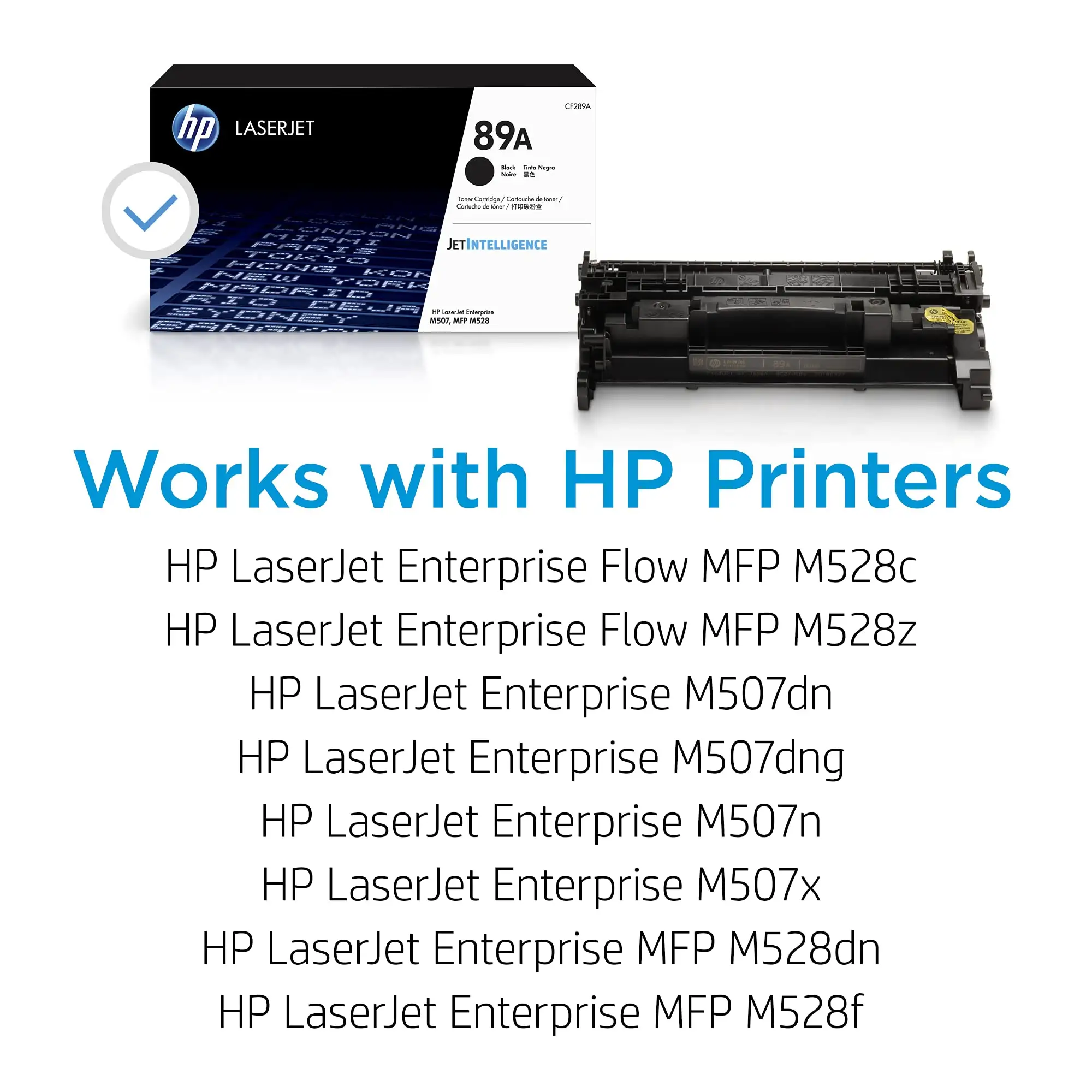
A: It uses HP 148a (2,900 pages) or HP 148x (9,500 pages) toner. Dynamic security blocks most third-party cartridges.
Q: Is it suitable for high-volume printing?
A: Yes, with an 80,000-page monthly duty cycle and 350-sheet standard capacity, it handles small-to-medium business workloads well.
Q: Can I print from my phone?
A: Yes, via Apple AirPrint or the HP Smart app, but only if the printer is connected to the same network through Ethernet.
Final Verdict: Buy if you run a small office or home business with wired networking and value speed, sharp text, and low operating costs. Avoid if you require wireless or auto-duplex convenience. Pro tip from the community: if you want this performance but with Wi-Fi, look for the “dw” variant.