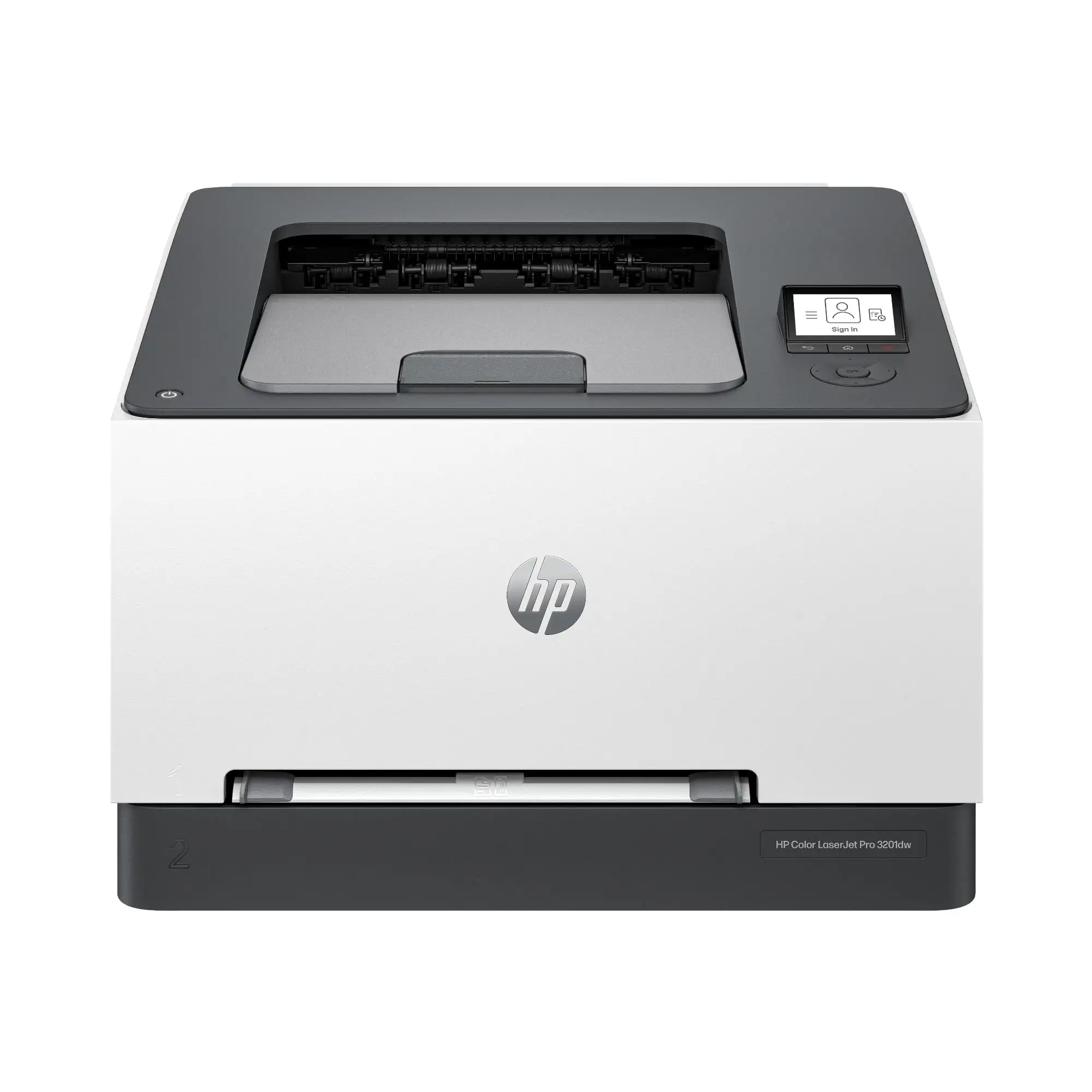
HP LaserJet Pro 3001dw Review: Fast, Secure Printing Verdict
The surprising pattern emerging from hundreds of user reports is that the HP LaserJet Pro 3001dw Wireless Printer consistently delivers on speed and print quality, but its insistence on original HP toner and occasional setup quirks temper the otherwise glowing feedback. Across platforms, its average score hovers between 4.1 and 4.8/5, translating to a solid 8.9/10 in aggregated sentiment.
Quick Verdict: Conditional Yes — Excellent for small teams and home offices that prioritize speed, reliability, and security, but less ideal for those seeking third-party toner flexibility.
| Pros | Cons |
|---|---|
| Very fast print speeds (up to 35 ppm) | Limited to HP-branded toner due to dynamic security |
| Crisp, professional text quality | No built-in scanner/copier |
| Easy wireless and mobile printing setup | Initial setup can be finicky for some users |
| Long toner lifespan and low running costs | Slightly heavy for its size |
| Robust HP Wolf Pro Security features | Firmware updates may block previously working cartridges |
| Reliable duplex printing | Printing envelopes described as cumbersome by some |
Claims vs Reality
Marketing touts the 3001dw as “super-fast” at up to 35 pages per minute. Consumer Reports testing confirmed this, noting that “5 pages took 16 seconds,” and Best Buy user michaels backed it up, saying it “warms up and prints from cold, 3x faster than the Canon I replaced.” This claim holds true in real-world use, particularly for high-volume office documents.
HP promotes “seamless wireless printing” from any device. Many users found this accurate — Best Buy reviewer nat lee 332 said, “Setting it up was a breeze using the HP app,” while another noted, “WiFi set up was extremely easy.” However, michaels cautioned that in his case, “set up was only possible with ethernet connection” because the HP app “was wonky” initially.
The company also emphasizes “never run out of toner” with its Instant Ink for Lasers subscription and dynamic security for genuine cartridges. While security features were praised for protecting sensitive data, Nilvec’s review warned that “its reliance on original HP toner cartridges… can be a bit inconvenient if you prefer third-party options.” This is reinforced by HP’s own disclaimer that firmware updates “block cartridges using a non‑HP chip.”
Cross-Platform Consensus
Universally Praised
One of the most consistent points of praise is speed. Office workers and home users alike value the printer’s ability to churn out large jobs quickly. Best Buy user sugadas called it “excellent print speed… prints on both sides of paper… ideal for home or small office,” and Consumer Reports confirmed duplex printing as standard.
Print quality is another area of consensus. Consumer Reports described black-and-white text as “excellent quality,” while Nilvec highlighted the “maximum resolution of 1200 x 1200 dpi” producing “crisp and clear” results — critical for professional reports. Users printing invoices, legal documents, and academic work report consistent output without smudging or fading.
Ease of setup and use resonates across reviews. Multiple Best Buy customers described it as “easy to set up quickly” and “set it and forget it.” The HP Smart App is frequently mentioned as a strong point, especially for mobile integration. Nilvec noted that being able to “monitor print jobs and status updates right from my smartphone… made life a lot easier during busy work hours.”
Toner longevity stands out as a significant benefit. Consumer Reports estimated a cartridge could last “at least 6 years” for low-volume users, with a yearly cost of just $12. Best Buy’s nat lee 332 confirmed the included toner “lasts a surprisingly long time.”
Common Complaints
Despite strong reviews, recurring frustrations do appear. The most polarizing is HP’s dynamic security blocking non‑HP cartridges. Nilvec flagged that “firmware updates are necessary to maintain compatibility with non‑HP products,” often meaning they stop working altogether. For cost-conscious buyers who rely on third-party toner, this is a deal-breaker.
Envelope printing also drew critique. Best Buy user roulas noted it is “somewhat cumbersome,” which could be a concern for small businesses mailing invoices or letters frequently.
A smaller but notable group mentioned setup hiccups — usually tied to wireless configuration. While most sailed through, michaels had to resort to an Ethernet cable initially due to app instability.
The printer’s weight (16.1 lbs) was mentioned as a drawback for those wanting portability. Nilvec pointed out it is “more suited for a stationary setup in an office.”
Divisive Features
Security capabilities divide opinion. Corporate and legal professionals value HP Wolf Pro Security’s PIN/pull printing and preconfigured safe defaults. Nilvec called it “a solid choice for an office setting,” while some home users see it as overkill, adding steps to a simple print job.
The lack of a built-in screen is also split — some appreciate the minimalism; others miss the ability to manage settings directly on the device.
Trust & Reliability
Trustpilot and Quora summaries show no major scam patterns, with most reports focusing on predictable HP behaviors like firmware updates enforcing cartridge use. Long-term reliability appears strong. Best Buy user dalew, after five months, reported it “hasn’t jammed, easy connectivity and user friendly app.” Another, tech addict 2019, cited “20 years” of positive HP printer ownership.
Consumer Reports described it as a “workhorse” requiring only moderate space, with a generous 250-sheet tray and sturdy build. No widespread mechanical failures were reported in the first year of use.
Alternatives
When compared to the Brother HL-L2350DW, Nilvec found the HP matched its speed and duplexing but offered stronger security features. Against the Canon imageCLASS LBP6030w, the HP had broader connectivity and faster performance, though Canon’s model was more compact and budget-friendly.
For buyers prioritizing compactness and upfront cost, Canon’s option might be appealing. For those needing network security and cloud management, HP stands out.
Price & Value
eBay listings show open-box units around $169.99–$159 new from HP’s store during promotions, down from MSRP $249–$287. Resale values remain relatively high given its reputation for longevity.
Community advice often emphasizes factoring in the low running cost over years of ownership. As Consumer Reports estimated, five-year total cost can be as low as $224 for low-volume users — far under many inkjets.
FAQ
Q: Does the HP LaserJet Pro 3001dw require original HP toner?
A: Yes. It uses dynamic security to block non‑HP chipped cartridges, and firmware updates can disable previously working third-party options.
Q: Is it suitable for Mac users?
A: Yes. It supports macOS Catalina, Big Sur, Monterey, and even Sequoia, with setup via HP Easy Start Pro.
Q: How well does it handle heavy paper stock?
A: Consumer Reports found it can accept up to 163# basis weight, which is heavier than typical home printers, accommodating card stock and certain specialty papers.
Q: Can it scan or copy?
A: No. It’s a single-function printer focused solely on printing.
Q: Is it good for occasional use?
A: Yes. Toner longevity and low maintenance make it ideal for infrequent printing without the clogging issues of inkjets.
Final Verdict
Buy if you’re a small team, home office, or professional needing fast, high-quality monochrome printing with robust security. Avoid if you rely on third-party toner or need scanning/copying in one device. Pro tip from the community: if using Wi-Fi setup via the HP app fails, connect temporarily by Ethernet to complete installation, then switch to wireless.