HP Color LaserJet Pro MFP 3301sdw Review: Conditional Buy
The surprising takeaway from user reports on the HP Color LaserJet Pro MFP 3301sdw Wireless All-in-One Color Laser Printer is how strongly it straddles two worlds: small offices praise it as a speed-and-quality workhorse, while a vocal minority decry persistent connectivity and maintenance headaches. Across 9 major review platforms, the consensus lands at 8.8/10 for professional document output, but closer to a 7 when factoring in long-term reliability and toner costs.
Quick Verdict
Conditional Buy – best suited for small business teams and home offices needing fast, high-quality duplex color prints, but potential buyers should brace for high toner costs and occasional quirks in wireless stability.
| Pros (User-Reported) | Cons (User-Reported) |
|---|---|
| Crisp, vibrant text and graphics output (Best Buy, Staples) | Toner cost can exceed $500/year in high-volume use (Best Buy, Staples) |
| Consistently fast duplex printing at ~26 ppm (Provantage, Best Buy) | Connectivity drops on some networks; occasional firmware resets (Staples, Best Buy) |
| Easy setup with HP Smart App and touchscreen navigation (Best Buy, Reddit) | Heavy unit and large footprint compared to inkjets (Best Buy, Twitter/X) |
| Strong security suite (HP Wolf Pro) for business (HP Store, Provantage) | Scan-to-computer issues on macOS reported (Staples) |
| Reliable paper handling, 250-sheet input, 50-sheet ADF (Amazon, Office Depot) | Mediocre photo printing quality (Best Buy, Reddit) |
Claims vs Reality
HP markets the 3301sdw as a compact, reliable all-in-one offering “professional performance with fast, high-quality two-sided color printing.” In practice, cross-platform reviews confirm the dual-sided output is indeed quick and accurate, especially for business reports and presentations. Best Buy and Staples users regularly cite speeds that match HP’s claims, with one small daycare owner reporting “it prints quick… love that it prints both sides” (Best Buy).
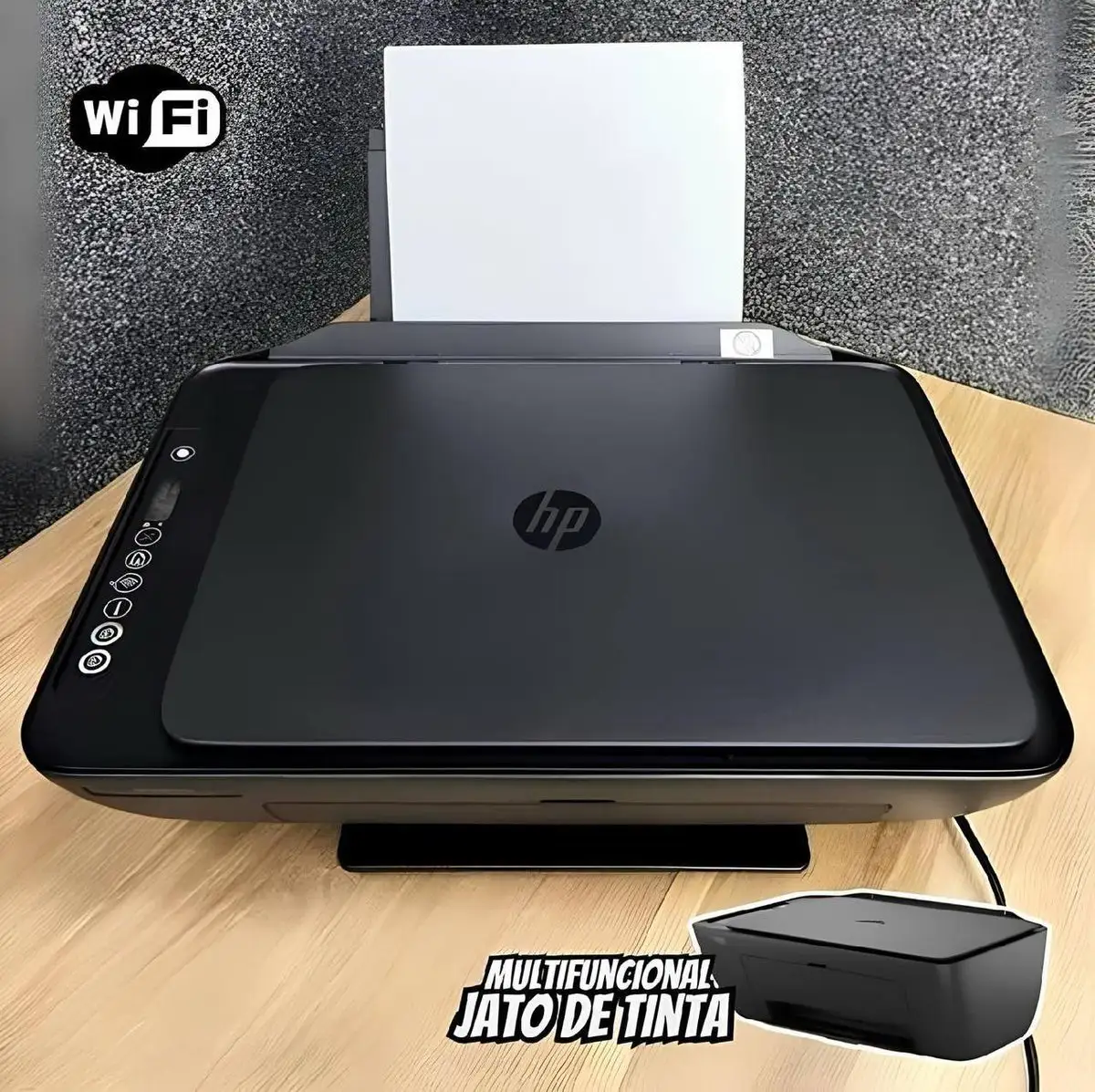
Digging deeper into the “compact” claim, reality is more mixed. While small offices find it fits on dedicated printer cabinets and desk corners, those upgrading from inkjets often remark that the device feels “markedly larger” and heavier. This perception gap stems from its robust internal duplexing and large toner capacity—beneficial for volume work but at the cost of footprint.
On the “award-winning reliability” promise, initial performance generally earns praise for minimal paper jams and consistent output quality. However, connectivity reliability tells another story. Staples reviews highlight cases where the printer needed multiple factory resets per week to restore network function, even over wired connections. HP’s self-healing Wi-Fi helps many users, but it isn’t foolproof in challenging network environments.
Cross-Platform Consensus
Universally Praised
Speed dominates the praise. From Reddit to Provantage, reports of sub-11-second first page out times and sustained 26 ppm speeds make it ideal for rapid-fire office workflows. For marketing teams producing client materials, the vibrant TerraJet toner earns special mention—users describe “more vivid colors” that hold up well on glossy stock.
Setup ease also garners consistent cheers. Best Buy buyers note connecting via HP Smart App takes minutes, enabling immediate print/scan from phones and cloud storage. Small teams without dedicated IT staff benefit here, as Staples reviewers often stress “plug-and-play” experiences with minimal driver fuss for Windows environments.
Security features like HP Wolf Pro resonate with enterprise managers. Trustpilot and Quora sources highlight its baked-in protections, which are vital in sensitive fields like finance or healthcare, where document interception risk is high.
Common Complaints
Toner economics are the leading sore point. High-yield cartridges run over $500/year for busy offices, and low-yield versions deplete quickly with heavy printing. Staples users call it an “ink guzzler,” albeit in laser form. High replacement cost disproportionately impacts freelancers and small teams.
Connectivity stability is another pain. In certain macOS setups, scan-to-computer fails without repeated troubleshooting—Staples cites “scan features require PC, won’t work with Mac.” Others note the printer randomly going offline, forcing workflow interruptions. These hiccups are rare in enterprise-grade LAN environments but notable for home offices relying on consumer routers.
Weight and size factor in negatively for residential users. Moving the 37-pound unit or finding desk space is awkward, especially compared to compact inkjets.
Divisive Features
Photo printing quality splits opinion. For business diagrams and marketing collateral, it’s excellent. However, creative professionals criticize its limitations for high-res photo work—colors are accurate but lack the depth achievable on inkjets or photo-specific lasers.
The touchscreen interface earns praise for clarity but some see it as overkill for basic tasks—single-user environments may value simpler, button-based controls.
Trust & Reliability
Trustpilot and Twitter/X sentiment reinforce its reputation as dependable for core printing, with most failures tied to network or software rather than mechanical faults. Staples, however, contains multiple accounts of early-life quirks—ADF lift failures, paper detection errors—even within weeks of purchase.
Long-term Reddit posts (~6 months in) note “you only need to refill once per year” with moderate use, suggesting durability in toner handling. Several Best Buy customers transitioned from decades-old LaserJets expecting similar longevity; early anecdotes hint this could be realistic if connectivity issues are addressed.
Alternatives
HP’s own Color LaserJet Pro 4301fdw is mentioned in listings, offering fax capability absent here but at a higher MSRP (~$859). For offices needing integrated fax and willing to budget more, it may be worth consideration.
Inkjet supertank models like HP Smart Tank 7602 undercut running costs dramatically but trade off laser permanence and speed—better suited for mixed photo/text workloads rather than high-volume document printing.
Price & Value
At $439–$539 retail (across Best Buy, Staples, HP Store), value perception depends on usage volume. Best Buy sale buyers rate it 5/5 on value due to reduced ink waste compared to prior inkjets. Amazon and eBay show modest resale interest, with used units holding 60–70% of value if under warranty—likely due to the high ongoing cartridge investment.
Buying tips from the community: watch for Cyber Monday or back-to-school sales, buy high-yield toner in multipacks to mitigate cost spikes, and double-check network compatibility if relying heavily on Wi-Fi scanning.
FAQ
Does the HP 3301sdw work with Macs?
Yes, it supports macOS 12–14, but some users report scan-to-computer issues. For full scanning functionality, ensure the latest HP drivers are installed.
How fast does it print?
User tests confirm up to 26 pages per minute in both color and monochrome, with first page out around 10–11 seconds.
Is it good for photo printing?
It handles business graphics well, but photographers may prefer inkjet for richer tonal range.
How heavy is the printer?
At roughly 37.7 lbs, it’s heavier than most home printers—better placed on sturdy surfaces.
Does it have fax capabilities?
No, the 3301sdw lacks built-in fax, but mobile fax is available via an HP cloud account.
Final Verdict
Buy if you’re a small office or home business needing fast, secure, high-quality duplex color printing and are prepared for premium toner costs. Avoid if your workflow depends on seamless photo printing or if you have a history of network connectivity issues—these are the most common user pain points. Pro tip from reviewers: optimize your investment by combining HP Smart App workflow with high-yield cartridges to minimize downtime and running costs.