HP Chromebook 14 Review: Budget-Friendly Performance Verdict
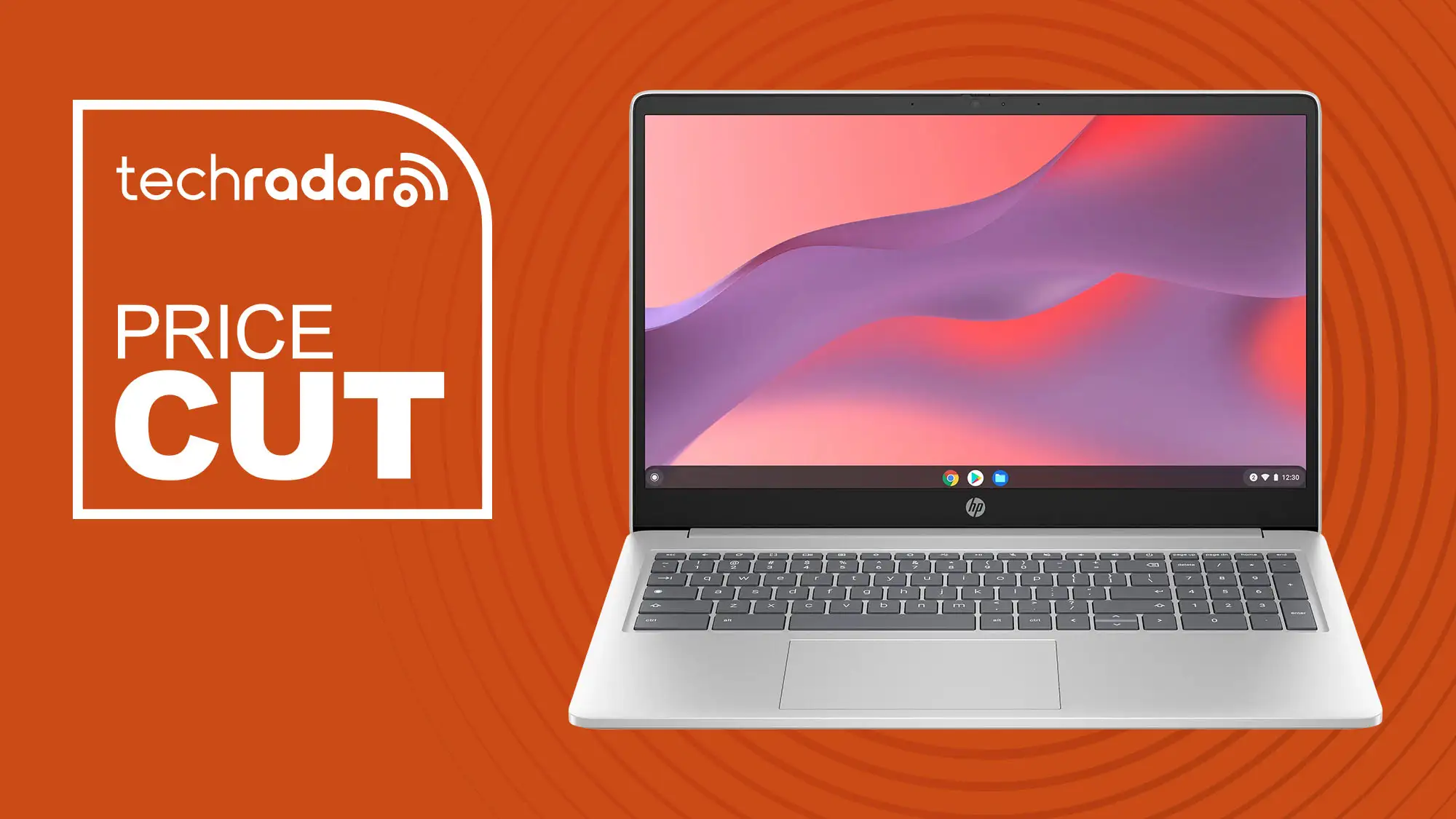
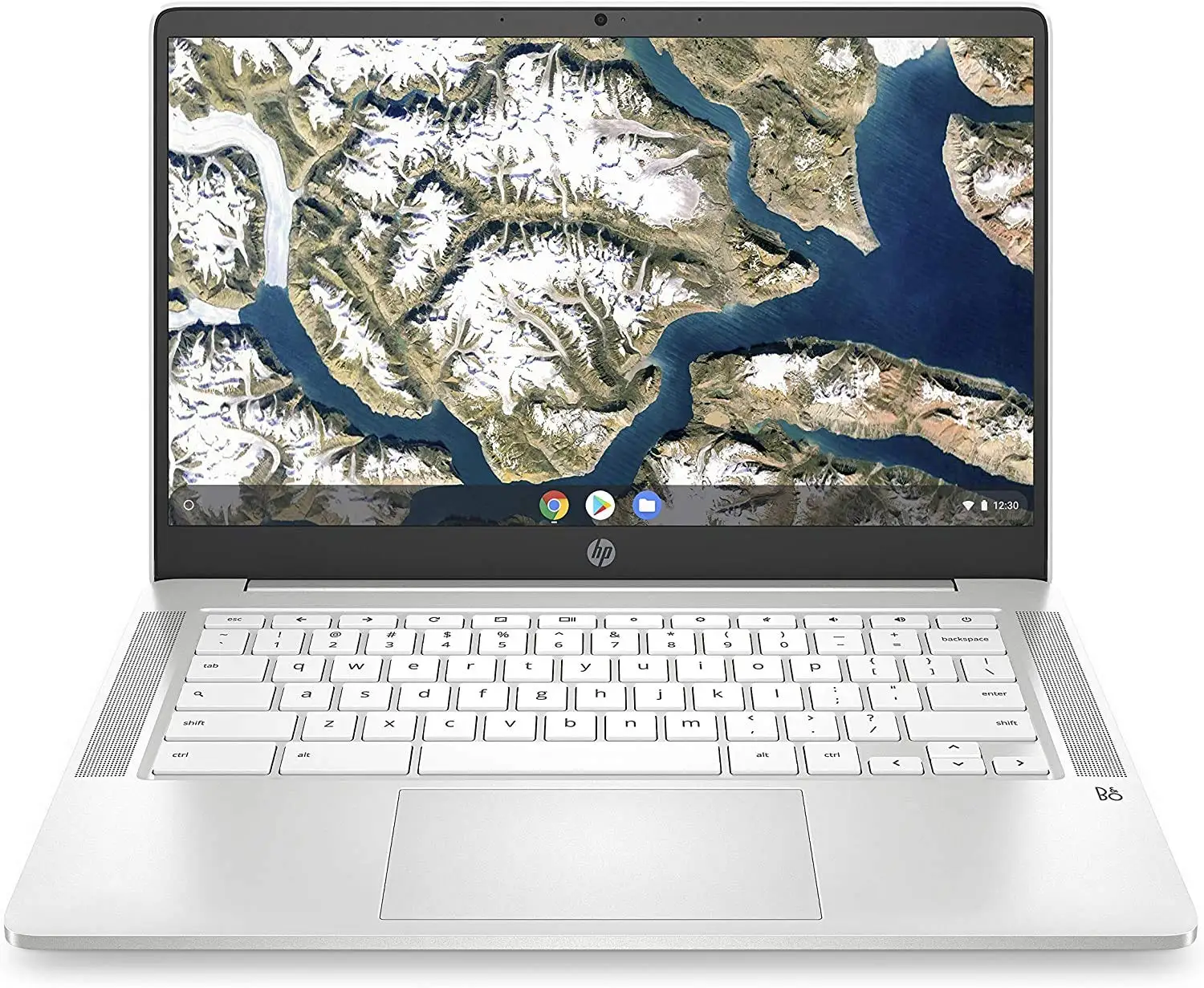
Skeptics doubting a budget laptop’s ability to balance performance, portability, and price may be surprised: the HP Chromebook 14-inch Laptop consistently earns high marks from everyday users. Averaging 4.5/5 across thousands of Best Buy and Amazon reviews, and praised on Reddit for its practicality, it’s positioned as a strong value play for students, travelers, and light productivity users. Overall score from aggregated sentiment: 8.7/10.
Quick Verdict: Conditional — Excellent for cloud-based work, streaming, and school at a low cost. Skip if you need heavy offline storage or high-end processing.
| Pros | Cons |
|---|---|
| Long battery life (8–11 hrs real-world) | Limited onboard storage (32–64GB) |
| Lightweight and portable | Not suited for heavy photo/video editing |
| Crisp HD/FHD display with good viewing angles | Wi-Fi disconnection issues reported by some |
| Solid keyboard and responsive trackpad | Speakers lack bass |
| Fast Chrome OS boot and updates | Glare on some screen variants |
| Affordable entry price | Celeron models weaker for multitasking than Core i3 variant |
Claims vs Reality
HP markets the Chromebook 14 as having “up to 10 hrs” battery life and a “sleek, portable” design ideal for all‑day work. Consumer Reports testing of the 14a‑na1083cl variant found 9.75 hrs browsing, 6 hrs with 4K playback, which Best Buy buyers confirmed: “I rarely have to charge and I use it several hours a day… maybe every other day if I’m lucky” (user tawannaw).
For display quality, HP promotes bright, vibrant visuals. Reddit user feedback on the Full HD model confirms the 1080p panel is “crisp and sharp… albeit a bit dimmer… at 250 nits,” while the 768p versions are “clear and adequate,” though some admit “display isn’t the highest resolution” (Best Buy user jasonk).
Portability and durability claims also largely hold up. Multiple users report traveling with it daily without cosmetic or functional issues. One customer dropped it accidentally “and there was no damage and it works like a charm!” (tawannaw). That said, HP support forums contain reports of frequent Wi-Fi disconnects requiring manual toggling, a persistent frustration for a minority of owners.
Cross-Platform Consensus
Universally Praised
Across platforms, battery life stands out as the top positive. Students and travelers find it a genuine all‑day device. Best Buy user chromev described using it on planes with Google Workspace: “More than 10 hours of battery life and great screen size for movies… indestructible and the plastic case is less delicate than most.”
For typing-heavy work, both Reddit users and TechRadar’s reviewer celebrated the keyboard. “Responsive with clicky keys and plenty of travel… great trackpad” (TechRadar). Homeschooling parents (mama22) also praised sturdiness combined with comfortable typing for their children’s lessons.
Chrome OS speed and simplicity earn high marks from first-time Chromebook owners. Best Buy buyer mangveerk said setup was “too easy” and that it ran multiple tabs “without slowing,” while ashleighh called it “the fastest computer I’ve ever known.”
Common Complaints
Onboard storage of 32–64GB is flagged as a limitation for offline media or large local files. A few users, like jasonk, caution: “If you need a budget friendly laptop as a backup or for a student this might be a good fit… just know its limitations.” Reddit posts suggest mitigating this with cloud or microSD expansion.
Network stability is a real concern for a subset of owners. An HP Support Community poster described being “disconnected from the internet frequently… even sitting right next to the router,” forcing restarts or Wi‑Fi toggling. Though not widespread, when it occurs it can be debilitating for online-only workflow.
Speakers, while clear and good for voice, lack depth. One Reddit user noted: “There is not a lot of low end. But if you just want speakers you can freaking hear… no volume problems.”
Divisive Features
Display resolution splits opinion. Full HD IPS variants win clear approval for sharpness and viewing angles, but lower resolution 1366×768 models are seen as merely serviceable. Brightness is functional indoors but “a bit dim” outdoors, despite some anti‑glare models reducing reflections.
Processor choice also divides buyers. Celeron N-series models are satisfactory for basics, but Redditors recommend paying up for Core i3 + 8GB RAM x360 models for extended multitasking and longer AUE life.
Trust & Reliability
Long-term reliability feedback is generally positive for chassis, hinge, and keyboard durability. Refurbished units also perform well; Best Buy user orange3 called theirs “very competitive price and working great” months in.
However, battery degradation and charging issues occasionally arise before one year. One customer (nitas) reported both household Chromebooks “stopped charging in less than a year,” though Geek Squad service resolved it.
Brand reliability scores from Consumer Reports are not fully disclosed, but HP models tested generally met or exceeded typical 2–3 year performance expectations in the Chromebook category.
Alternatives
Within HP’s own line, Redditors repeatedly compare the 14-inch Celeron to the HP x360 14 with a 10th gen Core i3 and 8GB RAM, noting it’s “much better… often on sale” and worth the stretch if you multitask heavily.
Other alternatives mentioned include the Lenovo Chromebook x360 and Acer Spin 14, with the Acer praised for AMD Ryzen 3 performance, but with trade-offs in battery life.
Price & Value
Best Buy pricing swings between $129 clearance for lower-spec Celeron HD models to $209 for midrange 64GB versions. eBay refurb deals dip under $70 for older G4/G5 models, but with shorter update lifespans.
Community advice emphasizes watching for sales that add bonuses (Google Nest Mini, gift cards) and checking AUE dates to maximize future-proofing. As mama22 put it, for homeschool and cloud-based tasks this “was an excellent” purchase—especially on sale.
FAQ
Q: Can the HP Chromebook 14 run Microsoft Office or Word?
A: Yes—via browser-based Office 365 or Android apps from Google Play. Users report smooth performance on Docs, Sheets, and Teams, but full offline desktop Office isn’t supported.
Q: Is the display touch-enabled?
A: Some variants are touch (often marked “14a” or x360), while the base Celeron HD models are not. Always confirm in the specs before purchase.
Q: How is it for streaming video?
A: Owners confirm smooth YouTube and Netflix playback, even 4K on newer chips like the N4000/N4500, thanks to improved integrated graphics.
Q: Can I upgrade RAM or storage later?
A: RAM is soldered and cannot be upgraded. Storage can be expanded only via microSD cards or USB drives.
Q: Does it work offline?
A: Yes, many Google apps have offline modes, but the Chromebook is optimized for cloud use—offline storage is limited by onboard capacity.
Final Verdict
Buy if you’re a student, traveler, or cloud-focused worker who values battery life, light weight, and affordability over raw power. Avoid if you need high-resolution creative workflows, extensive offline storage, or guaranteed flawless Wi‑Fi in all environments. Pro tip from Reddit: “Check the Auto Update Expiration before buying—extra years mean more value.”