GIGABYTE Gaming A16 Review: Cool, Quiet, But Capped
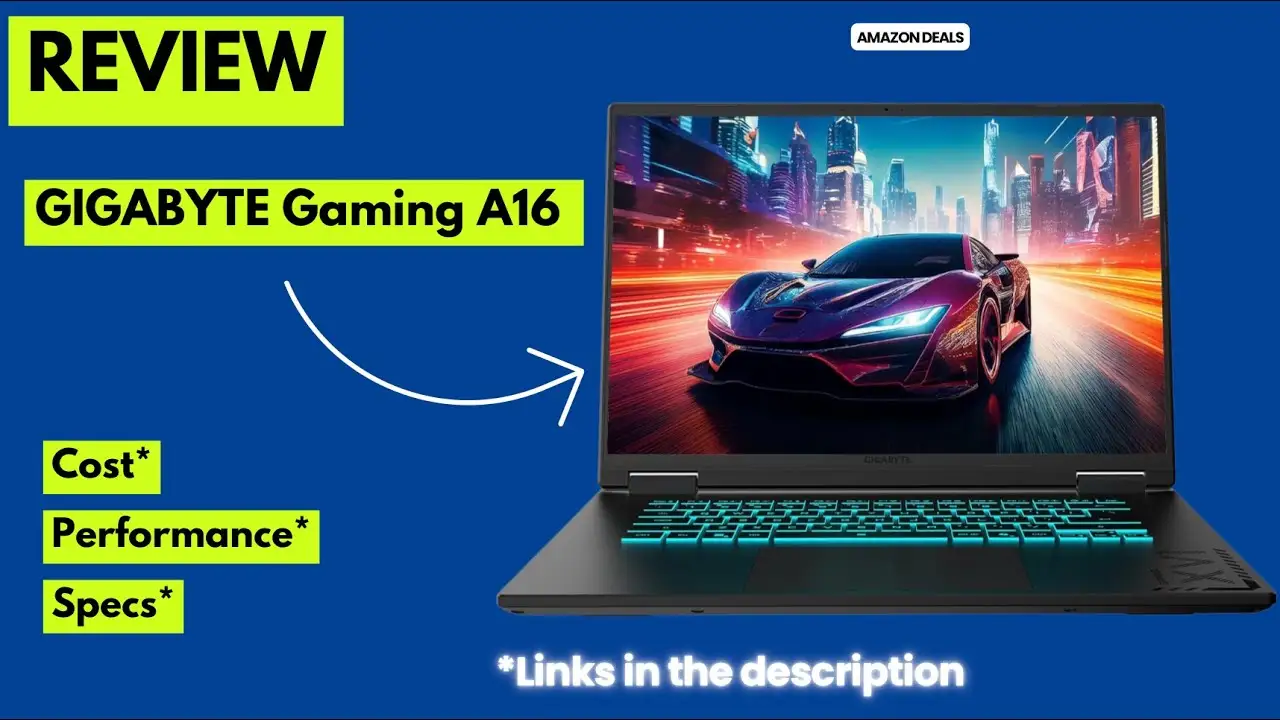
A recurring theme emerged from dozens of buyer reports: the GIGABYTE Gaming A16 Laptop (RTX 5060, i7-13620H) delivers impressive build quality, cooling, and upgradeability, but its capped 85W GPU leaves a noticeable performance gap in certain games. Multiple reviewers even questioned whether it behaves closer to a lower-tier card. Averaging strong scores for design and smooth 1080p play, the consensus score lands at 8.2/10.
Quick Verdict: Conditional — great fit for students, creators, and casual gamers who value balanced performance and thermals over maximum fps. Competitive gamers may want higher TGP alternatives.
| Pros | Cons |
|---|---|
| Strong build quality with minimal flex | RTX 5060 capped at 85W TGP affects fps |
| Excellent cooling — stays under 70°C under load | Screen tested at ~66% sRGB despite 100% claim |
| Upgrade-friendly (dual RAM & dual SSD slots) | Average battery life, well below advertised 14 hrs |
| Comfortable “Golden Curve” keyboard & large touchpad | AI features in Gimate software feel unrefined |
| Quiet fans compared to peers | Webcam and mic quality underwhelming |
| Solid 1080p/1200p gaming & productivity blend | Limited USB-C charging capabilities |
Claims vs Reality
GIGABYTE markets the A16’s RTX 5060 (8GB GDDR7) as a high-performance GPU for 165Hz gaming. Yet, PC Gamer noted: “Gigabyte… decided the A16 should tap out entirely at 85W… and the worst I saw was a difference of nearly 40 fps between the two [5060 laptops], you know between two similar RTX 5060 laptops, priced accordingly.” Reddit user mr low notes found it capable of most games but saw dips when driving a 5K/240Hz external monitor via USB-C.
Marketing promotes 100% sRGB color, but several owners measured otherwise. “It reported a 66% sRGB color gamut… not good choice for creatives that buy gaming laptops for speed and need better color accuracy,” mr low notes warned, using a SpyderX Pro calibrator. Still, most gamers felt contrast and colors were “surprisingly good” for its price tier.
Battery claims hit up to 14 hours. While the integrated GPU and dynamic refresh rate help stretch runtimes, jays reported just 6.5 hours in video playback tests, extending to ~8 hours with lighter office use. Buyers agreed it excels at standby efficiency — jays saw only 7% drain over 17 idle hours — but doesn’t meet the headline figure in gaming scenarios.
Cross-Platform Consensus
Universally Praised
Cooling performance topped nearly all user highlight lists. nano ethan found temps “under 70 consistently, very impressive” even in intense sessions. The Windforce system with dual fans and a “3D Vortx” design successfully kept the keyboard cool to the touch during hours-long play, as hemo bar noted: “I played for hours and did not feel the laptop get hot.” This benefits creators rendering in Blender as much as gamers marathoning Borderlands 4 — cristianb reported “>200 fps on high settings” without thermal throttling.
The keyboard and trackpad earned wide acclaim. The “Golden Curve” keys are larger and slightly curved; trobadour described them as “a genuinely comfortable typing and gaming experience” with deep travel and quiet feedback. The expansive touchpad impressed nick cal, easing both productivity and gaming navigation. For students or remote workers, this combination proved ideal for long typing sessions on essays or code.
Upgradeability stood out in enthusiast conversations. The dual SO-DIMM and M.2 slots mean RAM can swell to 64GB and SSD space to 4TB. software engineer appreciated the ease of access after removing 11 screws, making future-proofing straightforward. For media professionals managing large video libraries, this expandability is a key value driver.
Common Complaints
GPU power limits surfaced as the top frustration. Multiple platforms reported the 85W cap affecting sustained clocks and competition with higher-TGP models. The Russian-language review on Rutab called it a “main flaw… literally collapsing frame rates.” For esports players or anyone chasing high-refresh headroom, this cap can be limiting.
Display color accuracy disappointed creative professionals. While visually pleasing to most gamers, calibration tests pegged gamut coverage far below stated 100%, constraining photo and video work. mr low notes saw this as “not good for creatives… less an issue with a quality external monitor.”
Battery life vs marketing claims bothered travelers and remote workers. Even with conservative brightness and productivity tasks, hitting 10+ hours proved rare. For road warriors, the mismatch means packing the charger — negating some of the portability advantage.
Early setup snags were common. trobadour and caladbolg experienced Windows update freezes lasting hours, occasionally requiring multiple restarts. Though fixable, this can sour first impressions. One buyer, mateo monzon, endured a DOA unit and slow support response, adding to frustration.
Divisive Features
The Gimate AI control software polarized owners. Some praised its central hub for fan tuning, RGB effects, power modes, and privacy alerts. nano ethan highlighted bootable recovery drive creation and dynamic network controls as standout tools. Others found defaults hindered performance and AI voice commands slow or unresponsive, necessitating manual overrides in gaming mode.
Build material perceptions split audiences. While GIGABYTE labels the chassis “black steel,” many suspect high-grade plastic. vinny valued its sturdiness and lower weight, but mr low notes worried about longevity compared to aluminum cases.
 **Trust & Reliability**
No widespread scam complaints emerged, but isolated shipping damage events like *mateo monzon*’s DOA replacement saga highlight the importance of buying from reputable sellers with clear return policies. On durability, several month-long owners reported consistent performance and cooling with no flex or creaks. The fan system earned praise for quiet operation over time, with *nano ethan* calling it “one of the quietest fans in any… reviewed the past 7.5 years.”
**Trust & Reliability**
No widespread scam complaints emerged, but isolated shipping damage events like *mateo monzon*’s DOA replacement saga highlight the importance of buying from reputable sellers with clear return policies. On durability, several month-long owners reported consistent performance and cooling with no flex or creaks. The fan system earned praise for quiet operation over time, with *nano ethan* calling it “one of the quietest fans in any… reviewed the past 7.5 years.”
Alternatives
The Acer Predator Helios Neo became a frequent point of comparison. mr low notes found it offering higher performance, 99% sRGB, and more RGB zones for ~$200 more, but noisier fans and half the default RAM. Lenovo’s LOQ 15 Gen10 delivers higher GPU TGP at similar pricing, trading down to single-channel RAM and smaller SSDs. Both outperform the A16’s fps but may compromise on thermals or upgrade flexibility.
Price & Value
Street prices fluctuated from $1,199 at Best Buy to $1,099 during Amazon sales (Tom’s Hardware noting the $150 drop as “all-time low”). Global variants ship with less RAM (16GB) or smaller SSDs, so buyers should confirm specs before purchase. Resale appeal remains solid given the modern CPU/GPU and upgrade paths, though creative professionals may devalue it for color limits. Community tips encourage grabbing sale units and budgeting for a RAM upgrade in 16GB markets.
FAQ
Q: Does the capped 85W TGP ruin gaming performance?
A: It impacts sustained fps in demanding titles, especially versus higher-TGP peers, but 1080p/higher refresh gaming remains smooth for most recent games with DLSS enabled.
Q: Is the build metal or plastic?
A: Officially “black steel,” but many owners believe it’s high-quality hard plastic — sturdy with minimal flex yet lighter than full metal designs.
Q: Can the RAM and SSD be upgraded easily?
A: Yes. Access requires removing the base panel; there are two SO-DIMM slots and two M.2 NVMe slots, supporting up to 64GB RAM and 4TB storage.
Q: How accurate is the color on the display?
A: Tested gamut coverage is closer to 66% sRGB, fine for gaming but limiting for color-critical creative work.
Q: How long does the battery actually last?
A: Most report 6–8 hours under light tasks; heavy gaming cuts this to 2–3 hours despite the 14-hour claim.
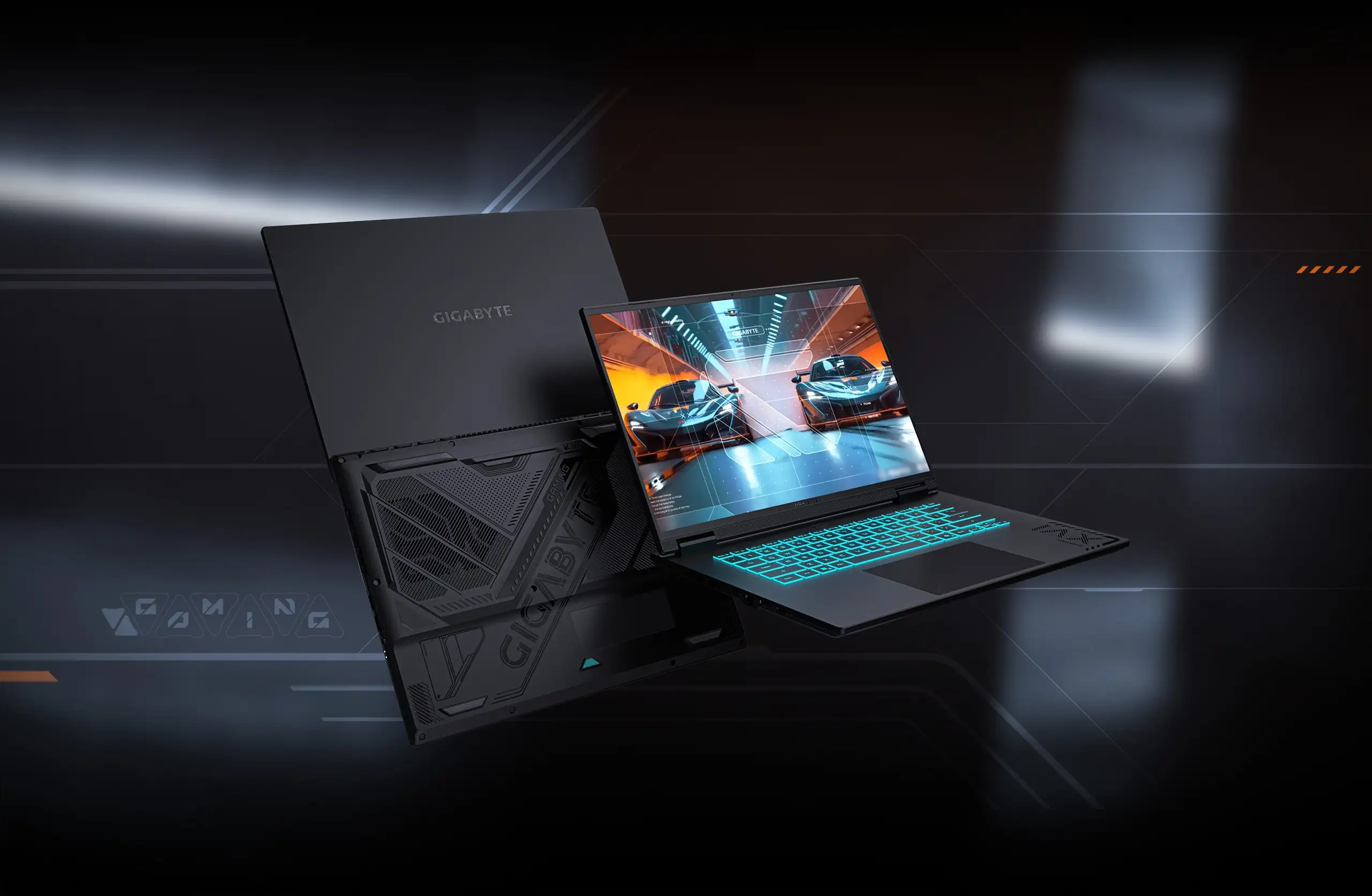 **Final Verdict**: Buy if you’re a student, casual gamer, or creator needing a cool, quiet laptop with solid specs and upgrade paths. Avoid if esports or color-accurate creative work are your primary goals. Pro tip from the community: disable balanced defaults in Gimate software for maximum GPU performance, and consider an external monitor for critical visual editing.