Epson DURABrite Ultra Magenta Review: Strong but Limited
When a cartridge scores consistently above 4.7 stars across multiple platforms, it catches attention. The EPSON DURABrite Ultra Ink Magenta Cartridge (T288320-S) earns an aggregate score of 9/10, driven by praise for vibrant print quality, ease of installation, and reliability—but tempered by frustrations over ink longevity and certain printer behaviors that consume color ink even during black-only prints.
Quick Verdict: Conditional
Best for light-to-moderate home users who prioritize print quality over heavy-duty capacity.
| Pros | Cons |
|---|---|
| Vivid, fade-resistant magenta color with photo-realistic quality | Page yield may feel low for frequent printers |
| Easy to install; universally compatible with listed Epson Expression models | Ink consumption even during monochrome printing frustrates some users |
| Smudge- and water-resistant prints work well on plain and glossy paper | Yields vary—some reported much fewer prints than 165-175 claimed |
| Good availability across retailers at competitive prices | Printer firmware updates can trigger compatibility/control concerns |
| Consistent performance; no leakage issues reported | Auto-replenishment services can cause unwanted stockpiling |
Claims vs Reality
Epson markets the DURABrite Ultra ink as delivering "brilliant results" and being both smudge-, fade-, and water-resistant. The technical promise includes a standard yield of up to 165–175 pages and instant-dry output for handling without wait. While advertising stresses these durability aspects, real-world feedback provides context.
A verified buyer on Amazon noted: “Pretty vibrant color. Arrived promptly. Easy to install.” This aligns closely with Epson’s claim on vividness and usability, especially for photo projects. Similarly, Best Buy reviewer "hiking" found it “great ink for your printer” and specifically mentioned using it for photo prints.
However, on the longevity claim, there’s variance. Office Depot lists yields up to 175 pages, yet multiple users saw lower results. Reddit user ebug200 admitted: “Wish they would last longer, but they work for my purposes,” implying short lifespan relative to expectations. And on Trustpilot, one 1-star review complained: “Needed to replace after 7 pages... expensive cost for 7 pages,” showing extremes in dissatisfaction.
Another marketing emphasis is the compatibility and safety when paired with Epson printers. Epson warns the use of third-party ink could cause damage, and one Amazon reviewer confirmed: “We briefly tried third party cartridges and quickly realized that it was a bad idea,” reinforcing the claim but adding that the closed ecosystem can feel restrictive.
Cross-Platform Consensus
Universally Praised
Across Amazon, Best Buy, Walmart, and Reddit threads, print quality emerges as the product’s defining strength. The color output is consistently described as vivid and photo-realistic. Walmart buyer extolled: “Excellent colors... with Epson ink, I can do just about any job and know I have done my best.” For creative professionals and avid home photo printers, this means predictable, gallery-worthy results without outsourcing.
Ease of installation is the other standout. Whether a casual user or someone replacing cartridges frequently, minimal fuss in setup is key. Best Buy user just sarah confirmed: “Easy to install in my Epson Workforce 430,” and multiple reviewers echo similar sentiments across platforms—even those with minimal tech experience find the process intuitive.
Reliability over long-term usage is also clear. Best Buy user ilovewifi shared: “Never had a problem with leakage or malfunction.” The ink’s instant-dry claim holds up, with users citing smudge-free handling immediately after printing. Those who print greeting cards, business documents, or double-sided materials particularly benefit—Office Depot customers highlight that “inks don’t bleed through” for duplex printing.
Common Complaints
Where problems arise most is with yield. Page output often falls short for frequent printers. Trustpilot’s critical feedback states: “Printed 9 pages in black and white... now half ink gone.” This suggests printer maintenance tasks such as nozzle cleaning deplete colored ink, something Epson acknowledges but continues to implement in designs.
Another recurring frustration is Epson’s firmware and chip-based tracking inside cartridges. Walmart buyer described it as “Epson is my 'big brother' nightmare... the printer won’t even print in black if it says I need a new color cartridge.” This lock-in mechanism creates pressure to maintain a full set of colors at all times, increasing overall ink expenditure.
Auto-delivery services—even when convenient—can become problematic. Best Buy user granny complained about “over stocked now... any more deliveries will be refused” after unexpected shipments. For occasional printers, unsolicited replenishment adds cost and clutter.
Divisive Features
Durability in terms of fade-resistance gets positive nods among scrapbookers and photographers, yet heavy office users find the standard capacity limiting. The 165–175 page yield works fine for intermittent document or project printing, but those producing daily batches might lean toward XL high-yield alternatives.
The price point—hovering around $10.99 for the magenta cartridge—splits opinions. Many deem it “good value for printer ink” per Best Buy reviewer tgal. Others, including Walmart’s 3-star reviewer, point to higher-than-desired cost relative to frequency of replacement. Given the wide retail footprint, cost perception depends heavily on usage volume.
Trust & Reliability
Digging into long-term reports, reliability holds steady for most users over years of use. Best Buy reviewer steve owned the cartridge “for more than 2 years” and still recommended it for consistent performance. Leakage issues are rare, and quality degradation doesn’t appear over time.
However, Trustpilot and Walmart detail a control concern: chips within cartridges ensure only Epson-certified products work, coupled with prompts for replacements even when ink may not be fully depleted. This has triggered resentment among users wary of corporate oversight, particularly when coupled with firmware updates that tighten restrictions.
Despite these concerns, when used within Epson’s intended guidelines, users find print quality dependable and output predictable, making it a safe long-term pick for compatible printers—provided the buyer accepts the ecosystem rules.
Alternatives
Within the Epson ecosystem, XL high-yield versions of DURABrite Ultra cartridges surface as direct alternatives. These promise more pages per cartridge, appealing to high-volume users who were dissatisfied with standard yield lifespan.
Some attempted third-party cartridges to cut costs but reversed course due to compatibility and performance issues. As one Amazon reviewer warned, “It was a bad idea,” highlighting both potential savings and risks. This leaves genuine Epson XL variants as the primary safe alternative.
Price & Value
Retail pricing stabilizes around $10.99 for the magenta T288320-S cartridge, with occasional discounting. eBay and Office Supply Hut list near-identical prices, underscoring a steady market rate. At approximately $0.06 per page (based on 175-page claim), the balance swings favorable for light users prioritizing premium output.
For bulk buyers or those needing full color sets, multi-packs at Walmart and Epson's own store offer per-unit savings. Community buyers recommend monitoring office supply store promotions, or timing replacements with holiday sales cycles for best value.
FAQ
Q: Is the Epson T288320-S cartridge compatible with all Epson printers?
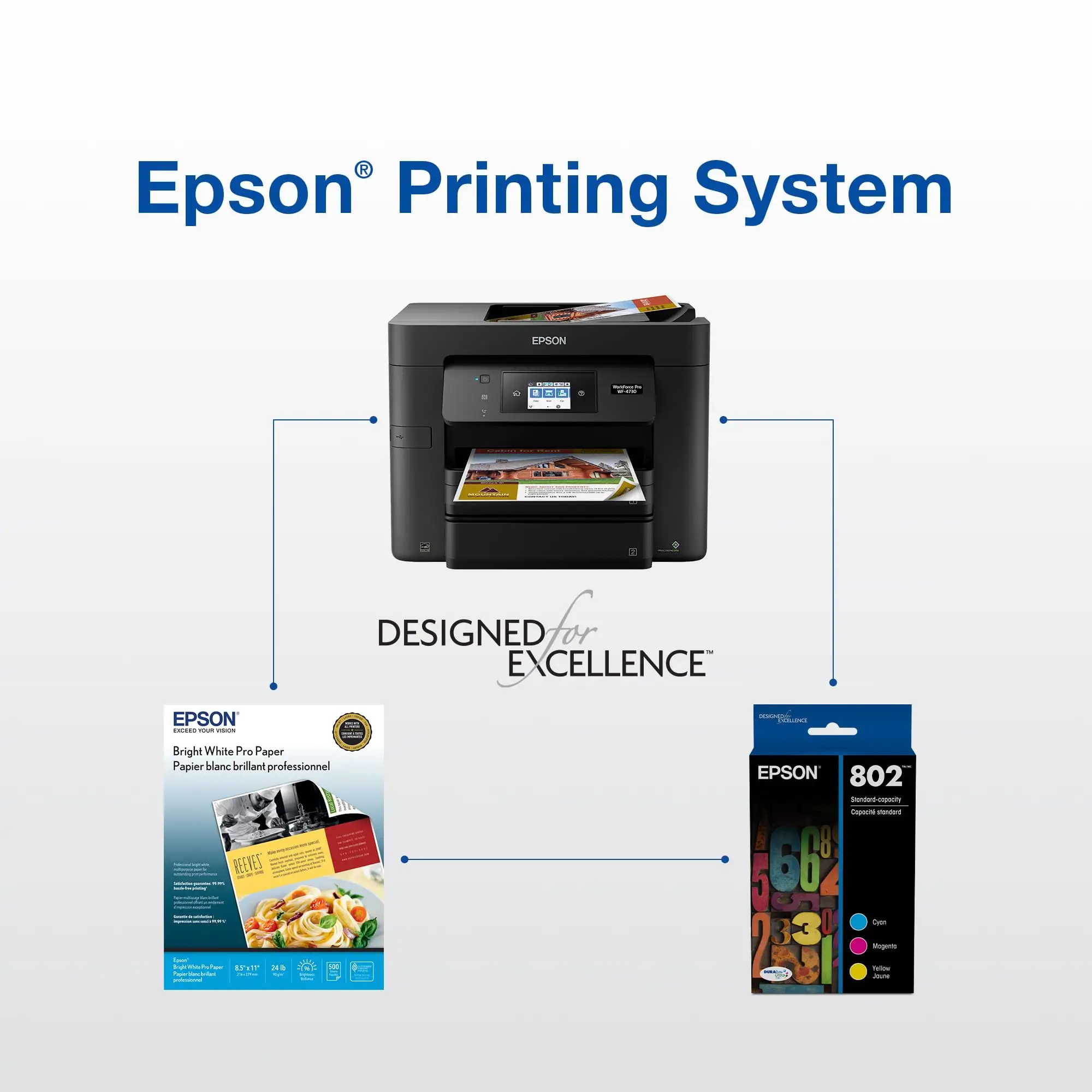
A: No, it’s compatible specifically with models like XP-330, XP-340, XP-430, XP-434, XP-440, and XP-446. Attempting to use it with unsupported models results in printer errors.
Q: Does the magenta cartridge really yield 175 pages?
A: Official specs cite 165–175 pages, but user reports vary. Some achieve close to that, while others see significantly fewer prints due to ink consumption during maintenance cycles.
Q: Can I use third-party ink with my Epson printer?
A: Technically possible, but many users report performance issues and compatibility problems. Epson also states such use may void your warranty.
Q: Is the print quality suitable for photos?
A: Yes, many users print vivid, fade-resistant, and smudge-free photos with this ink on glossy paper, often citing “pretty vibrant color” and “excellent colors” across reviews.
Q: Does the printer consume magenta ink when printing in black and white?
A: Yes, some cleaning and maintenance processes draw from color cartridges even if you’re printing monochrome, which can reduce yield unexpectedly.
Final Verdict: Buy if you’re a photo hobbyist or home user who values vibrant, reliable prints and can tolerate mid-range yield within Epson’s cartridge ecosystem. Avoid if you’re a high-volume document printer frustrated by firmware lock-ins and unexpected color ink usage during black-only jobs. Pro tip from community: manage printer settings carefully and monitor cleaning cycles to stretch cartridge life.