Dell Inspiron 3520 i7 Review: Fast Value, Durability Caveats
“Best investment I have done for work,” one Best Buy reviewer wrote—yet a Dell forum owner calls the hinges “clearly a design flaw.” That split captures the reality of the Dell Inspiron 3520 15.6-inch Laptop (Intel Core i7): strong day‑to‑day performance and value, paired with durability and battery questions. Overall verdict from the collected feedback: a capable budget workhorse with notable caveats. Score: 7.6/10.
Quick Verdict
Conditional Yes.
| What users like | What users don’t like | Who it matters to |
|---|---|---|
| Fast, smooth performance for work/school | Battery can drain quickly under video/heavy use | Students, remote workers, commuters |
| Touchscreen seen as useful and responsive | Some find it heavier than expected | People carrying it daily |
| Good value for price around $750 new | Touchpad scrolling issues for a few | Trackpad‑only users |
| Easy setup, reliable for everyday tasks | Hinge failures reported after ~2 years | Long‑term owners |
| Plenty of storage/RAM in higher configs | Integrated graphics not for serious gaming | Gamers, 3D/creative pros |
Claims vs Reality
Dell’s marketing and retailer listings position the Inspiron 3520 as a fast, modern productivity laptop with a comfortable display and broad connectivity. Digging deeper into user reports, a few gaps show up.
Claim 1: “Powerful multitasking with Core i7 and high RAM.”
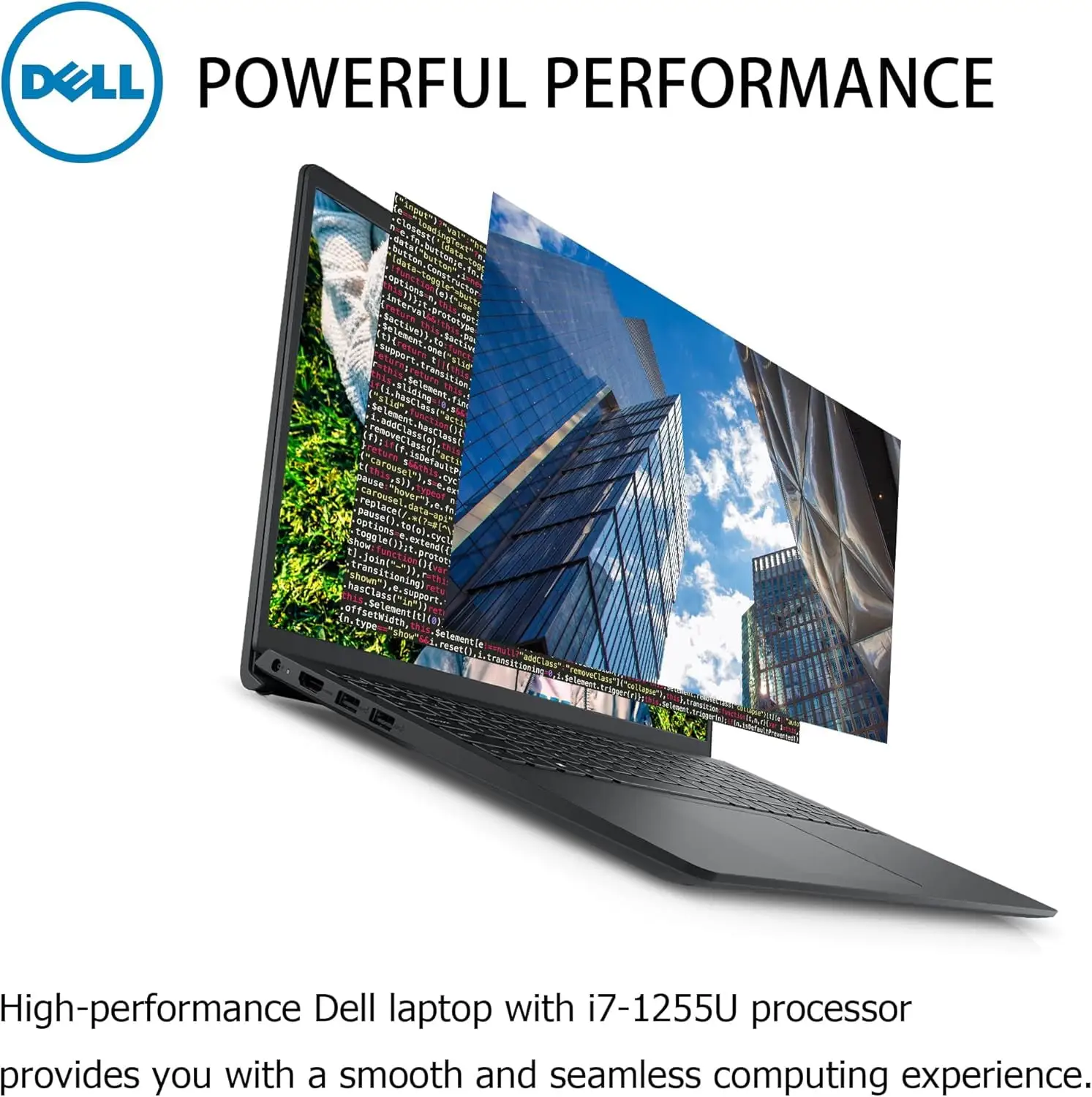
On this point, user feedback across platforms aligns with the claim. Best Buy reviewers repeatedly praise speed and upgrade feel. One verified Best Buy buyer said: “this computer has been excellent; a much needed upgrade for me,” and another called it “speedy… a solid upgrade.” The Technocastel community write‑up echoes that the i7 and large RAM make “smooth multitasking and quick app launches” a core strength.
Where reality varies is by configuration. Official Dell store listings commonly show 16GB RAM/512GB SSD, while Amazon and some third‑party sellers advertise 32GB or 64GB RAM and 1–2TB SSD. This means the “powerhouse” experience users describe is most consistent on higher‑spec variants.
Claim 2: “Comfortable, modern design that’s portable.”
A recurring pattern emerged: many users like the look and usability, but portability is debated. Technocastel notes “minor concerns regarding its weight for portability,” and still calls it portable enough for everyday use. Meanwhile, one Best Buy reviewer described it as “sturdy” and “very reliable,” suggesting the weight tradeoff can feel worth it for build confidence.
Still, those expecting ultrabook lightness may be surprised. While official weight is around 3.6 lbs, users comparing it to slimmer machines call it “heavier than some ultrabooks,” which affects commuters more than home users.
Claim 3: “All‑day battery with fast charging.”
This is where marketing optimism and real use diverge. Dell materials highlight ExpressCharge and efficiency, but multiple users say endurance drops sharply with heavier tasks. A verified Best Buy buyer wrote: “the battery didn't seem to last long, especially when using YouTube.” Technocastel similarly warns “battery life shorter than expected during heavy use.”
So while charging features may help, the lived experience for streaming or multitasking on the go often doesn’t match “all‑day” expectations.
Cross-Platform Consensus
Universally Praised
Speed and responsiveness are the most consistent positives. For office workers, the Inspiron 3520 seems to remove friction in daily workflows. A verified Best Buy reviewer said: “installing programs went extremely smoothly,” while another summed up the performance benefit as “much needed upgrade.” Technocastel’s community narrative reinforces this, pointing to the i7 CPU and ample RAM enabling “smooth multitasking” and quick launches.
Value for money also comes through strongly, especially around the ~$750 Best Buy price point. One verified Best Buy buyer called it “great laptop on budget… very affordable for what you get,” and another said: “one of my best purchases in a long time. affordable but with plenty of power and storage.” For students and families buying a first college machine, this translates to a laptop that feels capable without needing premium‑tier spending.
Touchscreen utility is another repeated win. Best Buy highlights touchscreen as a top‑rated feature, and Technocastel says the “15.6-inch full HD touchscreen” is “bright and responsive.” For users who browse, annotate documents, or prefer tap navigation, the panel adds convenience. One Best Buy buyer who liked overall usability still framed the machine as “very user friendly and comfortable to use when typing,” with touch seen as part of that ease.
Finally, setup and everyday reliability get routine praise. Multiple Best Buy reviewers mention smooth onboarding: “easy set up and sturdy,” and “very satisfying laptop… you know what you’re getting.” This matters most to non‑technical buyers who want a machine that works out of the box.
Common Complaints
Battery life under real workloads is the most frequent frustration. While some reviewers praise long life, the negative stories cluster around streaming and multitasking. The Best Buy reviewer who found it short during YouTube use shows the typical scenario: battery seems fine for documents, but drains faster with video. Technocastel also flags that “battery life may be limited under heavy use.” For commuters, students in back‑to‑back classes, or remote workers hopping between coffee shops, that gap can force carrying the charger.
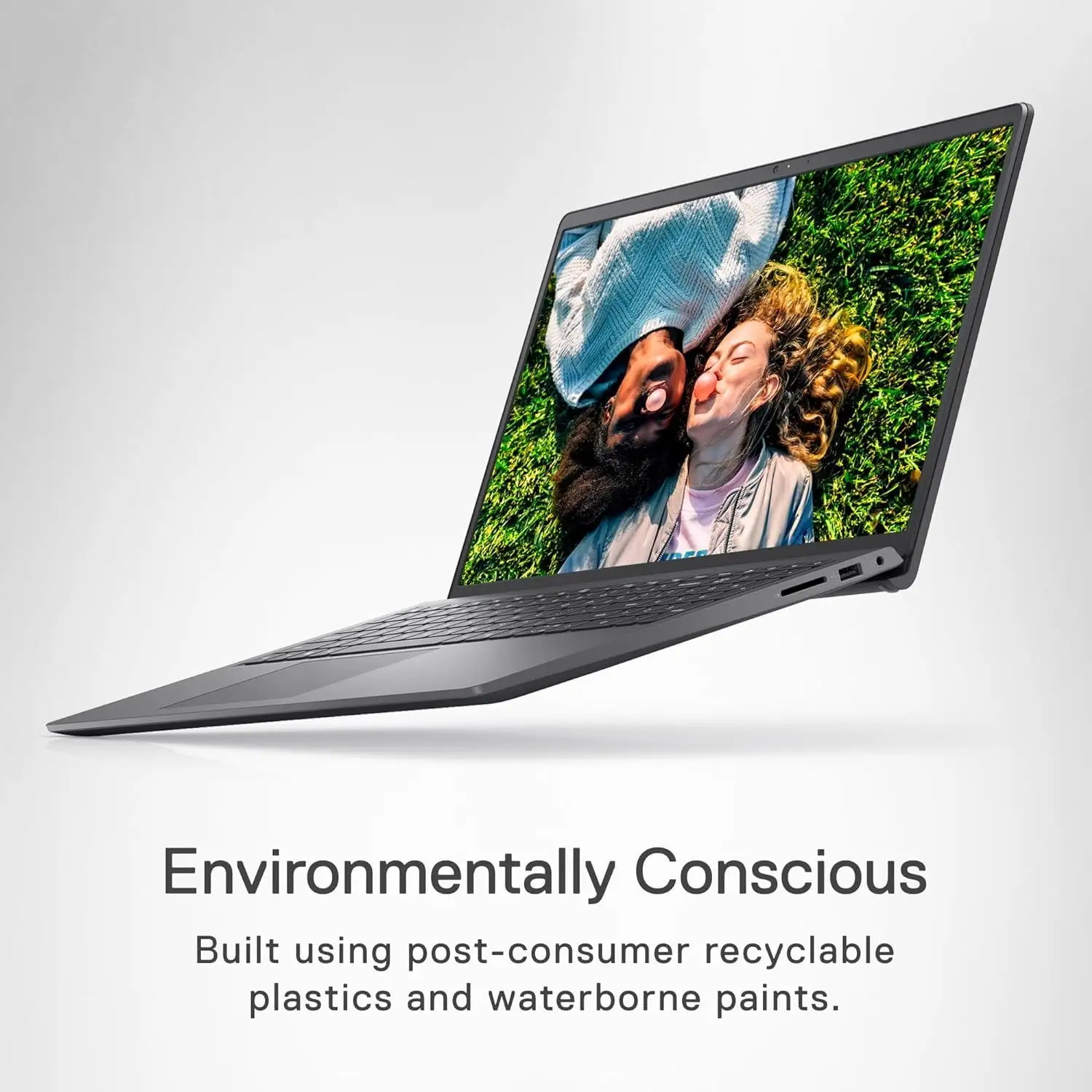
Weight complaints show up less often but consistently. Technocastel notes some users “mentioned minor concerns regarding its weight for portability.” The implication is that for daily backpack travel, it can feel bulky compared to thinner competition, even if absolute weight isn’t extreme.
Input devices are another pain point for a minority of users. One verified Best Buy buyer wrote: “the touchpad does not allow for easy scrolling.” That kind of complaint matters for trackpad‑only users, while mouse users may never notice.
The harshest complaint category is durability around hinges. On Dell’s own community forum, a Costco owner reported: “exactly in two years… laptop hinges got broken… clearly a design flow.” Another Dell forum participant echoed: “the right hinge broke on my inspiron 3520… I will not be purchasing any other Dell products unless the hinges have a lifetime warranty.” These stories matter most to long‑term owners who open/close the lid frequently, and they contrast with shorter‑term buyers who describe it as “sturdy” early on.
Divisive Features
Battery experience is polarizing. Best Buy’s feature rating shows battery life at 4.6/5 on average, yet specific buyers report fast drain in media use. While officially promoted with ExpressCharge and efficiency, multiple users report the opposite in heavy scenarios.
Touchscreen itself is also a love‑it‑or‑skip‑it feature. Technocastel calls it “a standout feature,” especially for interaction, but also notes some buyers might see it as unnecessary cost. For users who rarely touch the screen, the benefit is minimal; for others, it’s a main reason to choose this model.
Trust & Reliability
The longest‑horizon reliability feedback comes from Dell’s own forum rather than retail sites. One owner described hinge failure right after warranty expiry and argued it’s “a design flaw… self‑tightening hinge pins… stress to the screws… plastic nests… eventually break.” Another user in the same thread attempted repairs and concluded they’ll avoid Dell unless hinge durability improves.
This stands in contrast to short‑term retail feedback emphasizing sturdiness. The pattern suggests reliability concerns may surface after extended daily opening/closing cycles rather than within the first year.
Alternatives
Only competitors named in the data appear in the Dell forum discussion. In that thread, one responder grouped mainstream rivals together: “same for HP and Lenovo — along with Asus and MSI,” implying hinge fragility is not Dell‑unique at this price tier. The same commenter suggested stepping up to business‑class lines for sturdier builds: “make your next system a Latitude, ThinkPad or ProBook,” and noted higher‑priced premium options like Dell XPS and MacBook.
The takeaway from community comparisons is that the Inspiron 3520 competes well in budget performance, but users wanting durability beyond 2–3 years may need to look at more expensive business models.
Price & Value
Current pricing in the data shows the Inspiron 3520 selling new around $749.99 at Best Buy and eBay, with used units around $449. For buyers, this reinforces the “budget workhorse” narrative. Many Best Buy reviewers tie satisfaction directly to cost: “great product, great value, great buy,” and “great laptop on budget.”
Resale value appears moderate: a ~$300 drop from new to used suggests demand stays steady but depreciation is real. For shoppers planning a 2–3 year ownership cycle, that depreciation aligns with forum claims about consumer‑grade lifespan.
Community‑style buying tips embedded in reviews lean toward choosing configurations carefully. Since listings vary between 16GB/512GB official builds and third‑party 32GB–64GB/1TB–2TB upgrades, buyers seeking the “power user” experience described in reviews should verify exact RAM and SSD specs before checkout.
FAQ
Q: Is the Dell Inspiron 3520 good for work and school?
A: Yes for most productivity needs. Best Buy buyers call it “extremely reliable” for “work and school,” and praise the “much needed upgrade” feel. Technocastel also frames it as a solid everyday multitasker with the i7 and ample RAM.
Q: How is battery life in real use?
A: Mixed. Some users rate battery highly, but others say it “didn't seem to last long, especially when using YouTube.” Technocastel similarly warns battery life can shrink under heavy tasks, so mobile users may need the charger nearby.
Q: Can it handle gaming or graphics-heavy tasks?
A: Light gaming only. Multiple sources note the integrated Intel Iris Xe is fine for everyday visuals but “may limit performance for more demanding gaming.” Users looking for high‑end gaming or 3D work often need a dedicated‑GPU laptop.
Q: Is the touchscreen worth it?
A: Depends on your workflow. Many reviewers praise the touchscreen as “bright and responsive,” useful for navigation and casual creative tasks. Others feel a touchscreen isn’t necessary and adds cost, so non‑touch buyers may prefer a cheaper variant.
Q: Are there durability issues to know about?
A: Some long‑term owners report hinge failures around the two‑year mark. A Dell forum owner described broken hinges as “clearly a design flaw,” and another said theirs broke and required DIY repair. Short‑term retail reviews still often call the build sturdy.
Final Verdict
Buy if you’re a student, office worker, or home user who prioritizes fast everyday performance, a responsive touchscreen, and strong value around the $750 price point. Avoid if you need long unplugged sessions of streaming or heavy multitasking away from outlets, or if you’re worried about hinge durability over multi‑year daily travel. Pro tip from the community: double‑check the exact configuration—RAM and SSD size vary widely across sellers, and the best experiences tend to come from the higher‑spec builds.