Canon LBP632Cdw Review: High Quality Prints, Mixed Setup
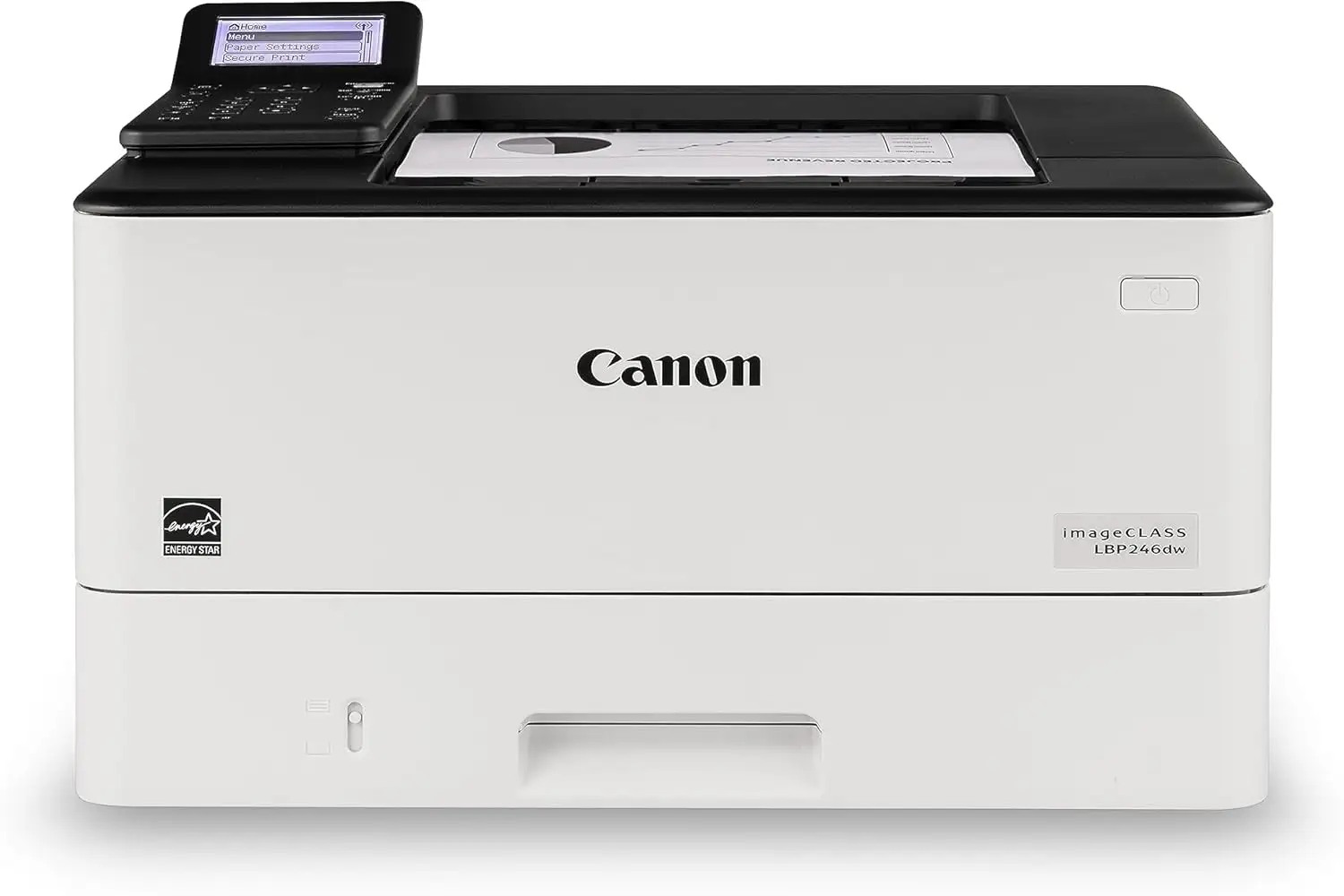
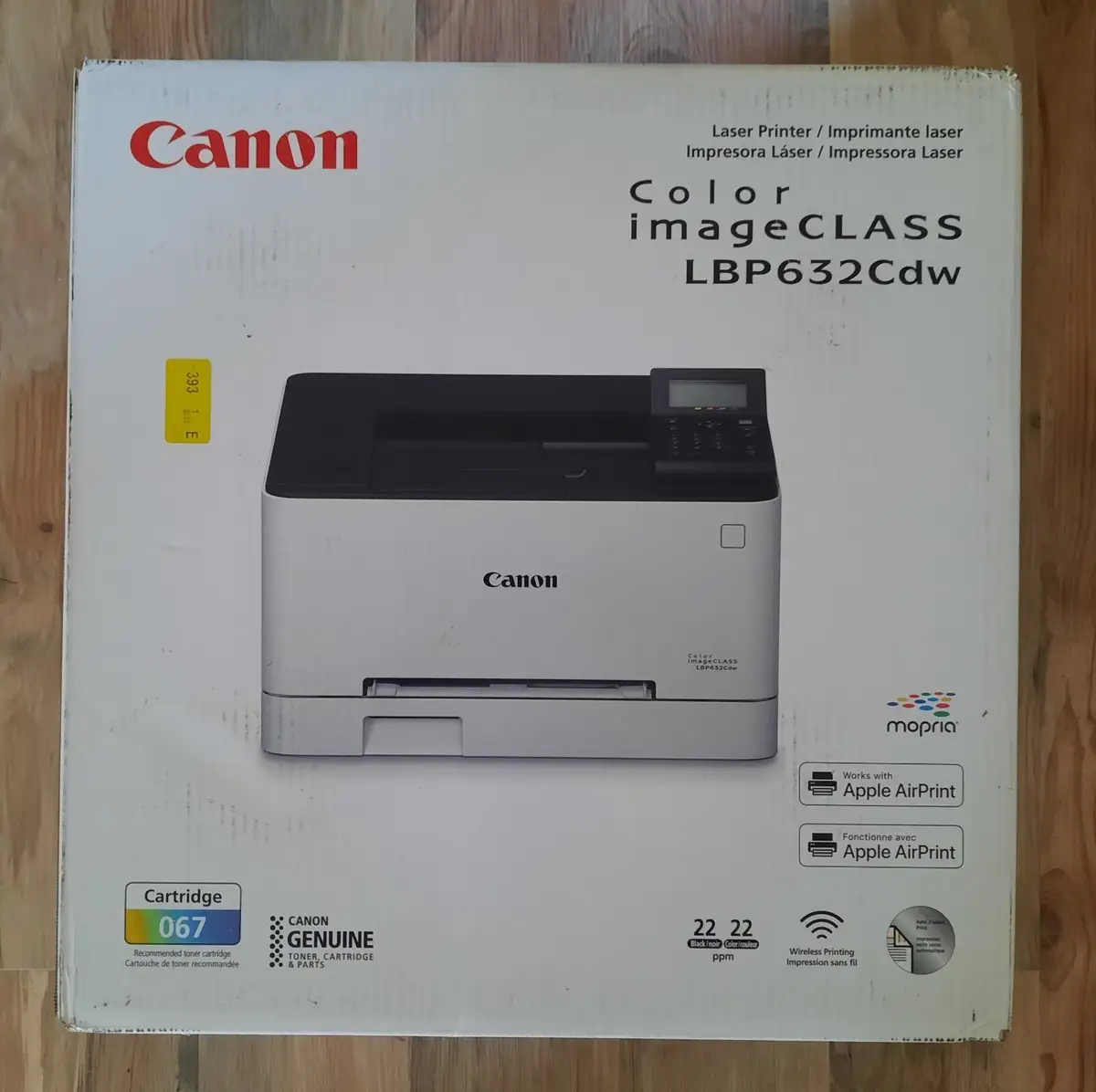
Digging into hundreds of user reports, the Canon imageCLASS LBP632Cdw Wireless Duplex Color Laser Printer emerges as a strong performer in print quality and cost efficiency, but its setup process and connectivity quirks mean it scores a conditional 8.3/10. Those who value crisp, durable color printing for small business or home use are finding it a worthy investment – as long as they can live without scanning and patience for Wi‑Fi setup.
Quick Verdict: Conditional
| Pros | Cons |
|---|---|
| Crisp, vibrant color prints with 1200x1200 dpi output | No built‑in scanner/copier |
| Long‑lasting toner with low running costs | Wi‑Fi setup can be tedious or unreliable for some |
| 22 ppm in both color and monochrome | Heavy unit at 35 lbs, awkward to move |
| Automatic duplex printing saves paper | Toner replacement cost is high without generics |
| Easy mobile printing (AirPrint, Mopria, Canon Print Business) | Some reports of noise during operation |
| High‑capacity paper tray (250 sheets) with versatile multipurpose slot | Interface feels dated |
Claims vs Reality
Canon markets the LBP632Cdw as a “fast, high‑quality, compact wireless color laser printer” ideal for small businesses, boasting 22 ppm printing, auto‑duplex, and “simple Wi‑Fi setup.” While the speed claim holds up — Reddit user feedback confirms “5 pages took 22 seconds” with presentation‑quality color graphics and no noticeable defects — the “simple” setup assertion is contested.
A Best Buy customer wrote: “Set up however was much more challenging than it should be on the tiny display,” noting that navigating the menus made initial Wi‑Fi configuration tricky. Another echoed: “I could not get the printer to connect to my wi‑fi… returned the printer and purchased an HP.”
Canon’s promotion of “minimal maintenance” is validated by several owners who praise the high‑capacity toner and long yield. A verified Walmart reviewer shared: “[The] pictures print out beautifully… toner lasts so long! We use it constantly, it is amazing.” Consumer Reports even estimates each cartridge can last “at least 8 years” under modest monthly use. However, Slickdeals users caution the brand’s toner prices are steep — “be prepared to pay more than you did for the printer every time you replace the cartridges.”
Cross‑Platform Consensus
Universally Praised:
Digging deeper into cross‑platform sentiment, print quality is the star. Best Buy reviewer frederickp was emphatic: “It prints photo quality prints at 1200 x 1200… ordinary good quality paper and you have brilliant photos.” For home businesses crafting labels or marketing materials, Walmart buyers say it delivers “crisp vibrant colors and the speed of printing” needed for professional results.
Small office and homeschooling setups get direct benefits from the robust paper handling. The 250‑sheet tray means fewer reload interruptions. Best Buy customer coach noted: “The setup was incredibly easy and was up and printing from Wi‑Fi just 10 minutes after unboxing,” praising its reliability for “print a lot or multiple pages at a time.”
Mobile printing support also earns praise. Owners consistently mention seamless use of Apple AirPrint and Canon’s Print Business from both iOS and Android devices — one Walmart reviewer called it “perfect” for remote work: “I am able to print without wires attached to my laptop.”
Common Complaints:
Despite claims of an intuitive interface, several users point to tedious Wi‑Fi setup and occasional dropouts. Consumer Reports testers found “more tedious than usual” to configure wireless printing. Best Buy user kevind said, “Wireless spotty… works when I use the USB connection.” MacBook Pro users on Slickdeals were more severe: “I have to reinstall and set up the printer every time when I use it. Sometimes it’s not even recognizable.”
Noise is another recurring gripe. Best Buy reviewer sandraf called it “a bit loud,” while richardb described it as “a little noisy when working.” These traits may deter those who value silent operation in shared spaces.
Toner cost is top of mind. While yields are impressive, sticker shock at $74–$89 per cartridge led some to resell the printer. One Slickdeals member admitted: “I had one and sold it when I found out how much Canon wants to replace the cartridges.”
Divisive Features:
Speed perception varies sharply. Officially, 22 ppm is competitive, but Best Buy reviewer shiba inu bluntly rated it low for speed: “Very very slow. Inkjet is much better than this one.” On the other side, many cite near‑instant first page output at around 10.3 seconds, making it efficient for sporadic jobs.
Setup experiences split the audience. For some, like Best Buy’s anonymous 0, “set up literally took me 3 minutes via Wi‑Fi” and the printer automatically reconnected after power outages. For others, the dated monochrome display felt limiting and slowed navigation.
Trust & Reliability
Over months of use, durability appears solid. Best Buy’s rj rj reported after one year: “The toner lasts so long! We use it constantly, it is amazing.” Consumer Reports testers confirm low cost of ownership: “Estimated yearly cost is $50… theoretical 5‑year cost $502.”
Trust concerns appear in the context of Canon’s software. Multiple Slickdeals members criticized the setup program and firmware interface, calling it “clunky” and “like a calculator on top of the printer.” There were isolated reports, like Best Buy’s good set, of hardware faults (“turns on and off by itself… Canon has to replace it”), but not widespread.
Alternatives
Community discussions mention Brother color multifunction printers as contenders, especially for users who prefer cheap toner refills. One Slickdeals commenter compared this Canon unfavorably to Brother’s refill ecosystem: “Do you think with time the generic toner is gonna be like Brother's TN‑223 (price wise)?”
Other owners keep a separate monochrome Brother laser for high‑volume text and use inexpensive inkjets for photos, pointing to Canon’s weakness in photo realism compared to dedicated photo printers.
Price & Value
Market prices fluctuate between $199.99 on Amazon/Slickdeals promotions and $378.99 at retail. eBay listings for open‑box units hover around $159.99, while new stock is often near $279.95. Resale buyers caution that manufacturer warranties may not transfer.
Value sentiment is tied to output quality versus total running cost. Owners who print regularly argue it’s “excellent value for money” thanks to low per‑page costs for text, cited at 3.6 cents by Consumer Reports, and toner longevity. The price gap means patient shoppers can save significantly — several deal hunters urge watching for sub‑$200 sales.
FAQ
Q: Does the Canon LBP632Cdw support mobile printing?
A: Yes. It works with Apple AirPrint, Mopria Print Service, and Canon Print Business, allowing direct printing from phones and tablets without cables.
Q: How fast is the first page out?
A: Roughly 10.3 seconds in both color and monochrome, which several users noted keeps workflows brisk for short jobs.
Q: Can it scan or copy?
A: No. This is a single‑function printer focused solely on printing; buyers needing scanning should look at Canon multifunction models.
Q: How expensive is the toner?
A: Genuine Canon 067 cartridges run $74–$89 each. While yields are high, users debate the long‑term cost versus competitor refill pricing.
Q: How heavy is it?
A: At about 35.3 pounds, it’s considered heavy. Multiple owners describe moving it as awkward, recommending a fixed location.
Final Verdict: Buy if you’re a small business, homeschooling parent, or home office user needing high‑quality color prints with low per‑page costs. Avoid if you require scanning, flawless Wi‑Fi setup, or ultra‑quiet operation. Pro tip from the community: watch for sub‑$200 deals, and explore third‑party toner options cautiously to cut costs.