Apple Pencil 1st Gen Review: Loyal Tool with Flaws
Released in 2015, the Apple Pencil (1st Generation) still commands loyalty from artists, note-takers, and students despite newer models being on the market — but its 7.4/10 overall user score hides extremes in satisfaction. Some describe it as “life-changing” and “perfect for replacing my hard bound moleskines,” while others call it “irreparable and disposable” after just two years.
Quick Verdict: Conditional — buy if your iPad is compatible and you need precision drawing or handwriting; avoid if you want modern ergonomics or repairability.
| Pros (User-Reported) | Cons (User-Reported) |
|---|---|
| True pressure and tilt sensitivity for shading, artistry, handwriting | Awkward Lightning charging with small, easy-to-lose adapter |
| “Pixel-perfect” precision with imperceptible lag | Not repairable — battery or hardware failure means full replacement |
| Long battery life with quick top-ups | Magnetically attached cap still easy to lose |
| Seamless integration with Procreate, Notability, GoodNotes | Slippery grip without third-party sleeve |
| Works across many older iPads | Pricey compared to non-Apple styluses |
| Enables palm rejection in compatible apps | Palm rejection inconsistent in some apps |
Claims vs Reality
Apple’s marketing touts “pixel-perfect precision, tilt and pressure sensitivity, imperceptible lag”. In art apps, many users found this to be true. Best Buy reviewer lightning bug 26 said, “In the Procreate app I can't even believe how much this works like a real pencil… cut my work time in half." Similarly, mikail described effortlessly varying stroke width by “adjust[ing] the darkness or the width of a stroke… while coloring a drawing.”
However, “imperceptible lag” doesn’t extend to every software. A Reddit user cautioned that your “iPad might be too old even for the pencil 1,” pointing to compatibility as a barrier for experiencing full performance.
Apple also highlights "easy pairing and charging” — but this is where reality sours. While some praise fast charging (“15 seconds = 30 minutes of battery life”), others found the Lightning adapter “very small and easy to lose” and the charging method “sticking out like a unicorn” when plugged into the iPad, as paopao noted.
Cross-Platform Consensus
Universally Praised
Pressure sensitivity and tilt are repeatedly cited as transformative for artists and handwriting enthusiasts. Reddit user u/___ summed it up: “Neither [wireless charging nor double-tap in Pencil 2] were a deal breaker for me.” Best Buy buyer nick cal found it “so close to using a ‘real’ pencil that you won’t want to use anything else” for artistic work.
Students benefit from its handwriting capabilities in apps like GoodNotes and Notability. Best Buy reviewer skylar apple guy called the Pencil + Notability “one fine little note taking machine,” helping avoid “carrying around 10 different notebooks.” For accessibility, latin queen 77 credited it with reviving her ability to draw despite nerve damage.
Palm rejection in most supported apps creates a natural experience. jenni highlighted shading ease due to tilt, saying “it opens a new artistic world” regardless of age or skill level.
Common Complaints
Device fragility and sealed construction frustrate owners. Trustpilot contributor Eduardo Ayres reported that Apple Store staff informed him there’s “no way… to see what is wrong with it,” and that repair is impossible — replacement is the only option. Apple Community user feedback pointed out that the Pencil “is relatively robust” but dropping it on its tip or letting the small battery fully discharge can permanently kill it.
Charging remains a pain point. ShopSavvy’s consumer score dropped to 5.6/10 partly due to “significant charging design flaws,” echoed by annettew who said it’s “hard to keep up with the cap” and lacks grip feeling. Several users plan or already use sleeves or cap holders to offset these design oversights.
Palm rejection isn’t flawless; ShopSavvy notes some apps remain inconsistent, impacting workflows for illustrators using mixed software.
Divisive Features
Battery longevity stories vary wildly. Some enjoy years of use without decline — one Apple Community poster’s Pencil “still working well after five years of light use.” Others experience sudden failure just after warranty. This divide may hinge on usage habits, as once the tiny battery is fully discharged for more than a few weeks, it may be unrecoverable.
Its premium price splits opinion: digital artists often find it good value compared to devices like Wacom Cintiqs, while casual note-takers balk at “$99 for a stylus” when cheaper options suffice for simple navigation.
Trust & Reliability
Long-term reliability depends heavily on maintenance. Apple support forum moderators stress charging “to a minimum of 5–10% all the time” to avoid battery death. Eduardo Ayres’ case underlines the lack of diagnostic capability — Apple’s only offered resolution was a nearly full-price replacement with just a three-month warranty.
The frequency of “irreparable” reports raises trust concerns. While some maintain their units for half a decade, others echo Reddit and Trustpilot warnings to avoid used devices because of unpredictable battery health.
Alternatives
Users point to non-Apple styluses costing $20 or less for basic note-taking or casual browsing. paopao advises avoiding the Apple Pencil unless you “use it for art or anything that requires… pressure sensitivity / tilt.” For artists, however, pairing with Procreate or Astropad keeps the Pencil competitive against pricier Wacom devices due to portability and ease of integration with iPadOS.
Price & Value
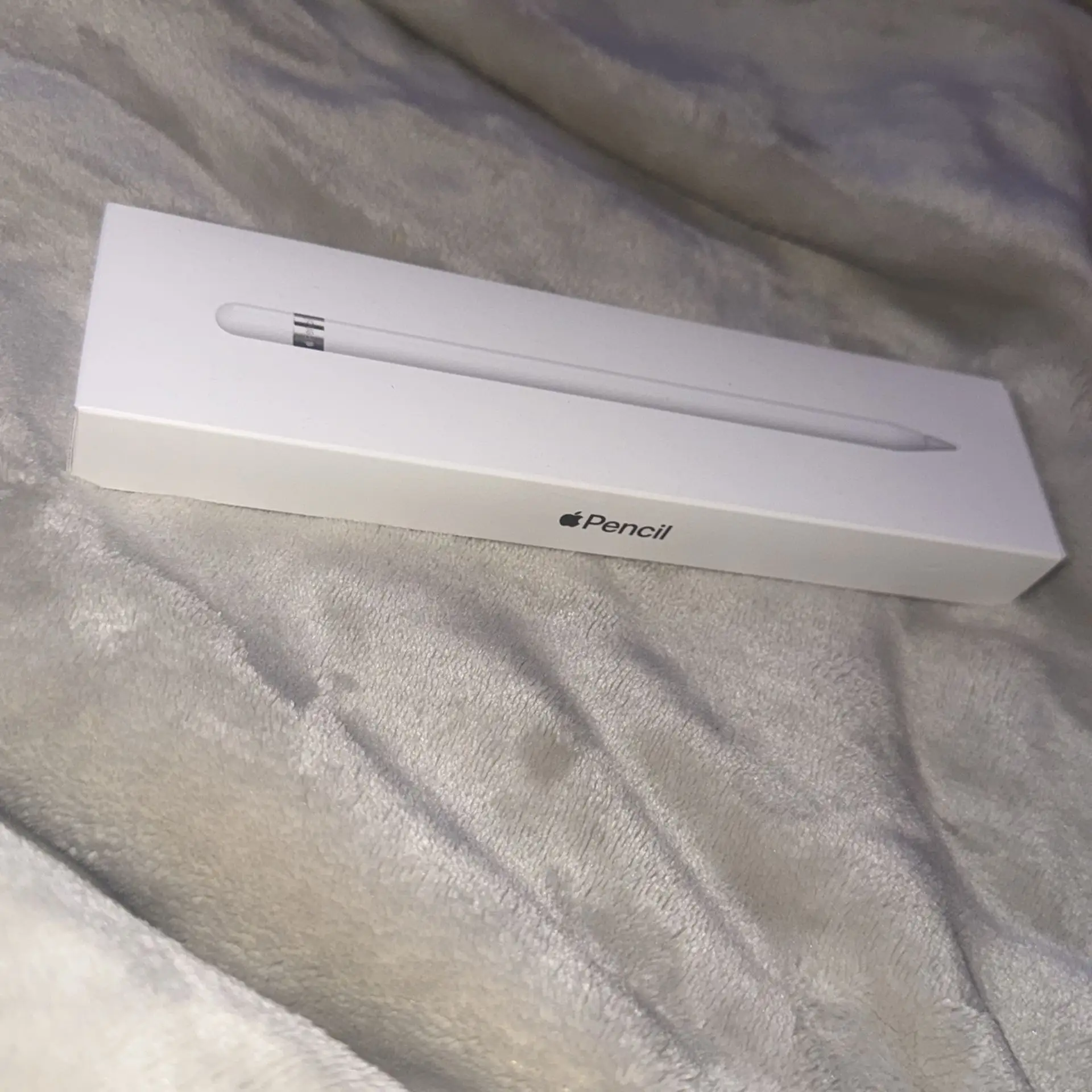
Current eBay listings show a range from $40–$65 in good condition, with “parts only” units selling for under $20, confirming resale viability if working. New units at retail hover around $79–$99, though Best Buy clearances have dipped to $37.99. Community tips stress buying new to avoid battery degradation from disuse; Reddit users warn against used purchases unless battery health is confirmed.
FAQ
Q: Will the Apple Pencil (1st Gen) work with my iPad?
A: It’s compatible with iPad (6th–10th gen), iPad Air (3rd gen), iPad mini (5th gen) and older Pros up to 2nd gen. Double-check your model before purchase to avoid incompatibility.
Q: How long does the battery last on a charge?
A: Most users report hours to days depending on app intensity. A quick 15-second charge can yield ~30 minutes of use, but the battery must never be left fully discharged for weeks to prevent failure.
Q: Is it repairable if broken?
A: No — Apple Pencil is fully sealed aside from the replaceable tip. Hardware or battery failure requires replacement, either under warranty or at full price.
Q: Does palm rejection work in all apps?
A: Generally yes in supported art/note apps, but some software shows inconsistent behavior, prompting caution for multi-app workflows.
Q: Can it be used for regular iPad navigation?
A: Yes, but experts and users note it’s overkill for simple browsing — designed for drawing, note-taking, and precision input.
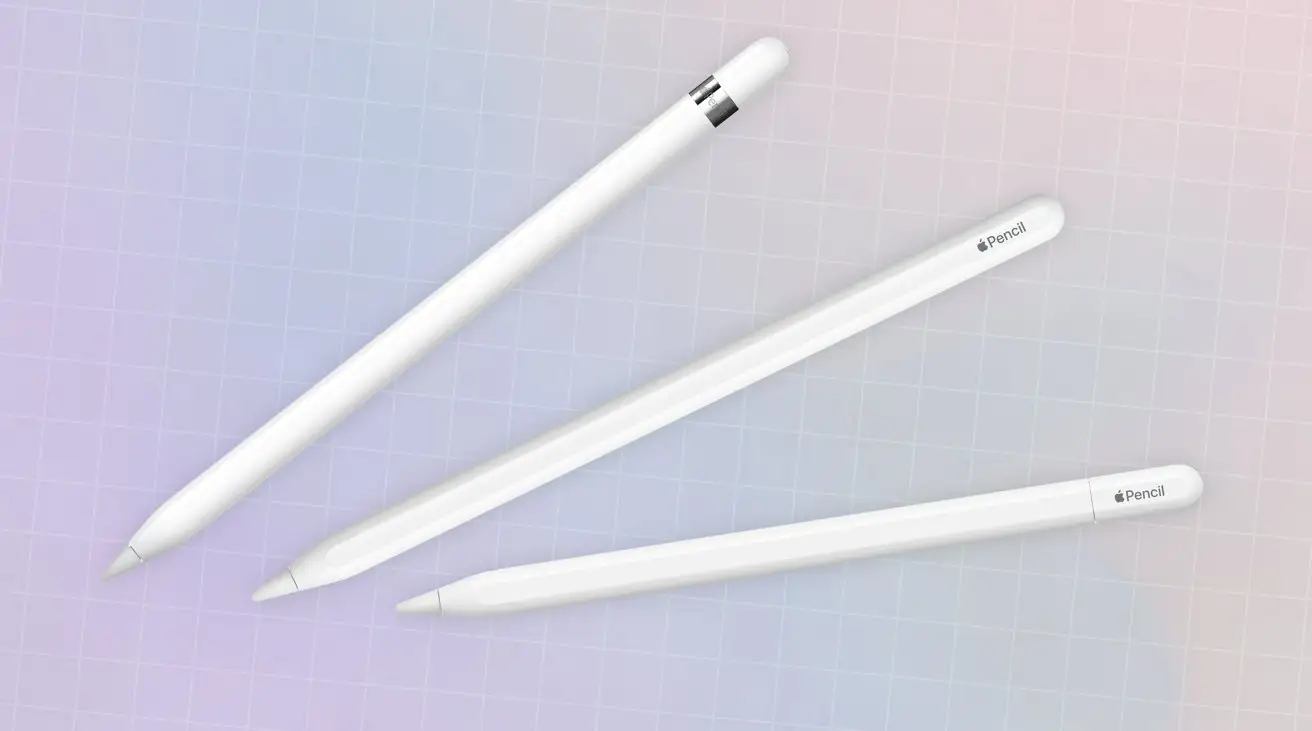
Final Verdict: Buy if you’re an artist, student, or dedicated note-taker with a compatible iPad and can store it charged between uses. Avoid if you mainly browse or want a repairable tool.
Pro tip from community: Always maintain at least a 10% charge, even during storage — extended zero-charge states can permanently kill the battery.