Apple MacBook Pro 14 M4 Pro Review: Buy or Skip?
The Apple MacBook Pro 14-inch M4 Pro (2024) is being hailed across platforms as one of the fastest and most refined pro laptops Apple has ever released, consistently scoring between 9 and 9.4/10 in expert and user reviews. Cross-platform feedback shows its blistering CPU/GPU performance, stunning display, and premium build are winning over both creative professionals and power users—though complaints about upgrade costs, thermal hotspots under load, and real-world battery life variation persist.
Quick Verdict
Conditional buy – Outstanding for professionals who need top-tier performance in a portable form factor, but overkill (and overpriced) for casual users.
| Pros (User-Reported) | Cons (User-Reported) |
|---|---|
| Exceptional CPU/GPU speed for creative and dev workflows | Very high surcharges for RAM/SSD upgrades |
| Liquid Retina XDR with optional matte nano-texture | Keyboard area can get uncomfortably hot under load |
| Long battery life in light/moderate use | Real-world battery can drop to 5–8 hours with heavy apps |
| Excellent build quality, premium feel | Space Black finish prone to fingerprints |
| Quiet under everyday workloads | No user-upgradable components |
| Rich port selection incl. Thunderbolt 5, HDMI, SDXC | Nano-texture display slightly reduces image vibrancy |
| Superb speakers and mic array | Only 12-month warranty |
Claims vs Reality
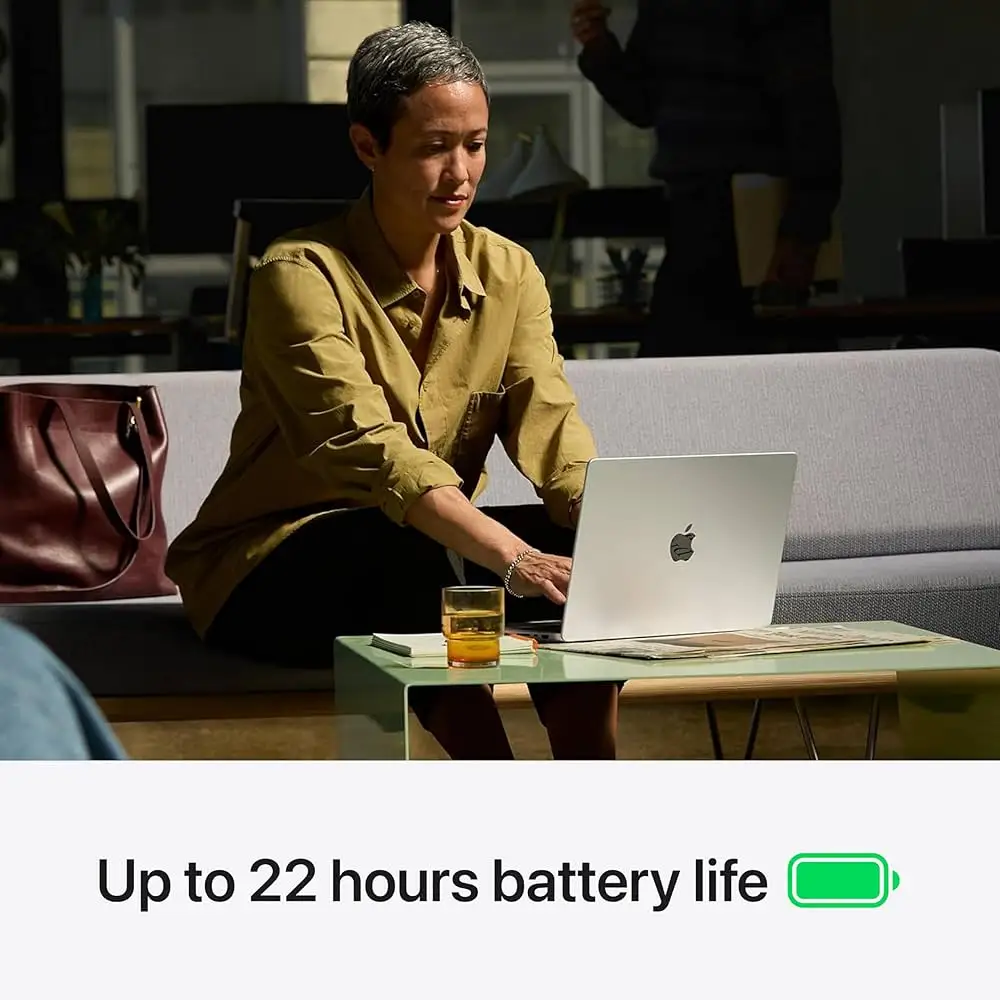
Apple markets the M4 Pro model as delivering “outrageous performance” and “all-day battery life” with the longest runtimes ever in a Mac. Digging into user data, the performance claim holds: NotebookCheck benchmarks show the 14-core CPU and 20-core GPU outperform the previous M3 Max in multi-core by 6–8%, and GPU gains of ~30%. Trustpilot reviewers like diegoe report compiling millions of lines of code or rendering 3D assets “without breaking a sweat.”
Battery life, however, diverges depending on workload. While Apple cites up to 22 hours video playback, an Apple Community thread reveals some owners struggling to exceed 5 hours when running coding IDEs, multiple browser tabs, and messaging apps—suggesting heavy multitaskers may need to stay near a charger. Reddit users echoed this, advising prospective buyers to budget for the 96W fast charger for quick top-ups.
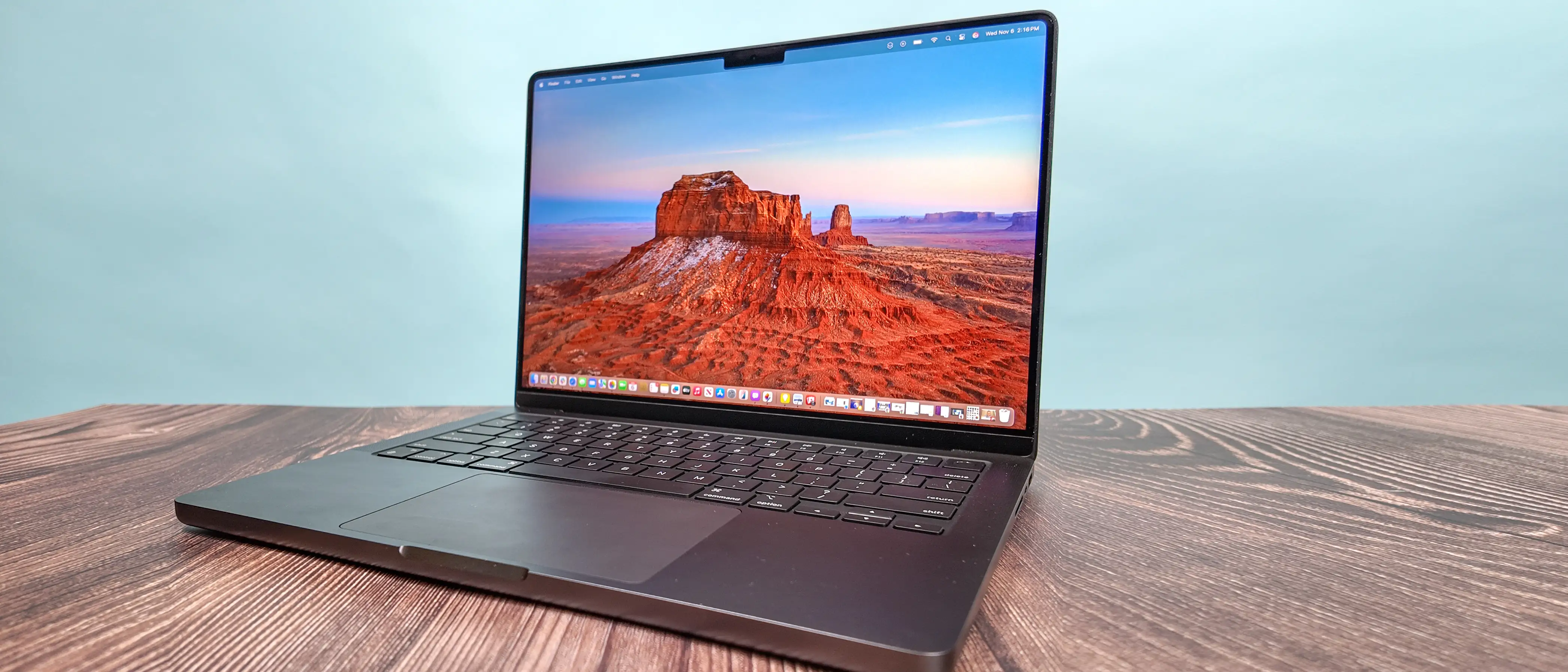
Display marketing calls the Liquid Retina XDR “breathtaking,” and owners largely agree, especially with HDR content. The matte nano-texture option drew mixed reactions: some, like a Reddit music producer, loved the lack of glare outdoors, while others noted a slight loss in vibrancy and sharpness in bright content.
Cross-Platform Consensus
Universally Praised
Performance is the headline win. Professionals in engineering, video production, and design say the M4 Pro tears through heavy workloads. A Best Buy customer, amitv, described running Final Cut Pro, Xcode, and Chrome tabs in parallel “without breaking a sweat” while staying cool and silent. Developers report seamless multitasking with 24GB unified memory, and creatives benefit from the GPU’s hardware ray tracing and large memory bandwidth.
The display earns near-universal praise for brightness, color accuracy, and HDR handling. NotebookCheck measurements show >1,000 nits SDR brightness with ambient light sensor, making it viable outdoors. Photographers on Quora and designers on Reddit appreciate the P3 gamut coverage and near-perfect factory calibration.
Audio quality also stands out—six-speaker arrays with force-cancelling woofers deliver deep bass and clear mids. A Trustpilot reviewer noted it was “second only to the 16-inch Pro” in speaker performance.
Common Complaints
Upgrade pricing is a sore point. NotebookCheck and Digital Camera World warn that maxing RAM or SSD can add thousands, with no after-purchase upgrade path. This frustrates power users who underbought storage to save initially.
Thermal hotspots emerge under combined CPU/GPU load. NotebookCheck recorded up to 47°C in the upper keyboard area during stress tests, with some users finding it uncomfortable for long typing sessions.
The Space Black finish divides opinion—while striking, multiple Reddit and Best Buy users report fingerprints and micro-scratches appearing quickly, pushing some to choose Silver or apply skins.
Real-world battery life under heavy use often falls short of marketing. Apple Community members running code or 3D apps reported 5–8 hours, versus the advertised 14–22.
Divisive Features
The nano-texture matte display is loved by outdoor workers but questioned by studio editors. While glare reduction is undeniable, some feel the trade-off in vibrancy isn’t worth it unless reflections are a daily problem.
Apple Intelligence integration got praise for writing tools and creative features, but Siri’s capabilities were called “underwhelming” compared to Windows Copilot or Google Gemini by Gadget Pilipinas reviewers—important for buyers banking on AI assistants.
[IMAGE:553]
Trust & Reliability
Trustpilot data shows minimal concerns about product authenticity; Best Buy open-box buyers often received pristine units with full battery health. Longevity impressions are still forming, but early adopters from November 2024 report stable performance and no degradation in battery or thermals after months of heavy use. The main reliability caveat is the lack of repairability—components are soldered, making any hardware failure a full replacement scenario.
Alternatives
NotebookCheck comparisons position the M4 Pro above many Windows competitors like Dell XPS 14 and Asus ROG Zephyrus G14 for CPU/GPU balance, battery life, and display quality. However, those models can be cheaper and more upgradeable. For lighter workflows, the base M4 MacBook Pro or MacBook Air offer similar battery life and design at lower cost, albeit without the same GPU muscle or Thunderbolt 5.
Price & Value
Current US retail for the base 14-inch M4 Pro (24GB/512GB) is $1,999, with eBay and refurb deals dipping to ~$1,699. Higher configs climb quickly: $2,399 for 1TB, $2,799+ for 64GB RAM. Refurb.me data shows a healthy resale market, with 13–15% discounts achievable within a year—better than average for pro laptops.
Buying tips from Reddit and NotebookCheck:
- Storage: If you work with large media, get at least 1TB; external SSDs are cheaper than Apple’s upgrades.
- RAM: 24GB suffices for most; upgrade only if doing extreme video or 3D work.
- Finish: Silver hides wear better than Space Black.
[IMAGE:554]
FAQ
Is 24GB RAM enough for creative work?
Yes, for photo editing, coding, and moderate video work, 24GB unified memory is smooth. Heavy 3D rendering or large-scale music production may benefit from 48GB+.
Does the nano-texture display reduce sharpness?
Slightly—users report marginal loss in vibrancy, but glare reduction outdoors is excellent. Best for bright, reflective environments.
Can battery really last 22 hours?
Only in light-use scenarios like video playback or web browsing in Safari at medium brightness. Heavy workflows can cut this to 5–8 hours.
Is the Space Black finish durable?
Structurally yes, but it shows fingerprints and fine scratches faster than Silver, per Reddit and Best Buy owners.
Does it stay quiet under load?
Yes for most tasks; fans ramp up audibly only under sustained heavy CPU+GPU load, hitting ~44–56 dB in high performance mode.
Final Verdict
Buy if you’re a creative professional, developer, or power user who needs top-tier performance, a color-accurate HDR display, and portable form factor. Avoid if your workloads are light—cheaper Macs or PCs offer better value.
Pro tip from the community: Invest in the right storage/RAM upfront, as there’s no upgrading later, and consider nano-texture only if glare is a real problem in your workspace.