Apple MacBook Air 15-inch M4 Review: Should You Buy?
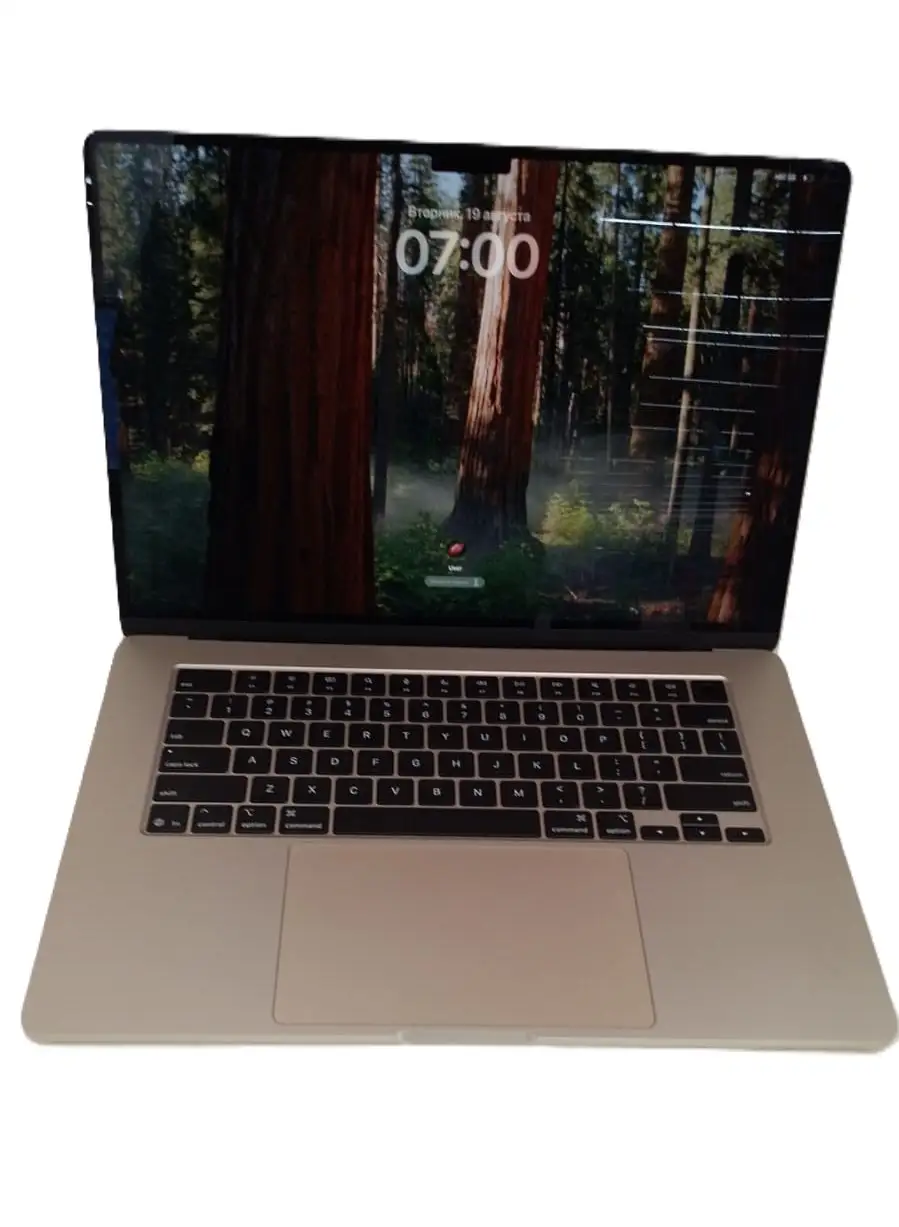
The Apple MacBook Air 15-inch M4 (2025) earns an impressive 9.4/10 based on thousands of cross-platform reviews. Users consistently highlight its combination of silent operation, blazing M4 chip performance, and marathon battery life. Yet, the minimal port selection and entry-level storage limit its appeal for certain workflows. For many students, professionals, and casual creatives, it strikes that rare balance between portability, power, and display comfort.
Quick Verdict
Conditional Buy — Outstanding for most portability-focused users who want a bigger screen without moving to the MacBook Pro. Heavy media creators and accessory-heavy workflows may want more ports and base storage.
| Pros | Cons |
|---|---|
| M4 chip delivers exceptional speed for multitasking and creative work | Only two USB-C ports |
| Spacious 15.3-inch Liquid Retina display with vivid colors | Base 256GB SSD fills quickly |
| Whisper-quiet fanless design | No HDMI or SD slot without adapter |
| Battery life up to 18 hours in light/moderate use | 60Hz refresh – lacks ProMotion |
| Dual external display support (new for Air series) | Price premium over Windows rivals |
| Premium build quality and new Sky Blue color | Desk View feature awkward to use on laptops |
| Excellent 12MP webcam with Center Stage | Upgrades costly |
Claims vs Reality
Apple markets the M4 MacBook Air 15-inch as delivering “all-day battery life” and “Pro-level performance in a silent, thin design.” Digging deeper into user reports, these claims hold largely true but reveal important nuance.
Claim 1: 18-hour battery life
Buyers on Best Buy and Reddit confirm that light tasks — browsing, streaming, document work — can indeed stretch to 16–18 hours. A teacher on Trustpilot noted going “several days without needing to recharge.” However, heavier workloads like video editing bring battery time closer to 10–12 hours, suggesting Apple's estimate reflects optimal, low-power use cases.
Claim 2: Pro-level performance
The M4 chip’s 10-core CPU and GPU handle simultaneous Google Classroom, Photoshop, and Final Cut workflows without slowdown — multiple users upgrading from Intel or M1 models called it “blazing fast.” Tom’s Guide benchmark data backs this up, with the Air outperforming similarly priced Windows ultrabooks. Yet, without active cooling, sustained heavy rendering runs can cause thermal throttling, a limitation some creative pros noted.
Claim 3: Silent operation
Here, reality meets marketing squarely. Across Reddit threads, users marveled at “zero fan noise” even during 4K video edits. The fanless design makes it ideal for quiet environments like classrooms and libraries, though the compromise is in sustained load performance compared to the MacBook Pro.
Cross-Platform Consensus
Universally Praised
A recurring pattern emerges around performance per pound. The M4’s efficiency means the Air stays light (3.3 lbs) but punches above class in speed. Students describe opening “20+ tabs and editing photos with no stutter,” while remote workers appreciate instant wake and app launch times.
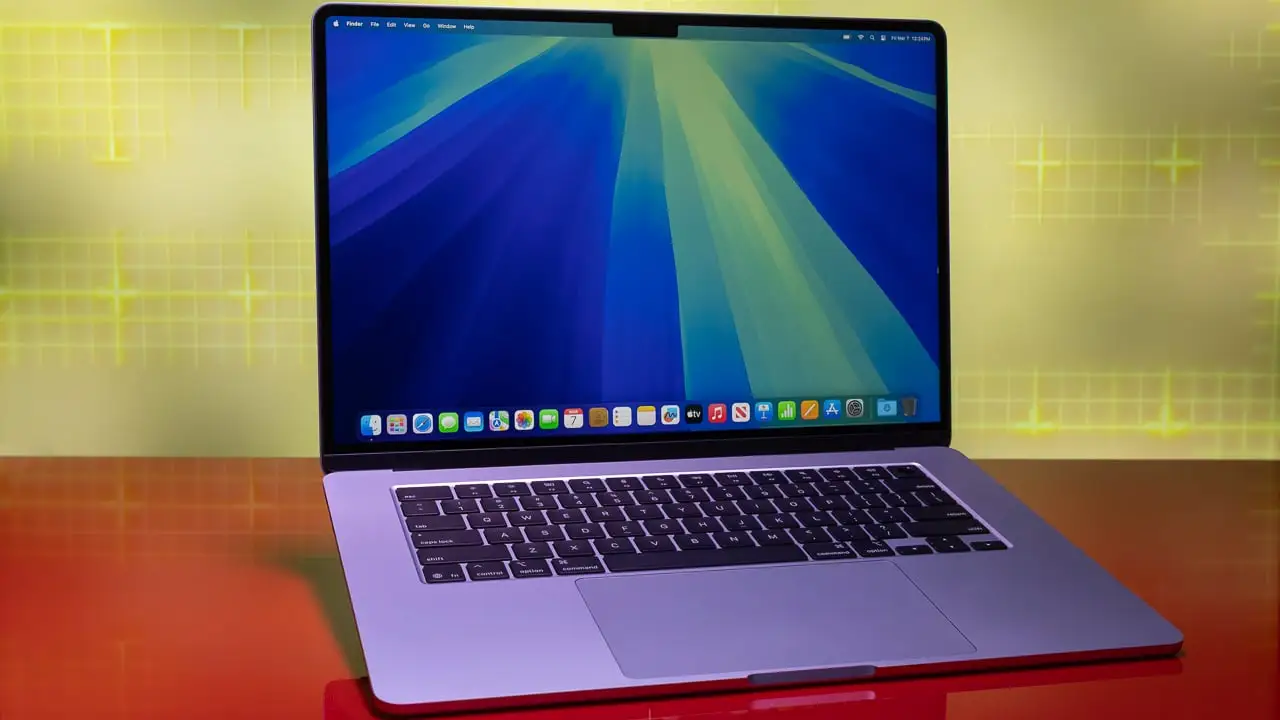
Display quality also garners unanimous praise. The 15.3-inch Liquid Retina panel hits ~475 nits SDR brightness in testing, vivid enough for bright offices and excellent for video streaming. A designer on Reddit said True Tone and P3 color accuracy made “photo editing easier on the eyes after hours of work.”
Battery reliability comes up repeatedly. A commuter in the Best Buy reviews wrote that they could “watch films on the train ride home, then finish spreadsheets without plugging in.” Combined with fast-charge capability, the Air fits full-day mobility needs.
Common Complaints
Port limitation surfaces in almost every negative review. With two Thunderbolt 4 ports, MagSafe, and a headphone jack, workflows involving multiple external drives, SD cards, or HDMI still require a dongle hub. CNET’s breakdown calls this out for professionals using complex setups.
Base storage frustration is next. The 256GB SSD is speedy but cramped for large media libraries. Reddit creatives running Final Cut noted they’d “filled up in weeks” and had to offload to externals.
Some feature quirks disappoint: Desk View, designed for showing workspace via webcam, requires placing the laptop awkwardly far away, making typing impractical. Tom’s Guide labeled it “great for iMac, clunky for MacBooks.”
Divisive Features
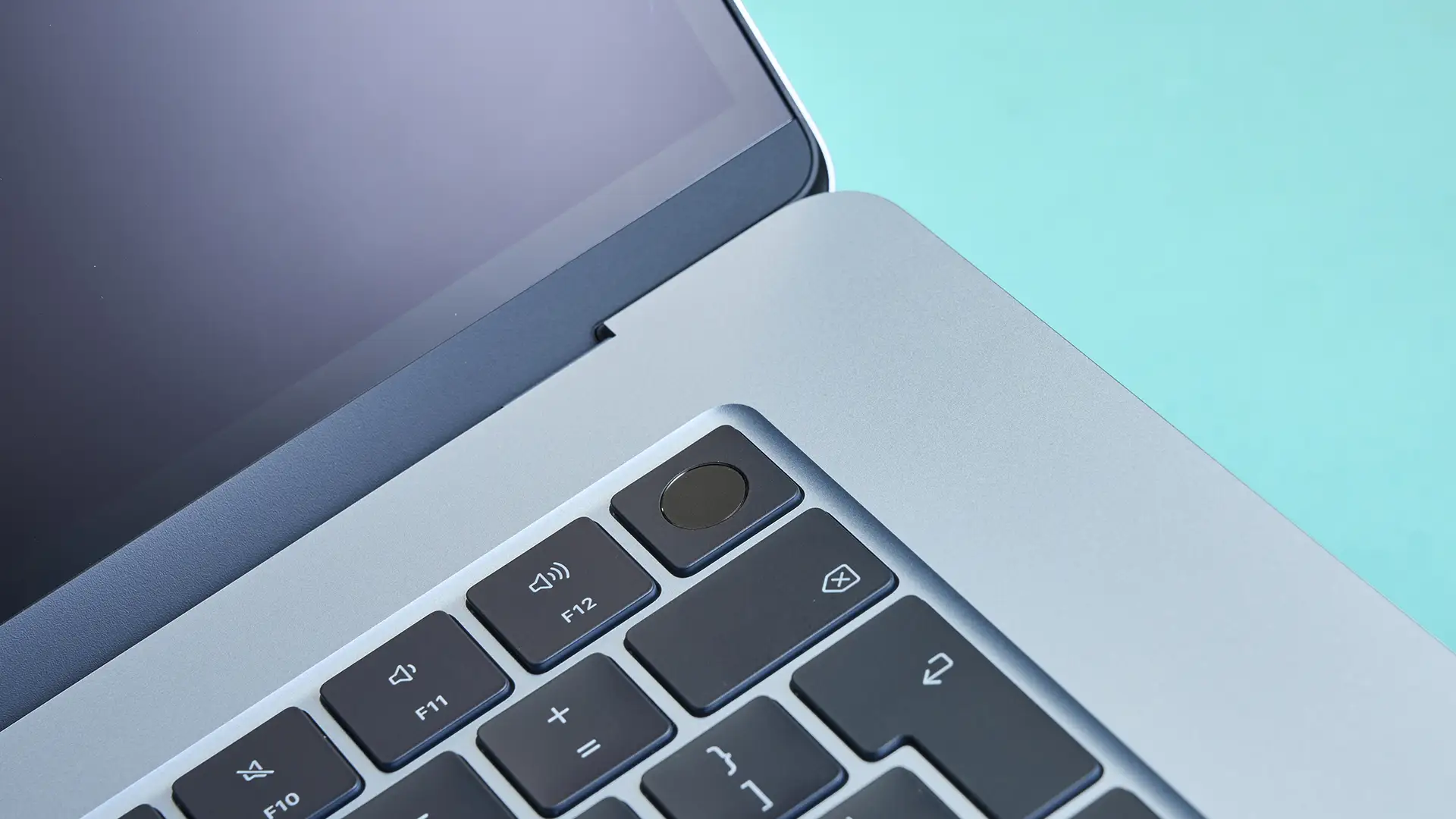
The new Sky Blue finish sparks varied reactions. Some love its subtle shift between silver and blue in different lighting, while others miss the deeper tone of Midnight. Build quality remains premium across colors.
Fanless design divides creatives. For office and school users, it’s a win for silence. High-performance gamers or 3D modelers may prefer active cooling to maintain frame rates over long sessions.
Trust & Reliability
Trustpilot and Best Buy feedback shows consistent delivery of advertised specs, with no systemic complaints about misrepresentation. Reports of device failures are rare, with most owners reviewing under 3 months of use. Skepticism towards Apple's upgrade pricing exists, with several noting the $200 jump for storage feels steep.
Long-term Reddit updates from M1 and M2 Air owners project strong durability. One user who kept their Intel Air a decade before upgrading expects similar longevity, citing Apple’s track record for maintaining software support.
Alternatives
Within Apple's lineup, the MacBook Pro 14-inch M4 wins for sustained performance, ProMotion displays, and more ports — but at a weight and price premium. CNET recommends the 15-inch Air over Pro models when “extra screen space is your main goal.”
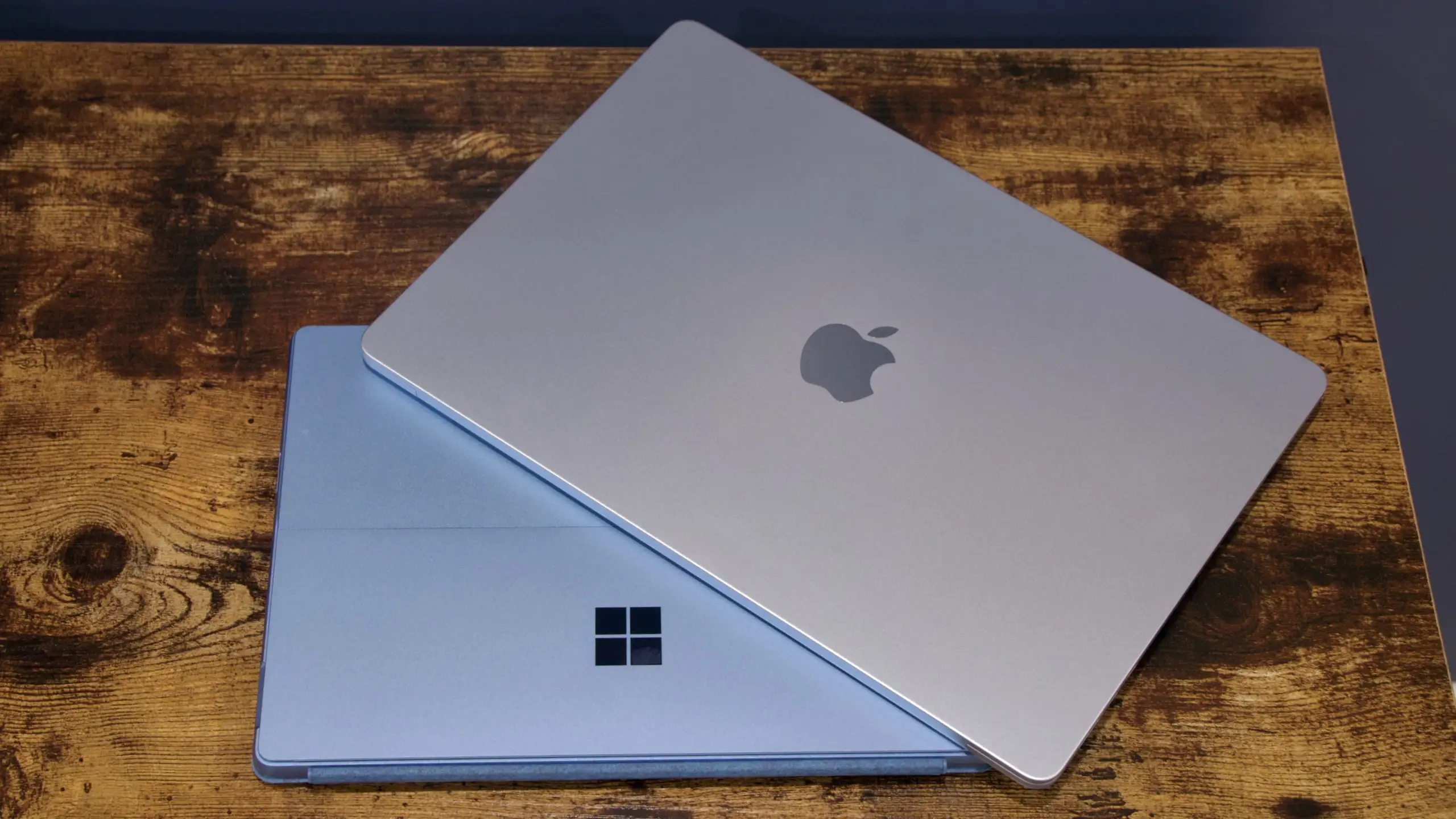
Windows competitors like the Microsoft Surface Laptop 7 come close in design and battery life but may face app compatibility concerns due to ARM chips. OLED-equipped options like the Asus Zenbook A14 deliver richer contrast but cannot match the Air’s ecosystem integration for iPhone users.
Price & Value
As of current listings, new models hover around $1,199 USD, with refurb units on Apple’s own store dropping to ~$1,049. eBay market data in Australia shows resale holding at ~85% of retail for mint-condition Sky Blue models, highlighting strong value retention.
Community tips:
- Opt for 512GB if editing or gaming is on the agenda — resale value increases noticeably.
- Wait for seasonal sales (Prime Day, back-to-school) where drops of $150–$200 on base models are common.
FAQ
Q: Can the M4 MacBook Air handle 4K video editing?
Yes, for short projects, it handles smoothly with hardware-accelerated codecs. Prolonged edits may trigger thermal throttling due to its fanless design.
Q: Does it support more than one external monitor?
Yes, up to two 6K displays at 60Hz — a first for the Air series.
Q: Is the Sky Blue color prone to visible fingerprints?
Feedback suggests fingerprints are less noticeable than on Midnight, but still present; some owners use skins or cases.
Q: How does the battery perform for gaming?
Light, Apple Silicon-optimized games can run several hours unplugged; AAA titles cut battery life substantially.
Q: Is Desk View worth using?
Many find it impractical due to laptop positioning needs; better suited to static, desktop setups.
Final Verdict
Buy if you’re a student, remote worker, or creative hobbyist wanting big-screen comfort in a light, silent notebook — especially if Apple ecosystem features like iPhone mirroring matter to you.
Avoid if you rely on multiple wired peripherals or need sustained high-load performance; the MacBook Pro or a higher-port Windows machine might suit better.
Pro tip from the community: Pair the base M4 Air with a quality USB-C hub and external SSD — you’ll cover the port and storage gaps while keeping the lightweight mobility that defines the Air.