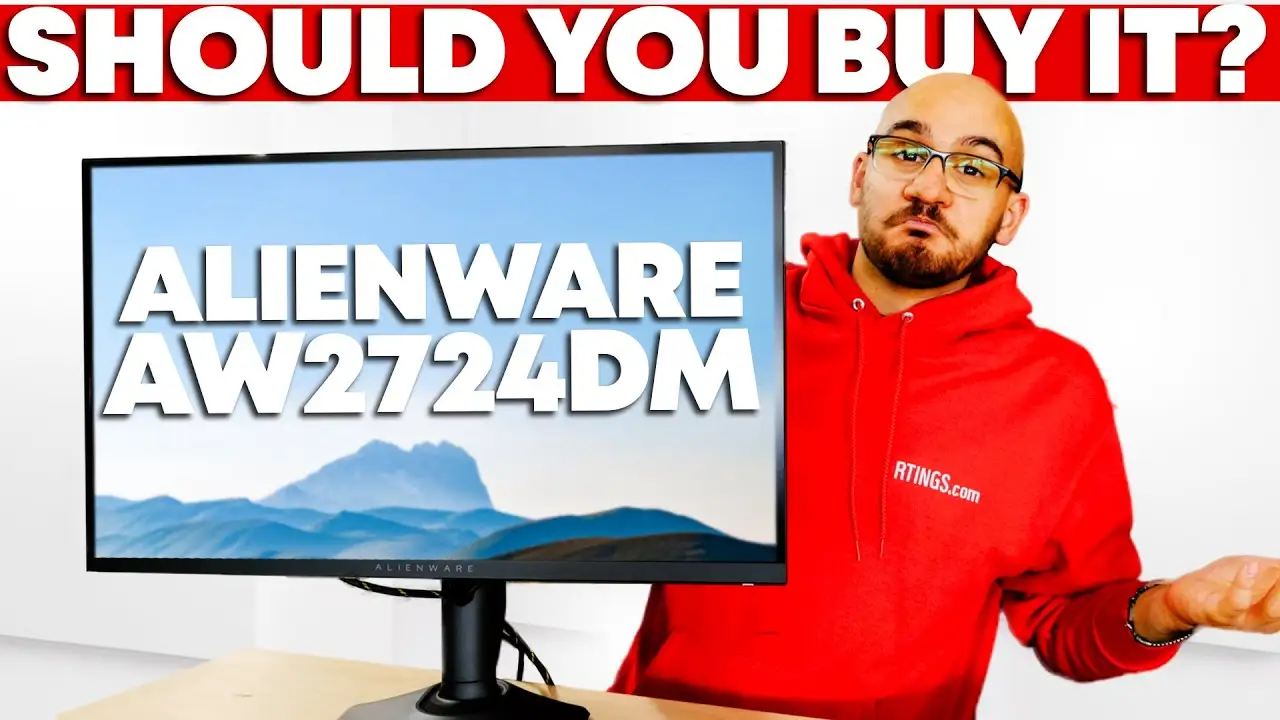
Alienware AW2724DM Review: Fast Gaming, Flawed HDR
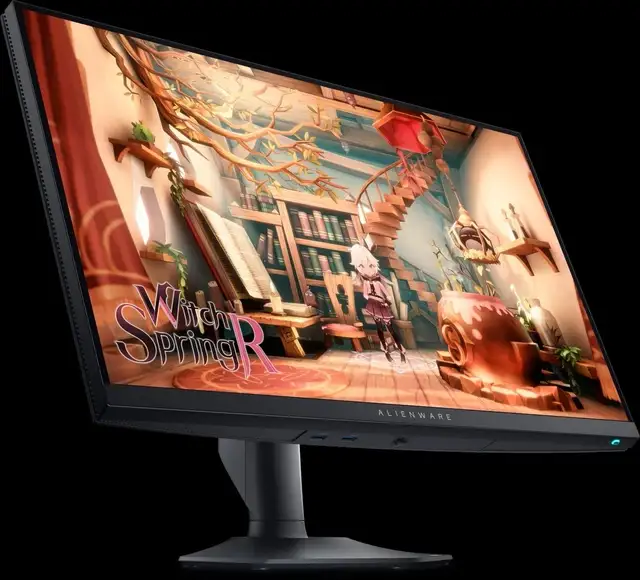
The first thing that jumps out about the Alienware AW2724DM 27" QHD Gaming Monitor is how polarizing its HDR performance is — branded with VESA DisplayHDR 600, yet repeatedly called "a disaster" for dark scenes by multiple users. Overall community sentiment lands at 8.4/10, thanks to solid build quality, smooth gaming motion, and vibrant color accuracy, but with cautionary notes for HDR enthusiasts.
Quick Verdict: Conditional — Excellent for high-refresh QHD gaming, questionable for HDR-critical use
| Pros | Cons |
|---|---|
| Fast IPS panel with native 165Hz, overclockable to 180Hz | HDR local dimming causes blooming |
| Wide gamut (95% DCI-P3), factory calibration with delta E < 2 | Blacks look gray in dark rooms |
| Supports FreeSync Premium Pro & G-Sync | Color fringing around text |
| Fully adjustable stand, AlienFX RGB lighting | No USB-C port, no built-in speakers |
| HDMI 2.1 with console mode for PS5/Xbox | Relatively heavy, large footprint |
| Low input lag, excellent motion clarity | Oversaturated reds in default modes |
Claims vs Reality
Dell markets this monitor around "true-to-life HDR visuals" tied to its DisplayHDR 600 certification. Digging deeper into user reports, the reality is more nuanced: Reddit user blissfulthinkr said, “prepare to have your retina burn” in apps when HDR is on, yet gaming feels like HDR “is a must-have.” RTINGS confirmed, “highlights don’t pop… local dimming worsens contrast.”
Another key claim is “buttery smooth competitive-level gaming” via 180Hz and 1ms response time. Here, marketing holds up better — Trustpilot reviewers call its motion clarity “razendsnelle” and RTINGS measured “fast response time at any refresh rate,” making it ideal for fast-paced shooters.
For console gamers, Dell touts HDMI 2.1 with VRR support. While officially promoted as HDMI 2.1, RTINGS reveals bandwidth is limited to HDMI 2.0 — still enough to run 1440p@120Hz with VRR, but a potential disappointment for those expecting full 4K120 capabilities.
Cross-Platform Consensus
Universally Praised
Across Reddit, Trustpilot, and RTINGS, color reproduction is a standout. A verified buyer on Standesk described “excellent colors, decent contrast ratio, fast response time… easy on your eyes.” This benefits not only gamers but content creators — one Trustpilot review emphasized its “delta E less than 2” calibration, making it ready for semi-professional editing without manual tweak.
Motion handling earns praise from esports players and casual gamers alike. RTINGS logged input lag at just 3.3ms at max refresh, while Reddit user Antique-Big-8315 said their AW2724DM “doesn’t have backlight bleed” unlike previous Alienware models, helping maintain visual stability during motion.
Ergonomics are another strong suit. Fully adjustable tilt, swivel, pivot, and 4.3-inch height adjustment mean role-specific setups (coder vs gamer vs video editor) are easy. RTINGS notes "excellent ergonomics," and Standesk buyer reviews echo appreciation for the “comfortable position for long gaming sessions.”
Common Complaints
HDR’s local dimming is consistently criticized. RTINGS labels it "terrible" with “ton of blooming,” and Reddit user james rockett bluntly said HDR was “a disaster.” Dark-room viewing is where these flaws are most visible; blacks appear gray, undermining immersive atmospheres in narrative-heavy games.
Text clarity issues come up often in multi-use setups. Blissfulthinkr reported “overall monitor not displaying sharp/crisp enough text,” with ineffective fixes via Windows ClearType. RTINGS measured “color fringing around text” versus other 1440p monitors, impacting office use cases.
Over-saturation in default modes — especially reds — is another point of friction. Reddit user indie89 mentioned adjusting to srgb mode, which “didn’t solve” their discomfort with intense reds. For web browsing or writing tasks, factory settings might feel fatiguing.
Divisive Features
HDMI 2.1 marketing creates split opinions. Console-focused buyers are happy with smooth 1440p120 VRR — Reddit user said “can’t go wrong with this monitor for console” — but tech purists bristle at the actual HDMI 2.0 bandwidth, making it less future-proof for native 4K workflows.
HDR brightness is also seen differently. While RTINGS logged over 620 cd/m² peaks, highlight rendering doesn't compare well to OLED options. Gamers coming from budget SDR displays perceive it as a big upgrade, but HDR aficionados call it middling.
Trust & Reliability
Trustpilot reviews suggest dependable build quality — “premium build” and “firm stand” are frequently noted. Long-term Alienware owners on Reddit compare it favorably to earlier models with more panel issues. Antique-Big-8315 kept their AW2724DM while returning multiple AW2723DF units due to bleed.
Warranty terms offer extra reassurance: Dell’s 3-year advanced exchange and premium panel exchange impressed buyers who had defective units quickly swapped, as blissfulthinkr noted, “Dell gave me a refund after returning and didn’t argue about the unit.”
Alternatives
The Dell G2724D comes up often in comparisons, offering similar performance without overclock or USB hub, but better text clarity. LG’s 27GP850-B and Gigabyte M27Q-P match refresh and VRR features, but lack AlienFX lighting and Dell’s ergonomic stand quality.
For HDR purists, several Reddit threads recommend jumping to QD-OLED panels — though prices triple and burn-in risks increase.
Price & Value
eBay listings range from $254.95 to $469.99 new, suggesting strong resale potential under $300 for used units. Trustpilot and Reddit buyers highlight its value at ~$350 versus $900 OLEDs. Discounts, like Dell’s $199.99 flash price from $379.99 MSRP, draw in budget-conscious competitive gamers.
Buying tip from Reddit: check firmware version M2B102 for best VRR/HDR console compatibility.
FAQ
Q: Does the AW2724DM have true HDMI 2.1 bandwidth?
A: No — while marketed as HDMI 2.1, measured capability is HDMI 2.0 bandwidth. Still supports 1440p@120Hz VRR on consoles.
Q: Is HDR worth using on this monitor?
A: For bright-room gaming, yes; for dark scenes, many users find blooming and gray blacks distracting.
Q: Can this monitor replace a productivity display?
A: Possible, but text color fringing may deter heavy office/document users who need pristine clarity.
Q: How does it handle console connections?
A: With console mode, it downscales 4K input to 1440p effectively, maintaining VRR and HDR support for PS5/Xbox.
Final Verdict: Buy if you’re a competitive PC/console gamer who values fast refresh, low lag, and great colors in well-lit environments. Avoid if HDR movie watching or dark-room immersion is a priority. Pro tip from RTINGS and Reddit consensus: Use ‘Super Fast’ overdrive with VRR for best motion without ghosting.