Acer Gateway Chromebook 311 Review: Portable Value Verdict
The most surprising finding from user feedback on the Acer Gateway Chromebook 311 Laptop (Star Black) is how consistently it’s praised for portability and ease of use, even by buyers who openly acknowledge its shortcomings. Across Amazon, Best Buy, Reddit, and Trustpilot, this compact 11.6-inch device scores high marks with casual users and students, earning a solid 8/10 for its intended purpose—basic, on‑the‑go computing.
Quick Verdict: Conditional buy — best suited for students, travelers, and light computing tasks. Avoid if you need high-resolution visuals, upgradable hardware, or robust multimedia performance.
| Pros | Cons |
|---|---|
| Lightweight and highly portable | Low-resolution 1366×768 display |
| Long battery life (8–10 hours typical) | Limited storage (32–64GB eMMC) |
| Affordable price point | No hardware upgrades possible |
| Smooth performance for everyday tasks | Poor viewing angles and washed-out colors |
| Durable enough for minor bumps/drops | Limited port selection |
| Easy integration with Google services | Speakers lack bass, tinny sound |
| Responsive keyboard and trackpad | Build feels “cheap plastic” to some users |
Claims vs Reality
Acer markets the Chromebook 311 as having “all-day battery life” of up to 15 hours. While some buyers report battery endurance close to that figure, most real-world use cases fall between 8–10 hours. A verified Best Buy buyer noted: “Battery life ranges between 8–10 hours depending on the use – good enough for a full workday,” while another added they get “5 to 6 hours out of this 311” compared to older Chromebooks.
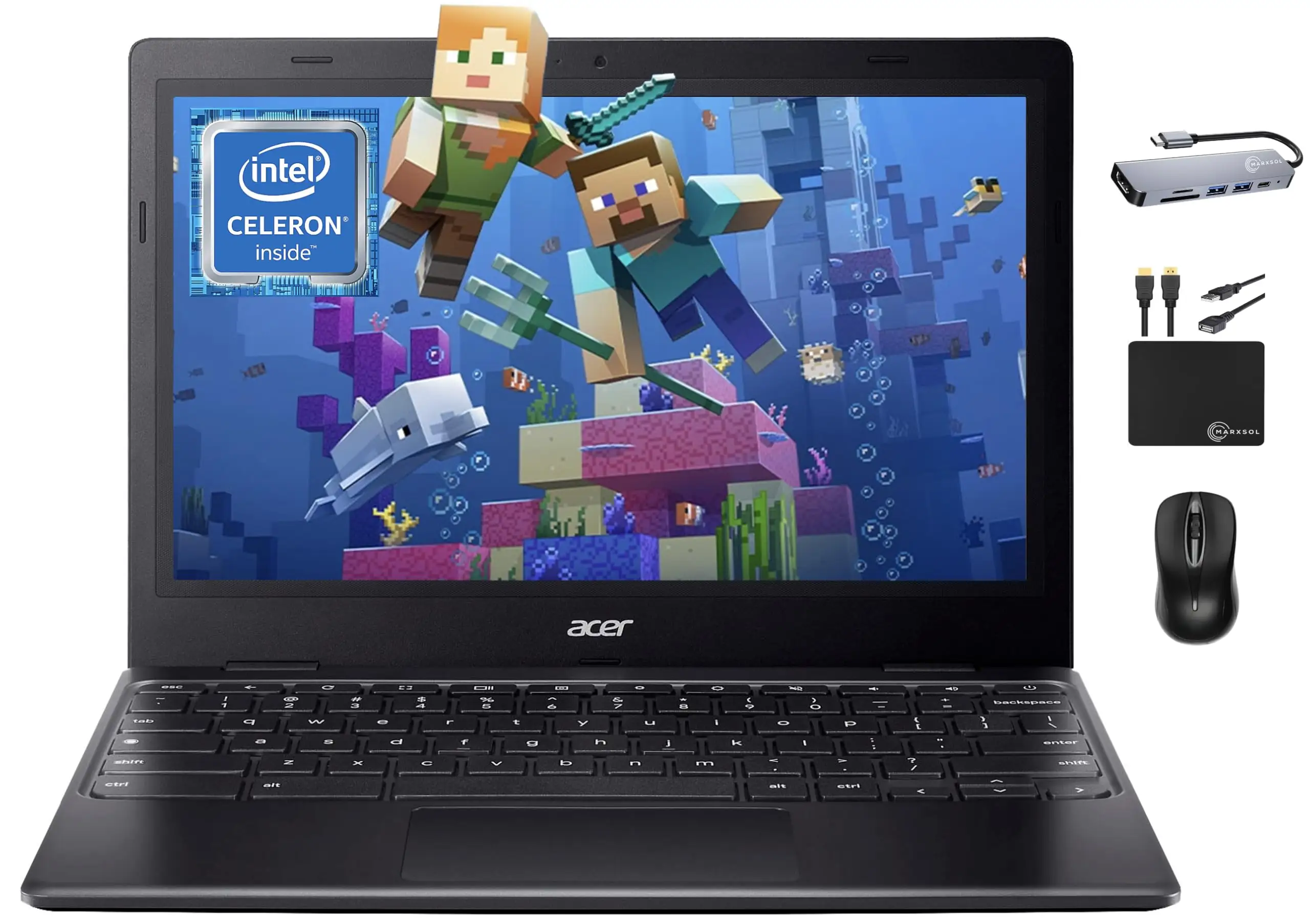
Another claim is “powerful mobility” with an octa-core MediaTek or Intel Celeron processor. For light tasks, this holds true. A user who bought it for travel said it “worked well and it was light-weight, which was perfect for travel,” but heavier workloads like gaming or intensive apps reveal its limits. Reddit user basket_king complained that “it is a 32 bit system… only has one USB-C and one USB port,” underscoring constraints for more demanding use.
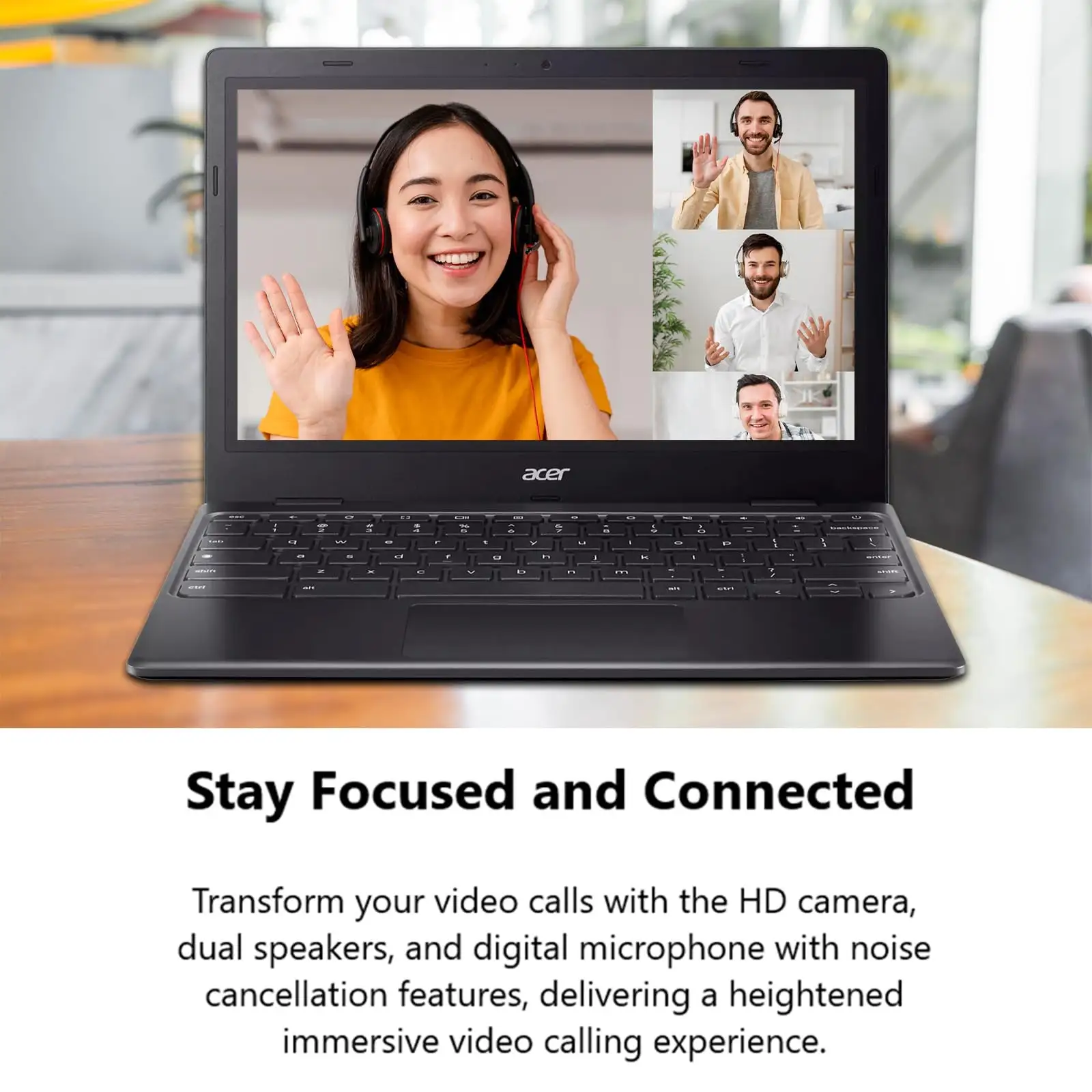
Finally, Acer promotes a “pleasant typing experience” with concave keycaps. On this point, feedback aligns well. Multiple Best Buy reviewers praised the keyboard’s tactile feel, with one calling it “pleasant to type on” and another saying “keys have very good travel and feel very tactile.” However, the absence of backlighting is a common disappointment among night-time users.
Cross-Platform Consensus
Universally Praised
Portability is the standout. Weighing under 3 lbs, this Chromebook fits easily into backpacks and handbags. A Best Buy customer wrote, “Tiny Chromebook for the win… the small form factor makes this super portable.” For students, this means carrying it between classes without fatigue; for travelers, it’s a hassle-free companion on flights. Even parents buying for children appreciate its size—one said, “Excellent product for my elementary school child. Lightweight, quick connectivity, an overall best buy!”
Battery life is another consistent win. Although not always hitting marketing’s 15-hour claim, users routinely report full-day usability. One buyer took it on a “two-day trip” without packing a charger, while another ran it “for four days at home… without having to plug it in” thanks to light evening use.
Ease of use with Chrome OS is a major plus for tech‑shy users. A gift recipient described as “technologically challenged” was able to start using it “without any difficulties” after minimal phone guidance. Integration with Google services—Docs, Drive, Play Store—means students and casual users can work seamlessly across devices.
Common Complaints
Display quality draws the most criticism. While resolution is standard HD, viewing angles and color reproduction frustrate some. One user returned theirs, saying, “The colors were off and it had a washed out look… it made the Chromebook too hard to use without getting a headache.” Others accept the compromise given the low price, but agree it’s “a bit washed out” compared to premium screens.
Storage limitations also cause concern. With 32–64GB eMMC, local file hoarders will struggle. While cloud storage mitigates this, a few buyers lamented the absence of a microSD slot on certain models, limiting expansion options.
Build quality divides opinion. Some praise it as “sturdy and durable” for minor bumps, while others call it “very bad plastic that absorbs oil stains” and complain about wear over time. On Reddit, a CB311-9H owner reported “screen printing of the a, s, c keys are nearly disappearing” after three years, alongside a broken hinge.
Divisive Features
Speakers receive mixed reviews. For casual Zoom calls or classroom use, they’re “clear but no bass whatsoever.” However, at higher volumes, Reddit user davoid noted “speakers resonate the case when the volume is 75% plus,” which can be distracting.
Performance is another split. Light users find the Intel Celeron or MediaTek processors “more than adequate” for browsing, docs, and streaming. But multitaskers or those running heavier Android apps sometimes encounter sluggishness—one reviewer observed Firefox “a little sluggish when starting up… had to wait a second or two longer.”
Trust & Reliability
In terms of trust, the biggest red flag comes from pricing discrepancies. The Reddit thread titled “Worst Chromebook in history ☹” describes a user paying $500 for specs more common in sub-$200 listings, raising concerns about reseller markups. However, most mainstream buyers from Best Buy, Amazon, and eBay report receiving accurate products at fair prices.
Durability over time is mixed. While the military-grade durability claim suggests longevity, real-world reports vary. Three years in, some see cosmetic wear like fading key lettering or structural failures like hinge breakage. Others have used theirs for years without incident, noting careful handling as a factor. Repairs are possible—hinge issues can be addressed with case replacements or epoxy—but most post‑warranty owners opt to replace rather than fix due to low original cost.
Alternatives
Within Acer’s own lineup, the Chromebook Spin 311 offers a convertible touch design for users wanting tablet flexibility. Buyers who prioritize screen quality might consider the Acer Chromebook 314’s larger 14-inch display, though portability suffers. For schools, the rugged Acer Chromebook 511 with reinforced edges offers better durability against drops.
Price & Value
Current retail prices vary sharply: Best Buy sales have dropped some units below $100, while eBay listings hover around $139–$179 for new or open-box models. Resale values remain modest due to rapid Chromebook depreciation, but buyers report satisfaction when purchasing heavily discounted units. One user who paid $80 called it “a great little email-web device” and “a true bargain” at that rate. Community consensus is clear: buy during sales, as full MSRP (~$200) offers less compelling value.
FAQ
Q: Can I expand the storage on the Acer Chromebook 311?
A: Internal eMMC storage is not user-upgradable. Some models include a microSD slot, but availability varies by region and year. Most users rely on Google Drive or external USB storage.
Q: Does the Chromebook 311 have a touchscreen?
A: Touch capability depends on the specific model. The Gateway Chromebook 311 Star Black typically does not, while Spin variants do.
Q: How long does the battery really last?
A: Most users report 8–10 hours under typical workloads. Lighter use, like document editing or browsing, can stretch closer to 12 hours.
Q: Is it suitable for gaming?
A: Limited to basic Android games and cloud streaming. Non‑graphics‑intensive titles like Roblox or Minecraft can run, but performance dips with heavy multitasking.
Q: Does it feel durable?
A: For minor bumps and daily carry, yes. Over years, some users experience cosmetic wear or hinge issues, especially with heavy use.
Final Verdict: Buy if you’re a student, traveler, or casual user needing an inexpensive, portable device with strong battery life and smooth Google app integration. Avoid if you require vivid display quality, large local storage, or upgradable internals. Pro tip from the community: wait for deep sales—sub‑$100 deals transform this modest Chromebook into a high‑value purchase.