Zebra ZD421 Direct Thermal Printer Review: 8.5/10
The “t model vs. d model” confusion shows up so often that one Reddit thread basically turns into a mini support group. For the Zebra ZD421 Direct Thermal Printer, that’s the first big takeaway from community chatter: people like the hardware, but the model/consumables ecosystem can trip you up. Overall verdict from the compiled feedback: a capable, compact desktop label printer with strong connectivity and print quality options, but with real-world headaches around media setup, sensors, and supply choices. Score from aggregated sentiment sources: 8.5/10.
Quick Verdict
Conditional yes.
| What users like | Evidence from feedback | Who benefits | What users don’t like | Evidence from feedback | Who’s affected |
|---|---|---|---|---|---|
| Compact, fits anywhere | PROVANTAGE sentiment highlights “compact design - fits well in various workspaces” | Retail counters, small offices | Print width feels limiting | PROVANTAGE notes “limited print width… 4.09 inches / 4.16 inches” | Anyone needing wide shipping labels |
| Flexible connectivity (USB/Ethernet/BLE) | PROVANTAGE repeatedly calls out “advanced connectivity… ethernet and bluetooth” | Multi-device stores, mobile workflows | Model / media mismatch confusion | Reddit thread centers on whether ZD421t needs ribbon vs direct thermal labels | New buyers, mixed fleets |
| High‑resolution option for tiny text | 300‑dpi model praised for “detailed labels at 300 dpi” (PROVANTAGE) | Healthcare, jewelry, electronics labels | Occasional red‑light faults | SupportCommunity post describes flashing red status/pause after roll changes | Store rollouts, high-volume users |
| Fast enough for daily label runs | Specs cite up to ~6 ips for 203‑dpi DT; sentiment calls it “high capacity printing” | Warehouses, POS backrooms | Supply dependence cost pressure | PROVANTAGE warns “dependence on zebra supplies” | Budget-conscious teams |
Claims vs Reality
One headline marketing promise is that the Zebra ZD421 Direct Thermal Printer is “easy to use” and “breakthrough ease of use” with intuitive LEDs and quick media loading. Digging deeper into user reports, the day‑to‑day printing does seem straightforward once configured, but setup can be less fool‑proof than advertised. The Reddit consumables thread shows a common early stumble: users aren’t always sure which model they own or what media it expects. Reddit user u/n0t1m90r*** said: “as my labels are direct thermal it doesn't look like a need a ribbon? the machine is the t model (thermal transfer) and not the d model (direct thermal). so while the labels doesn't require the ribbon the machine does.” Another commenter pushed the opposite view, and a vendor told the OP “nothing else needed if you’re using direct thermal labels,” showing how even sellers contribute to the ambiguity.
A second claim is network and device flexibility. Spec sheets and reseller listings emphasize USB, USB host, Bluetooth Low Energy 5, and often Ethernet. Across sources, this largely matches reality. PROVANTAGE sentiment for both 203‑dpi and 300‑dpi direct thermal variants repeatedly lists “advanced connectivity… ethernet and bluetooth for flexible integration.” For stores pairing printers with handhelds or multiple POS terminals, that alignment between claim and reality is a big practical win. There aren’t counterexamples in the provided data, just repeated affirmation.
The third claim is reliability and “ready for now and what’s next.” While marketing copy is glowing, community evidence introduces a caveat: some fleets see intermittent fault states. A SupportCommunity user rolling the ZD421 out to stores described seven units that began flashing red status/pause after a media change. They wrote that the printers “work otherwise without any issues” at first, but after roll swaps or pairing to a new TC57 device, “the status and pause buttons will flash red.” Official docs interpret that as overheating, yet the same user noted units were barely used and “the printer head was not warm to the touch,” and a later reply mentions “faulty sensor confirmed.” So while Zebra positions the line as durable, multiple users report sensor‑like failures triggered by routine handling.
Cross-Platform Consensus
Universally Praised
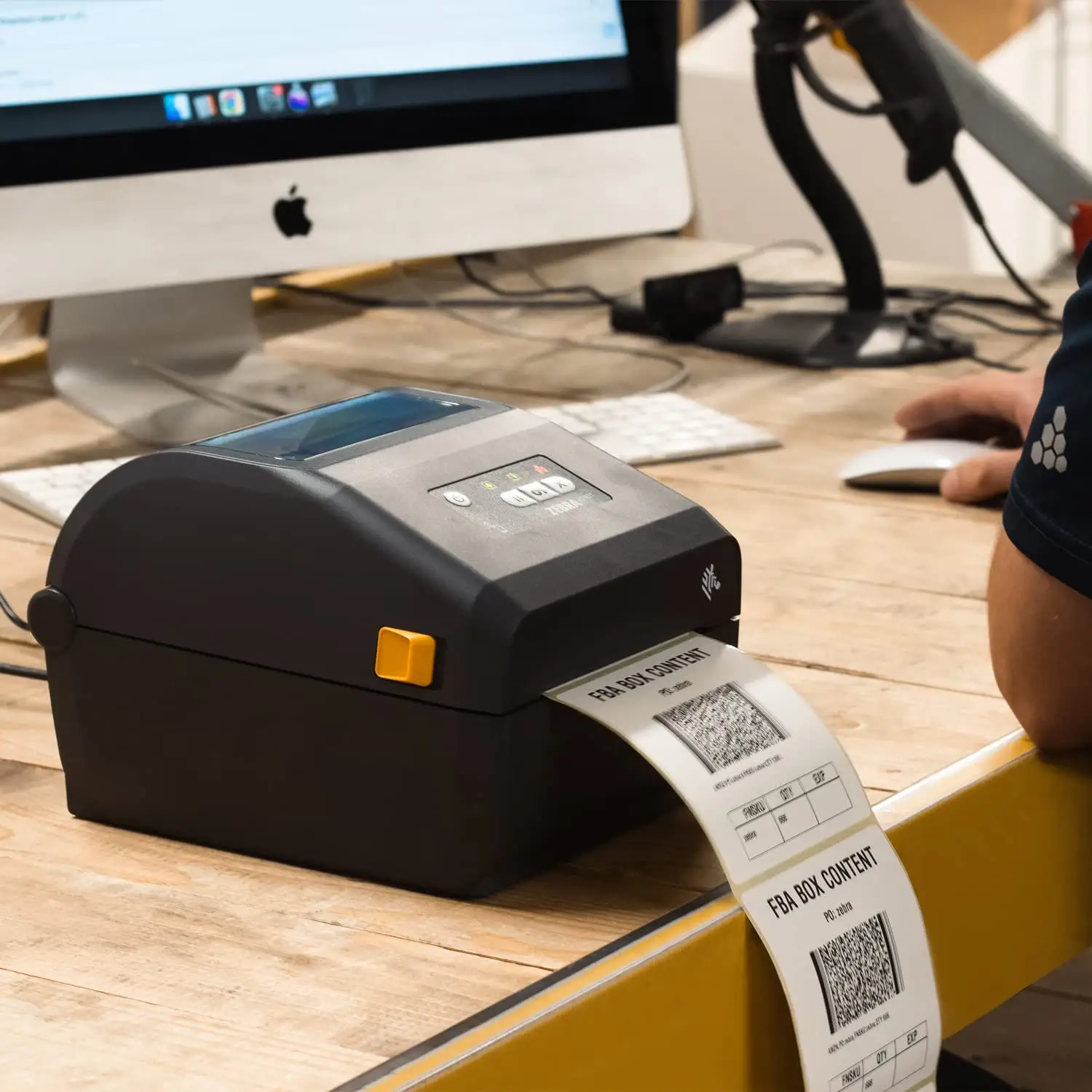
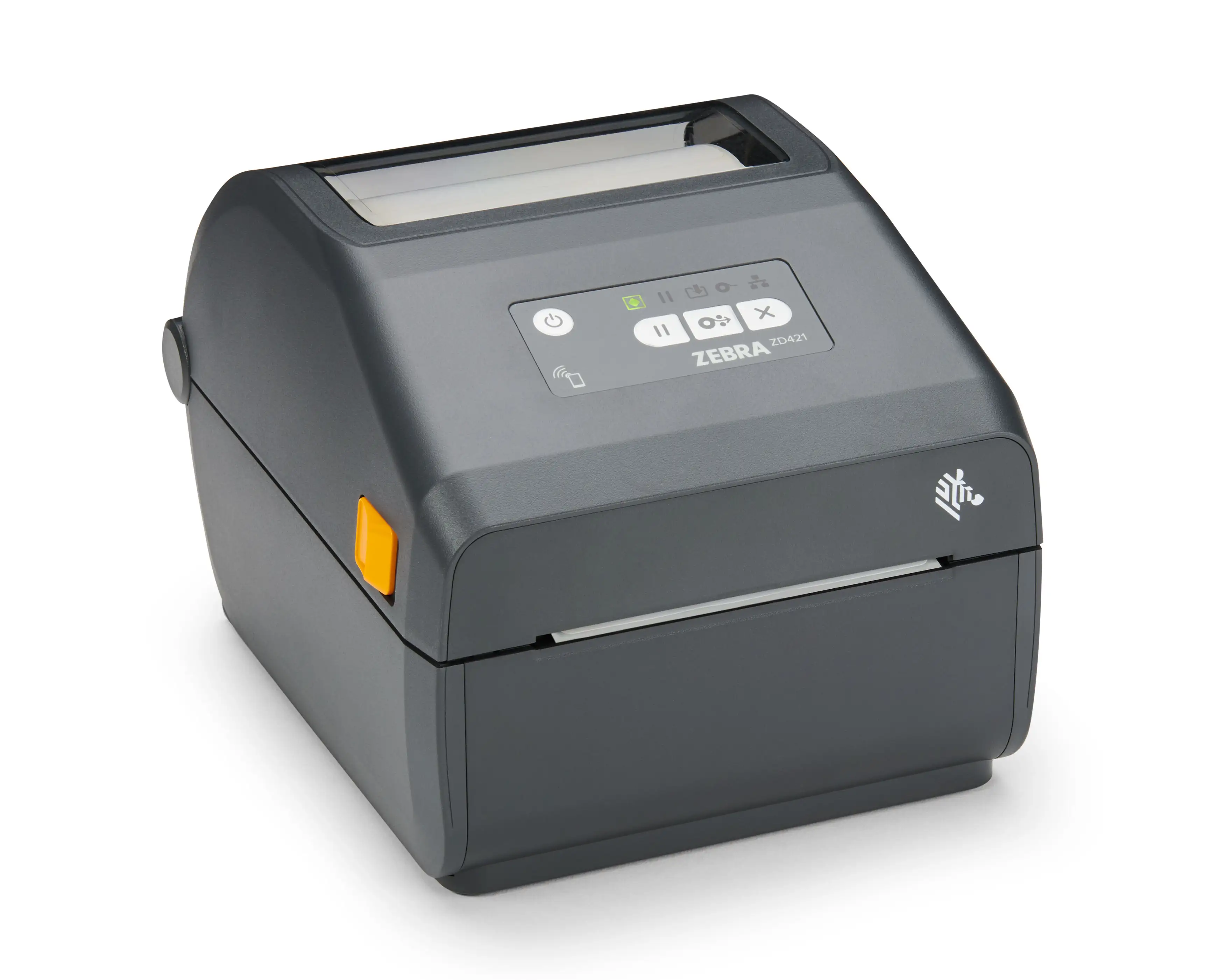
A recurring pattern emerged around physical footprint and desktop friendliness. PROVANTAGE’s aggregated community sentiment calls the ZD421 DT “compact” and a good fit for varied workspaces. The consistent framing is that the printer “fits well in various workspaces, enhancing productivity.” For small retailers or back‑office admins trying to tuck label printers under counters, that compact chassis is not a cosmetic perk; it’s the difference between a device that lives on the desk and one that gets shoved to the floor.
Connectivity is the other near‑universal positive. In multiple reseller‑scraped sentiment summaries, “easy integration” and “advanced connectivity” are top reasons to buy. The 203‑dpi DT listing emphasizes USB host and Ethernet plus BLE; the 300‑dpi DT listing echoes the same. For a store manager or IT admin, this means the ZD421 can be cabled to a PC today and later moved onto a network or paired to mobile devices without replacing the unit. That flexibility is repeatedly treated as a core advantage, not a nice‑to‑have.
Print clarity, especially on the 300‑dpi variants, is also consistently praised. PROVANTAGE’s 300‑dpi DT model summary says the higher resolution is “ideal for applications requiring finer detail and smaller text,” and that it yields “sharper text and graphics… higher‑quality barcodes.” The implication for healthcare or electronics labeling is straightforward: tiny fonts and dense 2D codes can be printed without sacrificing scan reliability. There aren’t opposing user stories in the data; the praise is one‑directional.
Common Complaints
The most visible complaint cluster is about print width. While specs and sentiment put max print width around 4.09–4.27 inches depending on model, multiple sources flag it as a limitation in practice. PROVANTAGE’s 203‑dpi DT notes “limited print width… 4.09 inches,” and the 300‑dpi DT listing similarly warns of a ceiling near 4.16 inches. For logistics teams needing oversize carton labels, that limitation can force a workflow redesign or a step up to a larger printer.
Another shared frustration is cost and supply lock‑in. PROVANTAGE summaries explicitly list “dependence on zebra supplies - best performance is achieved with zebra brand supplies.” That framing suggests users feel steered toward Zebra‑certified media for consistent results. The data doesn’t include long rants about prices, but the repeated “dependence” warning implies a perceived ongoing cost penalty versus more open systems.
Finally, fault behavior after media changes shows up as a practical headache. The SupportCommunity rollout post reads like an extended troubleshooting diary, listing factory resets, recalibrations, driver reinstalls, spooler restarts, cleaning, and roll swaps. The user’s key complaint is unpredictability: sometimes “we managed to stop the lights from blinking,” sometimes not, and sometimes “the issue fixed itself after half an hour or the next day.” For high‑volume retail deployments, that kind of intermittent sensor/LED fault is a downtime risk even if daily printing is fine most of the time.
Divisive Features
Consumables and model choice are the big divisive area, not because the hardware is polarized but because users interpret it differently. In the Reddit thread, the OP believes direct thermal labels mean no ribbon; another commenter insists “you still need a thermal transfer ribbon,” and others clarify that direct thermal media eliminates ribbon only on direct thermal (D) models. Reddit user u/n0t1m90r*** tried to reconcile it by noting the machine is the “t model (thermal transfer)” and therefore might still require ribbon. That back‑and‑forth shows how the ZD421 family’s multiple sub‑models can create confusion in mixed fleets, even if the DT unit itself is straightforward once correctly identified.
Trust & Reliability
Trustpilot data in the provided sources is not user‑generated reviews but reseller‑style sentiment summaries, and those summaries lean positive with 8.5/10 scores. That indicates a generally favorable reputation, but it’s not a substitute for long‑term anecdotal durability. The strongest reliability signal from community data is actually the SupportCommunity case: multiple units within one deployment exhibiting the same fault mode after roll changes. The user’s note that Zebra support later confirmed a “faulty sensor” suggests this isn’t purely operator error.
On the flip side, Reddit commentary includes informal durability confidence. In the consumables discussion, one commenter says, “as far as label printers go in general i find them to work like a charm, and especially the zebra ones have been solid over the decade or so i’ve worked with them.” That’s a long‑horizon trust cue: Zebra’s prior GK‑series legacy carries weight for veteran admins, even if the ZD421 line has occasional quality variance.
Alternatives
Competitors aren’t directly named in the feedback; users mostly reference Zebra’s own older GK series and ZD420 line. Marketing and reseller text positions the ZD421 as a successor, and community tone treats it the same way. The SupportCommunity user explicitly links their issue to older models by citing a thread about “driver problems with ZD420 and ZD421.” That implies a mixed‑fleet environment where ZD421 is evaluated relative to ZD420 reliability and driver behavior.
So the only grounded alternative in the data is staying on older Zebra desktop models. The ZD421 is framed as “more powerful than the ZD420 series” in official copy echoed on PROVANTAGE pages, but the driver/sensor issues mean some users might prefer the known quirks of prior hardware if uptime is more important than added connectivity or modularity.
Price & Value
Pricing varies sharply by configuration. Amazon lists a 300‑dpi thermal transfer ZD421t unit, but user‑visible pricing elsewhere shows direct thermal models ranging roughly $510–$766 new through official channels. Resale and gray‑market listings on eBay show lower entry points: a used 300‑dpi ZD421 listed around $300 and new 203‑dpi DT units around $280–$320. That spread supports the community sense that cost is a consideration, especially when Zebra‑branded supplies are assumed.
For buyers hunting value, the data suggests two paths: buy new through official/reseller channels for warranty and predictable accessories, or buy used/new‑old‑stock on eBay at a discount but without manufacturer warranty. The compact build and family popularity keep resale active, which is a positive signal for businesses that cycle hardware every few years.
FAQ
Q: Do I need a ribbon for the ZD421 Direct Thermal model?
A: No. Direct thermal (ZD421D/DT) models print on heat‑sensitive labels without a ribbon. Confusion arises because the ZD421 family also includes thermal transfer (ZD421T) units that do require ribbon. Reddit user u/n0t1m90r*** summed it up: “direct thermal = buy special label rolls, no thermal tape.”
Q: What’s the real maximum print width?
A: Most direct thermal variants top out around 4.09–4.25 inches depending on sub‑model. PROVANTAGE notes “limited print width… 4.09 inches” on 203‑dpi DT and similar ceilings on 300‑dpi DT. For oversized shipping labels, users may need a wider class printer.
Q: Are the red flashing status/pause lights a common problem?
A: They show up in multi‑unit rollouts. A SupportCommunity user reported 7 printers flashing red after roll changes and pairing to new handhelds, even when the head wasn’t hot. Their follow‑up mentions Zebra later “confirmed… faulty sensor,” suggesting some batches may be susceptible.
Q: Is 300 dpi worth it over 203 dpi?
A: Users and sentiment sources say yes when labels need tiny text or dense barcodes. PROVANTAGE highlights 300 dpi for “finer detail and smaller text” and sharper scanning edges. For basic shipping labels, 203 dpi is treated as sufficient and faster.
Final Verdict
Buy if you’re a retail, healthcare, or small‑warehouse operator who needs a compact desktop printer with strong USB/Ethernet/BLE connectivity and dependable direct thermal workflows once set up. Avoid if your labels regularly exceed ~4.1 inches wide or if your deployment can’t tolerate intermittent sensor faults after media swaps. Pro tip from community: double‑check whether you’re buying a ZD421 DT/D model or ZD421T thermal transfer model before ordering labels or ribbon—much of the frustration starts there.





