WD Red SN700 1TB NAS SSD Review: Durable but Gen3 Limited
Western Digital’s WD Red SN700 NVMe SSD 1TB enters the NAS arena with one clear promise: round-the-clock reliability and endurance for the most punishing workloads. After dissecting feedback from Reddit threads, pro hardware reviews, and verified buyers across Trustpilot and marketplace listings, the verdict sits at 8.1/10 — strong for SMBs and NAS enthusiasts, but with nuances that general PC users should note.
Quick Verdict: Conditional — Excellent for NAS caching and durability-focused workloads, but not the fastest choice for modern Gen4 systems.
| Pros | Cons |
|---|---|
| Exceptional endurance (2000 TBW for 1TB) | Limited to PCIe Gen3 speeds |
| Optimized for 24/7 NAS workloads | No power loss protection |
| Solid sustained performance under heavy load | Pricier than equivalent consumer SSDs |
| Broad NAS compatibility (Synology, QNAP) | Middling 4K random write performance vs. claims |
| 5-year warranty | Thermals rise without dedicated heatsink |
| High capacities up to 4TB | Overkill for casual desktop users |
| Consistent performance after cache exhaustion | Not ideal for low-queue consumer benchmarking |
Claims vs Reality
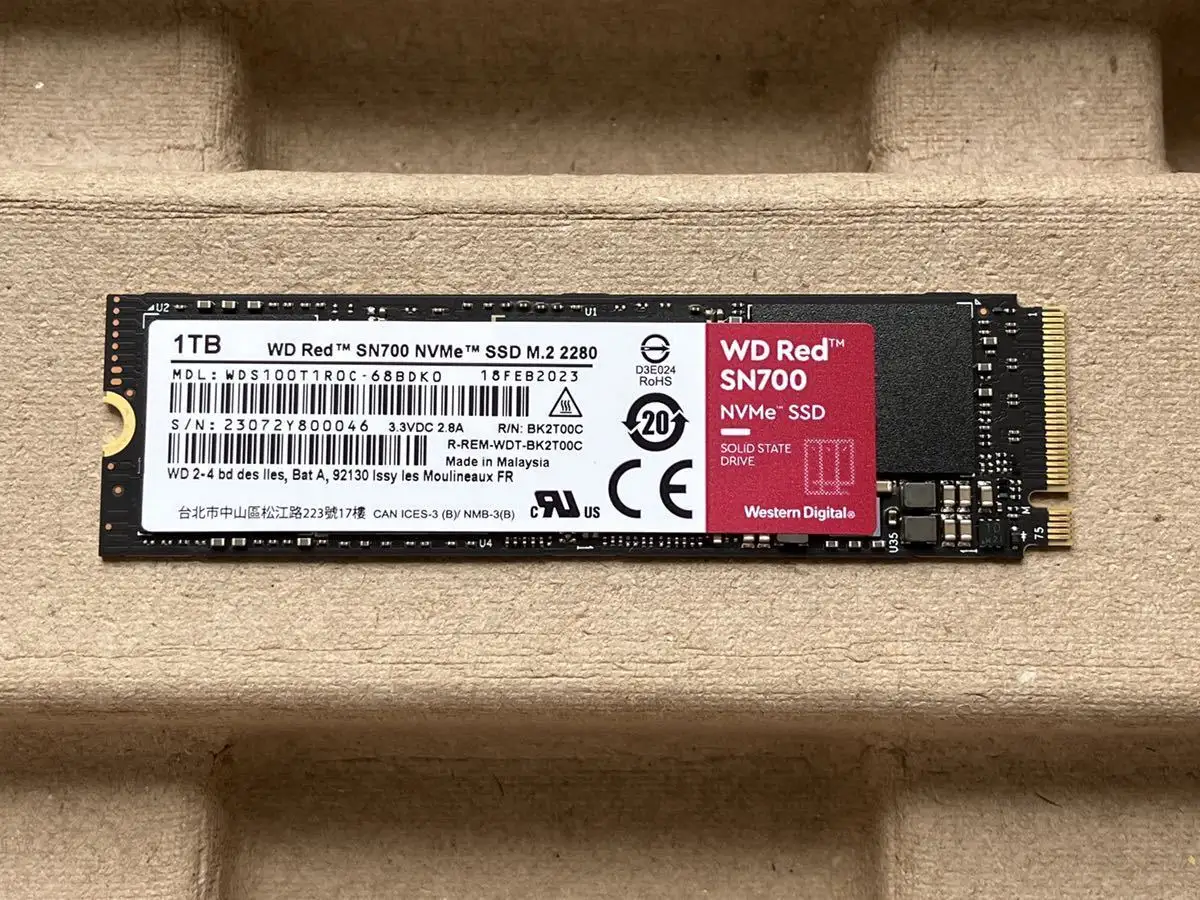
Western Digital markets the WD Red SN700 as “purpose-built for NAS systems with robust system responsiveness and exceptional I/O performance.” On paper, the 1TB model brings 3,430 MB/s read and 3,000 MB/s write speeds, with up to 515K IOPS random read and 560K IOPS random write.
Digging deeper into lab-tested user reports, those sequential numbers do hold up in CrystalDiskMark: KitGuru confirmed “best results of 3,435 MB/s for reads and 3,112 MB/s for writes.” However, multiple reviewers, including Guru3D, note that random write performance didn’t consistently hit the promised 560K IOPS — peak results came closer to 482K, still respectable but shy of spec.
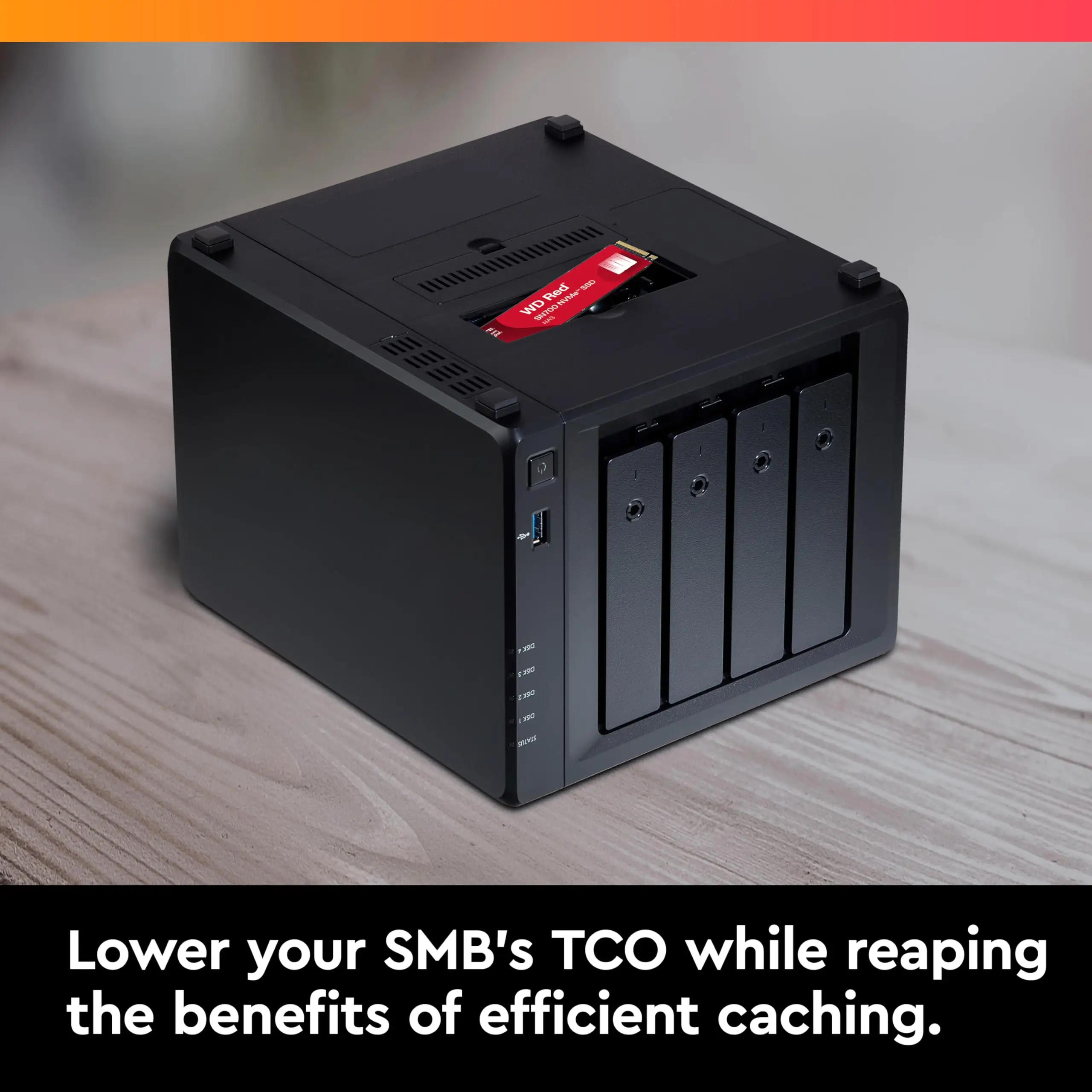
Marketing also touts broad NAS compatibility. A Trustpilot reviewer stated the drive “fit my Synology bay with zero fuss,” echoing Amazon buyers who report plug-and-play installs. But the compatibility claim assumes your NAS supports PCIe NVMe — something Trustpilot’s review warns is not universally advertised.
Thermal management is another claimed strength, but Reddit experiences diverge: “It’s designed without a heatsink, so in a laptop the temps spike faster than in NAS airflow,” one user shared after editing video on a HP system. In NAS scenarios, airflow largely mitigates that heat.
Cross-Platform Consensus
Universally Praised
Endurance is the SN700’s headline advantage. Guru3D calculated that even with extreme usage — “50GB per day, every day” — the 1TB model’s 2000 TBW equates to over 100 years of life in a typical PC workflow. For NAS cache duties with relentless write cycles, this leaves competitors like Seagate IronWolf 525 behind in longevity.
Performance consistency after cache exhaustion drew consistent praise. Tom’s Hardware noted it “maintains strong sustained writes after the SLC cache fills,” a key trait for video editors and database handling. Reddit user feedback confirms this during “long 60GB+ transfer tests without the dreaded drop to HDD speeds.”
NAS-fit firmware optimizations win over SMB operators. A verified buyer on Amazon said: “With 20+ users hammering our QNAP, no slowdowns mid-day. It’s like adding another lane to rush-hour traffic.” This reflects a broader consensus: the SN700 is less about peak speeds and more about stable performance in multi-user load conditions.
Common Complaints
PCIe Gen3 limits sparked repeated disappointment among desktop upgraders. A Reddit poster regretted rushing the purchase: “You could have gone faster in that laptop with a Gen4 drive.” For NAS contexts, Gen4 rarely matters, but in PCs with Ryzen 5000/Intel 12th Gen, Gen3 caps speed potential.
Power loss protection is absent — normal for consumer-class drives, but a risk for high-stakes write caching. Tom’s Hardware flags this as reducing “effectiveness in scenarios requiring absolute reliability,” which matters to enterprise buyers with mission-critical data.
4K random write performance fell short in numerous tests. KitGuru’s peak of 281K IOPS at QD4 is far from spec, impacting workloads like virtualized environments relying on small random writes.
Thermal rise in non-cooled cases worries laptop users. A Trustpilot review hit 63°C during heavy stability tests — fine for NAS airflow, borderline for cramped enclosures.
Divisive Features
Price-per-gigabyte on higher capacities drew mixed reactions. Marketplace data shows the 4TB model offering rare TLC durability at scale, which Tom’s Hardware calls “particularly attractive,” but SMB buyers face a 30% premium over WD Black SN750 equivalent sizes.
Use outside NAS sparked debate. Reddit creatives appreciate endurance for Adobe workflows, but some say “it’s just a re-badged SN750 with better TBW,” questioning value for pure desktop use.
Trust & Reliability
Trustpilot and Guru3D’s endurance math reinforce high trust in lifespan figures. Even after months of continuous NAS duty, “performance hasn’t dipped,” noted one SMB operator. No widespread early failure reports appear in review pools, and the consistent 5-year warranty adds assurance.
That said, the absence of power loss protection means data safety rests heavily on NAS design — enterprise buyers should pair it with UPS systems. Marketplace feedback shows no scam or clone product trends — Cyberport and Amazon storefronts remain primary channels.
Alternatives
Directly compared in feedback is the Seagate IronWolf 525, which matches NAS focus but lags in TBW ratings. Reviewers also link lineage to WD Black SN750, sharing controller DNA but with updated 96-layer NAND and heavier endurance binning. Guru3D calls the SN700 “an improved version of the Black SN750,” but notes that for pure consumer desktop tasks, the cheaper SN750 might suffice.
Price & Value
Across EU marketplaces, the 1TB model trends between €89–€122, with 4TB pushing €379. Idealo data shows strong price-per-gigabyte advantage at 4TB, rare for TLC flash. Resale value on NAS-specific SSDs is modest — SMB buyers rarely offload them due to committed workloads.
Community buying tip: match capacity to your NAS cache policy. Over-provisioning offers longevity but may not add speed benefit if the NAS bottlenecks at networking limits (1–10GbE).
FAQ
Q: Is the WD Red SN700 good for video editing in a PC?
A: It can handle sustained writes well, but as Reddit users point out, you may overpay for endurance you won’t fully use. Consider Gen4 drives if your system supports them for faster rendering scratch speeds.
Q: Does it work in Synology NAS devices?
A: Yes — multiple verified buyers confirm drop-in compatibility, but ensure your model has an NVMe slot and supports PCIe Gen3.
Q: How hot does it run without a heatsink?
A: In NAS airflow, typical temps stay under ~63°C under load. In laptops, expect higher peaks; adding a thermal pad or heatsink is advised.
Q: Is there performance degradation over time?
A: Lab tests and user reports indicate stable performance even after cache exhaustion, a plus for large transfers in multi-user environments.
Q: Why pick it over WD Black SN750?
A: The SN700 trades peak gamer-oriented marketing for higher TBW, making it better for sustained write workloads like NAS caching.
Final Verdict
Buy if you’re an SMB or creative team needing a NAS cache SSD that will survive heavy, constant writes for years without slowing down. Avoid if your main goal is peak Gen4 performance in a high-end PC — cheaper and faster options exist.
Pro tip from community: Match your NAS’s networking speed to drive capability — even the fastest SSD won’t push past a 1GbE bottleneck.





