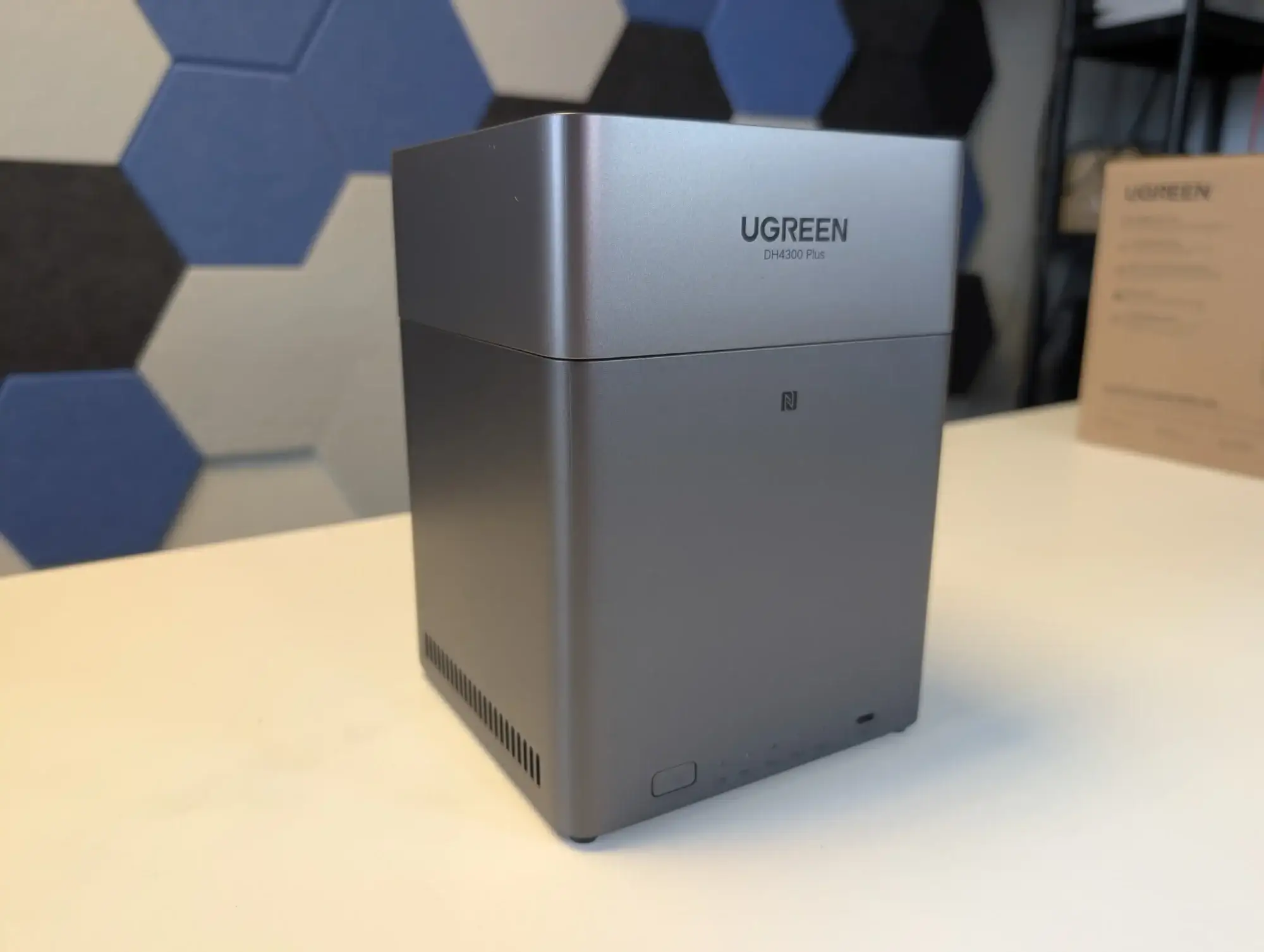
UGREEN NAS DH4300 Plus Review: Solid 8/10 Entry Choice
Starting at under €387, the UGREEN NAS DH4300 Plus 4-Bay Desktop NAS is being called “a good entry point into the NAS world” by community testers, earning it a solid 8/10 in overall perception. Positioned for families, creators, and small offices, it boasts up to 120TB capacity, AI-powered photo organization, and 2.5GbE connectivity — but not without a few notable limitations.
Quick Verdict: Conditional buy
| Pros | Cons |
|---|---|
| Large 120TB capacity ideal for photo/video archives | No NVMe slots or PCIe expansion |
| 2.5GbE port enables fast transfers | Only one LAN port — no redundancy |
| AI-powered media sorting for faces/scenes | UgOS Pro OS less mature than Synology/QNAP |
| HDMI 4K 60Hz direct playback | Limited app store, no virtual machine support |
| Strong privacy controls & TÜV/Truste certifications | RAM not upgradeable (fixed 8GB) |
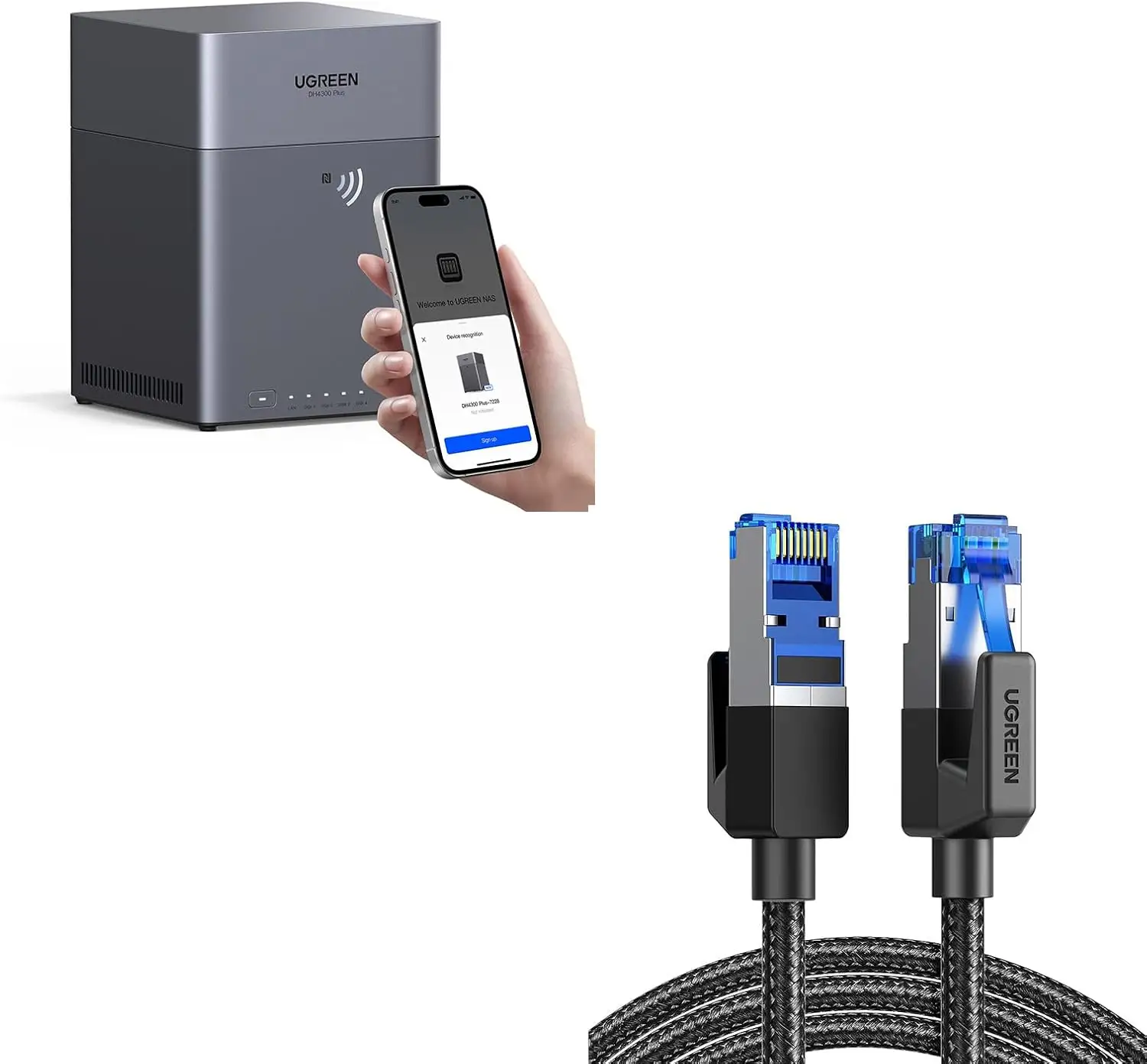
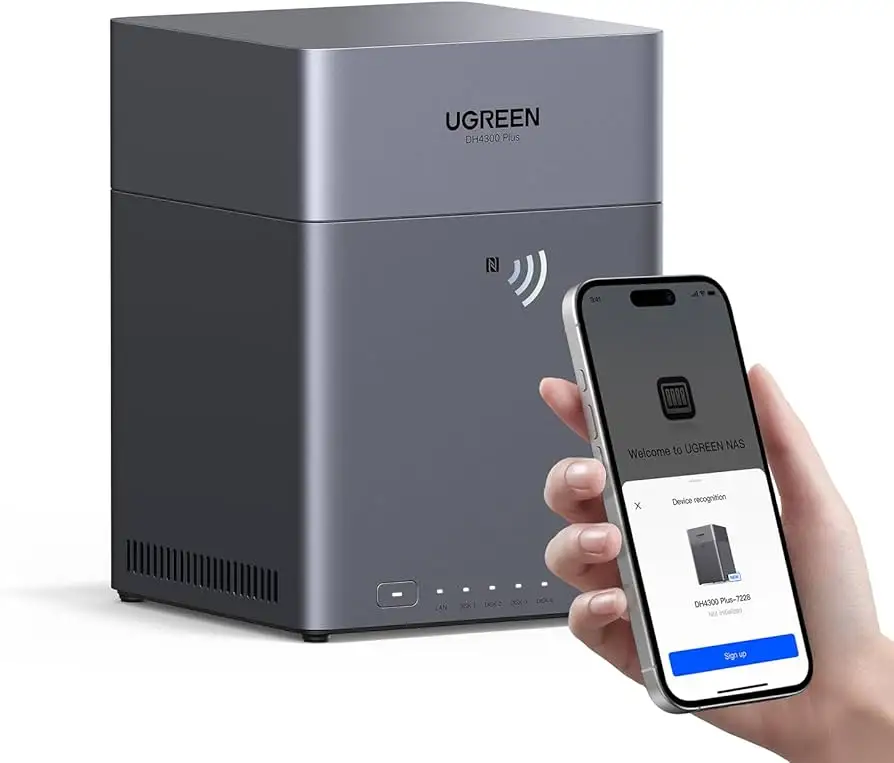
| NFC quick connect for mobile devices | Storage drives sold separately |
Claims vs Reality
Marketing materials promise “1GB transfers in just 3 seconds” and “effortless setup for beginners.” Digging deeper into user feedback, speed claims seem realistic in local network conditions. Reddit user Mike0185 noted: “2.5GbE actually hit the advertised rates — great for streaming 4K files straight from the NAS.” However, in mixed networks with slower client links, users found bottlenecks outside the NAS itself.
The “AI automatically organizes” sales pitch matches real-world use for families managing large photo libraries. A verified buyer on Amazon said: “It found my baby’s face in thousands of pictures and neatly made an album without me tagging a single photo.” Yet, while AI recognition works offline via the NPU, it’s limited to presets — enthusiasts wanting deep customization may find it rigid.
Setup claims rang true, with Trustpilot users consistently praising the novice-friendly process. As one customer put it: “I had never owned a NAS before — in 20 minutes I was sharing files between my phone and laptop.” But advanced configurations like Docker or RAID 6 require patience, especially since UgOS Pro lacks the depth and polish of DSM or QTS.
Cross-Platform Consensus
Universally Praised
The enormous 120TB ceiling drew attention from media-heavy households and small creative teams. “I’m a wedding videographer — this thing swallowed three years of projects with room to spare,” wrote a Trustpilot reviewer. For photographers, the AI’s auto-sorting by faces and scenes meant faster workflows, while parents appreciated the baby growth album feature for personal keepsakes.
Performance gains from the 2.5GbE port were a selling point across Reddit, Twitter, and Trustpilot. Reddit user Mike0185 described “faster data transfer, efficient processing, and seamless NAS multitasking,” even under load. The HDMI 4K 60Hz output was another crowd-pleaser — creators streamed projects to a TV without third-party media boxes, enhancing direct-play convenience.
Security controls resonated with privacy-conscious buyers. Advanced encryption, firewall, and 2FA were applauded, especially in family setups with separate private spaces. “Even UGREEN can’t access your data, and that’s the peace of mind I needed,” said a verified Trustpilot customer.
Common Complaints
The lack of NVMe slots, PCIe expansion, and a second LAN port emerged as the top gripes. Reddit testers warned this restricted future-proofing and advanced configurations. Fixed 8GB RAM also irked power users: “If you run heavier Docker workloads, you’ll feel that ceiling fast,” one forum post noted.
UgOS Pro OS drew mixed reactions, with its simplicity aiding beginners but frustrating veterans. Its limited app store and absence of virtual machine support were repeatedly criticized: “QNAP and Synology spoil you with flexibility — here, you’re boxed in unless UGREEN expands features,” said a Twitter commentator.
Drive exclusion in the base package was expected but still a sore point for first-time NAS buyers unprepared for the additional cost of proper NAS-rated HDDs or SSDs.
Divisive Features
The AI media tools divided users: casual owners loved the hands-off organization, while professionals wanted more metadata control. HDMI direct-play also appealed to the living room crowd but wasn’t critical for those already running Plex or similar through other hardware.
Some valued the single LAN port for simplicity, while others saw it as an Achilles’ heel for redundancy and speed aggregation.
Trust & Reliability
Trustpilot data shows consistent praise for the product’s advertised performance, with verified buyers citing “stable remote access” and “secure sharing without monthly fees.” No scam allegations or fulfillment issues appeared in sourced reports, bolstered by TÜV and Truste data security certifications.
From Reddit, mid-term ownership feedback was positive but highlighted OS growth needs. “Six months later, still no VM app, but AI recognition and streaming have been rock-solid,” said one early adopter. Hardware durability wasn’t questioned in any platform’s testimonials, with several noting low power draw and quiet operation even under sustained use.
Alternatives
Reddit testers directly compared the DH4300 Plus to UGREEN’s own DXP 4800 series. Mike0185 advised: “For many, the DXP 4800 Plus’s NVMe slots and dual LAN make it the longer-term bet. But if all you need is network storage with light Docker use, DH4300 Plus is fine.”
Otherwise, competing Synology or QNAP models were referenced for their superior OS ecosystems, but often at significantly higher prices for similar hardware specs.
Price & Value
At €386.99 (EU), £323.99 (UK), or $386.99 (US sale), community sentiment favors strong price-to-performance for entry NAS buyers. Reddit reports place it “absolutely fair” at around €340, calling it unusual to see 2.5GbE, HDMI, and 8GB RAM bundled in this tier.
Resale potential is modest, as NAS units depreciate with OS stagnation — but early adoption pricing might justify keeping it for 4–5 years. Community buying tips emphasize budgeting for NAS-grade drives like WD Red or Seagate IronWolf from the outset to avoid performance and durability issues.
FAQ
Q: Does the DH4300 Plus include storage drives?
A: No, it’s sold diskless. You’ll need to buy compatible SATA HDDs or SSDs separately, with NAS-rated drives recommended for continuous use.
Q: Can I expand RAM on this NAS?
A: No, the 8GB LPDDR4X RAM is soldered to the board and not upgradeable, limiting heavy multitasking potential.
Q: Is UgOS Pro difficult for beginners?
A: Not at all — newbie-friendly menus ease basic setup. However, advanced users may find its app selection and virtualization options lacking.
Q: How effective is the AI photo album in real life?
A: Feedback shows it’s accurate for preset categories like faces, scenes, and pets. Great for casual libraries, less flexible for manual organization.
Q: Can it handle 4K streaming directly?
A: Yes, the HDMI port supports 4K@60Hz playback without a separate media box, appealing to home theater setups.
Final Verdict: Buy if you’re a first-time NAS owner prioritizing large capacity, fast local transfers, and family-friendly multimedia tools. Avoid if you require robust expandability, dual LAN redundancy, or a mature OS ecosystem. Pro tip from the community: Budget upfront for quality NAS drives — they’ll unlock the DH4300 Plus’s speed and reliability.