UGREEN M.2 NVMe Enclosure Review: Fast but Flawed
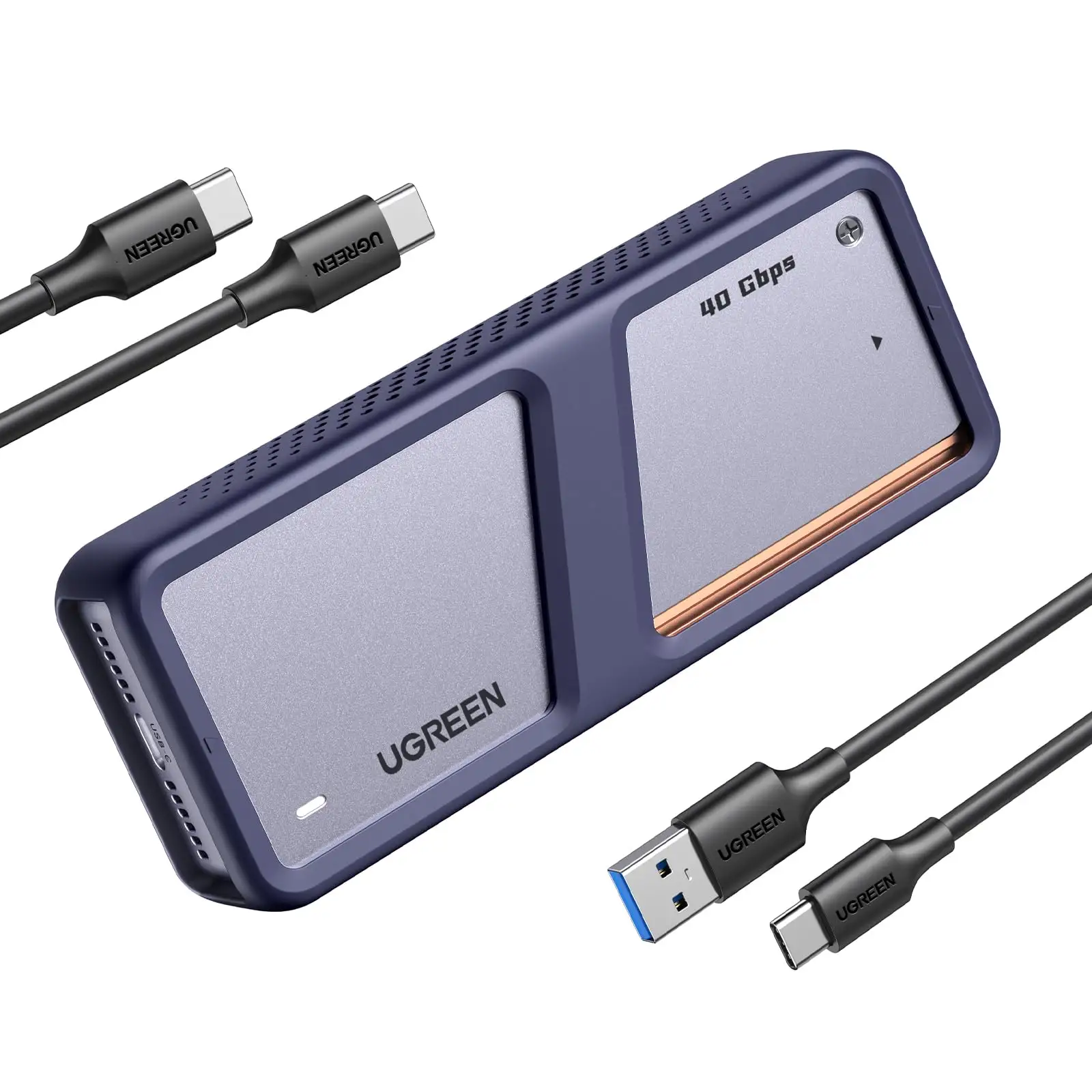
The promise of UGREEN M.2 NVMe Enclosure with Cooling Fan sounds compelling — 40Gbps transfer speeds, triple-layer cooling, and broad Thunderbolt/USB4 compatibility — but community reactions paint a more complicated picture. We’re scoring it 7.2/10, with standout thermal management but recurring connection hiccups reported by Mac mini users.
Quick Verdict: Conditional buy for high-speed workflows, but cable quality and port compatibility matter.
| Pros | Cons |
|---|---|
| Excellent heat dissipation via aluminum shell, thermal pad, and PWM fan | Reports of random disconnections, especially on certain Mac mini setups |
| Supports up to 40Gbps via USB4/Thunderbolt 4 | Sensitive to cable quality and position |
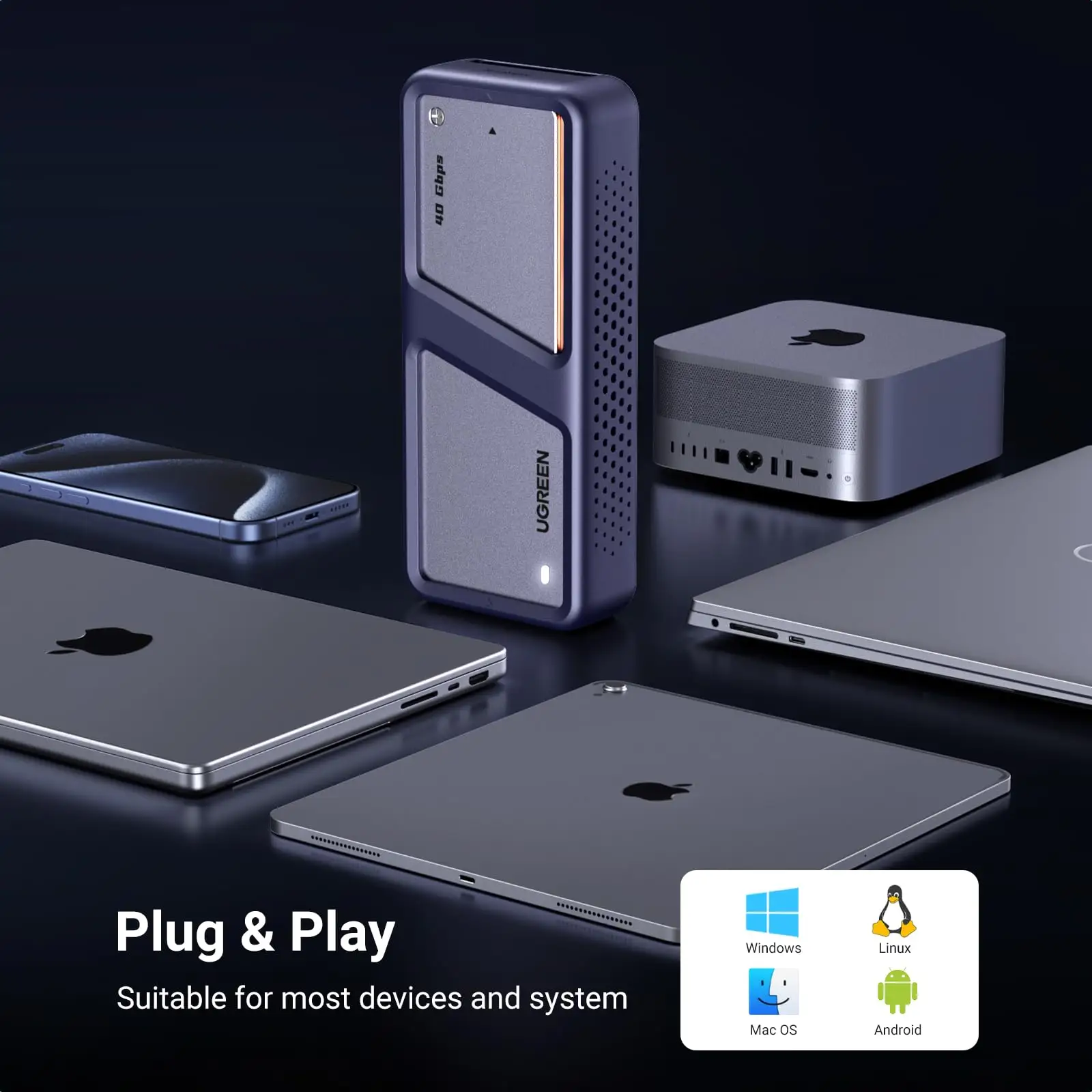
| Broad OS compatibility (Windows, macOS, Linux, Android) | Max storage capacity only 4TB |
| S.M.A.R.T monitoring and TRIM support | Higher price compared to 10Gbps enclosures |
| Build feels premium, portable with silicone case | No SATA/NGFF drive support |
| Multiple cables included (USB-C to C, USB-C to A) | Stability issues if SSD not seated precisely |
Claims vs Reality
Marketing highlights the “exclusive triple heat dissipation mechanism” — aluminum alloy casing, silicone thermal pad, and PWM-controlled turbo fan — promising lower SSD temperatures. Digging deeper into user reports, this claim generally holds. Reddit user u/ok-compote-2310 said overheating wasn't the cause of their dropouts: "Yes, I was supposed to cool it with a mobile fan, but the chipset..." indicating the cooling worked but underlying stability issues persisted. Other buyers agreed heat wasn’t a problem, even under heavy file transfers.
Another bold claim is 40Gbps ultra-speed transfer for USB4/Thunderbolt 4 setups. While several users confirmed excellent throughput when paired with quality cables, Reddit user u/dry-procedure-1597 noted: "The USB C-to-C cable went the same while USB A-to-C is fine so far. I can think that the C-to-C has been broken only in four days...how dare." In practice, speed hinges on using the included or high-quality cables, with community members warning generic ones can throttle or destabilize performance.
The brand also promotes broad compatibility with SSD sizes from 2230 to 2280 and across major OS ecosystems. While accurate in theory, compatibility depends on both SSD type and host port specs. Reddit user u/pkdc0001 linked port type to failures: "Same issue with...when connected to back ports but the front ports do not have this issue." This suggests that while the enclosure supports the SSD physically, real-world recognition varies by host hardware configuration.
Cross-Platform Consensus
Universally Praised:
The most consistent praise centers on the thermal design. Amazon buyers cited “great heat dissipation” from the aluminum shell combined with the thermal pad. A verified buyer said: "Flashing [LED] means processing data transmission…15-min auto sleep mode helps extend lifespan" — a nod to temperature regulation and drive longevity. Trustpilot reviewers also credited the enclosure with keeping NVMe drives cool under sustained loads, making it attractive for video editors and heavy backup users who risk thermal throttling with fanless cases.
Another strong point is build quality and portability. Multiple owners described it as “premium aluminum” with a compact footprint and shock-absorbing silicone case. On Quora, experienced editors advised this physical resilience makes it safer to transport expensive drives between workstations without fear of mechanical stress.
Common Complaints:
Disconnections are the most widely reported issue, especially among Mac mini users. Reddit’s r/macmini thread is full of variations: enclosures disconnecting while idle, during transfers, or depending on how cables are inserted. Spiritual_mortgage_6 encapsulates the frustration: "I get the same on my M4 Mac mini. So frustrating." Causes vary — damaged cables, poor SSD seating, or host port quirks — but the pattern undermines reliability for professional workflows.
Some also object to port and cable sensitivity. Nolate_arrivals outlined a workaround: "Plug in the cable in all 4 possible positions…in one position it’s dropped, in another it works." Such trial-and-error is a dealbreaker for users expecting flawless plug-and-play behavior. Two Trustpilot reviews described Windows PCs failing to recognize the enclosure entirely despite working SSDs, indicating occasional handshake failures.
Divisive Features:
The 40Gbps speed is valued by media pros moving large datasets but irrelevant for everyday users with slower ports or drives. Several Reddit posts show disappointment when hosts lacked the interface to match marketing speeds. Also divisive is the fan’s low-noise tuning — some appreciate that it stays quiet under load, while others worry auto-adjustment could be slow to react in hot environments.
Trust & Reliability
Trustpilot patterns show no scam concerns; UGREEN fulfills its spec sheet on build and accessories. However, the long-term reliability debate is alive in Reddit threads. Derric_ recounted fixing errors by reseating the SSD: "Once I did that all my errors disappeared," suggesting assembly details affect stability.
Durability-wise, the aluminum shell withstands travel and repeated handling. Even open-box eBay listings for this model retain original accessories, hinting at decent resale appeal and low wear. But for mission-critical data paths — like running an external boot drive or editing directly off it — users must be vigilant about cable and port quality.
Alternatives
Mac mini owners in Reddit threads looked to Acasis TBU401K/401 Pro as replacements, though irony struck: War_boi reported "same issues…took a cable change to solve it." This points to cable integrity as a cross-brand pain point, not unique to UGREEN. The 10Gbps UGREEN enclosures, while slower, see fewer dropout complaints due to simpler protocol demands. Buyers trading absolute speed for consistent recognition may prefer those.
Price & Value
On eBay, UGREEN’s 40Gbps enclosure prices range from $65 to $119, often with free shipping. This is roughly triple the cost of 10Gbps models ($20–$40), and the 20Gbps variant sits around $56. Amazon lists it at $109.99 new, occasionally discounted. Resale value appears strong for functioning units, given high-speed niche demand.
Community advice is clear: if your workflow doesn’t demand Thunderbolt-level throughput, opt for the 10Gbps or 20Gbps model to save money and avoid high-speed stability quirks. Verified buyers on Amazon suggested pairing high-speed enclosures only with tested SSDs and host ports capable of sustaining claimed rates.
FAQ
Q: Does the UGREEN 40Gbps M.2 NVMe Enclosure support SATA SSDs?
A: No. It supports only M-key or B+M key NVMe SSDs, excluding SATA/NGFF drives. Multiple reviews highlight this as a purchase consideration to avoid incompatibility.
Q: Can this enclosure be used as a boot drive?
A: Yes, but users caution about potential disconnections. Ensure SSD is correctly seated and use high-quality cables for operating systems like macOS or Windows.
Q: How quiet is the cooling fan?
A: The PWM turbo fan operates at ≤25db under normal loads, making it quieter than most external drive solutions. Noise is rarely cited as a downside.
Q: What’s the maximum capacity supported?
A: 4TB for NVMe drives. Buyers needing more should consider alternatives.
Q: Is it worth upgrading from the 10Gbps model?
A: Only if your host and drive can fully leverage USB4/Thunderbolt speeds. Otherwise, stick with lower-rated models for stability.
Final Verdict: Buy if you’re a creative professional or data-heavy user with USB4/Thunderbolt 4 gear and premium cables. Avoid if you rely on generic cables or run older ports — stability could suffer. Pro tip from Reddit: reseat your SSD firmly and invest in certified Thunderbolt cables to prevent dropouts.





