Ubiquiti UniFi Dream Router 7 Review: Solid but Limited
The Ubiquiti UniFi Dream Router 7 (UDR7) lands with an ambitious promise: a compact tri-band Wi‑Fi 7 gateway capable of 2.3 Gbps IDS/IPS throughput, woven into Ubiquiti’s full application suite. Performance tests from RTINGS and Dong Knows Tech peg it at a solid 8.8/10, with praise for multi‑gigabit ports, flexible app integration, and strong wireless speeds—but also quirks in coverage and port limitations that may matter depending on your network ambitions.
Quick Verdict: Conditional — Excellent if you want an entry‑level multi‑gigabit Wi‑Fi 7 router integrated into Ubiquiti’s ecosystem; less compelling if you need more than 2.5 Gbps LAN or robust PoE.
| Pros | Cons |
|---|---|
| Multi‑gigabit WAN/LAN ports including 10 Gbps SFP+ | No second 10 Gbps port |
| Full UniFi app suite: Network, Protect, Talk, Access, Connect | Single low‑power PoE port (802.3af) |
| Strong Wi‑Fi 7 performance with DFS and MLO | 2.4 GHz band underperforms |
| Compact design with front LCM display | Internal fan; cannot wall‑mount |
| Includes 64 GB microSD for NVR | Awkward SD card slot placement |
| Flexible WAN/LAN port roles | Coverage can require extra APs in some homes |
Claims vs Reality
Marketing highlights center on Wi‑Fi 7’s tri‑band speed, “coverage up to 160 m²” and seamless integration with UniFi apps. On paper, the UDR7’s 5.7 Gbps 6 GHz, 4.3 Gbps 5 GHz, and 688 Mbps 2.4 GHz capacities look formidable. In practice, Reddit user feedback shows nuance. One noted: “Honestly, I’m having a terrible experience, poor signal in a bungalow… disconnections all the time,” suggesting real‑world range may be less than claimed, especially without mesh extension.
Dong Knows Tech found coverage closer to 2000 ft² but cautioned users should “discount some 25% for the 6 GHz band,” echoing RTINGS’ omission of formal coverage tests pending better metrics. For apartments and smaller homes, range scored well; for multi‑level houses, extra UniFi APs may be needed.
Ubiquiti also touts “hardware‑accelerated security” with IDS/IPS to 2.3 Gbps. Dong Knows Tech confirmed throughput stayed consistent even with protection features enabled—a rare case where spec and field match. However, Reddit voices questioned utility for modest fibre packages, with one advising: “Not worth the price for 300/300 internet and Wi‑Fi 6 only devices.”
Cross‑Platform Consensus
Universally Praised
Speed and port versatility dominate positive threads. RTINGS lauded “ample multi‑gigabit networking ports” and “amazing top speeds,” while Dong Knows Tech called it “the best entry‑level multi‑gigabit Wi‑Fi 7 router” for 2.5 Gbps broadband. Users replacing consumer mesh kits like Orbi reported noticeable network stability gains.
For small office admins, integration with Protect and Access delivers surveillance and door‑control without extra controllers. Dong Knows Tech described configuring WAN/LAN roles per port as “to the max,” supporting dual‑WAN or LAN expansion flexibly. The bundled 64 GB microSD—for NVR functions—means IP camera support is immediate; no dedicated NVR box required.
Gaming and high‑bandwidth households benefit from Wi‑Fi 7’s MLO support (Unifi OS 4.1.15+), offering simultaneous multi‑band links. As RTINGS noted, “excellent speeds suitable for a multi‑gigabit internet connection” ensure 4K streaming and large downloads don’t bottleneck.
Common Complaints
Signal quality issues recur in isolated Reddit posts, especially in larger single‑story layouts. One user compared it unfavourably to cheaper TP‑Link “spider thing” models with stronger half‑price range. Dong Knows Tech also documented the 2.4 GHz band as “the slowest among similarly specced hardware,” limiting legacy IoT device throughput.
Port power is another sticking point. The sole PoE port uses the limited 802.3af standard, insufficient for many Wi‑Fi 7 APs. “You’d likely need separate PoE+ switches,” Dong Knows Tech advised, undermining the plug‑and‑play appeal for multi‑AP setups.
For some, the cost/benefit faltered without immediate Wi‑Fi 7 clients. Reddit responses suggested the upgrade only “for the Ubiquiti experience”—otherwise the older UDR suffices on sub‑gigabit plans.
Divisive Features
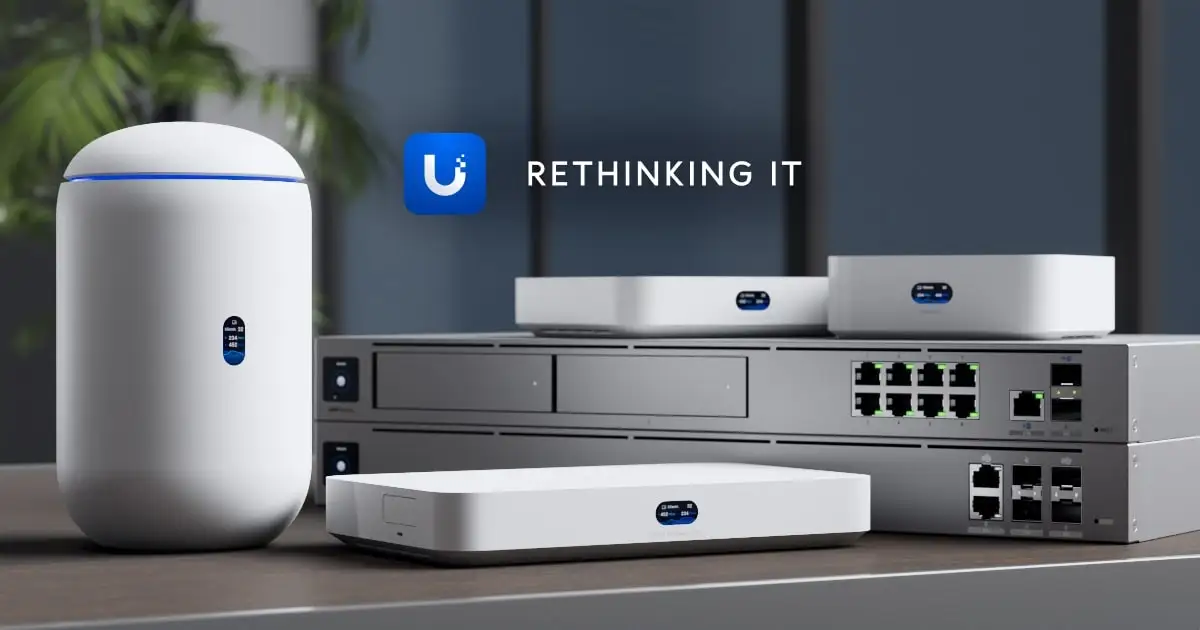
Design aesthetics split opinion. Compact, pill‑shaped housing with LCM status display earns praise for living‑room unobtrusiveness. Yet practicalities—cannot wall‑mount, awkward SD slot location between SFP+ and power—irritated more hands‑on users. Dong Knows Tech had to unplug cables to remove the card.
Fan noise was negligible in testing (only audible with ear to the case), but some users are wary of moving parts in long‑term network gear.
Trust & Reliability
No evidence of scam activity emerged in retail channels. Long‑term reliability is inferred from the UDM line: Dong Knows Tech’s 2019‑era unit ran “trouble‑free” to date, suggesting design longevity. The UDR7 ran a three‑day stress test “with flying colors”—no disconnects or fault states.
Community trust hinges on Ubiquiti’s ecosystem consistency. Local management without a vendor account is possible, preserving privacy, while linking to a UI account adds cloud convenience. Awareness of this control earns user goodwill.
Alternatives
RTINGS compared the UDR7 to:
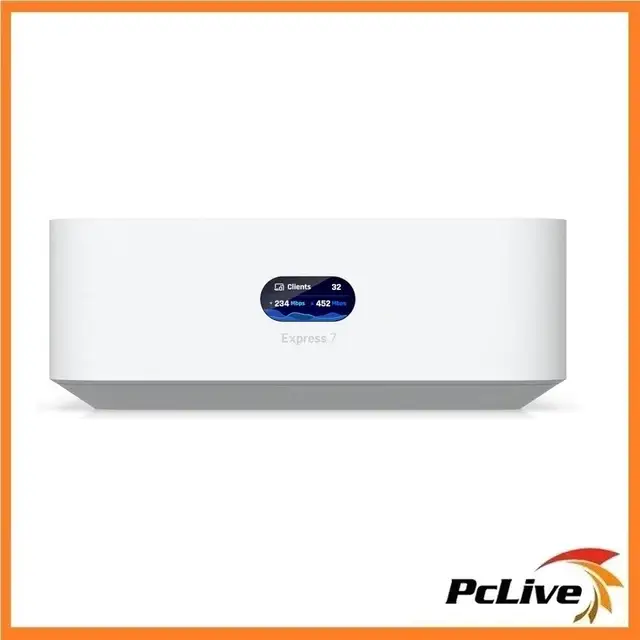
- UniFi Express 7 (UX7): Similar tri‑band Wi‑Fi 7, smaller port set (one 2.5 GbE LAN), no PoE, only supports UniFi Network app. Performance close, 5 GHz band weaker in range than UDR7.
- Eero Max 7: Faster speeds and range in dual‑mesh setup, but far less configurable. No integrated NVR or multi‑app suite.
- AmpliFi Alien: Better range, weaker top speeds, fewer enterprise‑class features.
- UniFi Dream Router (UDR): Dual‑band Wi‑Fi 6, gigabit ports. Still fine for sub‑gigabit broadband, supports two PoE ports vs. one in UDR7.
Dong Knows Tech crystallised the choice: if you need >2.5 Gbps LAN or multiple high‑power PoE feeds, wait for a higher‑tier UniFi gateway. Otherwise, UDR7 hits the sweet spot for mixed wired/wireless multi‑gig setups.
Price & Value
At $279 USD in the US store, the UDR7 commands a premium over UX7 ($199) but far less than pro‑grade walls like UDW ($999). eBay listings show Australian retail nearer $512–$560 AUD, UK around £245.
For households or SMBs already in UniFi, value grows from eliminating extra NVR, controller, or PoE switch for light loads. Resale holds better than consumer routers, with UDM units still trading years post‑launch.
Buying tips across forums stress matching your internet speed and client capabilities. “If you have Wi‑Fi 6 only devices…not worth the price,” a Redditor cautioned—future‑proofing only pays if upgrades are imminent.
FAQ
Q: Can I use the UDR7 as an access point only?
A: Yes, but its role is fundamentally a gateway; UniFi’s mesh approach prefers dedicated APs like U7 Pro. Reddit advice points to the Express 7 for tabletop AP use.
Q: Does the PoE port power UniFi Wi‑Fi 7 APs?
A: Not high‑end ones. The 802.3af port won’t drive APs requiring PoE+, so expect to add a compatible PoE+ switch.
Q: How many UniFi devices can it manage?
A: Officially 30+, including up to 8 cameras (5 HD, 2 2K, 1 4K). Dong Knows Tech notes real needs seldom exceed three APs in home/small office setups.
Q: Is vendor cloud login required?
A: No. You can manage locally via web UI or mobile app in local mode, retaining privacy; cloud linkage adds remote control features.
Q: Will I see a speed boost on my Wi‑Fi 6 devices?
A: Not from the Wi‑Fi 7 spec itself—benefits come from improved backhaul, port speeds, and cleaner RF from DFS/MLO on mixed networks.
Final Verdict: Buy if you’re a UniFi ecosystem user with gigabit‑plus broadband, planning light PoE loads and wanting integrated NVR. Avoid if you need multiple high‑power PoE ports, stronger 2.4 GHz coverage, or >2.5 Gbps LAN. Pro tip from the community: pair with one or two UniFi APs for range, and skip vendor login unless cloud control is vital.





