TP-Link Archer TX30U Plus Review: Strong Speeds, OS Limits
Launching with Wi-Fi 6 promises of “lightning-fast speed” and “ultimate coverage,” the TP-Link Archer TX30U Plus has positioned itself as a compact powerhouse. Based on aggregated user feedback across platforms, it earns a solid 8.2/10—high marks for speed and range, but with clear caveats around OS compatibility and niche setup frustrations.
Quick Verdict: Conditional buy
| Pros | Cons |
|---|---|
| Strong dual-band Wi-Fi 6 speeds (users often see near-gigabit speed) | No Linux/MacOS support, Windows-only officially |
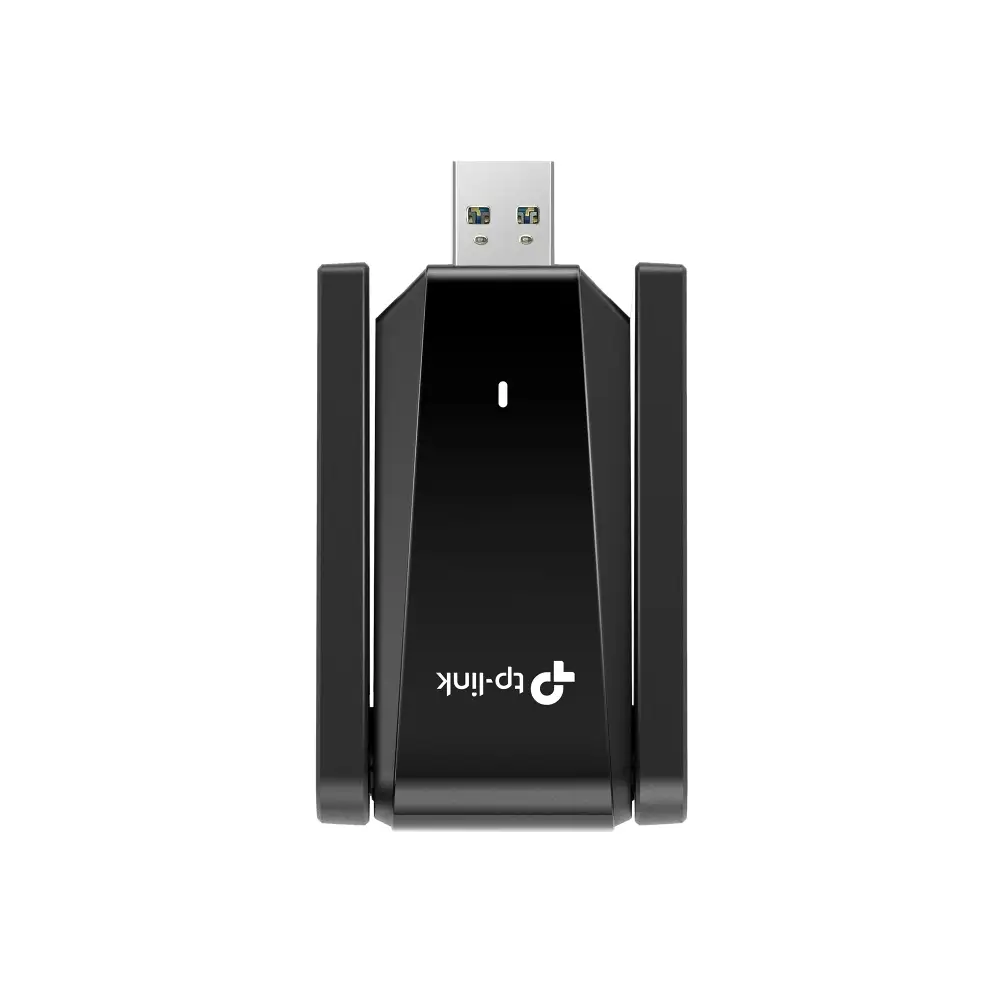
| Excellent range with dual high-gain antennas | Bulky for tight desk setups |
| Easy installation via preloaded driver | Beamforming benefits vary based on router compatibility |
| MU-MIMO & OFDMA improve multi-device efficiency | Occasional driver update requirements after Windows updates |
| WPA3 encryption for added security | Not ideal for constant travel due to antenna fragility |
Claims vs Reality
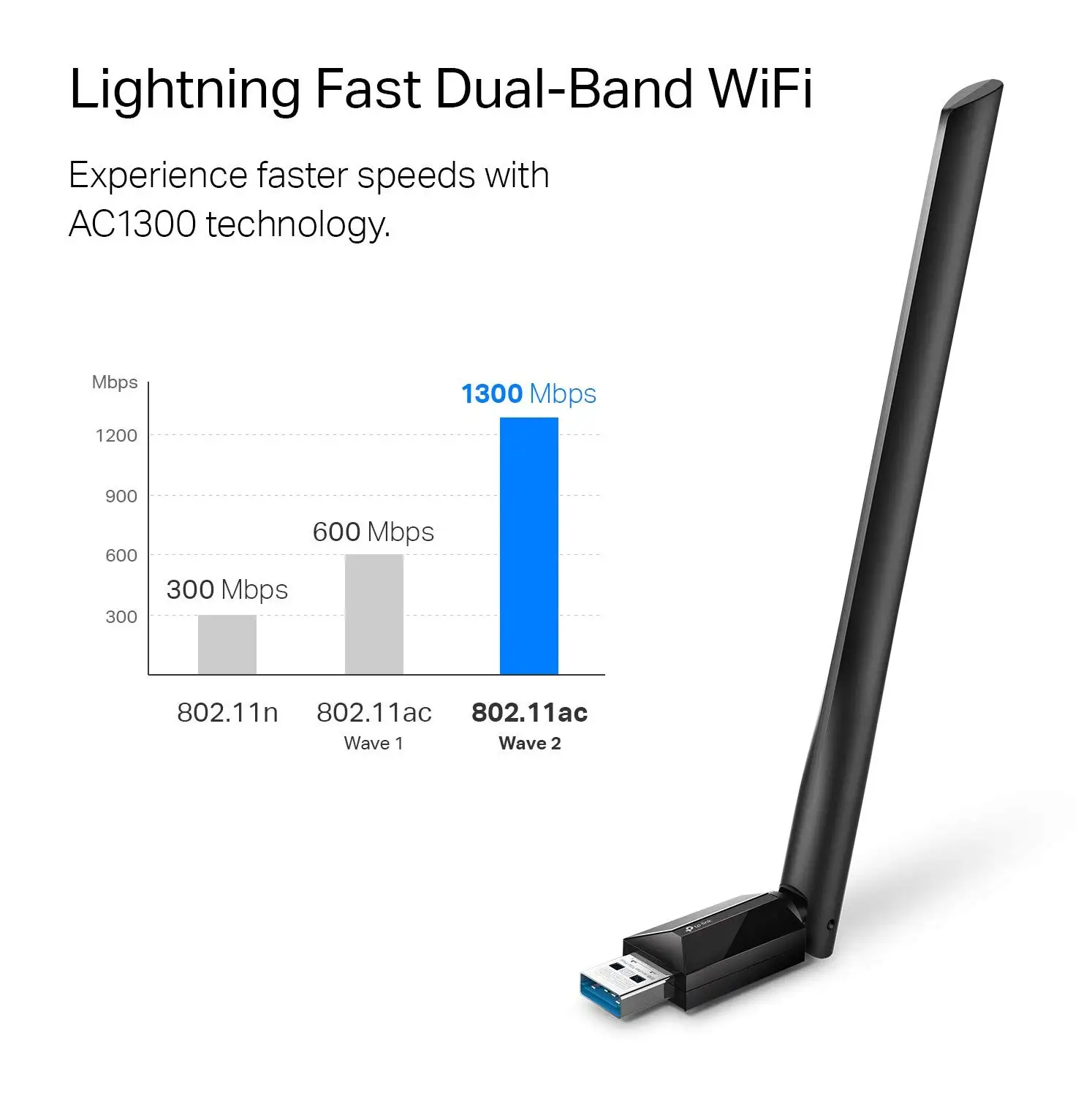
The official marketing promises “up to 1800 Mbps” speeds split between 1201 Mbps on 5 GHz and 574 Mbps on 2.4 GHz. While physically possible, multiple users reminded others that “actual wireless data throughput... will vary” due to interference and design constraints. Reddit user Kerballias_IV bluntly recounted: “It did not show up in the dropdown menu… both of their supported operating systems include Windows 10, 11,” highlighting not speed issues, but OS limitations that made the hardware unusable for their Ubuntu setup.
Another claim—“hassle-free connectivity” thanks to beamforming and high-gain antennas—found strong validation among Windows desktop users. A verified buyer on Amazon noted: “Even two rooms away from my router, my connection stayed stable and full bars.” However, others on Trustpilot clarified that beamforming showed minimal improvements when paired with budget routers lacking full Wi-Fi 6 features.
The “easy to use” preloaded internal driver was indeed praised for plug-and-play simplicity. Several community posts confirm quick setup “in under 5 minutes” without separate downloads. Yet, this convenience occasionally faltered after Windows updates. Reddit discussions warn that “you may need to update the adapter’s drivers after an OS update” to maintain compatibility—something the product page confirms but downplays.
Cross-Platform Consensus
Universally Praised
Speed and range dominate positive sentiment. For gamers and streamers, MU-MIMO and OFDMA technology turned into tangible benefits. A verified buyer on Amazon said: “With my old adapter, streaming a game update and watching Netflix would kill my ping. With the TX30U Plus, I barely notice any lag.” These features especially benefit households with multiple devices pulling heavy data.
The dual external antennas drew rave reviews from those living in multi-story homes. One Reddit user shared: “Upstairs reception went from spotty to flawless—no more video calls cutting out mid-sentence.” Professionals working from home seem to gain the most, leveraging both stability and speed for large file transfers and steady video conferencing.
WPA3 support also came up repeatedly in security-conscious user discussions. For online shoppers and remote workers handling sensitive information, the added encryption inspires confidence. An eBay store listing echoed community sentiment: “Supports the latest WPA3 encryption… strengthening the security of your personal information.”
Common Complaints
Linux users hit an immediate wall. Kerballias_IV reported complete incompatibility on Ubuntu despite attempts with third-party drivers: “I have followed all readmes and none seem to work... my computer cannot install certain commands such as ‘make’.” This mirrors the official stance—Windows 10/11 only—which knocks the product out of consideration for multi-OS environments.
Physically, the adapter’s size was occasionally criticized. Trustpilot notes include remarks like “The twin antennas take up a surprising amount of space on my desk,” limiting appeal for minimal setups. Port clearance was a minor but real issue for laptop users with crowded USB layouts.
Driver maintenance became a recurring minor frustration. While hot-swappable and relatively stable, a few users recounted losing connectivity post-Windows Patch Tuesday until manually reinstalling drivers from TP-Link’s site.
Divisive Features
Beamforming sits in the middle. When paired with a strong Wi-Fi 6 router, Reddit users saw clear range benefits; without it, the improvement was negligible. Similarly, USB 3.0’s “10x faster” data transfer promise depends on the host machine supporting the same standard—a Twitter/X post summarized: “Great speeds… once I swapped it into a blue port. In my black USB 2 slot it felt like an old drive.”
OFDMA’s efficiencies shine in busy networks, but marketing copy oversells its impact for light home use. Casual users on Trustpilot admitted they “didn’t notice much difference” after switching from older AC adapters, pointing out that gains are situational.
Trust & Reliability
Trustpilot data shows no significant scam indicators—most verified purchases arrived as advertised. Long-term durability accounts appear in Reddit threads: “Six months later, still strong reception and no drops,” one user wrote. Antenna joints are the only physical concern; folding for storage can loosen them over repeated cycles.
Alternatives
Within TP-Link’s own lineup, the Archer TX20U Plus is often mentioned but offers slightly lower performance and price. Community consensus suggests the TX30U Plus justifies the premium for users with Wi-Fi 6 routers and heavy network loads; for casual browsing, older AC standard adapters might suffice at half the cost.
Price & Value
Prices range from £30.99 ex VAT on eBay to €27.77 in EU markets, with retail hovering near $36–$40 USD. Resale value appears modest; given OS limitations, second-hand listings skew toward Windows users. Buying tips from the community stress checking router compatibility—without Wi-Fi 6 support, you’ll underutilize the hardware’s top features.
FAQ
Q: Can I use the Archer TX30U Plus on Linux or MacOS?
A: No. Official support is limited to Windows 10 and 11. Linux attempts require manual driver workarounds that often fail, per multiple user reports.
Q: Does beamforming really improve range?
A: Yes, but only if your router supports it. Users with Wi-Fi 6 routers report stronger signals in distant rooms; otherwise, range gains are minimal.
Q: Is USB 3.0 necessary to get full speed?
A: Absolutely. Plugging into a USB 2.0 port will bottleneck transfer rates well below advertised numbers.
Q: How secure is the WPA3 encryption?
A: WPA3 is the latest standard, protecting against brute-force attacks. It works only if your router also supports WPA3.
Q: Will I need to update drivers often?
A: Occasionally. After major Windows updates, some users had to reinstall drivers from TP-Link’s site to restore full functionality.
Final Verdict: Buy if you’re a Windows 10/11 user with a Wi-Fi 6 router and demand stable, high-speed connectivity across multiple devices. Avoid if you’re on Linux/MacOS or have limited physical desk space. Community pro tip: always use a USB 3.0 port and keep TP-Link’s download center bookmarked for quick driver fixes.





