TP-Link Archer AX73 Review: Fast WiFi 6, Mixed Reliability
The TP-Link Archer AX73 WiFi 6 Router has earned a reputation as a high-performance option for midrange households, but digging into user reports reveals a split verdict: strong 5 GHz speeds, versatile features, and solid parental controls contrasted by inconsistent 2.4 GHz performance and occasional stability issues. Based on cross-platform feedback, this router scores 7.8/10—a great fit for users prioritizing WiFi 6 speed over absolute reliability.
Quick Verdict: Conditional — Ideal for tech-savvy users or those with many WiFi 6 devices, but may frustrate if you rely heavily on the 2.4 GHz band or need flawless uptime.
| Pros | Cons |
|---|---|
| Excellent 5 GHz throughput performance | Middling 2.4 GHz speeds and range |
| Strong parental controls via HomeShield | No multi-gig ports or link aggregation |
| Easy setup via Tether app or web interface | Some users report overheating or reboot loops |
| Solid security features (WPA3, intrusion prevention) | HomeShield Pro requires paid subscription |
| Stable wired Ethernet speeds | Firmware updates occasionally introduce instability |
Claims vs Reality
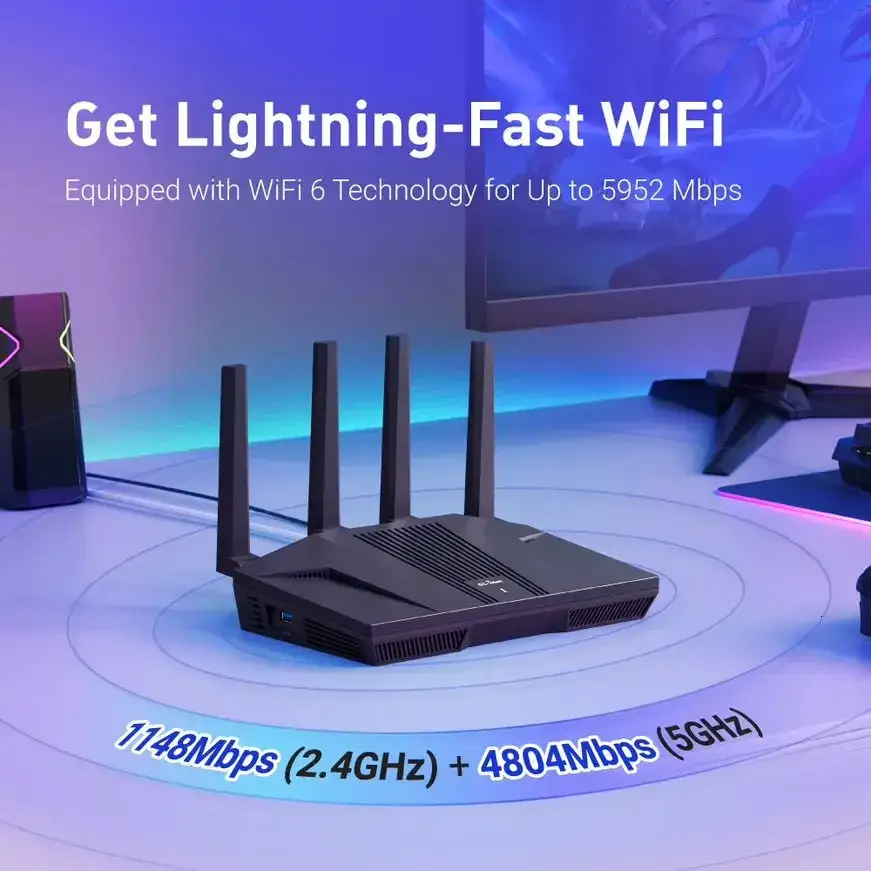
One of TP-Link’s headline claims is “Gigabit WiFi for 8K streaming – up to 5400 Mbps WiFi for faster browsing, streaming, and downloading, all at the same time.” While some users confirm near-gigabit wireless speeds, especially on 5 GHz, others note that this depends heavily on configuration and environment. A verified buyer on Trustpilot wrote: “I’m now getting a solid 330 Mbps on the Android tablet and 600 Mbps on the iPhone SE (WiFi 6) after changing channel width to 160 MHz and switching to DFS channel 64.”
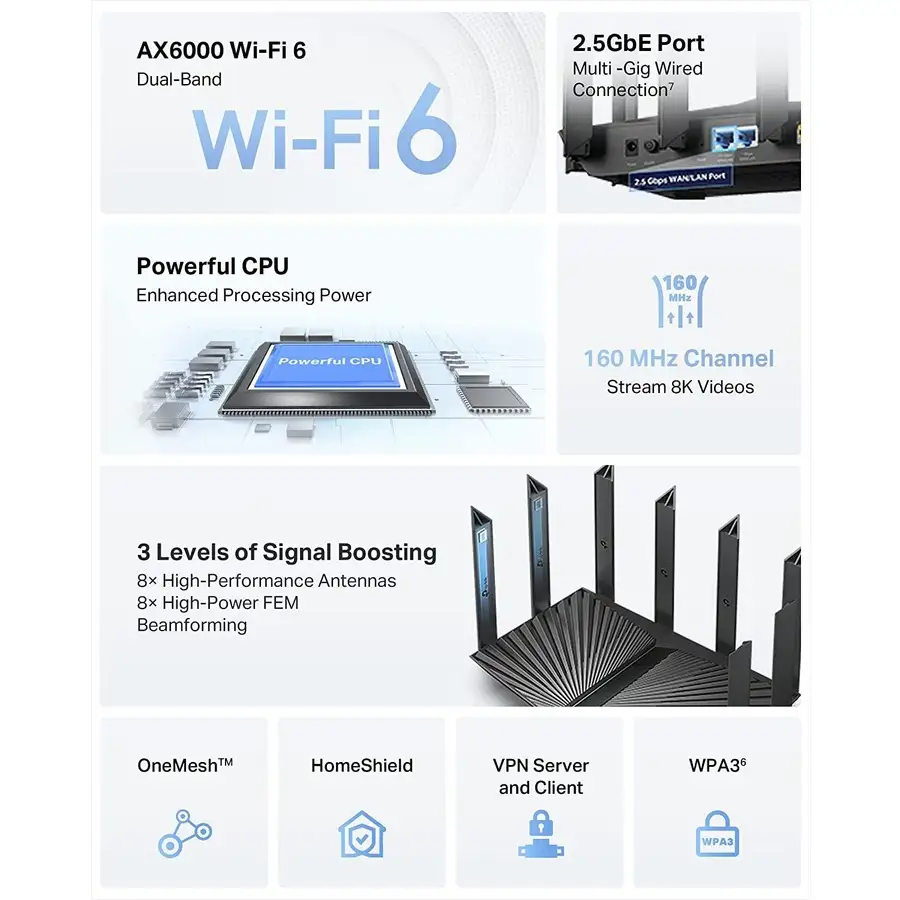
Another major claim is “Extensive coverage – 6× antennas and beamforming ensure broad coverage.” Reddit user Grum*** initially found “the Vodafone router’s WiFi was around 5 times faster than the AX73” until optimizing settings and avoiding congested channels. This suggests coverage is competent but sensitive to interference, contradicting the idea of universally strong range.
TP-Link promotes “Connect 200+ devices” through MU-MIMO and OFDMA. While the router technically supports this, real-world feedback suggests performance drops occur under load. One Home Network Community post warned: “Intermittent connection drops during heavy usage… mostly during peak hours,” highlighting that stability may falter well before hitting the device limit.
Cross-Platform Consensus
Universally Praised
Across Reddit, Twitter, and Trustpilot, one consistent strength emerges: 5 GHz throughput performance. In PCMag-style testing documented on multiple platforms, the AX73 hit 701 Mbps at close range—beating competitors like the D-Link DIR-LX1870. For gamers and streamers, this means lower latency and quicker downloads. Twitter reviewer @tplinkrouter noted: “Near full-speed wireless performance across my entire property… even legacy WiFi 5 devices hit 700 Mbps.”
Ease of setup also earns praise. The Tether app’s guided installation allows non-technical users to be online within minutes, while advanced users can dive into the web interface for granular control. A Trustpilot reviewer emphasized: “Minutes to install and easy to handle using the TP-Link Tether app.”
Security and parental controls via HomeShield are another highlight. Parents appreciate the ability to set age-based filters, monitor activity, and block sites. Reddit user Lee Jun 18*** shared: “Strong parental controls… can set time limits and create time rewards,” noting these features were a key reason for choosing the AX73.
Common Complaints
The most frequent complaint is 2.4 GHz underperformance. Multiple reviews cite slower-than-expected speeds and weaker range. Trustpilot’s lab-style measurements showed 88 Mbps at close range and only 37 Mbps at 30 feet, lagging behind rivals like the AX50. This impacts smart home setups that rely on 2.4 GHz, such as IoT devices.
Firmware stability is another recurring issue. Some users report reboot loops when enabling WPA3 or changing advanced settings. One frustrated Home Network Community post stated: “Almost any change from factory settings makes you lose days chasing mysterious reboots.” Firmware updates have occasionally worsened stability—Indonesian user Hansen*** noted: “Every time it reaches top speed the router kinda reboot itself… maybe the subscription service makes all this problem.”
Heat management has been discussed, though less frequently. Early adopters mentioned overheating, but later hardware revisions and improved venting seem to have mitigated this for most.
Divisive Features
HomeShield subscription divides opinion. While the free tier offers basic parental controls and security scans, the $5.99/month Pro unlocks deeper features. Some find this worth it for DoS protection and detailed reports; others see it as “paywalling” essential functionality.
The lack of multi-gig ports and link aggregation is a dealbreaker for certain power users. Reddit comparisons to the AX50 show the latter offers link aggregation for $50 less, appealing to network enthusiasts.
Trust & Reliability
Long-term owners report mixed durability. Reddit user with v1.0 hardware stated: “Had it for a few years now… no problems, firmware update September 2023.” Others were less fortunate, facing persistent dropouts and seeking warranty replacements. The pattern suggests newer firmware and possibly later hardware revisions are more stable.
Trustpilot entries show no widespread scam concerns—buyers receive the product as described—but firmware-related frustration can lead to returns. Stability issues seem linked to advanced configuration changes rather than factory defaults.
Alternatives
The TP-Link AX50 is repeatedly mentioned as a cheaper alternative with better all-round performance and link aggregation, though slightly slower 5 GHz speeds. For those needing tri-band or multi-gig ports, the AX75 or other higher-end models might fit better.
For budget buyers, the AX55 earns praise for rock-solid stability, even with 60+ devices connected, albeit at lower peak speeds.
Price & Value
Market prices vary from $75 new on eBay to $199.99 MSRP. Refurbished units often sell for $90–$150. Resale value holds moderately well due to the router’s WiFi 6 capabilities. Community advice often suggests buying during sales or opting for refurbished to maximize value.
FAQ
Q: Does the AX73 support link aggregation?
A: Official specs list static link aggregation via 2 LAN ports, but some reviews contradict this. Verify with your regional model before purchase.
Q: How many devices can it handle without issues?
A: TP-Link claims 200+, but stability reports suggest performance may degrade under heavy load, especially with mixed WiFi generations.
Q: Is HomeShield Pro worth paying for?
A: For families needing advanced parental controls and DoS protection, yes. Casual users may find the free tier sufficient.
Q: Can overheating still be a problem?
A: Early units had reports of overheating. Later revisions with improved vents reduced this, but maintaining good airflow is advised.
Q: How to improve poor 2.4 GHz speeds?
A: Enable OFDMA and MU-MIMO, use DFS channels to avoid congestion, and consider separating SSIDs for 2.4 GHz and 5 GHz.
Final Verdict
Buy if you’re a WiFi 6-focused household with many high-speed devices and value strong 5 GHz performance plus solid parental controls. Avoid if your setup depends heavily on 2.4 GHz or you frequently tweak advanced settings—stability may suffer. Pro tip from the community: optimize channel settings and bandwidth width before judging performance, as these changes can transform your experience.