TI-83 Plus Review: Worth It If Screen Is Good (7.9/10)
“It still works… minus 3 vertical columns of pixels.” That one Reddit brag captures the TI-83 Plus story better than any spec sheet: it’s a classic that people keep using—until the screen starts acting up. Texas Instruments TI-83 Plus Graphing Calculator earns a 7.9/10 based on the provided cross-platform feedback: beloved for school math and durability by many, but shadowed by recurring display and condition complaints in marketplace-driven purchases.
Quick Verdict
Conditional Yes — a smart buy for required coursework and exam-approved basics, but riskier when sourced used/third-party due to screen and condition issues.
| What matters | What people liked | What people disliked | Best for |
|---|---|---|---|
| Ease of use | Best Buy reviewers call it “easy to use” | Some say the interface feels “clumsy” (Newegg) | Algebra → calculus students |
| Battery life | “The battery lasts forever” (Best Buy) | Screen issues sometimes persist after battery swaps (Trustpilot analysis) | Long school days, exam prep |
| Reliability | Long-lived units still running decades later (Reddit) | Reports of units “already broke” within weeks/months (Trustpilot analysis) | Buyers who can verify condition |
| Display | “Clear, readable” is implied in positives | “Ancient” display; “pixelated and unreadable” (Newegg/Trustpilot) | Users OK with old-school LCD |
| Value | “Cheaper” alternative to TI-84 (Best Buy) | “It cost too much” (Newegg) | Budget-focused students |
| Capability | Standard math course coverage | “Almost useless for… complex variables” (Newegg) | Non-EE/CpE-heavy needs |
Claims vs Reality
Texas Instruments TI-83 Plus Graphing Calculator is marketed (via specs) as an “easy-to-use graphing calculator” with exam acceptance and broad math/science functionality. Digging deeper into user feedback, the “easy-to-use” part largely holds for the typical student path, but the lived experience depends heavily on course type and unit condition.
A recurring pattern emerged around “standard issue” academic usefulness. A reviewer on Newegg framed it bluntly: “if your in a collage math class this is pretty much standard issue if you want to survive,” adding that “all the math books give instructions for them.” That kind of ecosystem support shows up again in Best Buy reviews, where one shopper said: “this calculator did exactly what i needed it to for my class,” and another described it as “great for statistics” because it “worked perfectly,” even while admitting the TI-84 felt “a little more user friendly.”
While marketing and spec listings emphasize functionality and “clear, readable” usability, the data suggests the biggest reality gap is hardware condition—especially the screen. Trustpilot-style analysis repeatedly references display failures: “dots would appear all over the screen,” “the screen is all pixelated and unreadable,” and “numbers blacked out.” Even a proud long-term Reddit owner admitted theirs still works, but “minus 3 vertical columns of pixels.” The calculator’s core capability may match the brochure; the risk is whether the particular unit you get will keep showing it cleanly.
Cross-Platform Consensus
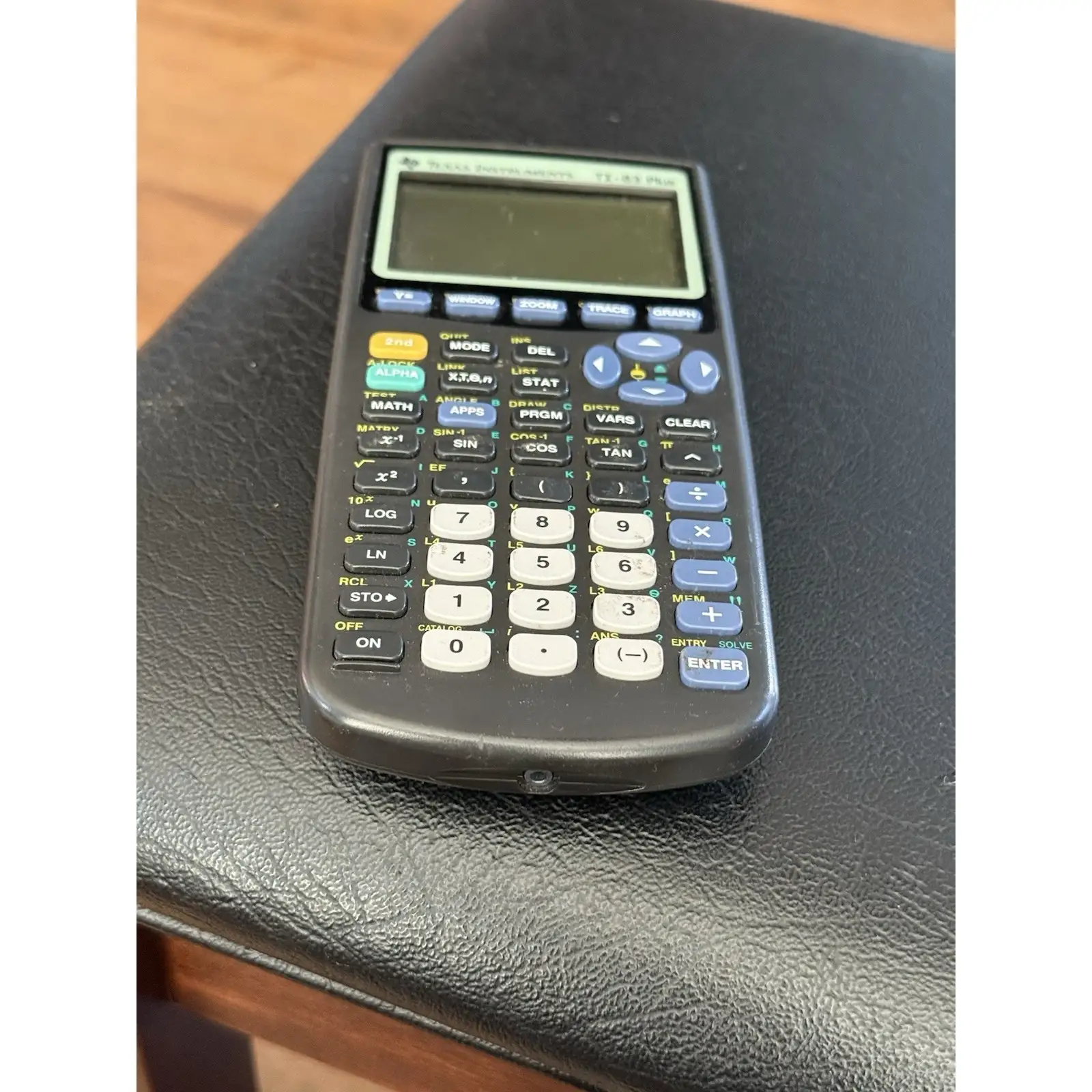
Texas Instruments TI-83 Plus Graphing Calculator inspires a surprisingly emotional kind of loyalty for a piece of classroom hardware—often because it’s dependable enough to become a long-term companion. Best Buy feedback reads like people describing a tool that simply doesn’t get in the way. One reviewer called it the “holy grail of calculators,” saying: “honestly i use it all the time and it just does its thing really well.” Another described its role beyond math class: “this calculator is great and a life saver in my accounting and college business math classes,” pointing to the way the TI-83 Plus becomes a “one device” solution for students bouncing between stats, business math, and pre-calc.
For students navigating teacher expectations and standardized testing rules, familiarity is a feature. A Newegg reviewer emphasized that it’s “best to buy the texas instruments one because all the math books give instructions for them.” On Best Buy, that shows up as comfort and continuity: “i used one exactly like this when i was in high school and it worked great then, too.” In practice, that means less time fighting menus and more time following along with course materials—especially in classes where instructors assume TI key sequences.
Battery life is another consistent theme when the unit is healthy. A Best Buy reviewer wrote: “the battery lasts forever,” and others echoed that it’s “very well built” and “very easy to use.” For students who can’t afford a dead calculator during an exam week, that kind of “set it and forget it” power story is part of why the model persists. Even the Amazon listing highlights battery power and backup, and users reinforce that in real classroom routines.
Universally Praised
Digging deeper into user reports, the most repeated praise is that it “just works” across a wide range of math classes. A Best Buy reviewer using it beyond a single course said: “i use it for calculus, basic arithmetic, plotting graphs,” reinforcing the TI-83 Plus as a general-purpose academic workhorse rather than a niche gadget. Another reviewer framed it more simply as reliability: “good calculator, easy to use and at just the right price.”
Portability and practicality show up in everyday family/student scenarios. One Best Buy shopper wrote: “my granddaughter loves this item for school, easy to use and small to carry.” Another parent said it helped avoid spending more: “my son needed one for algebra 1… the price was great compared to others and it really helps my son keep his grades up in math.” For families buying under deadline pressure, that “good enough, accepted, familiar” combo is the recurring win.
The device also earns praise for programmability and personal workflows. A Best Buy reviewer described learning to program keys to store constants: “useful for me because i constantly have to reference the mass of an electron or the speed of light or plank ks constant.” On Hacker News, the TI-83+ era is described as a gateway into coding culture: a commenter said “TI-83+ played a huge role in my formative years as a programmer/nerd,” while another argued “the restrictions are what made it easy to get into.”
Common praise themes (from Best Buy/Newegg/Hacker News/Reddit):
- Works across algebra, stats, calculus, and business math
- Familiar instructions in textbooks/classes
- Strong battery life for long school terms
- Programmable enough to support study workflows
Common Complaints
The most serious recurring complaint is display failure or degradation—often described as dots, lines, and unreadable garbling. Trustpilot-style analysis includes repeated frustrations like: “dots would appear all over the screen,” and later, “the dots came back on and haven't gone away.” Another report says: “now the screen becomes so garbled i can't read it at all.” For a student, that failure mode is brutal: the calculator can still technically “turn on,” but it’s unusable when the display becomes unreliable during homework or exams.
Even among enthusiasts, aging LCD issues appear. In the Reddit thread, one long-term owner celebrated: “i still have my original ti-83 from my 1996 10th grade geometry class!!” but immediately added the caveat that it still works “minus 3 vertical columns of pixels.” That’s not a complaint about features—it’s a reminder that many units in circulation are old, and screen wear becomes the limiting factor.
Some criticism targets the overall “old” feel. A Newegg critical review called out: “the display is ancient. connectivity is poor. interface is clumsy.” That’s the perspective of someone comparing it to more advanced tools, especially in technical majors. And for electrical engineering or complex-variable-heavy work, that same reviewer warned it’s “almost useless for analysis of complex variables,” listing areas like “dsp” and “communications theory.”
Common complaint themes (from Trustpilot analysis/Newegg/Reddit):
- Screen defects (dots/lines/pixelation) sometimes persist after battery replacement
- Old-school display and clunky interface for power users
- Not suited for complex-variable-heavy engineering analysis
Divisive Features
“Outdated” is either a dealbreaker or the whole appeal. On Reddit, one commenter admitted: “sadly many seems to be live its a boring and outdated calculator, but i still like it, it does what a graphing calculator should do.” Another echoed the generational comparison: “it 's a great predecessor of the ti-84, and some of the things about the 83 i prefer.” For some students, that means fewer distractions and a straightforward tool; for others, it’s a sign they should spend more for newer models.
Programmability also splits audiences. Hacker News commenters praised the TI-BASIC “sweet spot” for learning: “it 's very easy to get started,” and highlighted how “everyone you know has one,” making sharing programs part of the culture. Meanwhile, the Newegg EE-focused reviewer treats those strengths as insufficient for advanced domains, suggesting alternative calculators for that path.
Trust & Reliability
Marketplace risk shows up as a central reliability storyline. Trustpilot-style analysis flags seller/condition issues with warnings like: “i would recommend everyone not to buy anything from this seller,” and complaints such as: “item arrived faulty” despite being listed as “very good” condition. That suggests the biggest reliability variable isn’t the TI-83 Plus design alone—it’s the quality control of whoever is reselling it.
At the same time, long-term durability stories are unusually strong for a consumer electronic. Reddit users talk about keeping calculators for decades: “i still have my original ti-83 from my 1996 10th grade geometry class!!” That’s a powerful counterweight to the “broke in a month” reports from the review analysis—implying a split between solid legacy units and questionable used-condition purchases.
A recurring pattern emerged: when the unit is good, it lasts; when it’s bad, the screen issues can surface fast. Trustpilot analysis includes: “i've had this calculator for about a month and it already broke,” and “after a month… it has stopped working,” reinforcing that buyers should treat condition verification as part of the purchase decision.
Alternatives
Only a few competitors are explicitly mentioned in the provided data, but they matter. Best Buy reviewers repeatedly reference the TI-84 as a more user-friendly option. One user said they used the TI-83 Plus because it was “cheaper,” but acknowledged the TI-84 was “a little more user friendly.” That frames the TI-83 Plus as the value pick for required coursework when you don’t need extras.
Newegg feedback introduces the TI-89 Titanium and TI-36 as better fits for certain engineering contexts. A critical reviewer said they moved to a “ti-89 titanium,” and argued “a ti-36 is a better machine for ee majors than this” for complex-variable-heavy topics. The implication: if your syllabus leans into advanced engineering math, the TI-83 Plus may become limiting even if it’s perfectly fine for mainstream math sequences.
Price & Value
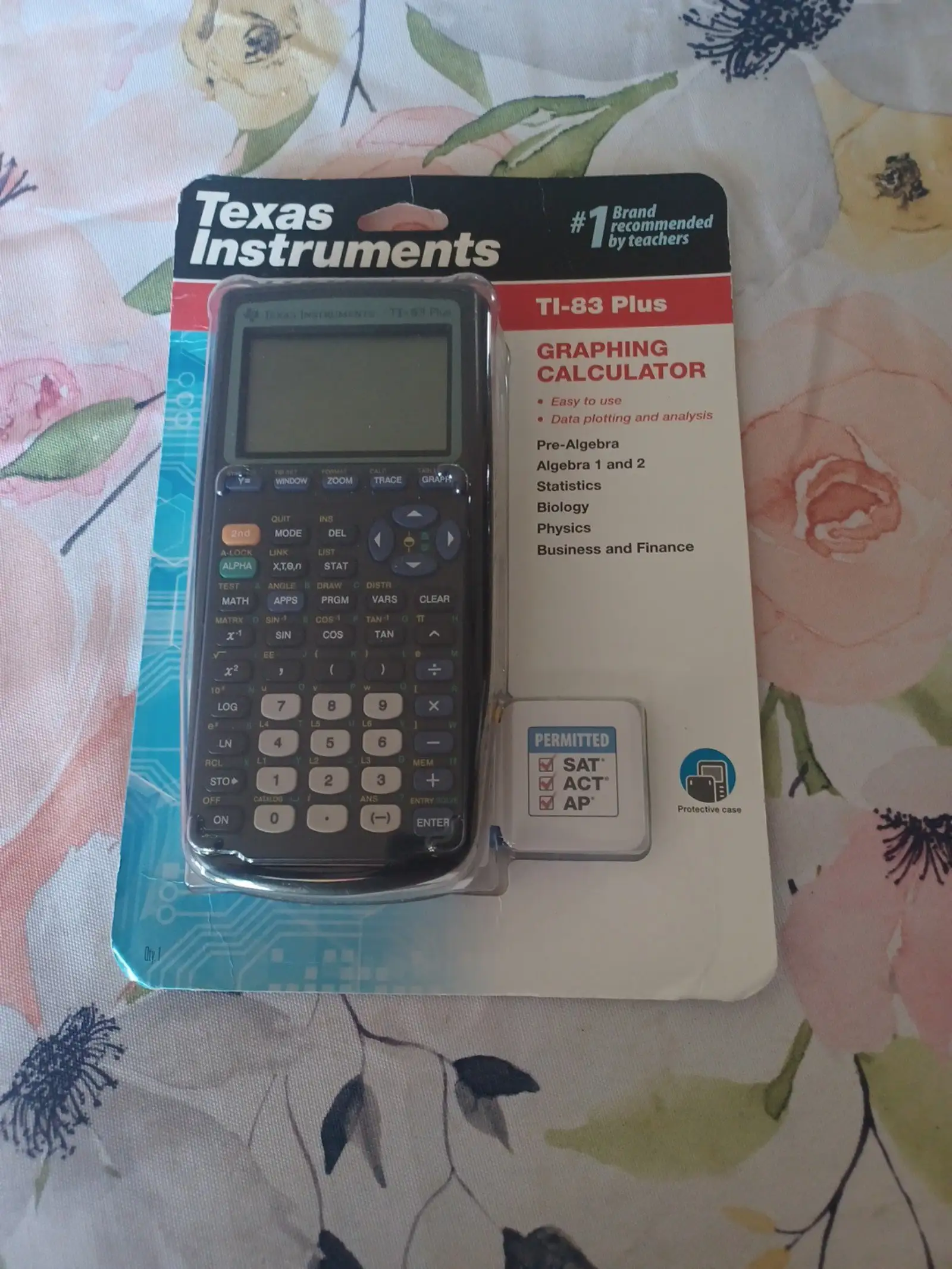
Pricing signals vary wildly by platform, which shapes how people feel about “value.” On Amazon (spec listing), it appears around $74.77 new, while Best Buy shows clearance pricing as low as $25.99 (sold out). That gap explains why some users call it “reasonably priced” and others say “it coast to much” (Newegg).
Resale markets reinforce the TI-83 Plus as a liquid, constantly traded school tool. eBay listings show many pre-owned units in the roughly $20–$40 range, with “tested working” and “with cover” frequently emphasized—hinting that condition and screen quality are the main value drivers. Trustpilot’s marketplace complaints (“item arrived faulty”) fit that: savings can disappear fast if the unit arrives with display problems.
Buying tips emerge indirectly from the stories: students who only need it “after the class” chose it because it was “cheaper” (Best Buy), while long-term owners cherish the ones that keep working. Practical takeaway from the feedback: prioritize verified working condition over chasing the lowest price, because screen issues are the costliest surprise.
FAQ
Q: Is the TI-83 Plus good enough instead of a TI-84?
A: Yes, for many classes it is. A Best Buy reviewer said the TI-83 Plus “did exactly what i needed it to for my class,” though they noted the TI-84 is “a little more user friendly.” Several buyers chose the TI-83 Plus because it was “cheaper.”
Q: Does the TI-83 Plus have battery life that lasts through a school year?
A: Often, yes. A Best Buy reviewer wrote “the battery lasts forever,” and positive summaries highlight long battery life. However, Trustpilot-style feedback includes cases where screen problems remained even after “completely changed the batteries,” suggesting battery swaps won’t fix display defects.
Q: What’s the most common hardware problem mentioned?
A: Screen issues. Trustpilot-style reports mention “dots would appear all over the screen,” “pixelated and unreadable,” and “numbers blacked out.” Even a long-term Reddit owner said their unit still works but is missing “3 vertical columns of pixels.”
Q: Is the TI-83 Plus good for engineering majors?
A: It depends on the engineering track. A Newegg critical reviewer said it’s “almost useless for analysis of complex variables,” listing electromagnetics and DSP, and recommended other options like a TI-36 for EE majors. For general math and finance needs, they still called it workable.
Q: Why do people still buy a TI-83 Plus today?
A: Familiarity and course alignment. A Newegg reviewer said it’s “standard issue” and textbooks “give instructions for them.” Best Buy reviewers describe it as reliable and straightforward—“it just does its thing really well”—which matters when teachers and exams expect TI-style workflows.
Final Verdict
Buy Texas Instruments TI-83 Plus Graphing Calculator if you’re a high school or college student in algebra, statistics, pre-calc, or calculus who wants a familiar, exam-friendly tool and can confirm the unit’s condition. Avoid it if your coursework hinges on complex variables or you’ll be stuck with an unverified used unit where screen defects (“dots,” “pixelated,” “vertical lines”) are common.
Pro tip from the community mindset: if you only “need it… for my class” and want a cheaper path than a TI-84, follow the Best Buy buyer logic—get what “worked perfectly,” but treat display condition as the make-or-break detail.





