Thrustmaster TCA Yoke Boeing Review: Realism vs Price
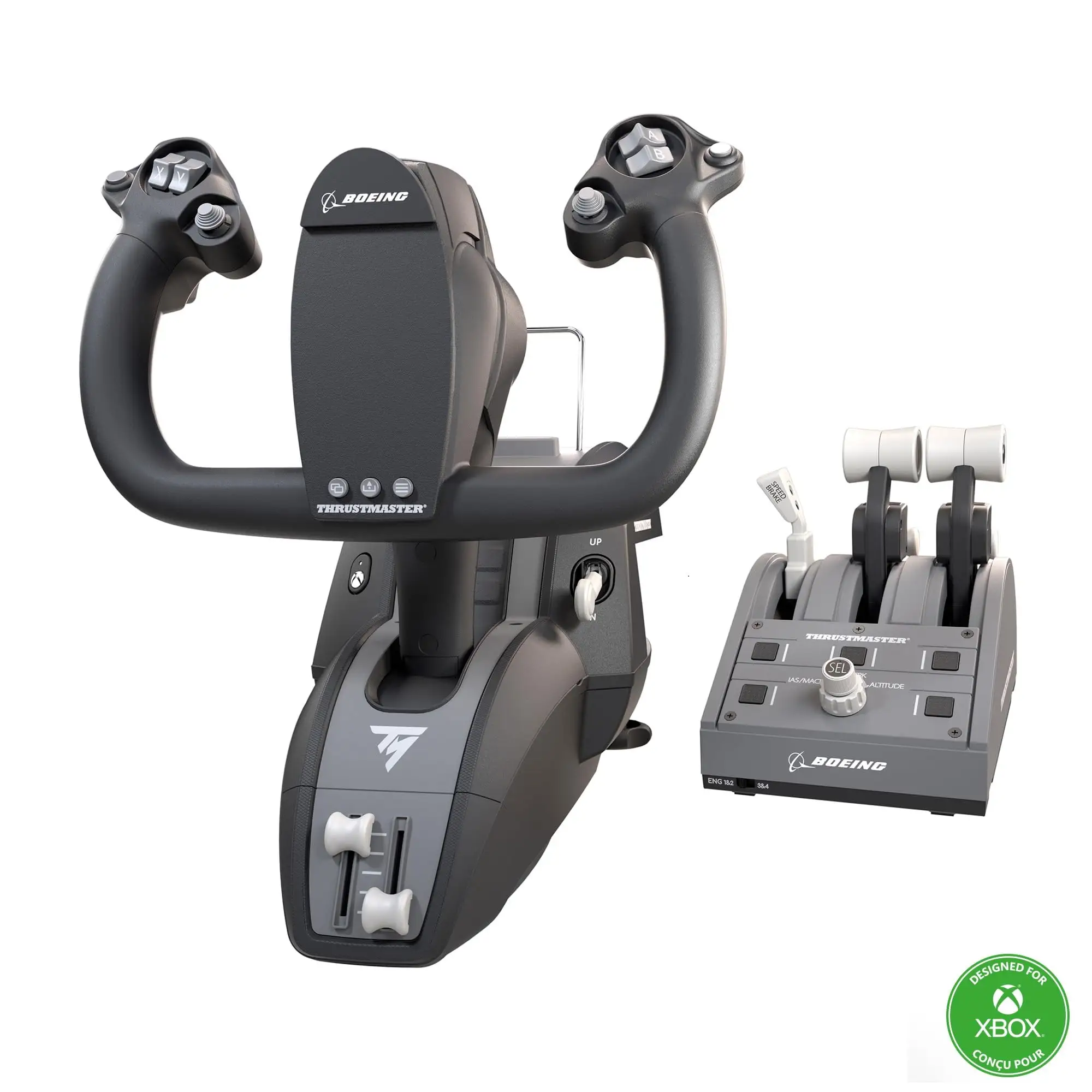
A verified buyer on Best Buy summed it up bluntly: “Best yoke ever. Works for all types of aircraft, not just Boeing jets.” The Thrustmaster TCA Yoke Boeing Edition stands out as a premium flight sim controller that promises airline realism for the home cockpit—and for many, it delivers big. With consistent praise for its 1:1 Boeing 787 replica design, pendular motion, and metal build, the unit scores an impressive 8.5/10 among enthusiasts, though its high price and niche application keep it from perfection.
Quick Verdict: Conditional—worth it for serious sim pilots, especially Microsoft Flight Simulator users, but overpriced for casual flyers.
| Pros | Cons |
|---|---|
| Exceptionally realistic feel and pendular mechanism | Very expensive compared to rivals |
| Solid 100% metal internal frame | Limited use outside MSFS |
| Adjustable yoke resistance | Reverse thrust levers unintuitive |
| Ambidextrous, swappable throttle levers | Setup challenging in small spaces |
| Seamless MSFS integration (Xbox & PC) | Occasional wireless lag under load |
| Premium build quality lasting years | Quadrant less robust than yoke |
Claims vs Reality
One of Thrustmaster’s boldest marketing lines is its “floor-mounted pendular yoke feel,” claiming true Boeing Dreamliner kinematics. Reddit user feedback corroborates the sensation: “Closest facsimile to an airliner yoke I can find without going broke,” noted one, praising its natural swing and re-centering in mid-flight. However, Best Buy customer ybing flagged a quirk: “Wish it has a clip for your chart… also the yoke is very bulky, especially the bottom part.”
The company also touts “authentic Boeing autopilot controls” for altitude, speed, and heading. PCMENA acknowledged these features as “genuinely useful,” allowing in-flight adjustments without diving into menus. Yet GamesRadar spotted a reality gap—the reverse thruster mechanism is just a button input, not a true axis, which can break immersion for purists.
Finally, Thrustmaster claims “seamless Microsoft Flight Simulator integration.” While most users report smooth plug-and-play recognition, GamesRadar cautioned console owners that initial setup requires “tinkering with the inputs,” especially for throttle reverse options—a reminder that seamless often needs tweaking.
Cross-Platform Consensus
Universally Praised
Across Reddit, Best Buy, and Trustpilot, the yoke’s physical feel is the star. The pendular mechanism, with 21 cm travel, wins applause from sim pilots for finely controlled pitch adjustments. “Very realistic feel of flying! From a recent flight at a simulator this feels like a similar experience!” wrote Best Buy user flightsimmer80. For long-haul simmers, the all-metal build reassures—trusting their $500+ investment will last years of heavy use. The adjustable spring tension supports diverse play styles; light resistance appeals to casual tour pilots, while heavy tension suits procedural training.
The ambidextrous throttle quadrant also draws praise—swappable levers let left-handed and right-handed flyers recreate their preferred cockpit layouts. Users who fly both Boeings and GA aircraft appreciate this flexibility. Best Buy buyer compact combo washer found it “great not just for the Boeing airline models, but also for GA aircraft that have yoke control.”
Common Complaints
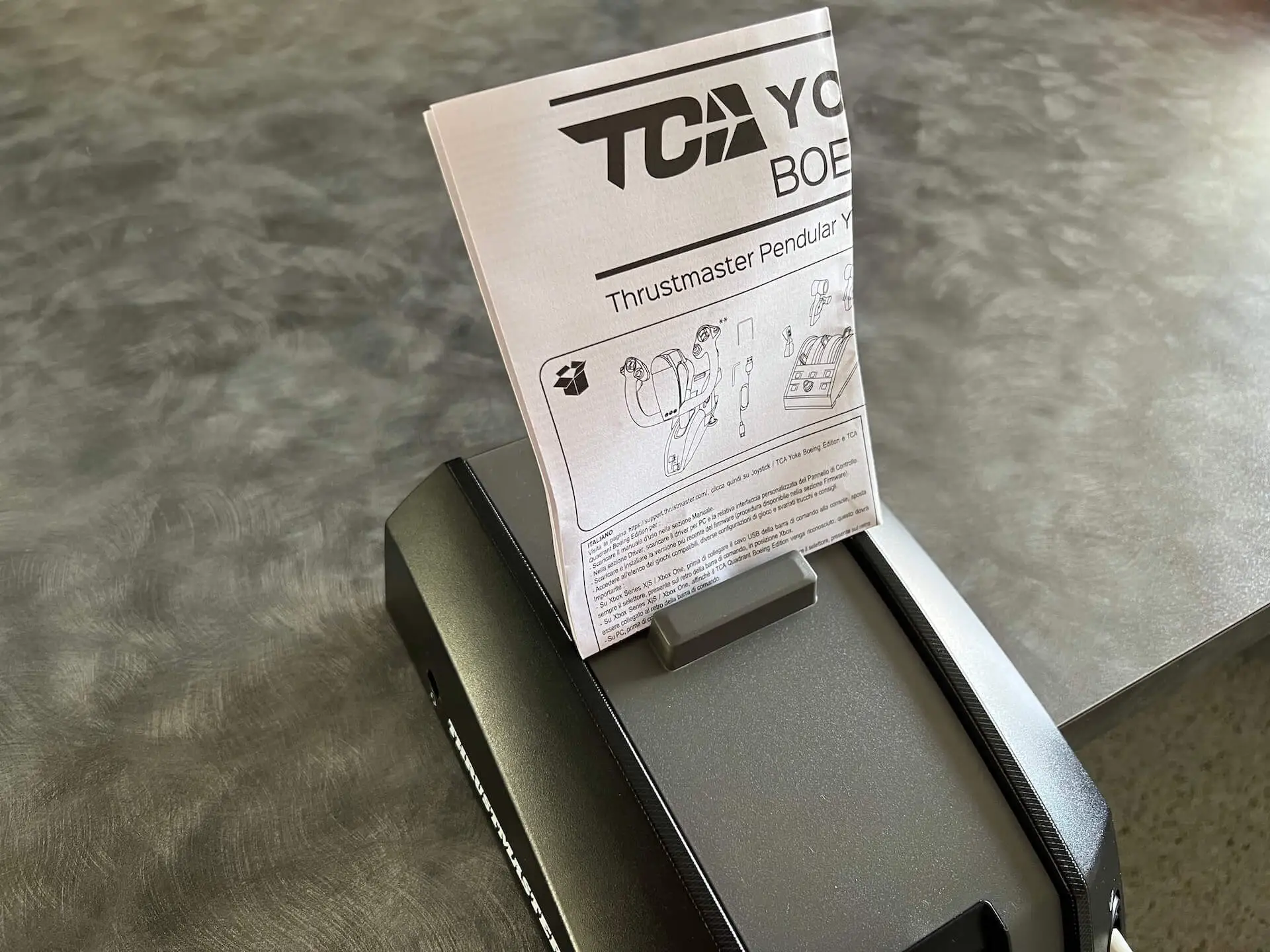
Two issues recur: quadrant quality and device bulk. Best Buy user samik rated the set 2 stars, calling the quadrant “low quality and very hard to set up,” even while lauding the yoke itself. Space constraints also frustrate some—ybing described the protruding bottom as “very deep,” making desk positioning tricky.
Performance hiccups exist but are rare; PCMENA observed “occasional minor lag” in wireless mode during graphically heavy flights. And outside of MSFS, functionality drops sharply—GamesRadar warns console owners that “it has little application outside of Microsoft Flight Simulator,” making the investment hard to justify without a commitment to that title.
Divisive Features
The reverse thrust control splits opinion. GamesRadar dismissed it as unintuitive, while others simply adapt to the button input. Similarly, weight is loved for stability but criticized for portability limits—FlightSimZone called heavy build “excellent for sturdiness, difficult for transport.” The price point is another razor edge: adored for delivering realism, balked at by budget-conscious simmers.
Trust & Reliability
Scam concerns are nonexistent here—this isn’t a fly-by-night peripheral maker. Thrustmaster’s Boeing license reassures buyers that the product is legit. Durability stories bolster trust; Best Buy customers report multi-month heavy use with no degradation, and PCMENA noted that “exceptional build quality” stayed consistent across multiple sim titles.
A few cases of product defects occur, such as Best Buy reviewer nicholasr finding a “bad internal sensor” on arrival. However, these are reported as isolated incidents, with warranty coverage stepping in. The metal frame and robust mechanics suggest a product designed for longevity.
Alternatives
Within the discussed feedback, the most comparable product mentioned is Thrustmaster’s own T. Flight Full Kit X. GamesRadar contrasted its intuitive nature for varied aircraft with the Boeing Edition’s deep realism and heavier footprint. Pilots seeking lighter, generalist controls might prefer the Full Kit X; Boeing Edition thrives for airliner immersion—not arcade dogfights.
Price & Value
Current prices hover around $499.99 from official resellers, with eBay listings ranging $375–$699 depending on condition. Resale retention is strong, especially for lightly used units—one eBay seller moved an “in perfect condition” set after 30 minutes of use for near retail value. Community advice tilts toward stalking discounts; ybing advised “wait for discount,” noting it’s “almost perfect” but costly.
If buying secondhand, confirm quadrant condition and spring setup, as these are the most wear-prone elements. Given its niche market and Boeing license, depreciation is slow, making it a safe investment for committed simmers.
FAQ
Q: Does the Thrustmaster TCA Yoke Boeing Edition work with games other than Microsoft Flight Simulator?
A: While technically possible with some reconfiguring (e.g., Star Wars Squadrons), users note it's designed for MSFS and offers limited immersion in other titles.
Q: Can you adjust the resistance of the yoke?
A: Yes, internal springs allow customization from 2 to 4 installed springs, tailoring feel to your preference.
Q: Is the throttle quadrant good quality?
A: Opinions vary—many find it functional and immersive, but some report it feels less robust than the yoke.
Q: How bulky is the setup?
A: The yoke assembly is large and heavy (14.8 lb), stable but can be challenging for smaller desks.
Q: Are the reverse thrust levers realistic?
A: Not exactly—they register as button inputs rather than true analog axes, which some users find immersion-breaking.
Final Verdict: Buy if you’re a dedicated flight sim pilot focused on Microsoft Flight Simulator (Xbox or PC) and value realism over general versatility. Avoid if you’re a casual gamer or short on cockpit space. Pro tip from the community: Adjust springs early to suit your control style—this small tweak greatly enhances comfort over long flights.





