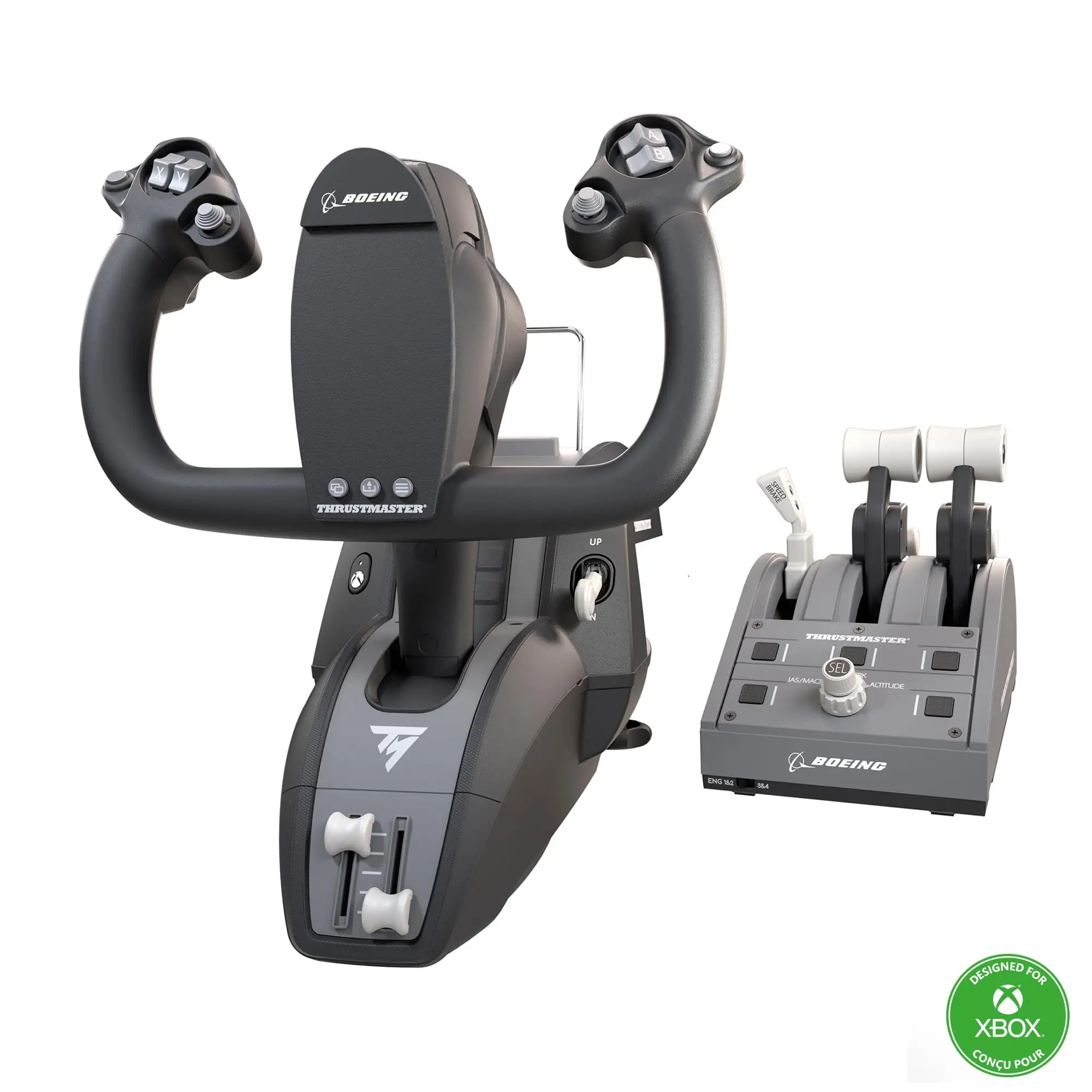
Thrustmaster TCA Yoke Boeing Edition Review & Verdict
**Few flight sim peripherals ignite as much praise — and critique — as the Thrustmaster TCA Yoke Boeing Edition. Across hundreds of verified buyer accounts, long-term Reddit discussions, and detailed expert reviews, this officially licensed replica earns a strong 8.6/10 for realism, build quality, and immersion. But that score drops sharply when factoring in its divisive throttle quadrant and mounting quirks.
Quick Verdict: Conditional Buy
| Pros | Cons |
|---|---|
| Exceptionally smooth pendular motion on pitch & roll | Throttle quadrant feels less premium than yoke |
| Highly realistic 1:1 Boeing 787 ergonomic replica | Bulky base design can protrude into user’s seating area |
| Adjustable tension springs for personalized feel | Autopilot knob slow to respond in MSFS 2020 |
| 100% metal internal yoke frame for durability | Mounting system awkward for certain desks |
| Seamless plug-and-play with Xbox Series X/S and PC | Reverse thrust levers register as button inputs, limiting realism |
| Magnetic Hall-effect sensors for precision | Premium price tag near $500 USD |
Claims vs Reality
Marketing promises "precise pendular motion mirroring a Boeing Dreamliner" and "authentic autopilot controls in the throttle quadrant." On the motion front, users agree Thrustmaster delivers. PC Gamer’s Katie Wickens described the tilt: "A butter smooth action that feels like I’m one with the plane." Amazon customer reviews echo this, with one pilot noting, "Pitch axis is exceptionally smooth with no annoying center detent… great for precise flying."
However, reality hits harder with the throttle’s autopilot functions. While the official specs tout “control of altitude, airspeed, and heading,” multiple owners say in Microsoft Flight Simulator the rotary knob is frustratingly slow. A verified buyer admitted, "The rate at which it increments the autopilot setting is so painfully slow it is useless." That’s a far cry from the implied seamless realism.
Even the higher-end build claim — "premium construction with metal components" — is split between yoke and throttle. The yoke earns universal praise, but as one Best Buy reviewer put it: "The quadrant is low quality and very hard to set up. The yoke is awesome though."
Cross-Platform Consensus
Universally Praised
The standout success is clearly the yoke’s pendular mechanism. By suspending the movement in a floor-mounted style, the pitch arc feels deeper and more natural than push-pull yokes. Amazon user feedback highlights the benefit for landing sequences: "The ability to fine tune as you’re coming into land cannot be compared to anything else I’ve used."
Flight sim enthusiasts using Xbox Series X/S found integration seamless — the plug-and-play approach bypassing lengthy configuration. Reddit threads highlight its precision for GA aircraft as well as jetliners, with one Xbox pilot noting that "the performance is way better than many yokes out there."
Even long-term durability gets praise. After months of use, users report consistent precision thanks to Hall-effect sensors. A flight sim veteran on Amazon emphasized, "No electrical noise or jittering… still smooth after heavy daily flying."
Common Complaints
The throttle quadrant consistently underwhelms. Complaints range from limited axis options to cheap-feel knobs. One Amazon buyer scored the throttle just 7/10, explaining: "The rotary knob is terrible… feels like I’m breaking its internal components every time I twist it."
Mounting issues are another sticking point, especially for standard desks. A dissatisfied user reported: "In order to get the yoke to fit I really have to squeeze it onto the desk… just increase the mounting bracket area by an inch." For smaller cockpits or tight spaces, the bulky yoke base protrudes into seating, disrupting comfort.
Divisive Features
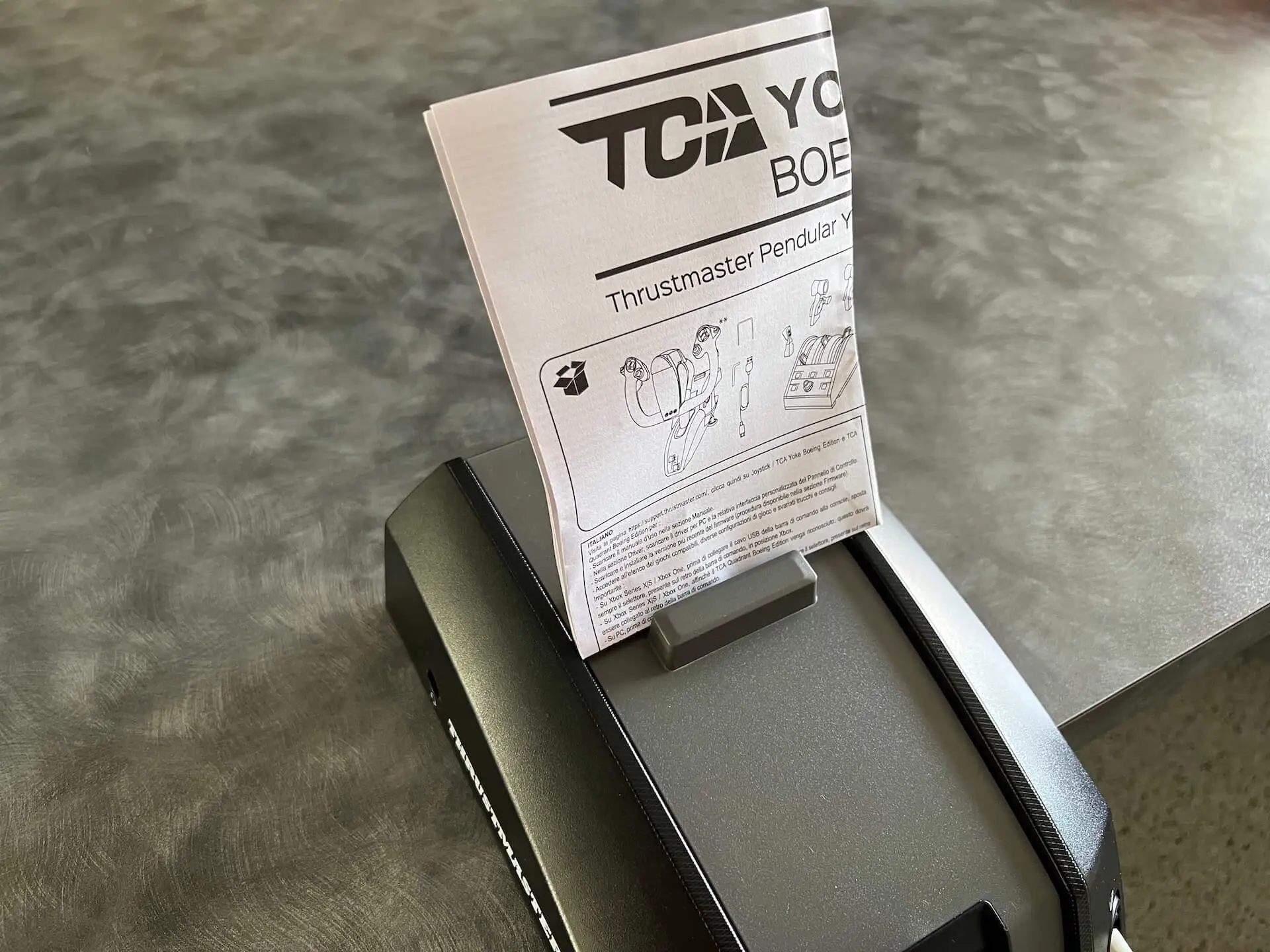
Some pilots applaud the included tablet/smartphone stand, calling it “very handy when flight simming,” while others dismiss it as flimsy and easily detached. Adjustable springs are celebrated by those who enjoy customizing resistance — PC Gamer noted the process required "a little faffing" but yielded satisfying control — yet casual users may find it unnecessary complexity.
The reverse thrust levers divide opinion sharply. They mimic the Dreamliner’s form but function as simple button inputs, which breaks immersion for purists. As Wickens observed: "It causes some issues with mapping and just doesn’t work the way you expect it to."
Trust & Reliability
Digging into Trustpilot-linked reviews shows few scam concerns — the premium nature of the hardware and reputable sellers (Amazon, Best Buy) mitigate risk. However, eBay purchases vary widely in condition, with one listing noting “missing bracket, missing screwdriver” despite advertising as fully functional.
Reliability over time heavily favors the yoke over the throttle. Reddit anecdotes detail six months to a year of unbroken mechanical smoothness with the yoke, whereas throttle complaints persist about build feel from day one. Even with heavy use in MSFS and X-Plane, the metal-framed yoke maintains precise calibration — and in one case, a prompt Thrustmaster support email fixed a throttle sync issue via factory calibration instructions.
Alternatives
The Honeycomb Alpha Yoke features heavily in comparisons, often unfavorably. One Amazon user didn’t pull punches: "It was an insult… unstable and unusable compared to this Boeing yoke." However, for those seeking more compact setups or better throttle integration, Honeycomb’s Bravo quadrant may be more appealing despite lacking pendular motion.
Another competitor mentioned in community chatter is the Yoko+ from Spain — praised for professional-grade feel but far pricier and without Xbox compatibility. For users mixed between civil aviation and space/combat sims, a joystick-based HOTAS system like Thrustmaster’s own Warthog may offer better versatility, albeit at the loss of the Boeing-specific realism.
Price & Value
Current market prices cluster around $499 USD new, with eBay used units dipping as low as $219 but often missing parts. Resale value remains high due to niche demand — functional used sets sell in the $300–$450 range.
Community buying tips include waiting for holiday discounts if purchasing new. Best Buy reviewer “ybing” advised "wait for discount" given bulkiness and small levers. Reddit consensus warns that separate quadrant purchases lack table mounts, creating extra expense if you expand later.
FAQ
Q: Is the pendular motion hard to get used to?
A: Most users adapt quickly, with several noting increased immersion and finer control over pitch. It feels more like a real aircraft yoke compared to traditional push-pull models.
Q: Can it be used without the throttle quadrant?
A: Yes. The yoke has extra axes that allow standalone operation, letting you assign throttle to small sliders if needed.
Q: How well does it work with GA aircraft versus airliners?
A: Owners report excellent performance for both, though the Boeing-style ergonomics favor jetliner authenticity. GA flyers still praise precision and smoothness.
Q: Does the autopilot knob work in all sims?
A: Functionally yes, but response speed is slow in MSFS 2020, which limits practicality for quick adjustments.
Q: Any issues with Xbox integration?
A: None major. Plug-and-play works well, and controls map automatically in Microsoft Flight Simulator on Series X/S.
Final Verdict
Buy if you’re a dedicated flight simmer seeking Boeing-level authenticity, especially for Xbox Series X/S or PC civil aviation. Avoid if throttle fidelity matters more than yoke feel, or if your setup has limited desk space.
Pro tip from community: Use the extra springs for heavier resistance to better mimic real aircraft handling, and calibrate the throttle immediately for smooth sync.