Thrustmaster TCA Boeing Yoke Review: Strong Yet Quirky
A verified buyer on Best Buy summed it up bluntly: “Best yoke ever. Works for all types of aircraft, not just Boeing jets.” Between high praise and sharp criticism, the Thrustmaster TCA Yoke Boeing Edition scores a solid 8.3/10 for realism, build quality, and immersion—tempered by quirks in control mapping and a few hardware frustrations.
Quick Verdict: Conditional buy. Outstanding realism for airliner sim pilots, but GA flyers or multi-engine enthusiasts should weigh limitations in quadrant design.
| Pros | Cons |
|---|---|
| 1:1 Boeing 787 replica with pendular mechanism | Noticeable dead zone on roll and pitch axes |
| Heavy-duty metal internal frame | Quadrant levers can feel flimsy; some plastic parts |
| Adjustable spring resistance | Limited auto-pilot mapping in certain sims |
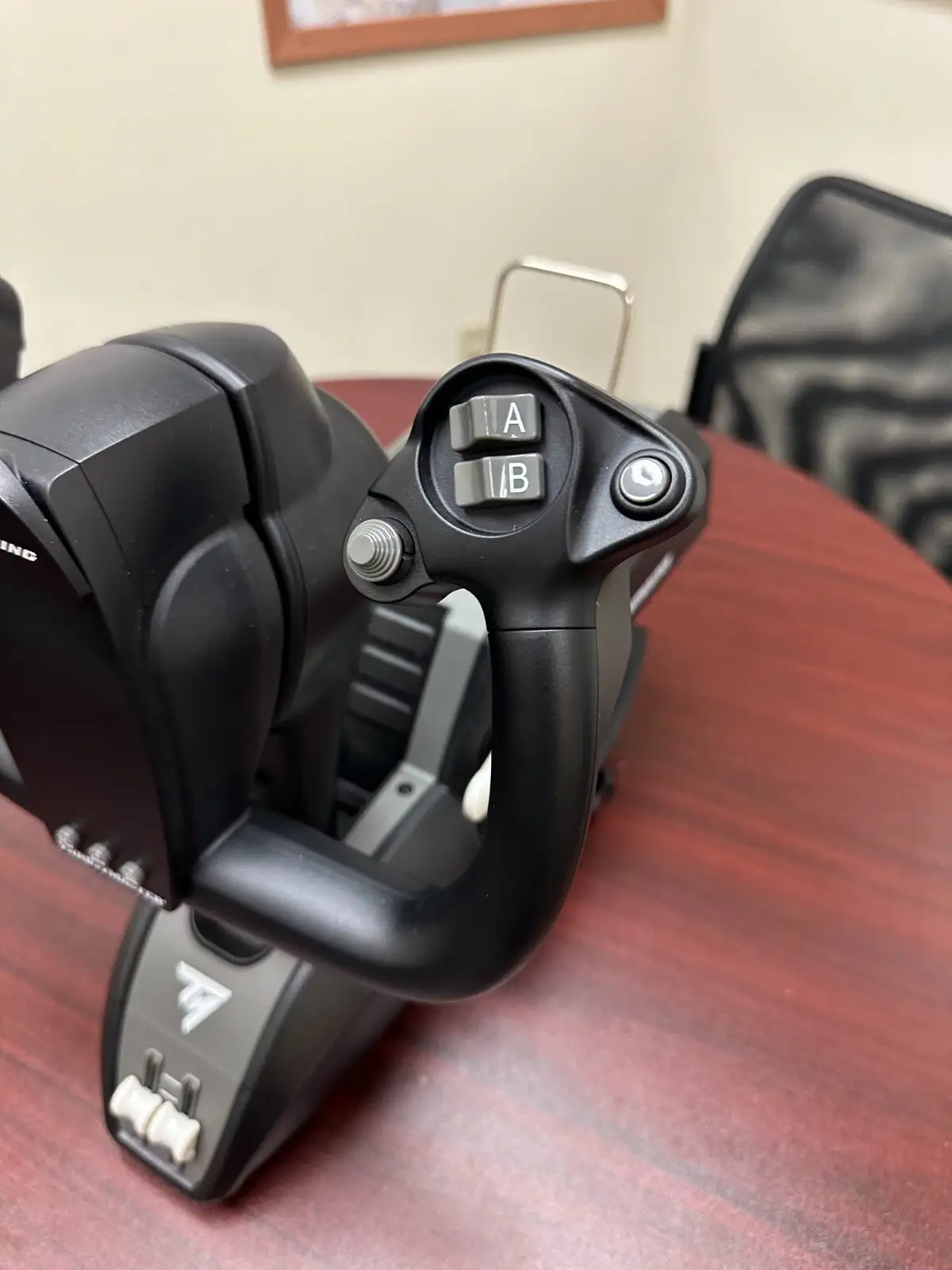
| Swappable levers for flaps/speed brake | Quadrant only has 3 slots (speed brake vs. flap trade-off) |
| Strong precision from magnetic sensors | Some buttons have inconsistent tactile feel |
| Seamless integration with Microsoft Flight Simulator | No dedicated MacOS support; Xbox buttons awkward on PC |
| Can be expanded with extra quadrants | High price point, especially with add-ons |
Claims vs Reality
One of Thrustmaster’s core claims is that the suspended pendular mechanism “replicates the sensations of using a floor-mounted Boeing yoke.” Reddit user u/Flightsimmer80 agreed: “Very realistic feel of flying! From a recent flight at a simulator this feels like a similar experience.” Yet, other users noticed compromises—Reddit user feedback warned: “Yea the TM Boeing yoke has a noticeable dead zone in the center on both roll and pitch axis… better without.”
Another big promise: “Seamless integration with Microsoft Flight Simulator.” SmartWorld’s review confirmed plug-and-play recognition and native mapping without extra drivers, but noted initial quirks: “Flight Simulator didn’t show the reproduction of the peripheral in the control settings” and testers needed post-it notes to remember mapped buttons. Functionally it worked; the documentation just wasn't perfect.
Finally, the marketing touts “ambidextrous swappable levers for flaps and speed brake.” In reality, multiple Best Buy buyers found themselves wishing for more—ybing rated it 4 stars saying, “Wish they put a detent for spoiler arming… quadrant only has 3 slots, really wish more aftermarket replica in future.” The flexibility is there, but it forces compromises.
Cross-Platform Consensus
Universally Praised
Across Trustpilot, Best Buy, and dedicated sim forums, the build quality is consistently lauded. A Best Buy customer, tracib, called it “amazing high quality and strong plastic with metal parts,” while Quora’s X-Plained reviewer highlighted the “robust and satisfying weight” and “no cheap feel” despite plastic covers. For airliner simmers running MSFS or X-Plane, the realism boost is clear—Trustpilot’s pcmena review described how “the pendular mechanism significantly enhances the immersive experience… more naturally correcting for minor deviations.”
Seamless integration with MSFS is a hit among console users too. SmartWorld noted that even without drivers, “the game recognizes both peripherals instantly,” and the autopilot functions feel especially authentic when mapped correctly. For those flying big jets, the Boeing yoke’s ergonomics make long flights comfortable; Best Buy user anthonyd said it “makes you feel like you’re flying an actual Boeing.”
Common Complaints
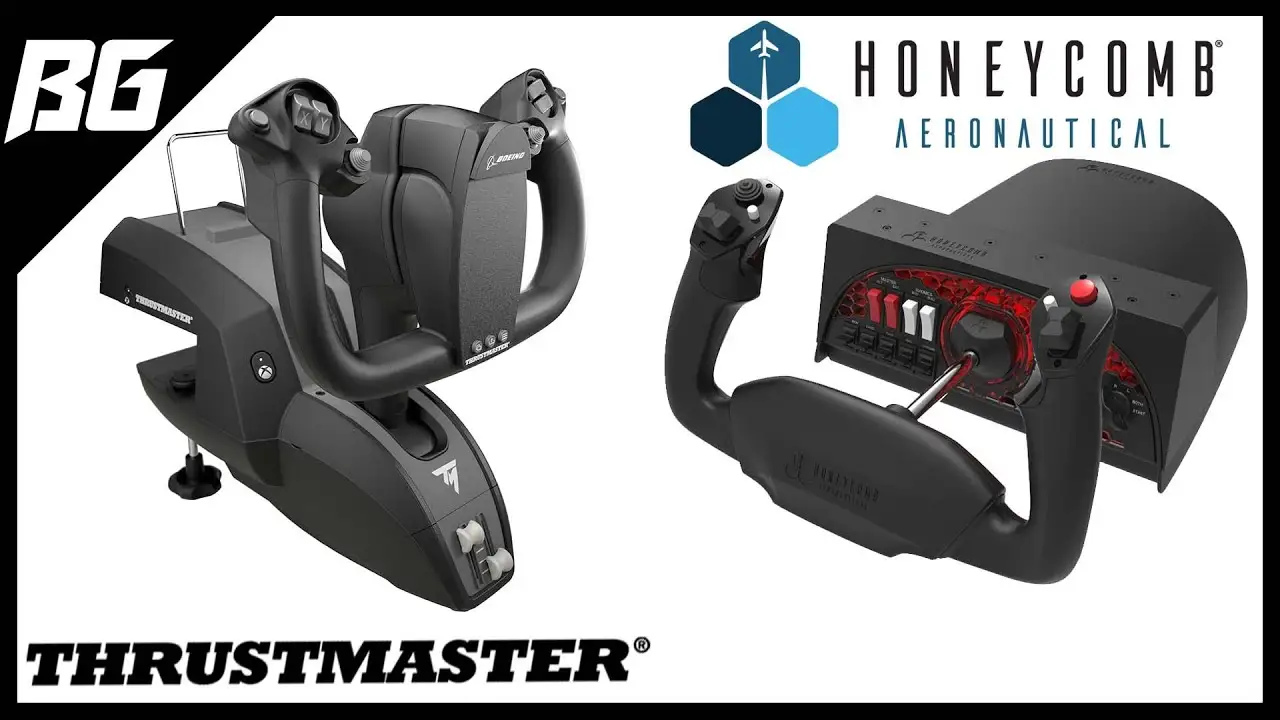
The dead zone issue emerges as a repeated irritant, especially among GA flyers used to more responsive controls. Reddit feedback pointed out that while airliners mask the latency, “if you fly GA more, get the Honeycomb Alpha.” The physical footprint is another problem—ybing found “the yoke is very bulky, especially the bottom part where it sticks out.”
Throttle quadrant feedback is mixed: samik on Best Buy rated it 2 stars saying, “The quadrant is low quality and very hard to set up. The yoke is awesome though.” SmartWorld reviewers also felt some buttons were “a bit plasticky,” and the autopilot rotary switch sometimes lacked precision. In multi-engine scenarios like a 747, users complained about having to toggle between engine pairs without adding a second quadrant.
Divisive Features
Spring resistance adjustability splits opinion. Some PC users appreciate tuning control feel; Quora’s X-Plained praised how “you can set 2 to 4 springs to match your preference.” Yet SmartWorld questioned whether most users would bother disassembling the yoke to access internal springs.
Similarly, Xbox button placement is fine for console players but annoyed PC-focused users—thedbert admitted, “Not a big fan of the Xbox buttons… pretty much the only downside for me.” Mapping flexibility is another area where advanced simmers love the options, but newcomers may feel overwhelmed by setup.
Trust & Reliability
Trustpilot’s pcmena noted occasional “minor lag with wireless connection under heavy graphical load”—though it’s unclear if this applies universally or just to specific setups. Durability seems strong; Best Buy’s compact combo washer user reported seven months of flawless performance, and Reddit threads from early adopters in 2022 still use theirs today without mechanical failure. However, isolated cases of DOA units exist—nicholasr urged buyers to “check product before throwing out the box” after receiving a broken unit.
Alternatives
For GA-focused pilots, users routinely recommend the Honeycomb Alpha as a better match thanks to more responsive centers and sidestick compatibility. Reddit comparisons suggest the Alpha feels snappier for small aircraft, while the Thrustmaster TCA Yoke wins for heavy airliners.
Multi-engine and multi-throttle simmers might consider adding an extra Boeing quadrant or even switching to the Airbus TCA setup, which has fixed but more plentiful lever slots.
Price & Value
Retail pricing hovers at $499.99 new, but eBay shows variance: open box units slip to ~$375, used quadrants under $300, and occasional bundles up to $699 when paired with pedals. Resale is solid—limited supply keeps prices high for functioning units. Best Buy buyers note waiting for discounts: ybing said, “Almost perfect, wait for discount.”
Buying tips from community:
- If flying 747s or tri-jets, budget for a second quadrant to avoid engine toggle annoyance.
- New pilots should leverage MSFS’s native mapping to get airborne quickly; advanced mapping comes later.
- Watch out for missing mounts when buying extra quadrants—Trustpilot warns extras “don’t come with a table mount bracket.”
FAQ
Q: Is the dead zone adjustable?
A: No direct hardware adjustment exists; it can be mitigated via sim sensitivity curves, which helps for GA aircraft. Airliners often mask its effect naturally.
Q: Does it work with MacOS?
A: Hardware connects and functions, but Thrustmaster offers no MacOS support or drivers. X-Plane can still map axes/buttons manually.
Q: Can I use this with non-Boeing aircraft?
A: Yes—users fly GA and even Airbus with it, but the design is ergonomically tuned for yoke-controlled airliners.
Q: How many throttle levers can I use simultaneously?
A: One quadrant supports three levers max—usually two throttles plus flap or speed brake. Extra quadrants expand to four throttles with separate flaps/brakes.
Q: Is it worth adding the second quadrant?
A: For four-engine aircraft, yes. Otherwise, most users manage with one quadrant and clever mapping.
Final Verdict: Buy if you primarily fly airliners in MSFS or X-Plane and value authentic Boeing ergonomics. Avoid if you demand quick-response controls for GA or want a quadrant with all levers fixed and marked. Pro tip from Reddit: “If you fly GA more, get the Honeycomb Alpha. If you fly more airliners with yokes, get the Boeing yoke.”





