Thrustmaster TCA Boeing Yoke Review: Realism vs GA Limits
Few flight simulator peripherals get described as “feels like a dream” by owners, but the Thrustmaster TCA Yoke Boeing Edition manages exactly that. Across platforms, it earns strong praise for realism and build quality, landing an average score of 8.8/10 in user impressions. For airliner enthusiasts on Xbox or PC, the pendular motion and 1:1 replica design are as close to cockpit immersion as you can get without a pilot’s license — though its quirks and price tag mean it’s not for everyone.
Quick Verdict: Conditional — Outstanding for Boeing or civil aviation sim fans, less compelling for general aviation pilots
| Pros | Cons |
|---|---|
| Authentic Boeing 787 replica feel | High price compared to rivals |
| Solid 100% metal internal structure | Noticeable deadzone in roll/pitch for GA |
| Adjustable spring tension | Reverse thrust levers function as buttons, not axis |
| Integrated Boeing autopilot controls | Bulky design hard to fit in tight setups |
| Smooth pendular mechanism | Limited compatibility outside MSFS |
| Highly immersive for airliner role-play | Some throttle quadrant buttons feel “plasticky” |
Claims vs Reality
Marketing materials boast “officially licensed Boeing yoke and throttle quadrant… replicating the pendular sensation experienced in genuine Boeing Dreamliner airliners.” On paper, the suspended pendul_r mechanism offers an 8.3-inch range of travel. Digging deeper into user reports, multiple owners confirmed the realism of the swing motion. A verified buyer on Amazon noted: “Best yoke ever. Works for all types of aircraft, not just Boeing jets. Highly recommended, high quality construction.”
The manufacturer highlights “magnetic technology for surgical precision (16-bit resolution) on main axes.” While this has delivered smooth and accurate control for airliners, Reddit user feedback uncovered limitations for GA flyers. One report stated: “The TM Boeing yoke has a noticeable dead zone in the center on both roll and pitch axis… for airliners it gives the feeling of flying a substantial aircraft, but for GA I’d get the Honeycomb Alpha.”
Lastly, Thrustmaster promises “flight controllers automatically integrated into MSFS on Xbox Series X|S and PC.” Trustpilot and SmartWorld reviews confirm the plug-and-play nature with Microsoft’s simulator, but some with other games like Star Wars: Squadrons hit mapping snags: “A problem… in making the game recognize yoke movements — not an issue in Flight Simulator due to native support.”
Cross-Platform Consensus
Universally Praised
For long-haul airliner sim pilots, the pendular mechanism is transformative. GamesRadar+ described it as “a total game-changer” for Boeing role-play, with the central yoke swinging naturally like in a 787. This isn’t just a spec sheet win — it changes how pilots react to turbulence and pitch corrections mid-flight. Trustpilot’s reviewer tested in X-Plane 12 and found “more naturally correcting for minor deviations… feeling a closer connection to the aircraft’s movements.”
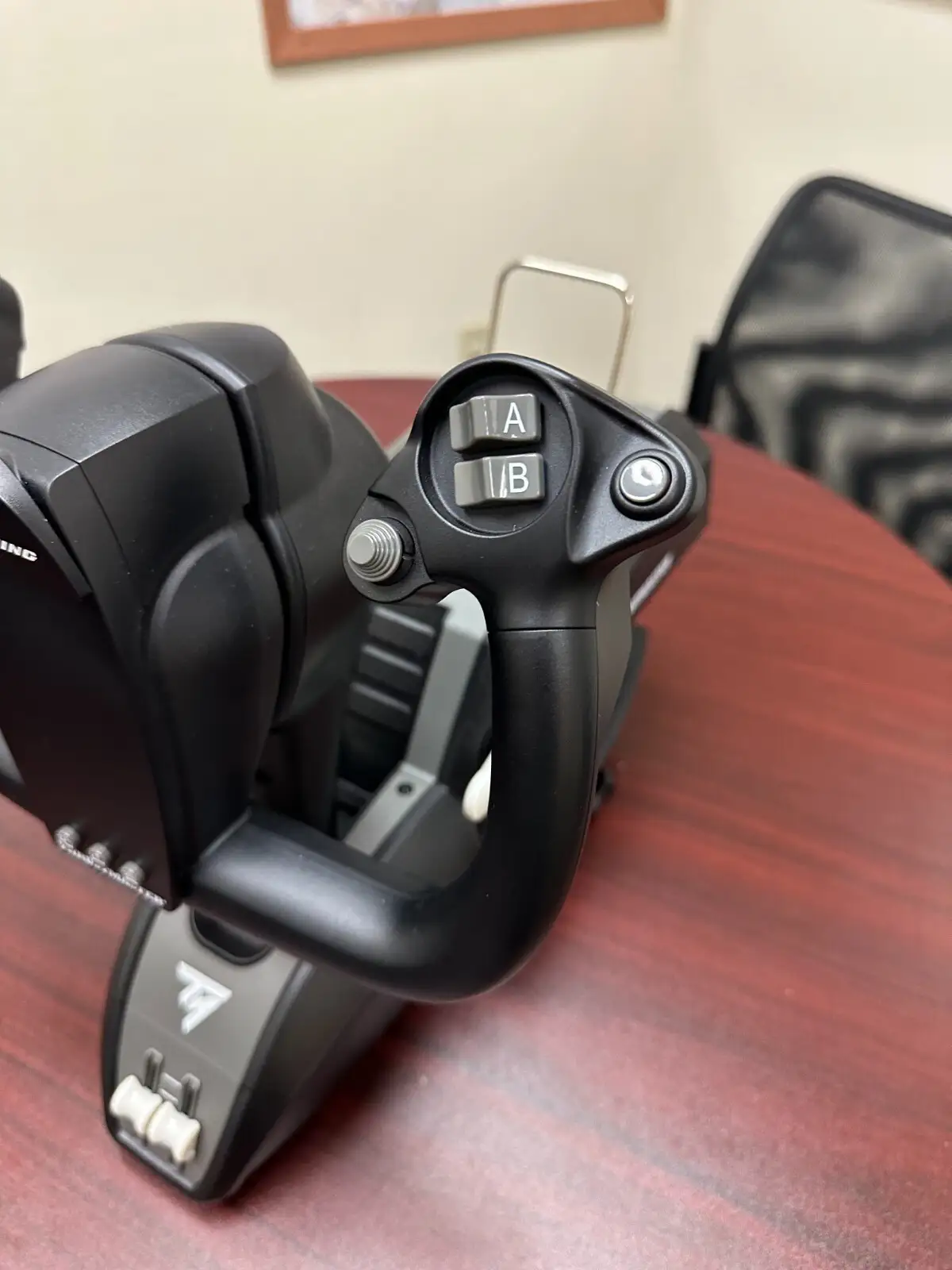
Build quality also earned near-unanimous respect. A Best Buy buyer enthused: “Amazing high quality and strong plastic with metal parts… not just for Boeing airline models, but also for GA aircraft.” Even those noting chunky ergonomics appreciated the solid clamping system: “Weight is distributed evenly… the yoke won’t pull away once mounted,” GamesRadar+ assured.
Then there’s control nuance. Adjustable springs gave flexibility for different flight styles, from soft touch for GA to firm feel for heavier jets. SmartWorld’s teardown noted springs could be swapped (2–4 at once) for tailored resistance — a boon for cockpit purists aiming for real-world tension.
Common Complaints
The most consistent criticism was the throttle quadrant’s shortcomings. Several called out plastic-feel buttons; SmartWorld concluded: “Perhaps… not at the same level for every button… smaller joysticks are almost impeccable, but triggers feel a bit more plasticky.” GamesRadar+ pointed to reverse thrust levers acting as buttons, not analog axes, which disrupted immersion for some.
That deadzone issue cropped up repeatedly in Reddit threads from GA-focused pilots. For delicate maneuvers in light aircraft, the center gap meant control lag: “I wouldn’t say one is better… if you fly GA more, get the Honeycomb Alpha,” advised one contributor.
Bulky size also posed problems for constrained desk setups. FlightSimZone highlighted “bulky design may be difficult to mount in tight spaces,” a sentiment echoed by Best Buy customers dealing with deep yoke profiles sticking out.
Divisive Features
Where one group loves the integrated Boeing autopilot controls, another sees limited cross-title utility. In Flight Simulator they shine — altitude, speed, heading adjustments without touching the mouse. But outside MSFS, mapping them meaningfully is tricky. SmartWorld’s trial with Squadrons struggled: “A bit of a problem… especially in making commands match roll and pitch input.”
Similarly, the ambidextrous lever swapping was celebrated by left-handed users for flexibility, yet a few found default lever shapes “on the small side” or wished for better aftermarket availability.
Trust & Reliability
Concerns over scam listings were minimal, with Trustpilot data heavily focused on legitimate purchases. Build durability after months of use holds up: Reddit and Trustpilot reports mention sustained performance and no mechanical wear, thanks to the metal internal frame. The immersion factor doesn’t fade with time, though occasional wireless lag under heavy loads was noted in one Trustpilot account.
This isn’t a throwaway peripheral — its longevity is a major part of why pilots justify the price. SmartWorld made clear that “solid structural integrity… even after repeated mounting/dismounting.”
Alternatives
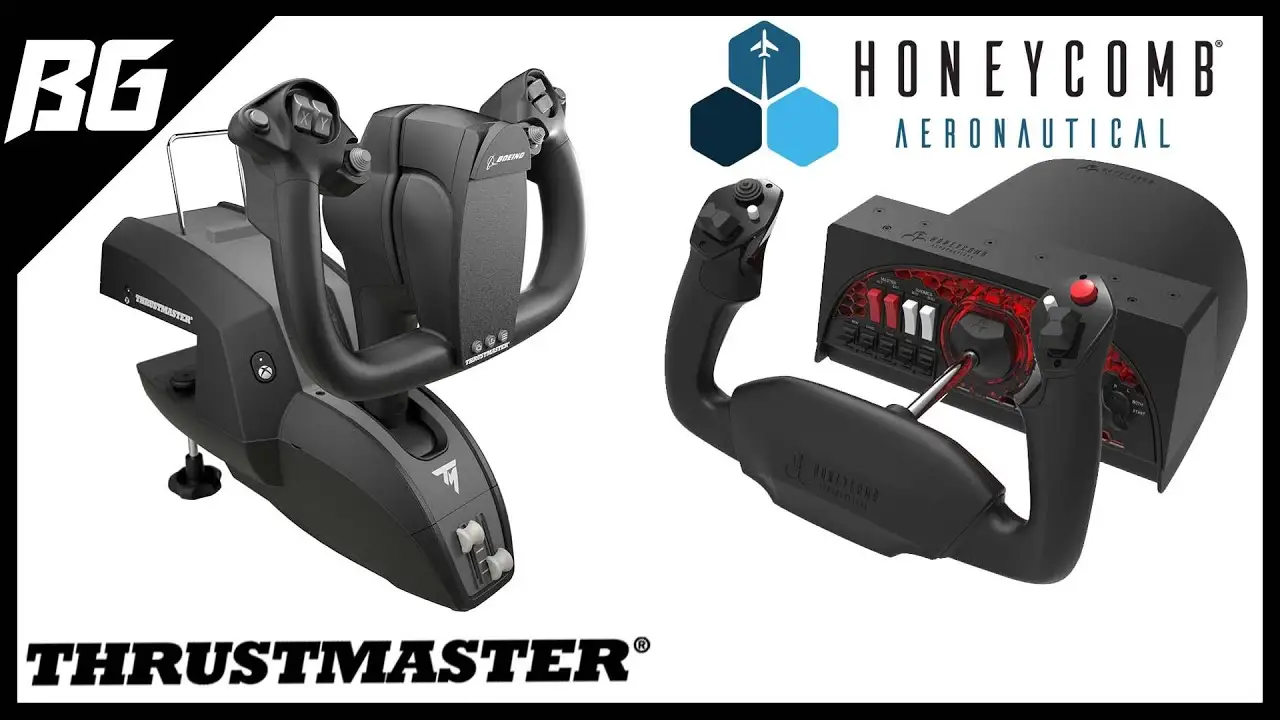
The main comparator emerging in discussions is the Honeycomb Alpha yoke. Reddit users position it as superior for GA and smaller aircraft due to no deadzone, but lacking the Boeing-specific realism. The Alpha is also slightly less bulky, fitting tighter setups better.
Where Honeycomb caters to versatility, the TCA Boeing Edition locks into airliner authenticity. Buyers must weigh their fleet preference — if your hours go mainly into jets, the pendular mechanism may outweigh the Alpha’s GA agility.
Price & Value
At launch, MSRP sat around $499.99, with eBay and retail bundles fluctuating between $375–$459 for new and $300–$400 for used. Resale values remain high, showing collector and enthusiast demand. Best Buy’s “wait for discount” reviewer reflects buyer psychology: given its niche scope, sales events are prime purchasing moments.
Community tips emphasize bundling with rudder pedals for full realism. SmartWorld warns that to manage four-engine jets comfortably, “buy an additional throttle quadrant” — adding significantly to total investment.
FAQ
Q: Does the Thrustmaster TCA Boeing Yoke work with GA aircraft?
A: It can, though Reddit reports note a center deadzone making fine inputs less responsive. GA pilots may prefer alternatives without deadzone, but airliner crews find it adds a realistic “lag” to heavy jet response.
Q: Is it plug-and-play with Microsoft Flight Simulator?
A: Yes, both on Xbox Series X|S and PC. SmartWorld confirmed immediate recognition via USB, with MSFS mapping defaults applied.
Q: Can the reverse thrust levers be used as analog controls?
A: No. GamesRadar+ explains they act as standard button inputs, limiting the realism some expect for throttle reverse.
Q: How adjustable is the yoke’s resistance?
A: Quite — between 2 and 4 springs can be installed, changing tension for different aircraft or pilot preferences.
Q: Will it fit small desks?
A: The yoke’s depth is significant. FlightSimZone and Best Buy users caution checking space before purchase.
Final Verdict: Buy if you’re an airliner simulation enthusiast prioritizing Boeing 787 realism and high build quality for MSFS. Avoid if your flying leans heavily toward GA or you lack desk depth. Pro tip from community: Pair with rudder pedals and adjust spring resistance for the most immersive heavy jet handling.





