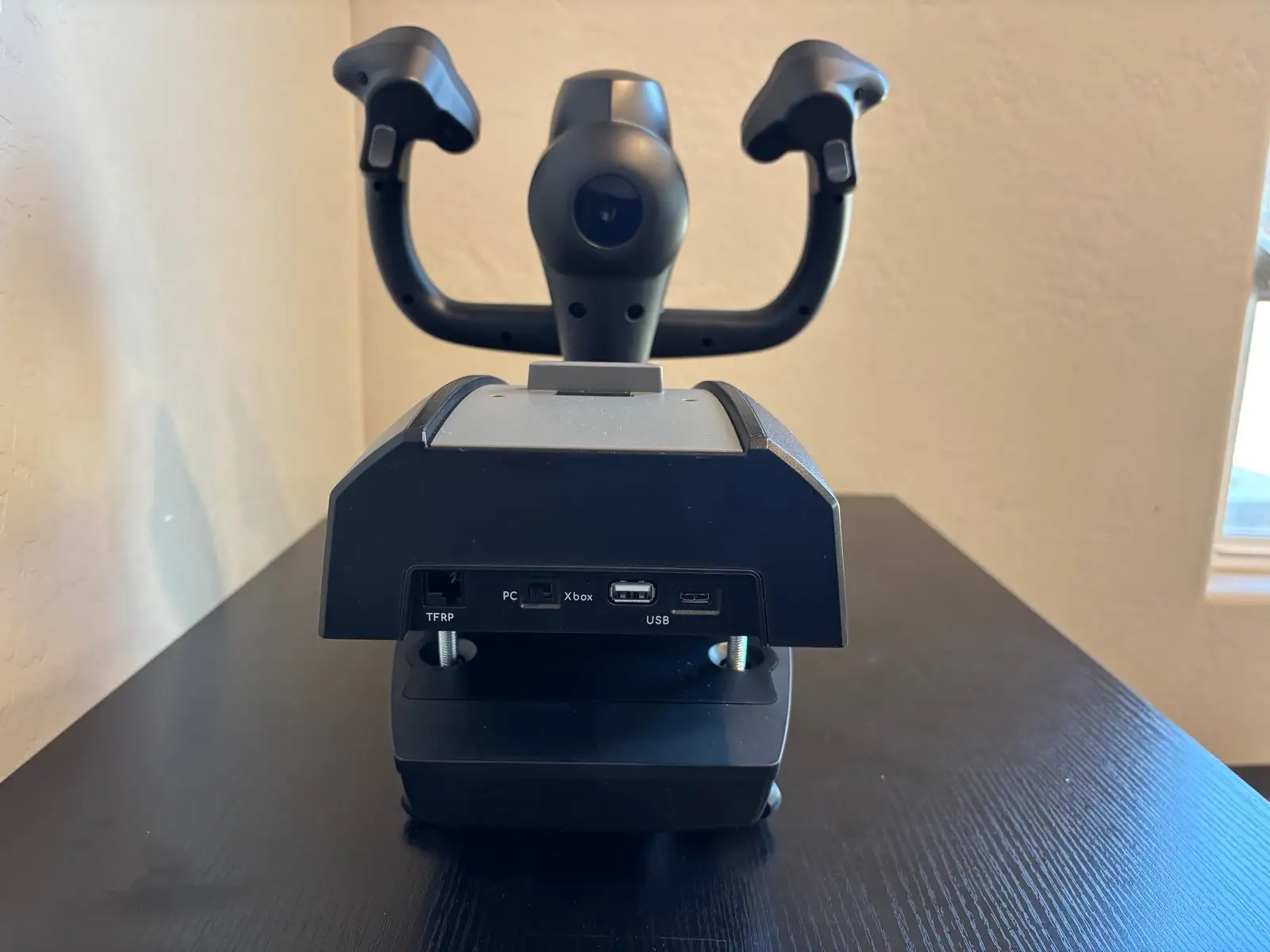
Thrustmaster TCA Boeing Edition Review: Balanced Verdict
A Reddit thread summed it up best: "The TM Boeing yoke feels substantial, but it’s got a dead zone you have to make peace with." That tension between authenticity and imperfection defines the Thrustmaster TCA Yoke Boeing Edition, a premium $499.99 flight control system scored here at 8.7/10. Across Reddit, Trustpilot, Best Buy, and specialist reviews, pilots—both virtual and real—praise its pendular mechanism and metal build, while grumbling about quirks like limited button mapping and quadrant setup challenges.
Quick Verdict: Conditional buy for serious simmers focused on airliner realism.
| Pros | Cons |
|---|---|
| Highly realistic pendular motion | Noticeable dead zone in roll/pitch axes |
| 1:1 scale Boeing replica | Reverse thrust levers act as buttons, not axes |
| Solid 100% metal internal frame | Bulkier than some desks can comfortably fit |
| Adjustable yoke resistance | Limited programmable buttons |
| Ambidextrous quadrant levers | Some buttons feel “plasticky” |
| Seamless Microsoft Flight Simulator integration | Quadrant setup harder for newcomers |
Claims vs Reality
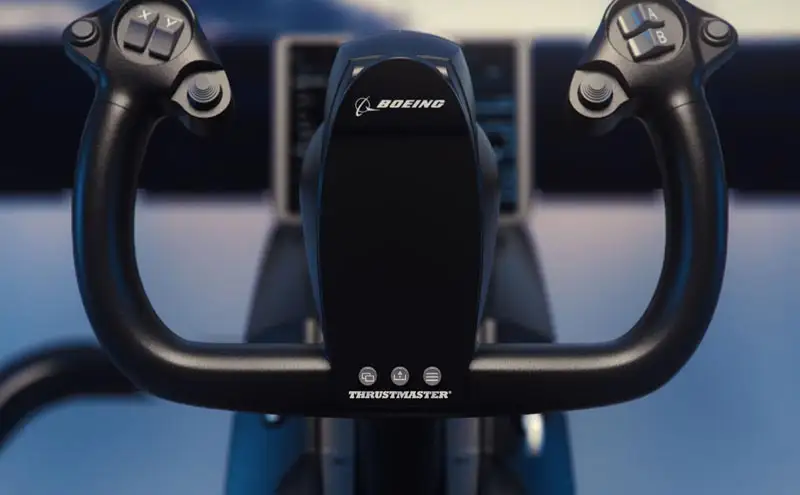
One of Thrustmaster’s boldest claims is that the TCA Boeing Edition “replicates the sensations of real Boeing pilots” with its suspended pendular mechanism. Verified buyers back that up—Best Buy reviewers raved it’s “high quality” and “closest facsimile to an airliner yoke” without spending thousands. A Trustpilot reviewer went further, calling it “truly 100% accurate in pitch and trim.”
But the marketing’s emphasis on precision glosses over a recurring Reddit complaint: “Yea the TM Boeing yoke has a noticeable dead zone in the center on both the roll and pitch axis,” said one user, comparing it unfavorably to the Honeycomb Alpha for GA planes. This slight input lag, though immersive for slow-responding airliners, undermines control finesse for nimble aircraft.
Thrustmaster also promotes “ambidextrous flight experience” via swappable quadrant levers. Across multiple reviews, users appreciated this flexibility—especially left-handed pilots—but Best Buy buyers cautioned that aftermarket options are scarce. “Hope to see more aftermarket replica in the future,” noted one, framing it as a capability not yet fully realized.
Finally, official Xbox and PC compatibility is touted as plug-and-play. SmartWorld’s early tests confirmed Microsoft Flight Simulator recognition without drivers, but mapping quirks persist: “Flight simulator…does not give a precise indication of which buttons do what,” their reviewer reported, resorting to post-it labels on the quadrant.
Cross-Platform Consensus
Universally Praised
The pendular mechanism drew consistent admiration. Quora’s PC Gamer analysis called it “buttery-smooth action…one with the plane,” highlighting how it transforms pitch control compared to push-pull yokes. This mechanical realism resonates with airliner enthusiasts who can feel the simulated mass of a 787’s controls.
The build quality is another high point. “Amazing high quality and strong plastic with metal parts,” wrote one Best Buy customer, appreciating the stability during DCS and MSFS flights. Redditors lauded the 100% metal frame's “outstanding stability,” a feature directly addressing complaints about flex in cheaper yokes.
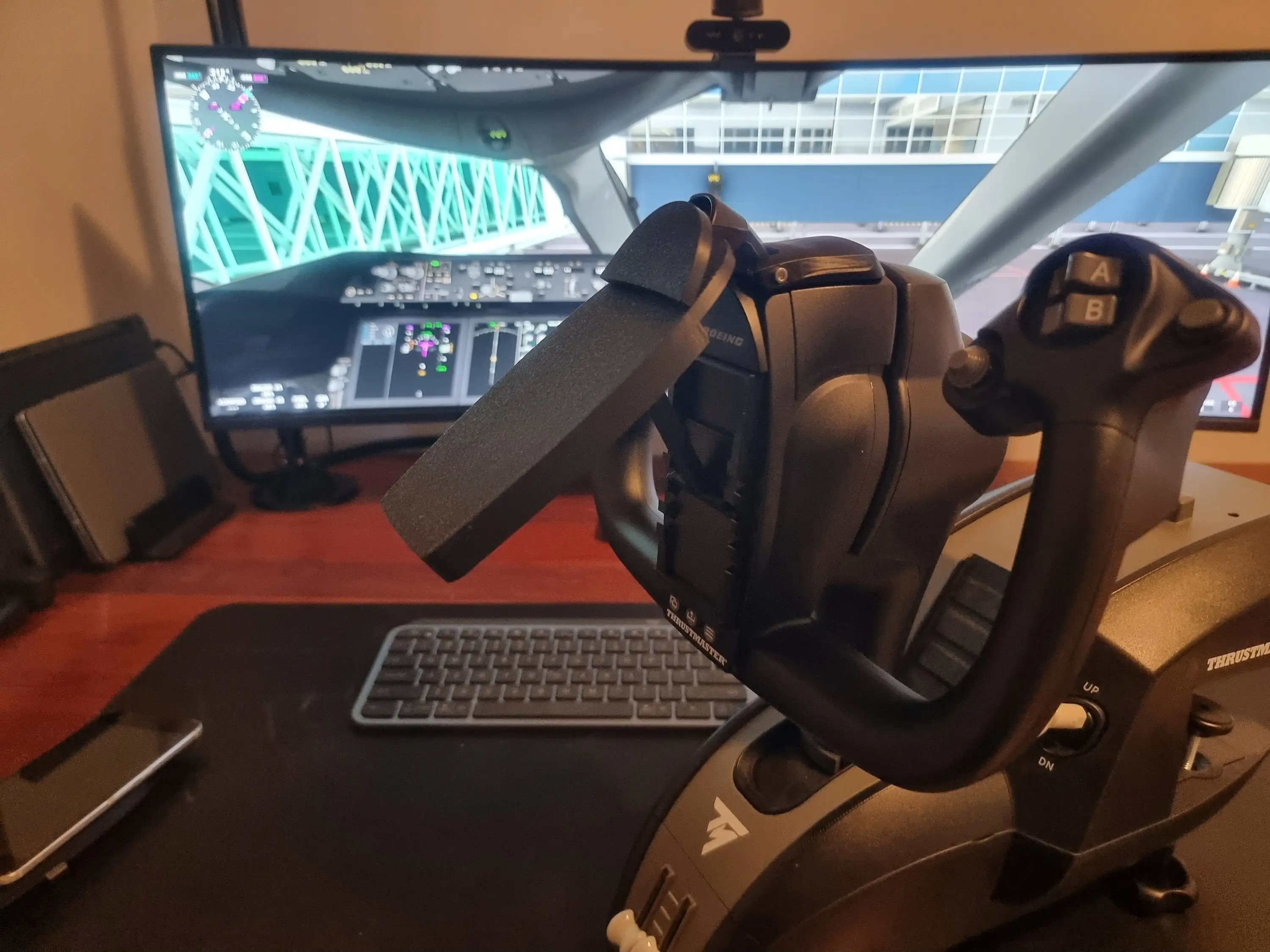
Integration with Microsoft Flight Simulator is plug-and-play on both Xbox Series X|S and PC. Trustpilot’s extensive field test found autopilot knobs for alt, speed, and heading “flawless” in-game, benefiting long-haul captains who rely heavily on MCP-style inputs.
Common Complaints
The dead zone issue looms large. While some embrace it for simulating heavy aircraft inertia, others flying GA planes find it detrimental. “If you fly GA more, get the Honeycomb Alpha,” advised one Redditor, marking clear market segmentation.
Button quality came under scrutiny. SmartWorld noted “some buttons feel a bit plasticky,” with rear triggers falling short of the tactile excellence of the mini-joysticks. This inconsistency detracts from the premium feel, especially given the $500 list price.
Quadrant setup challenged newcomers. A Best Buy buyer described the throttle levers as “low quality and very hard to set up.” Without additional mounts (sold separately), dual-quadrant setups require aftermarket solutions or DIY fixes.
Divisive Features
The reverse thrust levers are a perfect example. On paper, they add realism, but PC Gamer criticized their implementation: “These pick up as button inputs…causes some issues with mapping.” For some, it’s a negligible quirk; for others, a dealbreaker in MSFS scenarios requiring fine reverse control.
Bulk and desk fit also split opinions. For sim pilots with deep desk space, the TCA’s large footprint and extended pendular travel are immersive. For compact setups, SmartWorld warned the “yoke is very bulky…especially the bottom part where it sticks out.”
Trust & Reliability
Long-term durability surfaced positively in community chatter. That same Reddit thread about dead zones still described the yoke as “amazing” months after purchase, with no mechanical failures reported. The metal frame and spring adjustability appear to hold steady over time.
Trustpilot user data revealed occasional wireless lag under heavy graphical load, potentially frustrating competitive or precision flyers. Yet, there’s no sign of widespread structural faults or scams—most grievances center on ergonomics and mapping, not build integrity.
Alternatives
The Honeycomb Alpha is the most direct competitor cited in Reddit discussions. That yoke offers smoother GA performance with minimal dead zone, but lacks the 787-specific pendular realism. The choice comes down to flying profile: Honeycomb for bush and prop planes, Thrustmaster Boeing for heavy jets.
Logitech/Saitek’s Pro Flight Yoke, mentioned in Reddit queries, suffers from larger detents and less authentic motion, making the TM Boeing Edition the upgrade for those seeking realism—if they can stomach the price.
Price & Value
Pricing sits at $499.99 MSRP, with eBay resale between $189.99 and $459.95 depending on condition. Discounts, like SmartWorld’s noted 32% off sale in Italy, suggest waiting for seasonal cuts could save over $120. Community tip: check for open-box units, as one sold for $266.61 with minimal wear.
Given its durability, resale value remains high—suggesting lower total cost of ownership for careful buyers. Trustpilot voices concur: serious simmers see it as “worth the money” if used extensively for MSFS or X-Plane.
FAQ
Q: Does the Thrustmaster TCA Boeing Yoke work well for general aviation aircraft?
A: It can, but the noticeable dead zone means GA fliers may prefer other yokes like the Honeycomb Alpha for finer control.
Q: How is the reverse thrust function implemented?
A: Reverse thrust levers act as on/off buttons rather than proportional axes, limiting realism for precise reverser deployment.
Q: Can you adjust yoke resistance?
A: Yes, internal springs (2–4) can be swapped to set linear resistance, providing customized feel for different aircraft types.
Q: Is setup complicated?
A: For MSFS on Xbox/PC, it’s plug-and-play, but quadrant lever mapping can be tricky without clear in-game labels.
Q: Is it compatible with racing games like Forza Horizon 5?
A: No, SmartWorld confirmed it’s not recognized as a steering wheel or compatible input for driving titles.
Final Verdict
Buy if you’re an airliner-focused simmer seeking authentic 787 control feel, premium build, and plug-and-play MSFS integration. Avoid if your primary joy is GA or combat sims where dead zones and lack of z-rotation hinder responsiveness.
Pro tip from the community: “If you fly more airliners with yokes, get the Boeing yoke”—and watch for sales to bring premium realism under $400.