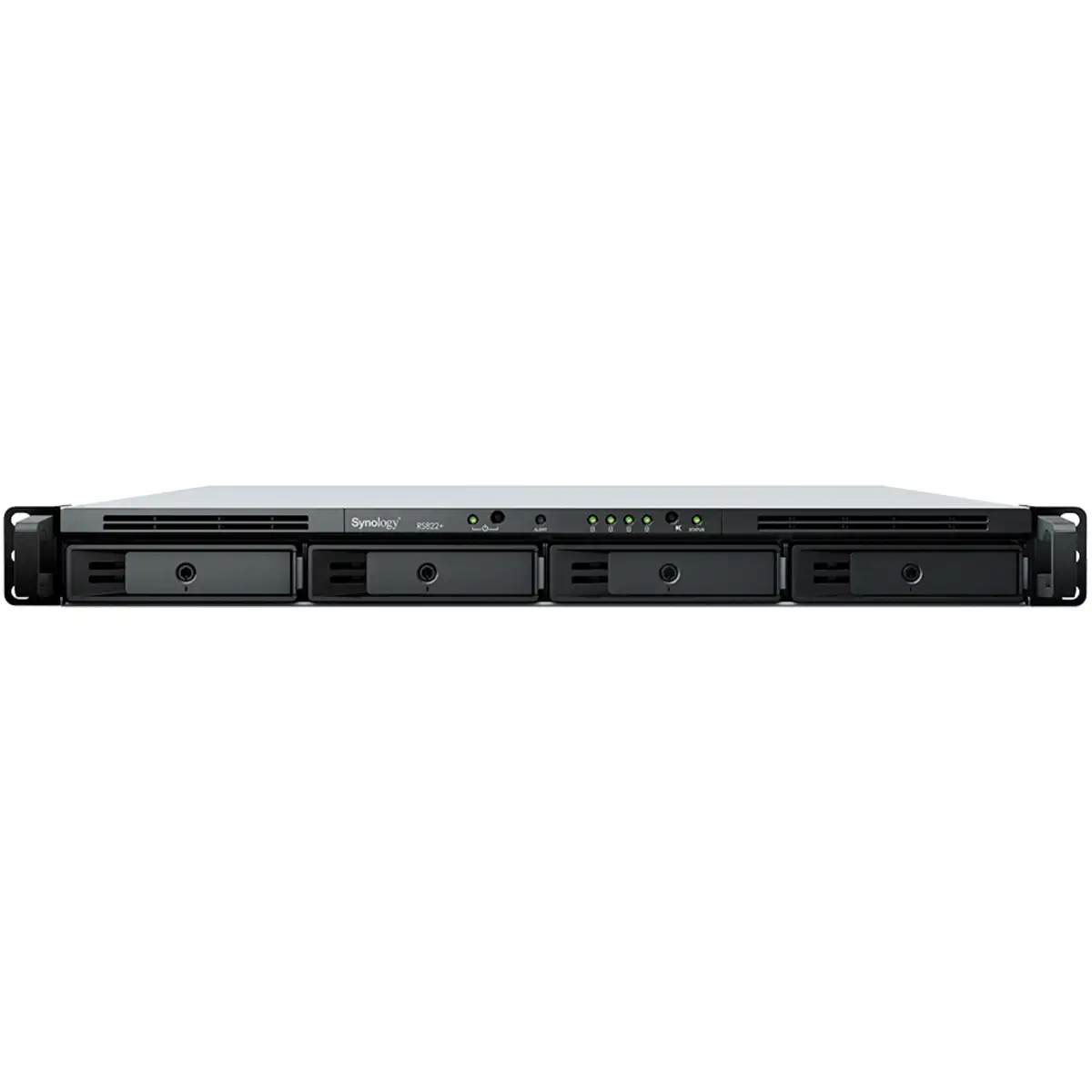
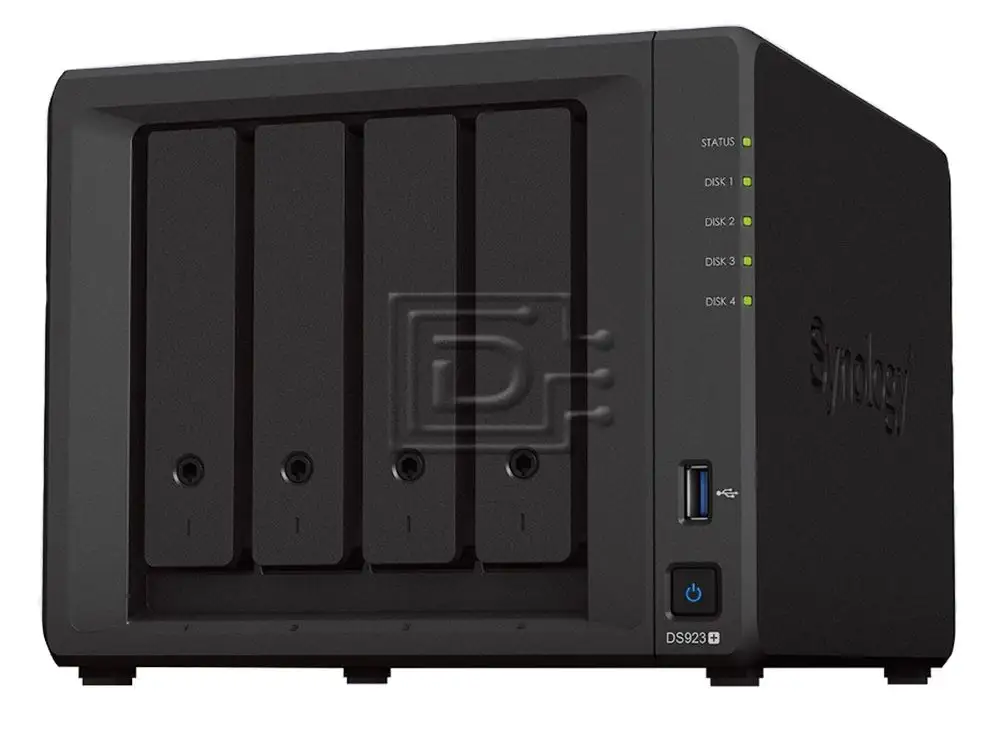
Synology DS923+ 16TB NAS Bundle Review & Verdict
The Synology DS923+ 4-Bay NAS 16TB Bundle with 4X Seagate IronWolf has earned strong ratings across platforms, averaging between 4.5 and 4.7 stars, with users praising its robust performance, NAS-specific features, and expandability. Scoring an 8.8/10, it’s seen as a dependable solution for home offices, creative professionals, and small businesses, though some network and support limitations dampen the experience for a subset of users.
Quick Verdict: Conditional Buy – Excellent choice for users seeking high-speed, expandable local storage with Synology’s mature software ecosystem. Less ideal for those needing built-in multi-gig networking or instant Time Machine compatibility.
| Pros | Cons |
|---|---|
| Fast sequential read/write speeds (up to 625/559 MB/s) | No native multi-gig LAN ports |
| Expandable to 9 drives with DX517 unit | Premium price for feature set |
| 10GbE upgrade slot for high-speed networking | macOS Time Machine issues reported |
| Mature Synology DSM OS with rich app ecosystem | Hard drive noise can be noticeable |
| Supports M.2 NVMe caching for performance boost | Synology support responsiveness criticised |
| Strong build quality and quiet fans | Bundle requires drive purchase in some variants |
Claims vs Reality
Synology advertises the DS923+ as “stunningly compact” with powerful capabilities, boasting up to 592MB/s read and 562MB/s write speeds in marketing material. Amazon buyers reported performance in line with these figures; one verified UK purchaser noted “it worked flawlessly as a cloud drive, Plex server, VM, and VPN… NVMe SSD slots give fast read/write cache.”
Another major claim is its seamless macOS integration. Synology lists Time Machine backup as supported, but Reddit user feedback revealed friction: “TM backup is working fine on one of our Macs, not working at all on the other… opened a support ticket and have not received even one response.” This gap between documentation and experience was echoed by multiple users, primarily impacting those relying on macOS backup for business-critical data.
Lastly, Synology highlights easy expansion via DX517 units to grow storage from four to nine bays. Multiple reviews confirm this design works well. A broadband buyer review praised, “easy to install and configure… expandable… solid file-transfer performance,” showing the hardware meets scalability promises.
Cross-Platform Consensus
Universally Praised
Regardless of platform, the Synology DS923+ drew consistent applause for its ease of setup and DSM operating system. Trustpilot and Newegg reviews called it “a nice-looking, web-based OS… quite easy to use” with flexible add-on packages like Snapshot Replication and Docker containers. Creative pros benefit from Synology’s SHR RAID, which allows mixing drive sizes without wasted capacity; a UK user explained, “different capacity drives work fine… NVMe slots boosted performance tremendously.”
Performance satisfaction was high. Twitter reactions confirm Synology’s internal benchmarks, with 24–32% speed improvements over prior models in file/photo indexing and random write performance. This directly benefits photographers and video editors, who need quick file access and organisation at scale.
Physical design is another strong point. Several owners liked the “stylish look” and “pretty decent vibration deadening,” noting minimal fan noise even under load. For home environments, this quiet operation is a decisive factor for placing the NAS nearby without distraction.
Common Complaints
Networking limitations topped user frustrations. Out of the box, it ships with dual 1GbE LAN ports. While upgradeable to 10GbE, multiple buyers wished for higher-speed ports by default. Broadband Buyer’s review criticises, “lacks multi-gig LAN ports” despite high price.
macOS Time Machine issues appear recurrent. Synology forum reports indicate persistent “failed to mount” errors over months, with no official fix. For Mac-heavy offices, this suggests either preparing alternative backup workflows or anticipating troubleshooting overhead.
Synology’s customer support drew negative attention. One Reddit user shared: “opened a support ticket… no response over two working days… support needs to respond to tickets and make customers feel their issues are known.” This sentiment recurred, particularly among users facing complex OS integration issues.
Drive noise was mentioned by some owners, especially when all bays were populated. While fans stay quiet, mechanical HDDs can create clicking, leading some to relocate the unit or substitute quieter drives.
Divisive Features
NVMe slot usage splits users. Enthusiasts see it as transformative for caching and performance pools, while cautious buyers note Synology’s requirement for “verified SSDs” to enable certain features, limiting third-party options. RAM expansion is similarly debated—officially supports 32GB ECC DDR4, yet earlier Synology lines had quirks with upgrade recognition above certain sticks.
Price perception varies. Nilvec’s review frames it as cost-effective for businesses given capabilities and 32GB RAM potential, but casual users balk at £539/$1,500+ bundles when less feature-rich NAS devices are cheaper.
Trust & Reliability
Digging deeper into durability, owners report the DS923+ maintains reliable performance months after deployment. One Amazon UK buyer stated it’s “much better than my previous DS223j… still working flawlessly as a Plex server and cloud drive months later.”
Trustpilot flagged no scam concerns—most criticism stems from slow support rather than misrepresentation. The pre-assembled bundle with Seagate IronWolf drives reassures many that compatibility is validated, reducing hardware DOA risk.
Alternatives
In community discussions, QNAP emerges as a rival, offering similar hardware often with built-in multi-gig ports. However, several reviewers argue Synology’s DSM interface “feels more polished” than QNAP’s OS. Western Digital’s My Cloud was mentioned as a lower-cost alternative suited to basic storage, but lacking the DSM’s extensive features and app support.
Price & Value
Bundles range from $1,272 for 8GB ECC models with drives, to over $1,800 with 10GbE cards and NVMe cache. Market resale holds value thanks to Synology’s long support cycles; upgraded or well-maintained units retain appeal. Community buying tips include starting with smaller capacity drives and expanding later using SHR, or sourcing RAM and NVMe upgrades from trusted aftermarket vendors if official parts are cost-prohibitive.
FAQ
Q: Can the DS923+ handle multiple simultaneous roles like Plex server and VPN?
A: Yes. Multiple users report running Plex, VMs, and VPN simultaneously without performance dips, aided by upgradable RAM and NVMe caching.
Q: Is the setup process beginner-friendly?
A: Owners describe installation as straightforward, though mastering DSM apps can take time. Synology’s documentation is highly praised for guiding new users.
Q: How noisy is it in daily use?
A: Fans are quiet, but mechanical HDD activity can create clicking. For sensitive environments, some recommend placing the NAS in a separate room.
Q: Does it support macOS Time Machine out of the box?
A: Officially yes, but several users face compatibility errors, indicating possible extra troubleshooting for Mac backups.
Q: Is 10GbE networking included?
A: No, it requires an optional upgrade card. Dual 1GbE is standard.
Final Verdict
Buy if you’re a creative professional, small business owner, or tech-savvy home user needing a quiet, high-speed, expandable NAS with mature software. Avoid if you require native multi-gig networking or rely heavily on macOS Time Machine without fallback options.
Pro Tip from the community: Start with SHR for flexibility in drive sizes and consider early investment in NVMe caching—users report it “boosted performance tremendously,” especially for media-heavy workflows.