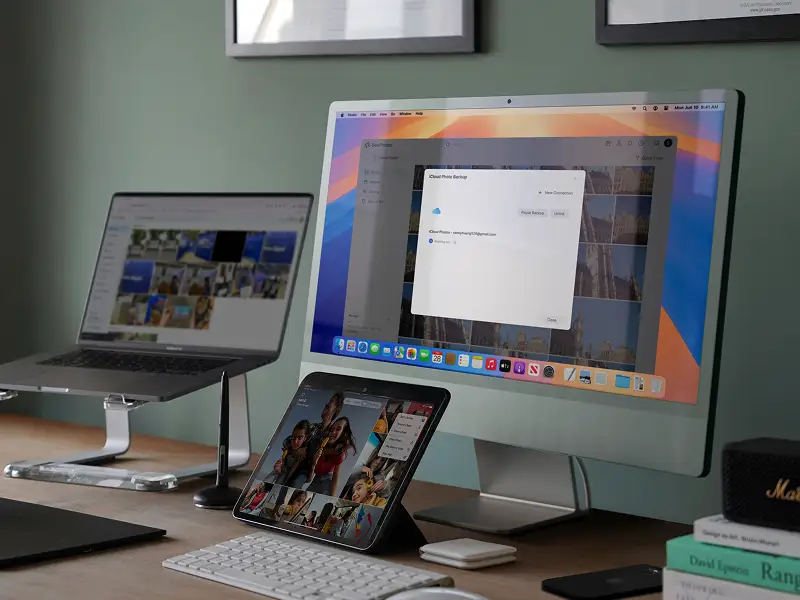
Synology BeeStation Plus 8TB Review: Easy Setup, Mixed Speeds
Opening
"Not a NAS for NAS people." That’s how multiple Reddit and Trustpilot users described the Synology BeeStation Plus 8TB Personal Cloud Storage, a sleek plug‑and‑play device positioned as a cloud alternative for everyday households and small teams. With its simplified setup, integrated AI photo organization, and Plex streaming support, reviewers score it between 7 and 8 out of 10—praised for ease of use, but critiqued for performance bottlenecks and limited expandability.
Quick Verdict
| Verdict | Conditional – Ideal for non‑technical users wanting private cloud + Plex; advanced NAS users may be frustrated |
|---|---|
| Pros | Cons |
| 8TB built‑in storage included | No RAID or redundancy by default |
| Plex Media Server support | Storage & RAM not upgradeable |
| AI‑powered photo organization | Dependent on Synology account/portal for setup |
| Easy sync with Google Drive, iCloud, OneDrive | Missing advanced NAS apps/ecosystem |
| Web, desktop, and mobile app interfaces | SMB/local network access disabled by default |
| 3‑year warranty | Occasional slowdowns with large imports |
| Energy‑efficient and quiet | Single gigabit ethernet – no multi‑gigabit option |
Claims vs Reality
Synology’s marketing leans hard on performance numbers—“up to 4.8× faster desktop syncing” and “2.6× faster photo backups” than the base BeeStation. While these benchmarks showed in ideal conditions, real‑world users saw more modest speed gains. A verified buyer on Amazon noted: “Upload via web browser peaked at 95MB/s for large files, but SMB felt sluggish until I enabled local access.”
The “all your files and photos, always within reach” line does hold true for moderate usage. Reddit user razzmatazz_sea_3227 shared: “Backing up 2TB of OneDrive data took less than a day and now stays in sync,” but others hit major walls. Software engineer phase_binary recounted giving up on importing a huge Google Photos library after two weeks of slow, swap‑heavy processing: “Even Raspberry Pis have 4GB RAM now!”
AI organization—marketed as instant and private—is broadly appreciated, but has accuracy quirks. A Tecnoandroid reviewer found facial recognition “around 85% accurate… occasional false positives with posters or statues.” That’s a gap from the implied flawless experience.
Cross‑Platform Consensus
Universally Praised
Ease of setup is the undisputed highlight. Tech journalist David Mitchelson on Trustpilot described it as “ready for use straight out of the box” with QR‑code guided onboarding, and the portal approach eliminated router/port headaches. This plays perfectly for households without networking expertise; a simple power‑cord and ethernet connection gets them going.
The inclusion of 8TB pre‑installed storage is another fan favorite. Reddit user razzmatazz_sea_3227 called it “worth noting that you can backup the BeeStation to an external hard drive or to their cloud,” removing the need to shop for compatible drives. AI‑driven Bee Photos also wins fans, especially among mobile shutterbugs who want cloud‑like organization without paying recurring fees.
Plex support, while singular (no other media server), feels like a “killer feature” for casual streamers. The Tecnoandroid test saw seamless local streaming of multiple 1080p feeds thanks to Intel Quick Sync hardware transcoding, with remote playback dependent on home upload speeds.
Common Complaints
Performance under large‑scale operations is the sore spot. Reddit’s phase_binary warned: “Bee Photos fundamentally doesn’t scale well—my MacBook spent two weeks syncing ~75,000 items, getting slower each day.” Trustpilot users echo that SMB is unstable until tweaked, and in some cases, impossible to access without navigating buried settings.
Backup behavior also frustrates. Community poster ex_wookie described Bee Protect’s daily cloud sync of 2.5TB “taking approximately 7 hours… device becomes unusable and noisy until 4am,” with no way to change the schedule. The inability to expand storage or use RAID protection means that if the lone drive fails, replacement is the only option.
Divisive Features
The portal dependency splits opinion. For some, it’s a blessing avoiding network configuration complexity; others, like Reddit user huw_wx, slammed it as “ridiculous… you have to upload everything to the internet first even on local Wi‑Fi.” Similarly, AI search earns applause from casual users but leaves power users craving more advanced desktop indexing. The gigabit ethernet limitation is fine in most households, but SMB fans and content producers wished for 2.5GbE or higher.
Trust & Reliability
While no outright “scam” flags appear, reliance on Synology’s QuickConnect/portal means service outages could cripple access. Long‑term durability is still in early stages, but Tecnoandroid’s 30‑day stress test showed 100% uptime and stable drive temperatures around 42°C. Reddit’s razzmatazz_sea_3227 reported improved performance post OS 1.3 update, especially in Bee Photos. However, the single‑drive architecture remains a permanent risk for mission‑critical data unless paired with an external backup strategy.
Alternatives
Several users suggested Synology’s own DiskStation DS124 as an alternative for those needing advanced NAS features—Docker, hybrid sync, RAID. While the DS124 plus an 8TB drive costs only slightly less, it requires setup knowledge the BeeStation intentionally avoids. Competing “native China grown NAS” brands, mentioned in forums, were dismissed by some as unusable in Western workflows, despite potentially better local flexibility.
Price & Value
Current pricing trends keep the BeeStation Plus in the $409–$429 range in the US, €385–€429 in parts of Europe, with Canadian listings around CAD$745. eBay sellers price slightly higher. Resale appeal may be niche due to tied Synology account setup. Community consensus is it’s cost‑effective for replacing cloud subscriptions, but less so if you’ll never use the included 8TB or Plex streaming.
FAQ
Q: Can I upgrade the storage or RAM?
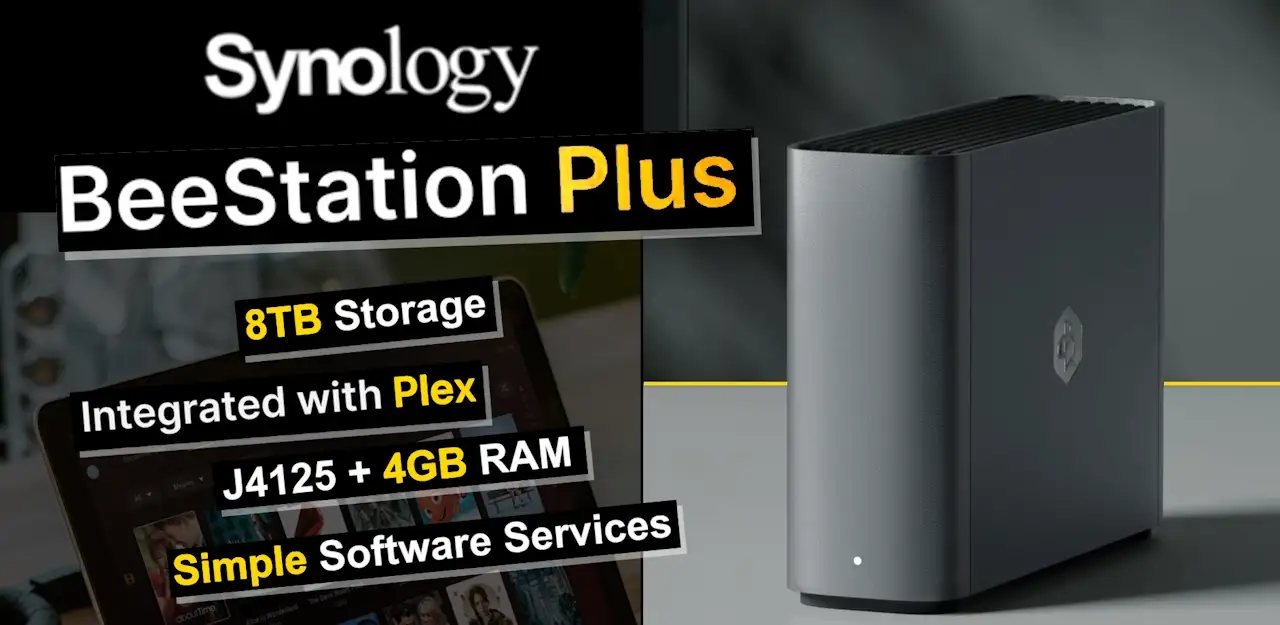
A: No. Storage and RAM are fixed—8TB on a single drive and 4GB DDR4 soldered. External drives can be added for backup, but internal upgrades aren’t supported.
Q: Is local LAN access possible without internet?
A: Yes, but initial setup requires logging in via Synology’s portal. After that, SMB/local IP access can be enabled in advanced settings.
Q: How many users can share the device?
A: Up to 8 accounts, each with isolated storage space. Owners can assign quotas and permissions.
Q: Does it support RAID mirroring for redundancy?
A: No. With only one drive bay, BeeStation Plus lacks RAID protection. External or cloud backup is necessary for safeguarding data.
Q: How does Plex integration work?
A: Plex is enabled via the integration menu in the web portal. It needs its own Plex account for remote playback; local network streaming works without subscription.
Final Verdict
Buy if you’re a household or small creative team wanting an easy, subscription‑free private cloud with reliable Plex streaming and basic AI photo sorting. Avoid if you’re a power NAS user needing RAID, app ecosystem variety, or multi‑gigabit speeds. As Reddit user razzmatazz_sea_3227 summed up, “Given how simple BeeStation is to use… I doubt both my backups will fail at the same time, so I don’t care much about more redundancy.”
Pro tip: Enable SMB/local access immediately after setup to avoid needless internet routing for in‑network transfers, and schedule external drive backups to counter the single‑disk risk.