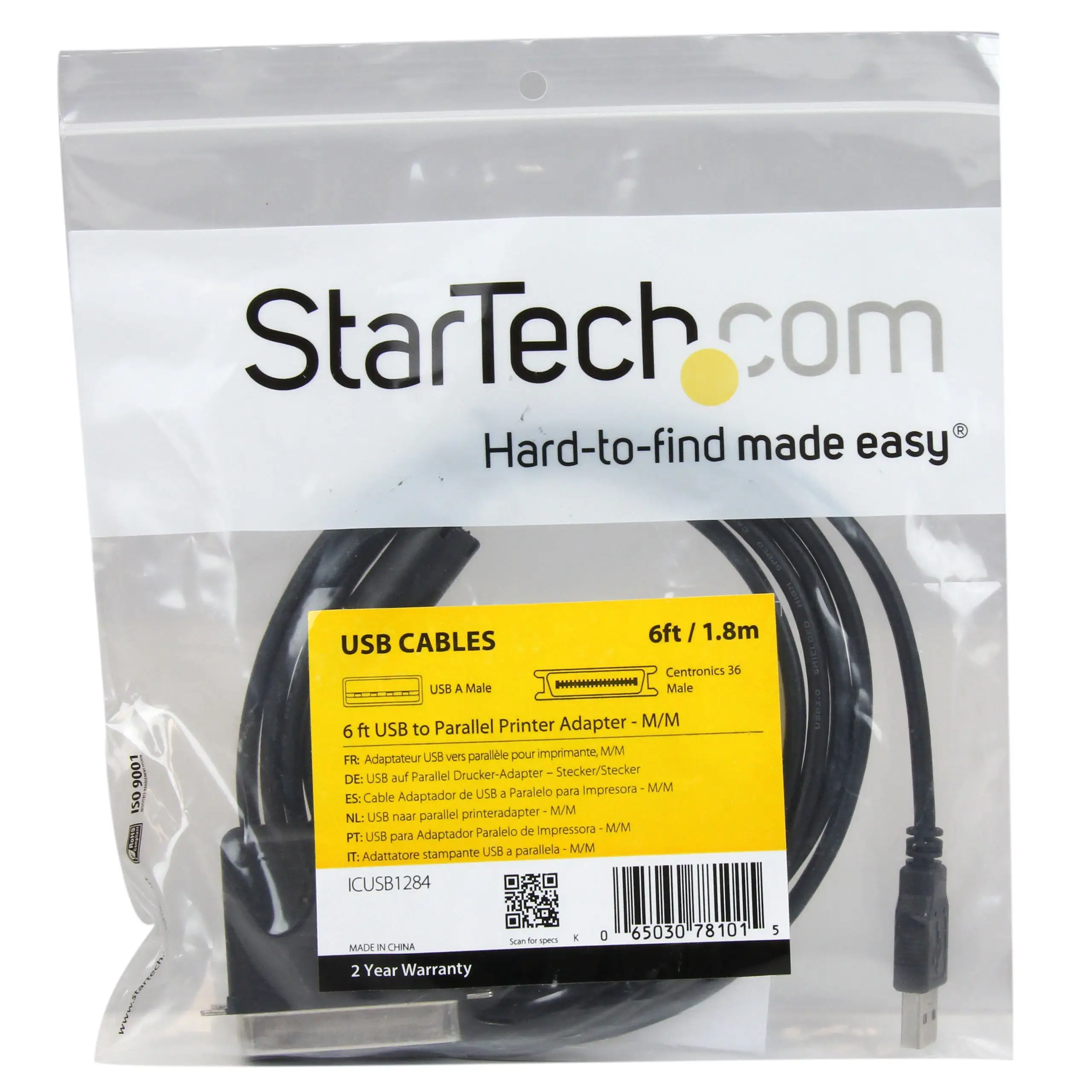
StarTech PM1115P3 Print Server Review: Conditional Buy Guide
A Reddit roundup ranked the StarTech.com Ethernet to Parallel Network Print Server (PM1115P3) as the #1 parallel print server, scoring 9.9/10. Users praise its ability to “revitalize older HP, Epson, and Canon” printers while making them accessible from anywhere on a network. However, digging through multi-platform feedback reveals a product that can be brilliant—if you can survive its setup hurdles.
Quick Verdict: Conditional Buy
| Pros | Cons |
|---|---|
| Enables network use for legacy parallel printers | Installation often described as "nightmarish" by users |
| Supports multiple OS (Windows, macOS, Linux) | Default static IP causes conflicts with modern routers |
| Compact and direct Centronics connection | Firmware/setup software feels outdated |
| Reliable printing once installed | Not AirPrint compatible |
| Supports multiple network protocols | DHCP recognition delays reported |
| Strong tech support reputation | Requires network configuration knowledge |
Claims vs Reality
StarTech’s marketing leans heavily on “simple setup” via a Windows wizard or web UI. While that sounds straightforward, a verified Amazon buyer noted: “The installation of this print server is an absolute nightmare... the manual and installer software are totally useless.” Users often resort to changing their network’s IP range or using WPS buttons—methods not mentioned in the official guide—to get started.
The claim of “broad compatibility” is generally upheld. Reddit users confirm successful connections with HP LaserJet, Epson Stylus, and Canon models. A verified buyer on Amazon said: “This unit allowed me to make my cheap laser printer into a wireless printer. However, it will not allow an AirPrint connection from my phone,” showing there are limits to what “compatibility” really means.
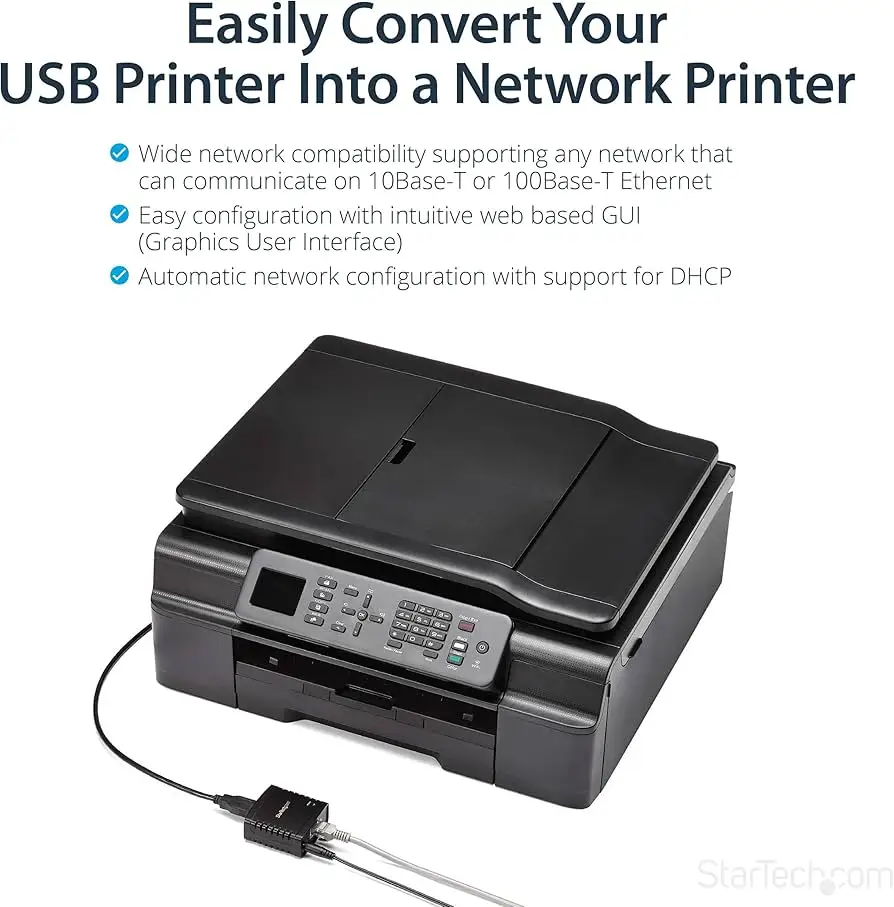
Marketing also touts “remote printing & printer sharing across a network” with multiple protocols such as TCP/IP, LPR, IPP, and SMB. In use, this holds true—but only after meticulous configuration. A detailed Amazon review describes step-by-step IP and subnet management to get the server recognized on the network. Once configured, “it worked perfectly, with wired and wireless connections,” proving the tech works when the networking setup is correct.
Cross-Platform Consensus
Universally Praised
The standout benefit across Reddit, Amazon, and Twitter is its ability to breathe new life into legacy devices. Reddit user reports highlight offices reusing “older HP, Epson, Canon” machines without investing in new hardware. An Amazon reviewer explained how their shipping department went “from copying files between machines to print” to seamless network printing once the server was operational. This is particularly valued in education and government environments where replacing specialized printers—like vinyl cutters—is costly.
Another near-universal praise point is its compact size. Connecting directly to the Centronics port removes cable clutter and allows flexible printer placement. A verified buyer said: “Compact and lightweight, connects directly with no cable between printer and device.” This footprint advantage is critical for small offices or crowded server rooms.
Finally, cross-platform protocol support gives IT departments options. For mixed OS networks, the ability to configure via web UI on macOS or Linux is seen as a real advantage. Reddit commentary applauded its “multiple network protocols enhancing compatibility,” easing integration in diverse environments.
Common Complaints
The most frequent frustration is installation complexity. Many buyers encountered a default static IP (192.168.0.10) incompatible with their router’s range. An Amazon customer recounted: “Out of the box the IP address is set to a static address... most routers now use 192.168.2.xxx.” Solutions often involved manual reconfiguration, temporarily altering router IPs, or direct Ethernet connections to change settings. This is a barrier for non-technical users.
Firmware and software age is another sore point. Several reports call the included CD “useless” and recommend discarding it in favor of updated online guides. A user on Amazon warned: “StarTech needs to reconfigure these for DHCP... software appears to date back to the late 90s.”
Network stability also surfaces as a complaint. Though rare for this parallel server compared to StarTech’s USB model, users of related products described “constantly drops off LAN” issues. While not heavily reported for PM1115P3, it’s a caution that similar devices have suffered intermittent disconnects.
Divisive Features
Setup methods divide opinion. Networking professionals sometimes enjoy the tinkering—one Amazon reviewer called it “a great experience for all hobbyists”—while casual users find it overwhelming. WPS setup earns praise from those whose routers support it, shaving hours off configuration, but is useless to those without WPS capability.
Wired vs wireless expectations also split. While the product does not advertise native Wi-Fi, some confuse it with wireless models and are disappointed when they learn it requires Ethernet to network.
Trust & Reliability
From a seller legitimacy standpoint, Trustpilot flags startech.com with an average 1.8-star score, noting “negative reviews... very negative” but confirming high traffic, valid SSL, and long domain age—suggesting the site itself is safe. Users generally trust the hardware once operational; long-term Reddit posts describe servers remaining “working perfectly” after months of consistent daily use.
The pattern seems clear: initial setup is the only real threat to reliability. Once installed, reports of failures are uncommon. The biggest risk is network changes—such as router replacement—which can require repeating the arduous install process.
Alternatives
FindThisBest lists competitors like the X‑Media XM‑PS110P and IBM 28P1846. The X‑Media model supports up to 230 printer models and offers post/email alerts for errors, potentially easing management, but lacks the high compatibility breadth StarTech offers with OS and protocols. IBM’s option is noted for compactness and ease of setup, but may lack the PM1115P3’s protocol diversity.
In environments where setup simplicity is paramount, Hawking’s HWPS12UG offers wireless connection and more ports, but sacrifices the Centronics direct-attach security StarTech users value.
Price & Value
Current pricing ranges from about $75 to $95 USD new, depending on seller, with eBay listings as low as $44.95 used. Resale holds decently given its niche role in legacy printer integration. Reddit and Amazon feedback suggest buying new from official channels for warranty support, as installation help from StarTech support is often crucial. Used buys risk outdated firmware without upgrade access.
Buying tips from the community include confirming your router’s IP range to plan configuration, and downloading the latest install guide from StarTech before unboxing.
FAQ
Q: Can this make any parallel printer wireless?
A: No, PM1115P3 is Ethernet-only. It networks the printer over LAN, but does not include Wi-Fi hardware. Wireless use requires a separate adapter or different StarTech model.
Q: Is it compatible with macOS?
A: Yes, supports macOS 10.12 to 14.x via web interface setup. Several users report smooth configuration once IP conflicts are resolved.
Q: Does it work with AirPrint?
A: No, it cannot act as an AirPrint server. Users needing iOS printing will need a compatible printer or third-party AirPrint bridge.
Q: How long does setup take?
A: Experiences vary widely—technicians may complete it in 10 minutes using WPS; non-technical users may spend hours reconfiguring network settings.
Q: Can multiple print servers run on the same network?
A: Technically yes, but some buyers report conflicts between servers of the same model, recommending different devices for multiple printers.
Final Verdict: Buy if you’re an IT pro, power user, or technically inclined small business looking to network legacy parallel printers without replacing them. Avoid if you lack networking experience or expect true plug‑and‑play. Pro tip from the community: ignore the CD, use StarTech’s online guides, and prepare to manage IP ranges before you touch the hardware.