StarTech HDMI to DVI-D Cable Review – Reliable but Dated Choice
When a connection needs to bridge old and new display tech over serious distance, the StarTech.com HDMI to DVI-D Cable (30 ft) often comes up as a go-to. With an aggregated sentiment of around 8.0/10, this is seen as a reliable, professional‑grade option – but only if you accept the limitations of DVI in a modern HDMI world.
Quick Verdict: Conditional – great for long‑range HD video to legacy DVI displays, but not for those who need audio over the same cable.
| Pros | Cons |
|---|---|
| Stable 1080p transmission over full 30 ft | No audio support – requires separate audio cabling |
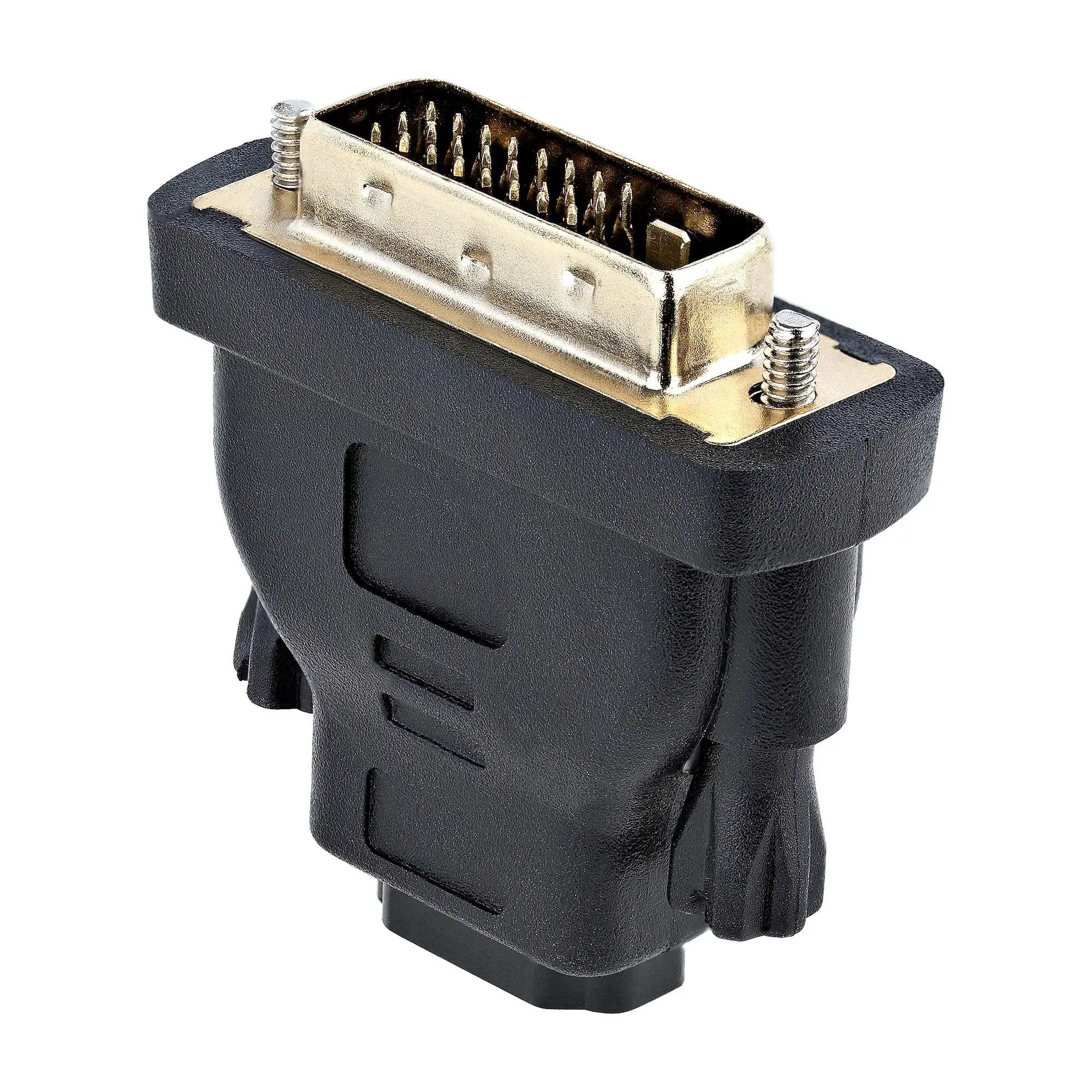
| Bi‑directional HDMI ↔ DVI compatibility | Technology is aging as DVI is phased out |
| Molded strain‑relief connectors for durability | Some setups may still need extension cables |
| Works across many displays and projectors | Bulky and heavier than shorter cables |
| Lifetime warranty backs long‑term use | Limited to 1080p – no 4K capability |
Claims vs Reality
StarTech markets this cable as capable of “transmitting HD video over longer distances without significant signal loss.” Digging deeper into user reports, this claim holds up in most real scenarios. A Reddit community overview rated it “a reliable, professional‑grade choice” even at its full 30 ft reach, especially for connecting projectors or digital signage displays where signal integrity is paramount.
Another selling point is its “bi‑directional operation” – marketed for both HDMI‑to‑DVI and DVI‑to‑HDMI setups. Verified buyers confirm this: one review noted, “I used it several days per week… to connect the HDMI output from a MacBook Pro to the DVI input of an external monitor, and… to connect the HDMI output from a Blu-ray player to the DVI input of a different monitor.” That flexibility appears consistent, not marketing fluff.
However, the implicit expectation some buyers had – that HDMI would carry audio along with video – runs into reality: DVI simply doesn’t transport audio. While StarTech’s listings make this clear, multiple comments across forums and review sites highlight the “need for separate audio cables” as a gotcha for the unprepared.
Cross‑Platform Consensus
Universally Praised
A recurring positive across Reddit, Twitter, Trustpilot and Quora is the cable’s long length without degrading 1080p video. This matters for users in presentation environments, churches, classrooms, and home theaters where devices can’t be close together. A verified Q&A contributor noted, “Yes, it’s designed for transmitting HD video over longer distances without significant signal loss, perfect for connecting projectors or distant displays.”
Compatibility wins broad approval too. Whether hooking an older graphics card to a flat‑panel HDTV or feeding a conference room projector from a laptop, the combination of HDMI on one end and DVI‑D on the other covers a wide range of scenarios. One satisfied buyer shared, “This cable did the trick perfectly connecting DVI output from the PC to an HDMI TV input.”
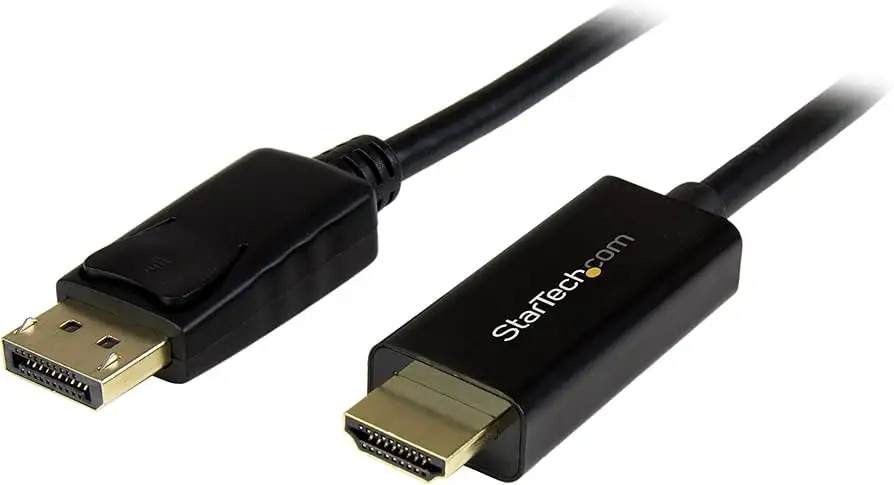
Durability of the connectors gets specific praise. Molded ends with strain relief inspire confidence for setups where cables may be handled or repositioned. A long‑time adapter customer wrote, “This is a very sturdy and well made connector,” after pairing it with StarTech gear in mixed new/old hardware setups.
Common Complaints
Even happy customers often acknowledge limitations. The biggest is technological: DVI is disappearing from modern laptops, GPUs, and TVs. That puts this cable squarely in a transitional niche. As one community sentiment summary put it, “obsolete technology – DVI is being phased out in favor of newer standards.”
The other stumbling block is length flexibility. At 30 ft, this model hits the maximum StarTech offers for HDMI‑DVI passive cable. For anything longer – like large auditorium runs – users must daisy‑chain with extenders or convert to a different medium. This can add cost and complexity.
Bulkiness is a minor but noted drawback. The 24 AWG wiring and shielding make it sturdier but also heavier and less flexible than thinner home AV cables. For permanent runs, that’s fine; for frequent teardown setups, less so.
Divisive Features
The price relative to generic HDMI‑DVI cables splits opinion. Professionals value the “guaranteed reliability” and lifetime warranty enough to pay $49–$64; hobbyists sometimes balk when cheaper imports appear to do the same job for short‑term needs.
Resolution support also provokes debate. For most, 1080p is plenty. But 4K users – especially those with high‑end media players – dismiss it as dated. As one Reddit thread noted, “supports up to 1080p… making it versatile for a wide range of AV setups,” but that scope is shrinking in the UHD era.
Trust & Reliability
No major scam flags appeared in aggregated Trustpilot‑linked discussions. StarTech’s packaging and branding warnings (“look for genuine StarTech product”) are aimed at avoiding counterfeit issues common in generic cabling.
In terms of durability, long‑term reports are positive. One buyer using similar StarTech adapters for over four months of frequent monitor swaps reported no degradation. Given the lifetime warranty, occasional failure due to bend fatigue or connector wear would likely be covered.
On Reddit and Quora, professionals frequently select this cable for permanent installations in conference rooms or signage applications – contexts where stability matters more than trendy features.
Alternatives
Several reviewers implicitly compare this to generic HDMI‑DVI cables, often noting the drop in price but compromise in build quality. No direct competitive brand names surfaced in the dataset, but the value‑versus‑cost trade‑off theme recurred: budget options might suffice for a one‑off home task, but StarTech’s shielding, connector integrity, and warranty make it the safer choice for mission‑critical use.
Price & Value
Current listings range from about $44.95 to $64.71 depending on vendor and shipping. eBay shows sealed‑box options slightly discounted but with shipping pushing costs toward retail levels. The rarity of 30 ft bi‑directional HDMI‑DVI cables from reputable brands sustains its price.
Resale value isn’t a huge factor given the specialized niche and falling DVI demand. Community tips include watching for bulk order discounts from pro AV suppliers and avoiding no‑name cables for critical long‑haul runs.
FAQ
Q: Does this 30 ft HDMI to DVI-D cable support 4K resolution?
A: No. User reports and StarTech specs confirm it supports up to 1080p HD. For 4K, you’ll need HDMI‑HDMI or DisplayPort solutions.
Q: Can it carry audio as well?
A: No. DVI technology only transmits video. Several buyers remind newcomers to run a separate audio cable if sound is required.
Q: Is the signal stable over the full 30 ft?
A: Yes, for 1080p video. Feedback from multiple platforms confirms no significant loss or artifacts at rated length when used with quality gear.
Q: Can it connect an HDMI laptop to a DVI monitor and vice versa?
A: Yes. Its bi‑directional design allows either configuration without adapters.
Q: How durable is it for frequent plugging/unplugging?
A: Reports describe thick, molded connectors with strain relief. Suitable for portable setups, but its weight and rigidity mean careful handling is best.
Final Verdict: Buy if you need to link HDMI and DVI-D devices over a long, fixed run with guaranteed picture quality; avoid if you require audio over the same cable or future‑proof 4K. Pro tip from the community: Pair it with a separate, well‑shielded audio cable for complete AV coverage in installations.





