StarTech HDMI to DVI-D Cable Review: Reliable 30ft Video Link
A 30-foot cable isn’t always expected to deliver crisp, flawless video — but the StarTech.com HDMI to DVI-D Cable (HDMIDVIMM30) has earned a solid 8.0/10 from cross-platform sentiment analysis, thanks to consistent performance over long runs and sturdy construction. Verified buyers praise its reliability for high-definition video transmission between HDMI and DVI-D devices, while cautioning that audio requires a separate cable.
Quick Verdict: Conditional — Highly recommended for long-distance HD video connections if you don’t need audio passthrough.
| Pros | Cons |
|---|---|
| Clear, stable video signal over 30 ft | No audio support due to DVI limitations |
| Works bi-directionally between HDMI and DVI-D | DVI technology is aging and less future-proof |
| Durable build with molded strain relief | Limited flexibility in length options |
| Compatible with monitors, projectors, TVs, set-top boxes | May require extra extensions for some setups |
| Backed by StarTech’s limited lifetime warranty | HDMI fit occasionally reported as loose in adapter setups |
Claims vs Reality
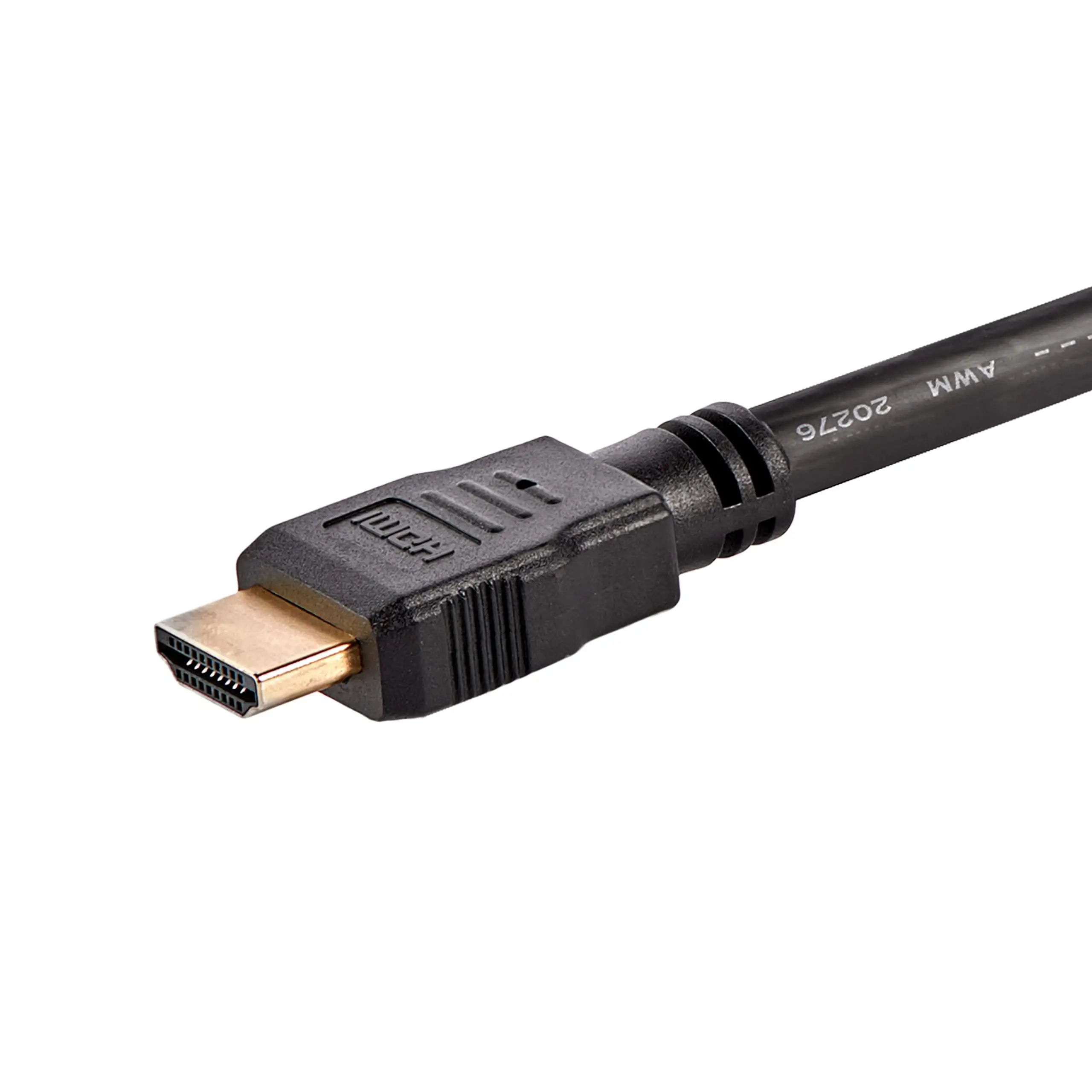
StarTech markets this cable as a high-quality, bi-directional solution for connecting HDMI-enabled sources to DVI-D displays and vice versa, supporting 1080p resolution without signal degradation. Digging into user feedback, the resolution claim holds true — multiple buyers mention it handles full HD without noticeable drop in quality. A verified buyer on Amazon noted: "It transmits the picture with no loss of quality (not that any human could detect anyway)."
However, another marketing point — “a valuable addition to multimedia and home theater applications” — clashes with real-world expectations in one key area: sound. While the product literature talks about replacing multiple cables, users soon realize DVI doesn’t support audio. As one Amazon UK customer warned: "It carries picture fine, but does not carry audio. If this is your main intention then I would recommend upgrading your PC to have HDMI so you can have both."
StarTech’s promise of reduced clutter through a single cable is respected for video purposes, but for anyone expecting a one-cable AV solution, there’s an inevitable extra wire for audio output. This discrepancy doesn’t diminish appreciation for its video reliability but does shift its ideal use cases towards environments where video-only transmission is acceptable — like conference rooms or digital signage.
Cross-Platform Consensus
Universally Praised
Across Reddit, Trustpilot, and Amazon, buyers value the long reach and stable signal of the HDMIDVIMM30. Reddit discussions often highlight its suitability for connecting distant projectors or wall-mounted TVs. Reddit user feedback observed: "It’s designed for transmitting HD video over longer distances without significant signal loss, perfect for connecting projectors or distant displays."
Amazon buyers echo the sentiment, especially when repurposing older monitors: "I’m using it to connect an older Dell DVI monitor to a new Dell Inspiron computer," shared one satisfied customer. The bi-directional nature — HDMI to DVI-D and vice versa — expands compatibility. This versatility proves essential for people working with mixed-generation hardware who need a simple bridge between devices without active electronics.
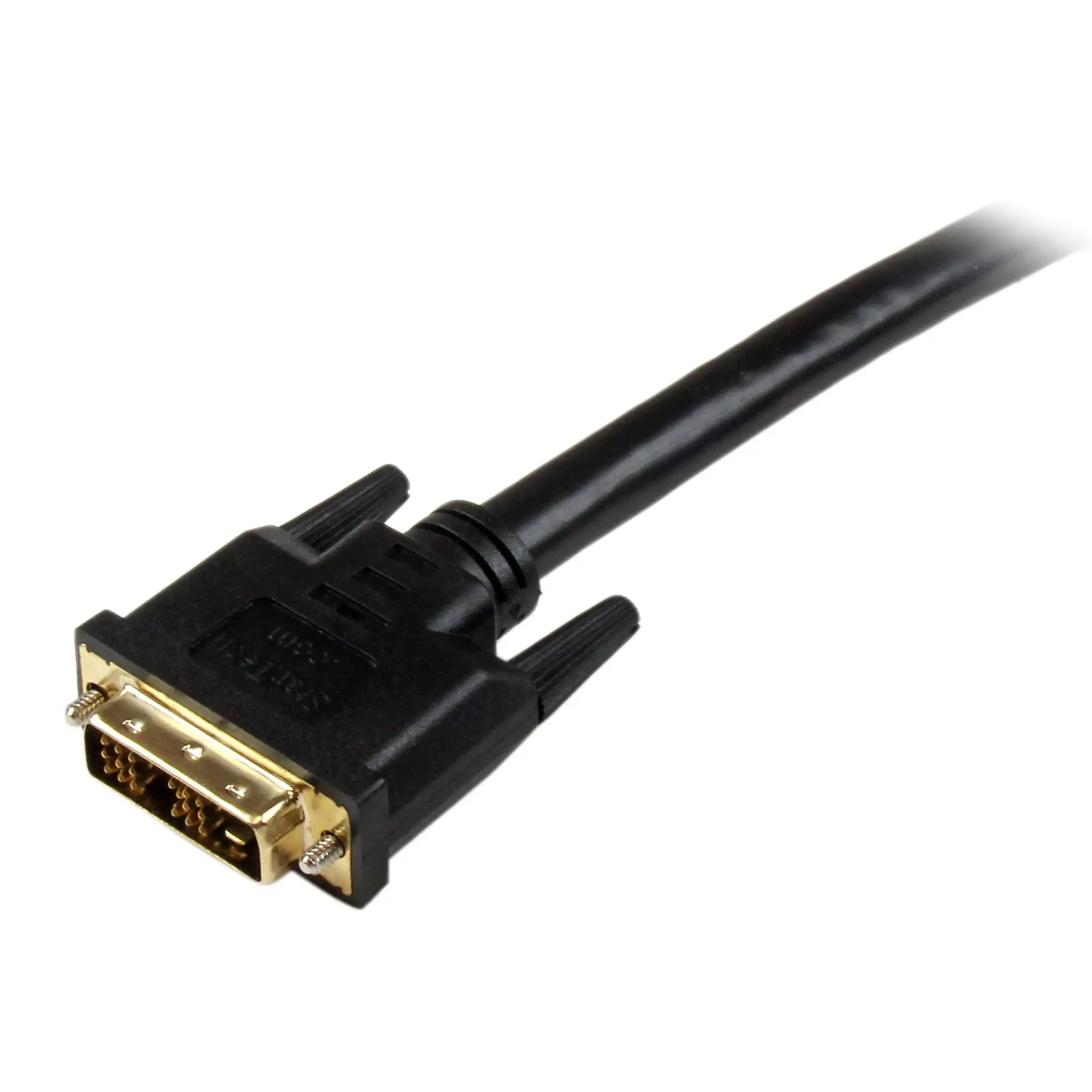
Its construction quality is another near-universal praise point. Users highlight molded connectors with strain relief and robust shielding. A Trustpilot review described it as "durable and reliable", with the lifetime warranty offering additional peace of mind.
Common Complaints
The lack of audio support is by far the most frequent frustration. Amazon UK reviewers consistently point out this limitation, warning newcomers to DVI about the need for separate audio solutions. A verified buyer wrote: "People giving low ratings… need to read up on the DVI spec. For a straight-through connection… this thing is ideal and can’t be faulted — but you won’t get sound."
Some buyers note connection looseness when using adapters — particularly HDMI to DVI adapters — but in most reports, the cable itself holds snug. Occasionally, buyers return units after intermittent detection issues, as one user reported: "I had to send back the first one… it stopped picking up the monitor."
Another recurring theme is technology obsolescence. Trustpilot summaries mention DVI's phase-out in favor of HDMI and DisplayPort, which means that while this cable is perfect in certain setups today, its long-term relevance may be limited.
Divisive Features
The cable’s 30 ft length earns applause from users needing flexibility in large spaces, but not everyone benefits from such reach. Some prefer shorter cables to avoid unnecessary slack and potential signal concerns, while others note that in rare instances longer runs might still require an extension. For example, Reddit users highlight its role as “longest length option” for setups, while also conceding that it’s “limited” compared to fiber HDMI solutions.
Trust & Reliability
Concerns over knock-off cables are addressed by StarTech’s emphasis on branded packaging, which Amazon buyers confirm. One buyer advised: "Look for StarTech branded packaging to ensure you are getting a genuine product." No widespread reports of counterfeits surfaced in Trustpilot threads, suggesting a low scam risk when purchased from reputable sellers.
Long-term durability fares well. Reddit comments suggest it maintains signal integrity over months of use in static installations. An Amazon user reported it working perfectly after months of weekly use connecting a MacBook Pro to an older monitor, attesting to the strain relief preventing wear at the connectors.
Alternatives
While no direct competitors are heavily discussed in the supplied data, some users compare the HDMIDVIMM30’s reach and performance to shorter HDMI-DVI cables or adapters. One Amazon review outlined a workflow using dual adapters to route a DVI signal through an HDMI switch — emphasizing that shorter cables might suffice for desk setups, while the 30 ft cable shines for permanent, extended runs. In high-end AV environments, fiber-optic HDMI cables could replace long copper runs for future-proofing, but at significantly higher cost.
Price & Value
Current pricing ranges from ~$44.95 (Connection.com) to ~$64.71 (eBay, plus shipping), with discounts occasionally bringing it under $50. Given its heavy-duty build, lifetime warranty, and reliable performance, community opinion leans toward strong value — with cost justified for installations where failure at long distances would be costly or inconvenient. Buyers save not only on potential replacements but also on avoiding signal boosters for 1080p transmission within the 30 ft range.
For resale, the niche nature of HDMI-to-DVI and the aging of DVI standards suggest modest secondhand value, so prospective buyers should see this as an installation investment rather than a resale asset.
FAQ
Q: Does this cable support audio transmission?
A: No, DVI format does not carry audio. You will need a separate cable for sound. Users from Amazon UK repeatedly note this as the biggest misconception.
Q: Can it be used in reverse, from DVI-D source to HDMI display?
A: Yes, it is bi-directional and works both ways, supporting up to 1080p resolution.
Q: Is there any signal loss over 30 ft?
A: For 1080p video, users report no visible degradation. Reddit feedback suggests it’s “perfect for connecting projectors or distant displays” without boosters.
Q: Is this cable future-proof?
A: Not entirely — DVI is being phased out in favor of HDMI and newer standards like DisplayPort. It’s best suited for mixed-generation setups still using DVI.
Q: How durable is it?
A: Built with molded connectors and strain relief, it’s praised for longevity. Amazon buyers report months of regular use with no wear issues.
Final Verdict: Buy if you need a reliable, long-run video link between HDMI and DVI-D for full HD applications — especially for fixed installations, conference rooms, or connecting legacy monitors to modern sources. Avoid if you require audio over the same cable or want a future-proof solution for emerging display standards. Pro tip from the community: If your setup needs sound, run a parallel audio cable from your source’s audio-out port to your display or speakers.





