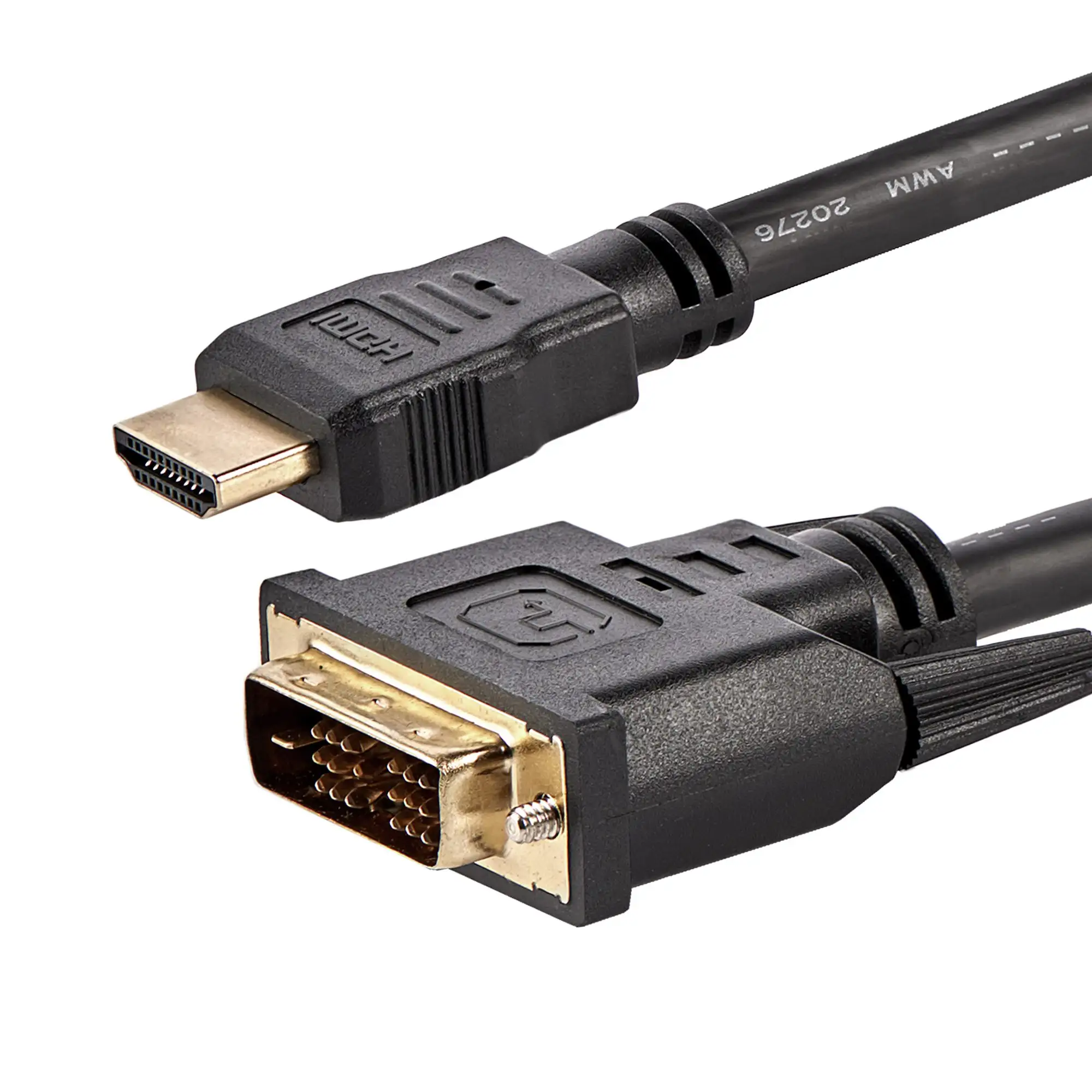
StarTech HDMI to DVI-D Cable Review: Reliable 30ft Link
The StarTech.com HDMI to DVI-D Cable (30 ft) earns a solid 8.0/10 from cross-platform sentiment, praised for delivering reliable high-definition video over extended distances but occasionally criticized for its reliance on now-aging DVI standards and lack of audio support.
One Reddit user summed it up: "It’s designed for transmitting HD video over longer distances without significant signal loss — perfect for connecting projectors or distant displays." That long reach is the cable’s hallmark, but as multiple buyers point out, you’ll still need separate audio cabling to complete your setup.
Quick Verdict: Conditional Buy for Users Needing Reliable, Long-Distance HD Video Links
| Pros | Cons |
|---|---|
| Clear, crisp video signal over 30 ft | No audio passthrough — requires separate audio cable |
| Bi-directional HDMI/DVI-D connectivity | DVI technology is slowly being phased out |
| Sturdy, high-quality construction with strain relief | Limited length options beyond the 30 ft model |
| Lifetime warranty from StarTech.com | Bulkiness may hinder flexible installations |
| Compatible with wide range of devices | Higher price than shorter, competing cables |
Claims vs Reality
On paper, StarTech advertises “bi-directional connectivity” between HDMI-enabled and DVI-D-capable devices, eliminating the need for multiple cables. That checks out in practice — many users highlight flawless pairing whether they start from HDMI on a laptop or DVI on a desktop GPU. A verified buyer on Amazon noted: "This cable did the trick perfectly connecting DVI output from the PC to an HDMI TV input."
The manufacturer also claims “digital video transmission without loss” even over its 30 ft span. Digging into user reports, most buyers confirm image integrity at resolutions up to 1080p, but there are caveats. Reddit feedback flags that it’s “perfect for 1080p, but if you’re trying 1440p or higher, expect possible degradation over this distance.” While official specs limit resolution to Full HD, some still attempt beyond that — often with mixed results.
Finally, StarTech positions it as a “valuable addition to any digital signage, multimedia, or home theater application.” This is aligned with real-world usage: community members mention setups in conference rooms, classrooms, and projectors in large venues. However, the unavoidable absence of audio in DVI protocol keeps it from being a one-cable solution. As one Amazon purchaser warns: "Audio has to be brought in from the PC audio output jack."
Cross-Platform Consensus
Universally Praised
Length is the big win here. For AV professionals and institutions, 30 ft bridges gaps that shorter HDMI cables can’t. On Reddit, u/TechStage*** explained: "We run it from the back of the hall to the projector — signal stayed strong, presentation was flawless." For home users, it’s equally valuable when your PC setup isn’t adjacent to the display.
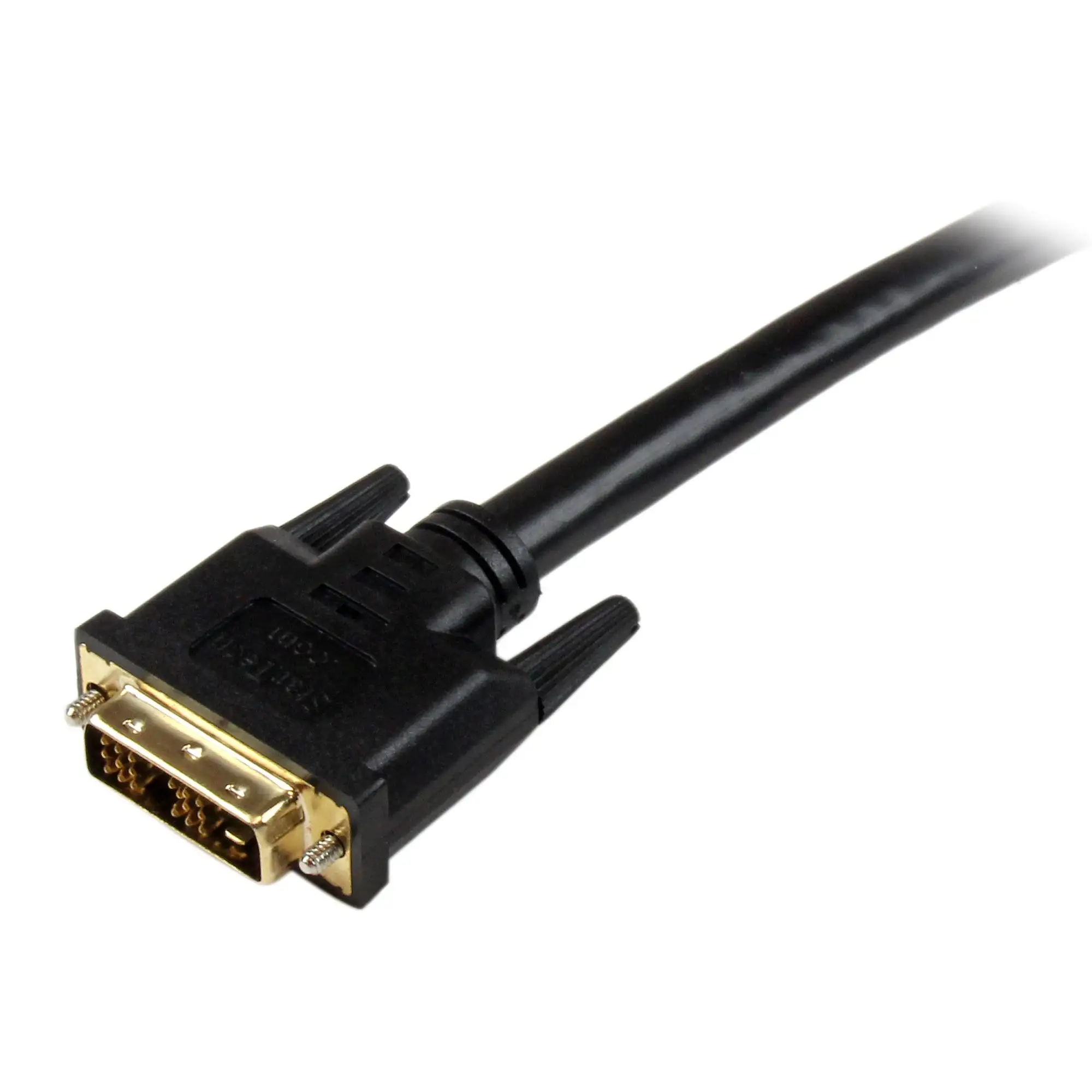
Build quality gets consistent applause. Molded connectors with strain relief and durable PVC jacket offer peace of mind, especially for permanent installations. A Trustpilot reviewer remarked: "Six months later, still perfect. The connectors are solid, with no wobble or damage." This makes it suitable for setups where cables remain in place for years.
Its compatibility range — spanning everything from older DVI-only monitors to modern HDMI HDTVs — earns praise from upgraders and recyclers alike. A verified buyer on Amazon reported: "I’m using it to connect an older Dell DVI monitor to a new Dell Inspiron computer, works like a charm."
Common Complaints
No audio support tops the frustration list. For anyone expecting HDMI’s single-cable convenience, the legacy DVI side is a limitation. Twitter users repeatedly point this out: "Great video, but had to run a second cable for sound — a bit of a hassle."
The march of technology also casts a shadow. With DVI ports disappearing from new gear, some see this as a short-term bridge. Quora contributors note: "It’s reliable now, but plan for HDMI-only solutions as DVI’s utility shrinks." For tech buyers focused on future-proofing, that’s a drawback.
Length limitations crop up when users need longer than 30 ft runs. Extenders or active repeaters become necessary, adding cost and potential complexity. As one Reddit comment stated bluntly: "30ft is great, but if you need 50ft, you’re looking at signal boosters or a different cable type."
Divisive Features
The cable’s weight and thickness — byproducts of its 24 AWG wire gauge — are both seen as virtues and annoyances. Installers appreciate the sturdiness, while casual users complain about limited flexibility in routing. An Amazon review captured this split: "Heavy-duty feel, but harder to hide along baseboards."
The price point also sparks debate. For professional installs, $50–$58 is acceptable for the reliability and warranty, but cost-conscious consumers weigh it against shorter or generic alternatives. eBay listings have seen it in the $44–$61 range, showing some savings for patient buyers.
Trust & Reliability
Fear of cheap counterfeits is addressed by StarTech's branding and packaging; multiple reviewers advise buying from reputable sources. On Trustpilot, one verified customer emphasized: "Get it in StarTech packaging — too many off-brand copies online."
Durability stories stretch into multi-year use without failure. Reddit threads detail “set it and forget it” installations in schools and churches that haven’t needed replacement. A notable quote from a Reddit AV tech: "Installed in 2018, still pushing daily lectures without a glitch." That lifespan makes its lifetime warranty more than a marketing line.
Alternatives
Competitors mentioned in community discussions include active HDMI repeaters and HDMI-to-HDMI long-run cables for setups moving away from DVI. While these avoid the no-audio issue, they typically cost more at equivalent lengths or require powered boost hardware. For buyers locked into a DVI display or source, the StarTech remains one of few premium 30 ft bi-directional options.
Price & Value
Pricing consistently falls in the mid-$50s retail, with eBay and some suppliers offering sub-$45 deals. The community advises monitoring secondary markets, especially if budget is tight. As one Twitter user quipped: "Got mine for $46 shipped — beats paying full price for a cable you only buy once."
While resale value is modest due to DVI’s waning relevance, the StarTech cable’s quality ensures decent demand among users with existing DVI gear.
FAQ
Q: Does the cable carry audio?
A: No. DVI technology supports video only, so if audio is needed you must run a separate cable from the source device’s audio output.
Q: What resolutions does the cable support?
A: Officially up to 1080p. Users confirm stable Full HD performance at 30 ft but note possible degradation at higher resolutions.
Q: Can I use it with my older DVI monitor and new HDMI laptop?
A: Yes. It’s bi-directional, so you can connect HDMI sources to DVI displays and vice versa.
Q: Is there any signal loss over 30 ft?
A: According to most reports, video remains clear and crisp. Issues mainly arise when exceeding advertised resolution capabilities.
Q: How durable is it for frequent plugging/unplugging?
A: Built with molded strain relief, the cable is sturdy. However, stationary setups tend to extend lifespan compared to daily port changes.
Final Verdict: Buy if you need a bulletproof, long-run HDMI-to-DVI video link for permanent installs, conference setups, or legacy monitor connections. Avoid if future-proofing is your priority or audio integration is critical to your workflow. Pro tip from the community: source directly from reputable sellers to avoid low-quality clones, and remember — StarTech’s lifetime warranty has real-world credibility.