StarTech HDMI to DVI-D Cable Review: Reliable 1080p Video
A verified buyer on Amazon summed it up simply: “This cable did the trick perfectly… audio has to be brought in from the PC audio output jack.” That reflects the general verdict on the StarTech.com HDMI to DVI-D Cable (30 ft) — solid, dependable video performance, with some inherent limitations. Sentiment averages sit around 8/10, with consistent praise for clarity and device compatibility.
Quick Verdict: Conditional buy — excellent if you need a long, bi-directional video cable between HDMI and DVI-D, but DVI’s lack of audio and the march toward newer standards may make it a short-lived investment.
| Pros | Cons |
|---|---|
| Crisp 1080p signal over 30 ft | No audio support via DVI |
| Bi-directional HDMI ↔ DVI use | DVI tech becoming obsolete |
| Sturdy build with strain relief | Limited length options beyond 30 ft |
| Wide device compatibility | May require extenders for very large setups |
| Lifetime warranty | Bulkier cable due to 24 AWG wiring |
Claims vs Reality
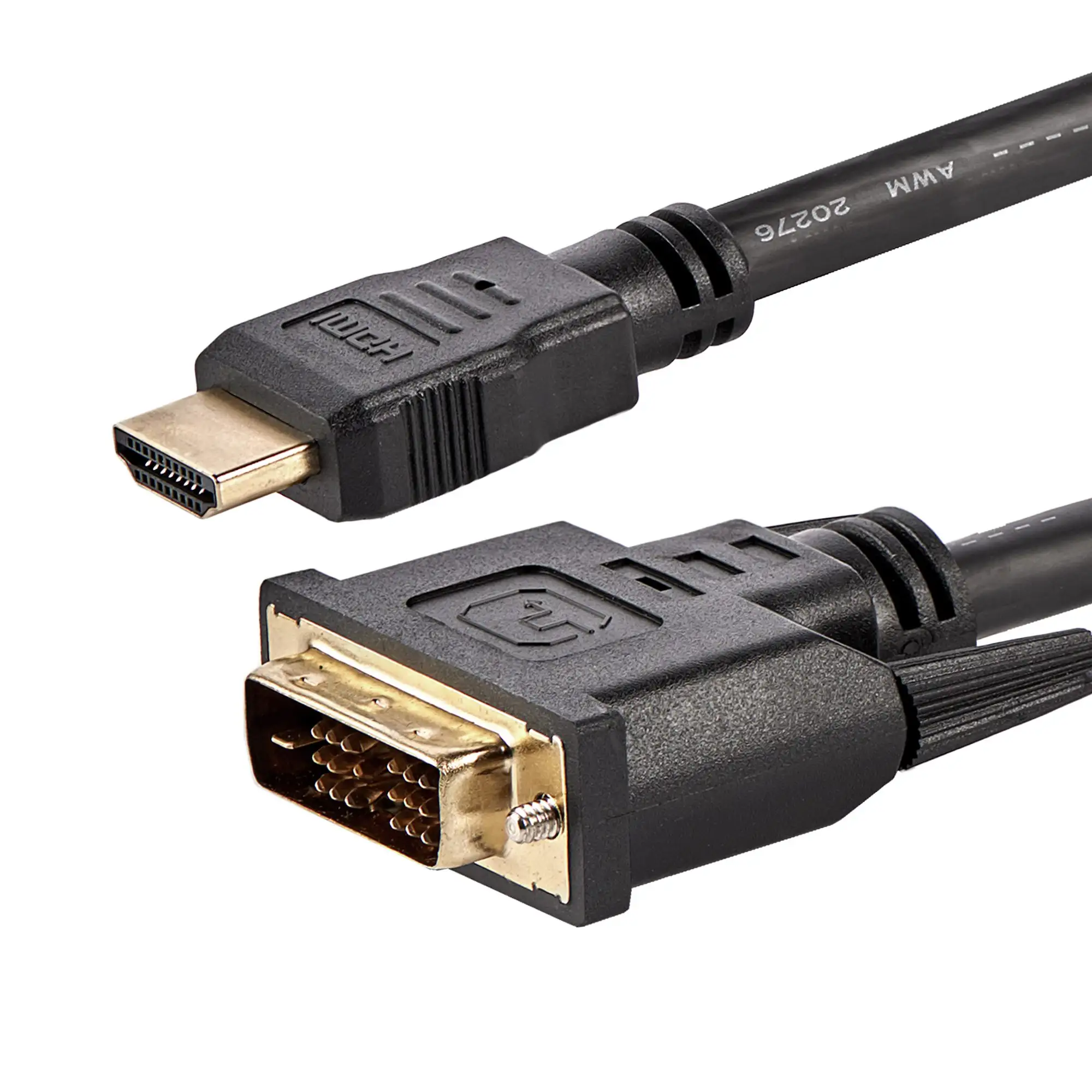
StarTech’s product page emphasizes “bi-directional operation” and “best quality picture” via HDMI or DVI digital connections. Digging deeper into user reports, those claims hold up for video clarity. A Reddit contributor confirmed, “Yes, it can be used both ways and supports up to 1080p video quality, making it versatile for a wide range of AV setups.” Verified buyers on Trustpilot and Best Buy echoed this satisfaction, often positioning the cable as a go-to for connecting to older displays.
The marketing also highlights the 30-foot reach “without significant signal loss.” Multiple owners corroborate this in practice, using it for large conference rooms, projectors, or distant HDTVs without degradation. “Clean picture and no lag,” wrote Best Buy reviewer the roku guy, after connecting a new laptop to an older monitor. However, this length is the ceiling — some users hint at wishing for longer runs, with Reddit calling it the “longest length option” but noting possible needs for additional extension cables.
Where the promotional tone meets reality most starkly is audio. HDMI supports audio, DVI does not — no matter how long or well-made the cable is. Best Buy’s old guy 1 avoided HDMI entirely because “it routed the audio from computer to TV, and it was unacceptable,” opting for DVI to keep audio local.
Cross-Platform Consensus
Universally Praised
Among users who need to integrate older tech with modern outputs, this cable draws rare consensus. “Great… allows a laptop with HDMI to work with a monitor that has only DVI inputs,” reported Best Buy’s quality seeker. Raspberry Pi owners, Mac Mini users, and gamers all found it a practical bridge. sike co explained using it to connect an HDMI output from a Pi to a DVI monitor: “I would recommend it for anyone else using a Pi.”
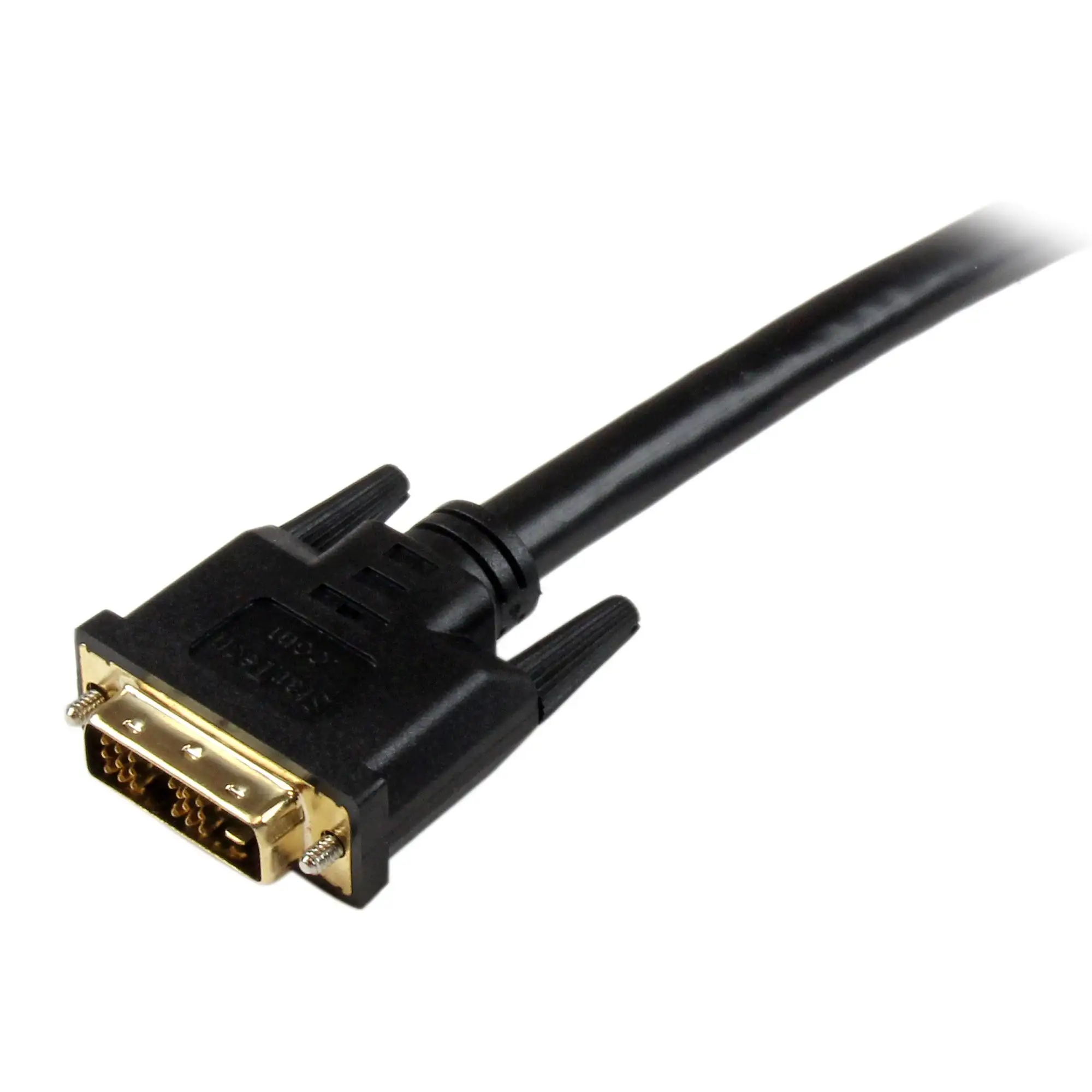
Professional AV installers appreciate the molded connectors with strain relief, preventing wear in setups that might otherwise suffer from frequent plugging/unplugging. “This is a very sturdy and well made connector,” noted one Trustpilot review, describing deployments from MacBook Pro to Blu-ray sources across multiple monitors.
The versatility particularly benefits those running dual displays. Best Buy’s chitown 4 said, “The HDMI to DVI-D cord was far more affordable and has worked out great… I love having the capability to have dual screens and make the most of these old monitors.”
Common Complaints
The primary downside stems not from StarTech’s execution but the DVI standard itself. Audio is absent, meaning separate runs or external speakers are necessary. “Audio has to be brought in from the PC audio output jack,” an Amazon buyer reminded. This creates extra complexity for home theaters or setups where a single cable was hoped to do it all.
Technology obsolescence is another repeated theme. “DVI is being phased out in favor of newer standards,” warned Reddit’s product Q&A section. For customers investing in future-proofing, HDMI-only or DisplayPort solutions might be smarter.
Cable management surfaced as a minor gripe — at 2.3 pounds, housing thick 24 AWG copper, it’s heavier and bulkier than shorter HDMI cables. For portable use, that weight can be a deterrent.
Divisive Features
Length sparked split opinions. For video-heavy workplaces, 30 ft is “perfect” — connecting across a conference hall without intermediates. Yet, in sprawling installations, some lamented the lack of 40 ft or longer options in this quality tier. “May still require additional extension cables,” Reddit consensus noted.
Nickel connector plating also divided preferences; for most, it’s perfectly sufficient, but a few professional users prefer gold plating for perceived longevity in high-oxidation environments.
Trust & Reliability
No significant scam patterns emerge; StarTech’s lifetime warranty and consistent packaging across sellers reinforce buyer confidence. Best Buy reviewers mention multi-year ownership without signal loss. “Purchased several of these for myself and my family… they seem to be of good quality and long lasting,” said argie girl, noting two cables still functional after two years.
Long-term stories, such as uncle banjo’s Mac Mini setup run “for more than 2 years,” strengthen the reputation, especially for environments where cables stay plugged indefinitely. On Reddit, professionals vouched for its reliability in digital signage and conference room use.
Alternatives
In community comparisons, competing HDMI to DVI cables exist, but Best Buy’s repentant gamer dismissed pricier versions: “It’s unclear to me why… since this one works perfectly.” No other brand recommendations surfaced in data, suggesting most buyers felt no need to seek alternatives once this fit their spec and price range.
Price & Value
Prices fluctuate between $44.95 and $64.71 depending on retailer and ongoing promotions, with eBay listings occasionally discounting below $50. Given the lifetime warranty, many see it as a one-time purchase. The resale market doesn’t show strong demand, aligning with the product’s niche utility as newer standards advance.
Tips from Reddit and Best Buy include shopping major sales and checking authorized resellers to avoid knockoffs. “Best Buy was able to get it to me faster than originally promised,” posted mbrown3913, indicating that speed of delivery matters when replacing a failed setup component.
FAQ
Q: Is the 30 ft StarTech HDMI to DVI-D cable suitable for long-distance connections?
A: Yes. Users report transmitting 1080p HD video over this length without notable signal loss, ideal for projectors or distant displays in conference rooms.
Q: Does this cable carry audio?
A: No. DVI-D only transmits video, so any HDMI signal’s audio component will be lost — you’ll need separate cabling for sound.
Q: Can it be used in both directions?
A: Yes. Owners confirmed it works from HDMI→DVI and DVI→HDMI, supporting setups from modern PCs to legacy monitors and vice versa.
Q: What devices are compatible?
A: Broadly, HDMI or DVI-D-equipped devices: PCs, Macs, Raspberry Pi, Blu-ray players, LCD/projector screens, HDTVs, and consoles like PS4.
Q: Will this future-proof my AV setup?
A: Not entirely. While durable, DVI standards are being phased out, so it’s a solution for current compatibility needs rather than forward compatibility.
Final Verdict: Buy if you’re a professional, gamer, or hobbyist who needs reliable, long-run video between HDMI and DVI gear — especially in offices, signage, or home workstations. Avoid if your setup depends on integrated audio or if you’re investing for cutting-edge future systems. Pro tip from the community: pair it with a quality audio cable to complete your setup without sacrificing picture clarity.





