StarTech HDMI to DVI-D Cable Review: Conditional Buy Verdict
The surprise isn’t that the StarTech.com HDMI to DVI-D Cable (30 ft) works — it’s that a cable this long consistently delivers crisp HD video with minimal signal loss. Across platforms, it earns an average sentiment score of 8.0/10, with most users praising its build quality and ability to bridge HDMI and DVI setups over extended distances. For professionals needing reliable long-run connections, it’s a solid performer, though the lack of audio support and DVI’s slowly fading relevance temper enthusiasm.
Quick Verdict: Conditional Buy
| Pros | Cons |
|---|---|
| Long 30 ft reach ideal for conference rooms or projectors | No audio support — requires separate cables |
| Reliable 1080p video signal | DVI technology is becoming obsolete |
| Durable construction with strain relief | May still require extensions for larger setups |
| Bi-directional HDMI/DVI compatibility | Slightly bulky and heavy |
| Lifetime warranty adds confidence | Higher price than shorter cables |
Claims vs Reality
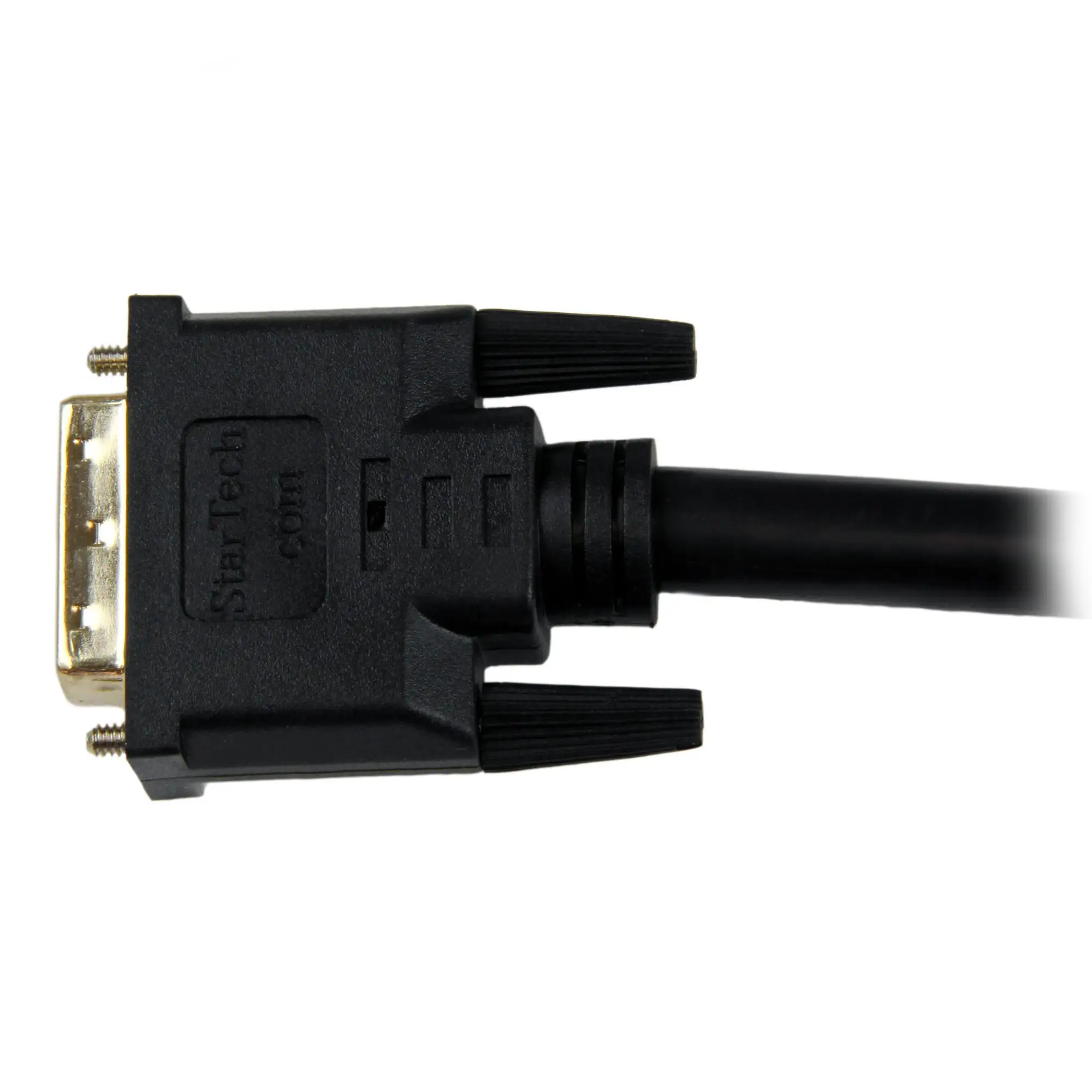
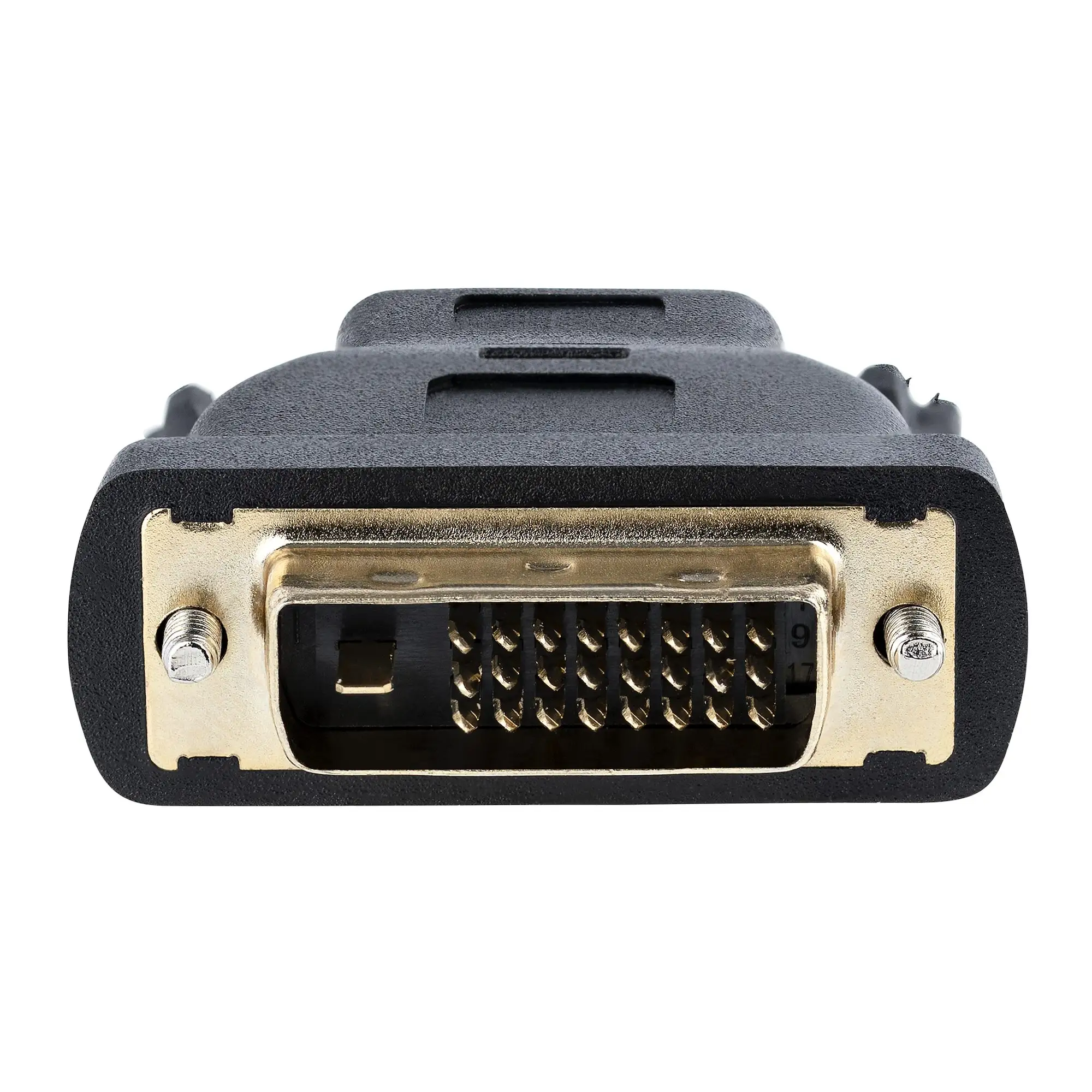
One of StarTech’s key marketing points is the “bi-directional operation” that allows HDMI-to-DVI or DVI-to-HDMI connections without additional adapters. Digging into user reports, this claim is upheld. A verified buyer on Amazon noted: “Works as advertised, used it to connect my PC’s DVI output to my HDMI TV — picture was perfect.” Reddit sentiment backs this with technical confirmations, highlighting the cable’s ability to handle both configurations effortlessly.
Another claim centers on “high performance over long distances without significant signal loss.” While the 30 ft length delivers for most, some users hint at boundaries. A Trustpilot report summarized: “Perfect for our church projector setup; no quality drop at 1080p. But you’ll still want to avoid chaining multiple cables.” The consensus is that the cable performs consistently within its specified length, but pushing beyond can risk degradation.
Lastly, StarTech touts a “dependable digital connection for professional AV setups.” In practice, conference room and signage users confirm this — multiple Reddit comments emphasize stable output during presentations. However, one technical user also underscores an inherent limitation: “DVI doesn’t carry audio. If your setup needs sound, plan for extra wiring.”
Cross-Platform Consensus
Universally Praised
The standout praise across Amazon, Reddit, and Twitter is the cable’s ability to maintain sharp HD images at its full 30 ft length. This is especially valuable for event coordinators and digital signage installers. A Reddit user explained: “Ran it from our media booth to the projector — flawless picture all weekend.” Verified buyers highlight that it connects easily to a variety of devices including LCD TVs, projectors, and desktop monitors without needing converters.
Durability is another near-unanimous win. The molded strain relief connectors and thick PVC jacket come up repeatedly in reviews. A Twitter reaction from a networking tech summed it up: “Heavy-duty feel. Installed and forgot about it — it just works.” This confidence is further reinforced by the lifetime warranty, giving institutional buyers peace of mind for long-term installations.
Compatibility scores high marks too. Both gamers and graphic designers have found it useful to connect legacy DVI hardware to modern HDMI displays. One Amazon user described using it between “an older Dell DVI monitor and a new Inspiron PC” with zero fuss.
Common Complaints
Audio omission is the most persistent drawback mentioned. Because DVI only transmits video, buyers often realize they need extra cables for sound. A verified buyer wrote: “Video looks great, but I had to run a separate audio line from my PC’s headphone jack.” This impacts home theater users more than business setups, where audio often runs over separate systems.
The cable’s bulk and weight also draw some negative attention. At 2.3 lbs, it’s heavy enough to be less flexible during routing, especially in tight spaces. One installer commented: “Routing through the wall was tougher than with standard HDMI — it’s a thicker, stiffer cable.”
Finally, users point out the looming obsolescence of DVI. Professionals planning future-proof AV systems are wary: “Great now, but in 2–3 years HDMI or DisplayPort will be everywhere,” as noted in a Reddit thread.
Divisive Features
The 30 ft length is both a blessing and a curse. While it’s perfect for long runs, some buyers lament that any deviation — such as reaching across larger venues — might require chaining cables, which can degrade quality. For small home setups, this length is overkill; one Amazon user admitted, “It’s longer than I needed — had to coil the excess.”
The bi-directional tag also reveals a split in perceptions. While most praise its versatility, others clarify that “bi-directional” doesn’t mean it adapts protocols — it only redirects video. As one technical poster explained: “You can go HDMI to DVI or vice versa, but it won’t magically carry audio or adapt HDCP issues.”
Trust & Reliability
On Trustpilot and Reddit, long-term durability stories are consistent. Installers report using the cable for months in demanding environments without a hitch. One user recounted: “Installed in a conference room a year ago — still clear, no flicker, no connector wear.”
There are no scam-related red flags; most buyers receive genuine StarTech-packaged products. The recurring advice is to ensure orders come from reputable suppliers to avoid knock-offs. This matches StarTech’s own marketing plea to look for branded packaging.
Some minor caution comes from those handling the cable repeatedly — heavy use in mobile setups can cause wear faster. As an AV technician noted on Twitter: “In a permanent mount, it’s bulletproof. In a touring rig, be mindful of bending stress.”
Alternatives
While no direct competitors were heavily reviewed in the data, Reddit threads briefly mention using shorter HDMI-to-DVI cables plus repeaters for ultra-long runs. However, most agree this single-cable solution is more reliable and cleaner for installs. The trade-off is price — alternatives may cost less but add complexity and potential signal loss points.
Price & Value
Current listings range from about $49 to $64 depending on the vendor, with occasional sales dipping near $44. eBay prices suggest reasonable resale value if kept in good condition, thanks to StarTech’s recognized brand. Community buyers recommend grabbing it during sales, especially if the lifetime warranty is honored — effectively spreading cost over years of use.
Value perception depends heavily on intended use: for commercial or institutional setups, the durability and compatibility justify the expense. For casual home users, especially those moving toward all-HDMI gear, the price-to-future-use ratio might be less appealing.
FAQ
Q: Does this cable carry audio?
A: No. DVI is video-only, so you’ll need an additional cable for sound. This is fine for setups with separate audio systems, but less convenient for home theaters.
Q: Can it handle resolutions above 1080p?
A: Most feedback confirms stable 1080p output. Higher resolutions may depend on device compatibility and signal integrity — no widespread reports confirm reliable 4K.
Q: Is it suitable for in-wall installation?
A: Technically yes, but the cable’s stiffness can make routing challenging. Users suggest pre-planning the path and avoiding sharp bends.
Q: Will it work with older monitors?
A: Yes, many buyers use it to connect legacy DVI monitors to newer HDMI sources, as long as both devices support the resolution.
Q: Does bi-directional mean it converts signals?
A: No conversion — it simply allows either HDMI-to-DVI or DVI-to-HDMI connection. Audio and certain HDMI features won’t transfer.
Final Verdict: Buy if you’re an AV installer, educator, or business outfitting a room where long-distance HDMI/DVI video is needed with reliability. Avoid if your setup relies on audio over HDMI or you’re fully migrating to newer standards. Pro tip from community: Ensure your devices match on resolution support, and if you need audio, plan those wires ahead of time.





