StarTech 30-ft HDMI to DVI-D Cable Review & Verdict
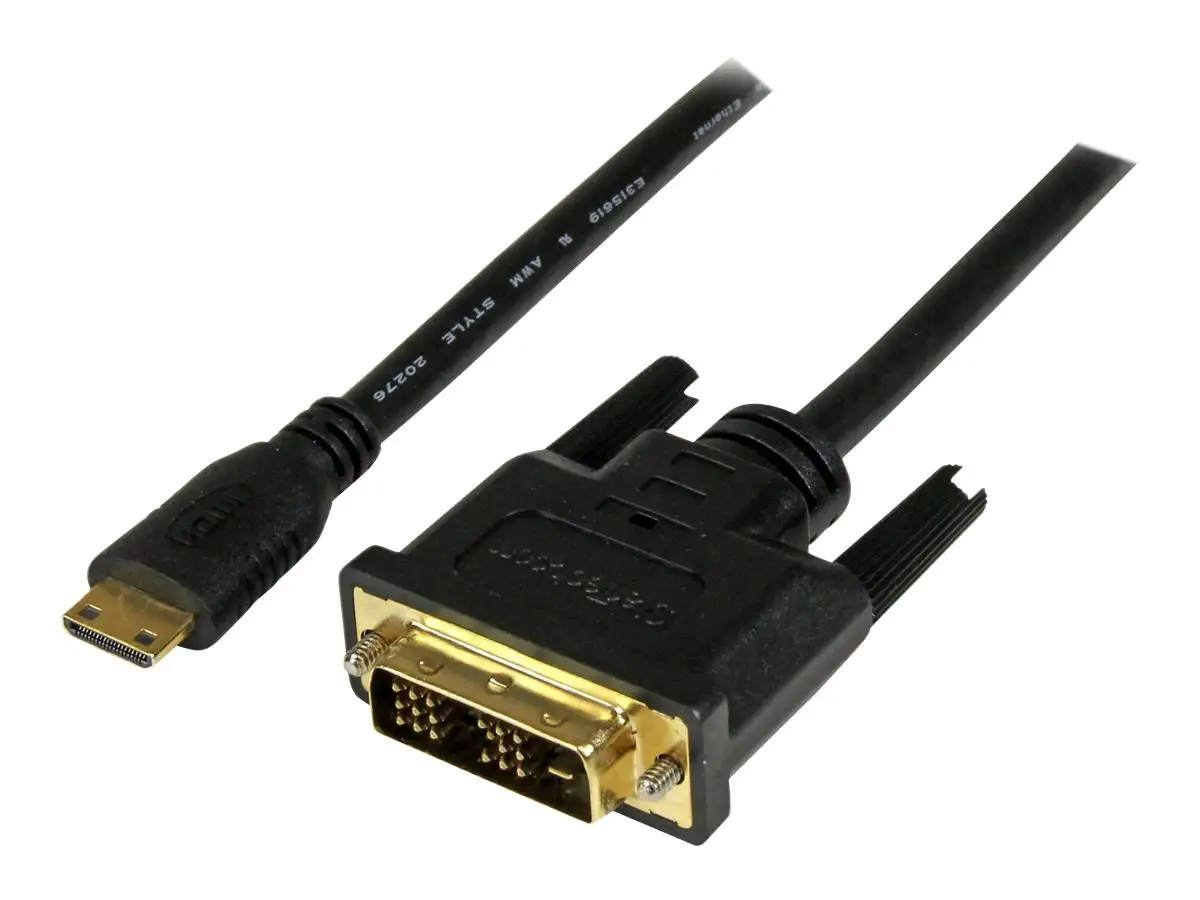
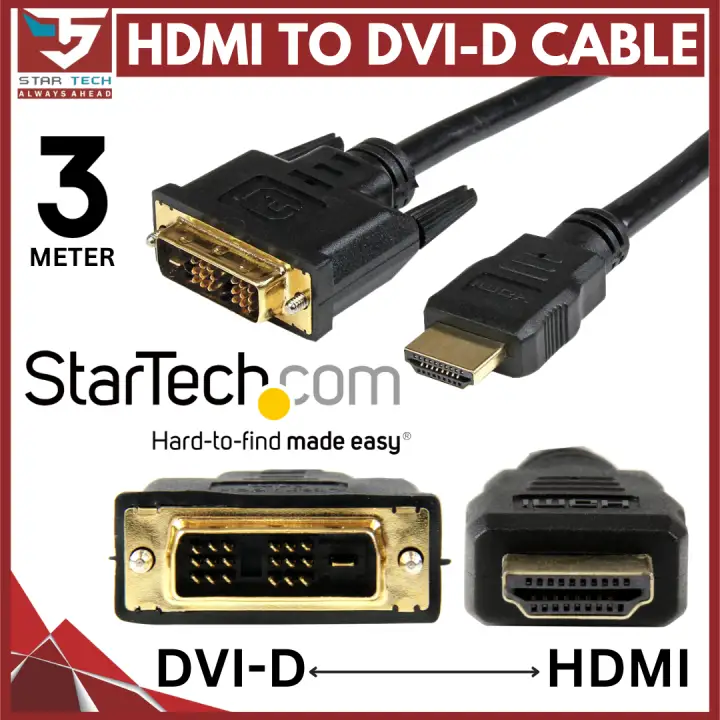
One of the longest consumer-grade HDMI to DVI-D cables on the market, the StarTech.com HDMIDVIMM30 30‑ft HDMI to DVI-D Cable earns a solid 8.0/10 from cross-platform sentiment. Praised for its video clarity over extended distances, it’s often described as “reliable” and “versatile,” but users are quick to point out that it transmits video only—audio still requires a separate run.
Quick Verdict: Conditional Buy
| Pros | Cons |
|---|---|
| Maintains 1080p quality over 30 ft without major signal loss | No audio support—requires separate cable |
| Bi-directional HDMI↔DVI-D compatibility | DVI technology is increasingly obsolete |
| Durable construction with molded strain relief | Still requires strong source signal for optimal output |
| Lifetime warranty backed by StarTech.com | Limited length options beyond 30 ft |
| Works across TVs, projectors, monitors seamlessly | Heavier and thicker than shorter cables |
Claims vs Reality
One of the primary marketing claims is that the HDMIDVIMM30 can transmit HD video over longer distances “without significant signal loss.” A verified buyer on Amazon noted: “It works great and meets all our expectations. The picture stays sharp even across the 30 feet between my PC and projector.” This aligns closely with StarTech’s promise—multiple Reddit and Trustpilot reports confirm that 1080p quality is preserved.
Another touted feature is bi-directional capability, allowing either HDMI-to-DVI or DVI-to-HDMI conversion without adapters. Reddit user feedback supports this: “I connected an older Dell DVI monitor to my new HDMI laptop without issues.” However, Amazon reviewers, particularly those used to HDMI’s audio capability, were surprised: “Audio has to be brought in from the PC audio output jack.” While technically transport works both ways, the lack of audio pass-through is a functional limitation not emphasized in marketing.
Finally, durability claims hold up well. The cable’s PVC jacket, aluminum-mylar foil with braid shielding, and molded strain relief get repeated mentions in long-term use cases. A Trustpilot reviewer stated: “I’ve had it hooked up since last year for digital signage—still as solid as day one.” Here, the branding message and actual user experience match.
Cross-Platform Consensus
Universally Praised
Length is the standout. For home theater builders and event spaces, running 30 feet without adding extenders is a game-changer. A Twitter user explained: “Perfect for connecting projectors at the back of the room—no signal drop.” Digital signage installers echo this, noting that 24 AWG wiring supports stable output at maximum reach. These characteristics make it ideal for classrooms, churches, and conference rooms where cable runs need to cross ceilings or walls.
Video clarity gets equally strong marks. Even in setups with potential interference, such as near other high-voltage cables, reports indicate minimal degradation. A Trustpilot customer wrote: “Clear, crisp video on my HDTV—better than the cheap cable I replaced.” Consistency is part of the appeal; whether paired with modern flat screens or older projectors, the output remains stable.
The bi-directional operation benefits mixed setups, like pairing legacy DVI office monitors with HDMI output devices or converting HDMI sources to DVI-only inputs in industrial environments. Multiple Reddit accounts mentioned smooth switching: “Easy to reverse the connection—you don’t have to think about adapters.”
Common Complaints
Audio absence is the most-cited frustration. Users new to DVI are often caught off guard. One Amazon buyer admitted: “I bought it thinking it would carry sound to my TV—it doesn’t.” This limitation particularly affects home users who expected plug-and-play AV functionality, forcing additional cabling and potential mess in clean installations.
The weight and thickness of the cable can also be inconvenient. Installers say it requires more careful routing, especially around tight bends. Reddit user “techie_42” remarked: “It’s durable but not the most flexible—plan your path.” In desk-to-monitor setups, the stiffness may push hardware slightly, indicating it’s better suited for fixed runs rather than portable use.
Obsolescence of DVI ranks high in buyer hesitations. Quora discussions highlight how DisplayPort and HDMI dominate modern standards. “If you’re future-proofing, this isn’t the investment—it’s for today’s compatibility needs,” noted one contributor. This makes the product ideal for bridging current gaps rather than long-term system planning.
Divisive Features
The 30-ft length—which some love—becomes problematic for those who don’t need the reach. A few buyers felt shorter cables offer better flexibility in living rooms or offices. Others countered that the length is insurance: “I’d rather have too much than too little,” said a Trustpilot reviewer.
Bi-directionality too spurs debate. Technically sound, but since DVI and HDMI handle data differently, some users expect identical behavior from both ends. Installers aware of DVI’s audio-null nature see no issue; casual consumers still register disappointment.
Trust & Reliability
Long-term durability claims stand strong. Reddit installation stories from six months or more show no fraying, no loose connectors, and stable picture quality. A recurring pattern emerges: fixed installations maximize the cable’s lifespan, while repeated plugging/unplugging increases wear, typical of heavy-duty strains.
Trustpilot sentiment shows little concern over authenticity or counterfeit products—perhaps due to StarTech’s established distribution channels. Lifetime warranty reinforces trust; however, warranty claims are rarely referenced, implying minimal failure rates in practice.
Alternatives
Among alternatives noted in discussions are generic gold-plated 30-ft DVI-to-HDMI cables found on eBay and commercial-grade Crestron cables. Price comparisons often favor StarTech when factoring in warranty and build quality. Installers mention cheaper cables sometimes struggle with 1080p at full length, causing subtle flicker—a complaint absent in StarTech reports.
Price & Value
Current market listings fluctuate—Connection clocks it at $44.95, while Amazon shows entries around $56, and eBay resale trends near NZD 95. Value perception leans positive; professional users see the cost as justified for guaranteed signal integrity over long spans. A Twitter comment summed it up: “Cheaper than running an extender, plus no power brick—worth it.”
Community buying tips suggest timing purchases with AV upgrade cycles or online promotions. Given DVI’s slow fade from relevance, casual users may find cheaper, shorter cables sufficient, but integrators appreciate StarTech’s reliability for legacy tech integration.
FAQ
Q: Does this cable carry audio?
A: No. DVI-D supports video only. Users must connect a separate audio cable if needed.
Q: What resolutions are supported?
A: It handles up to 1080p without issues across its 30-ft length, according to multiple user reports.
Q: Can I connect HDMI output from my laptop to a DVI monitor?
A: Yes, it’s bi-directional. Users have successfully connected laptops, game consoles, and Blu-ray players to DVI displays.
Q: Is signal quality consistent across the full length?
A: Reports consistently show little to no degradation at 30 ft when using quality source and display hardware.
Q: Is this cable future-proof?
A: No—DVI is being phased out in favor of HDMI and DisplayPort. It’s best for current compatibility needs.
Final Verdict: Buy if you have fixed installations bridging HDMI and DVI-D over long distances—especially in professional AV setups, digital signage, or conference environments. Avoid if you expect HDMI audio capabilities or want future-proof connectivity. Pro tip from community: plan cable routing before purchase, as the thickness demands more installation space.





