StarTech 12U Wall Mount Cabinet Review: Conditional Buy Verdict
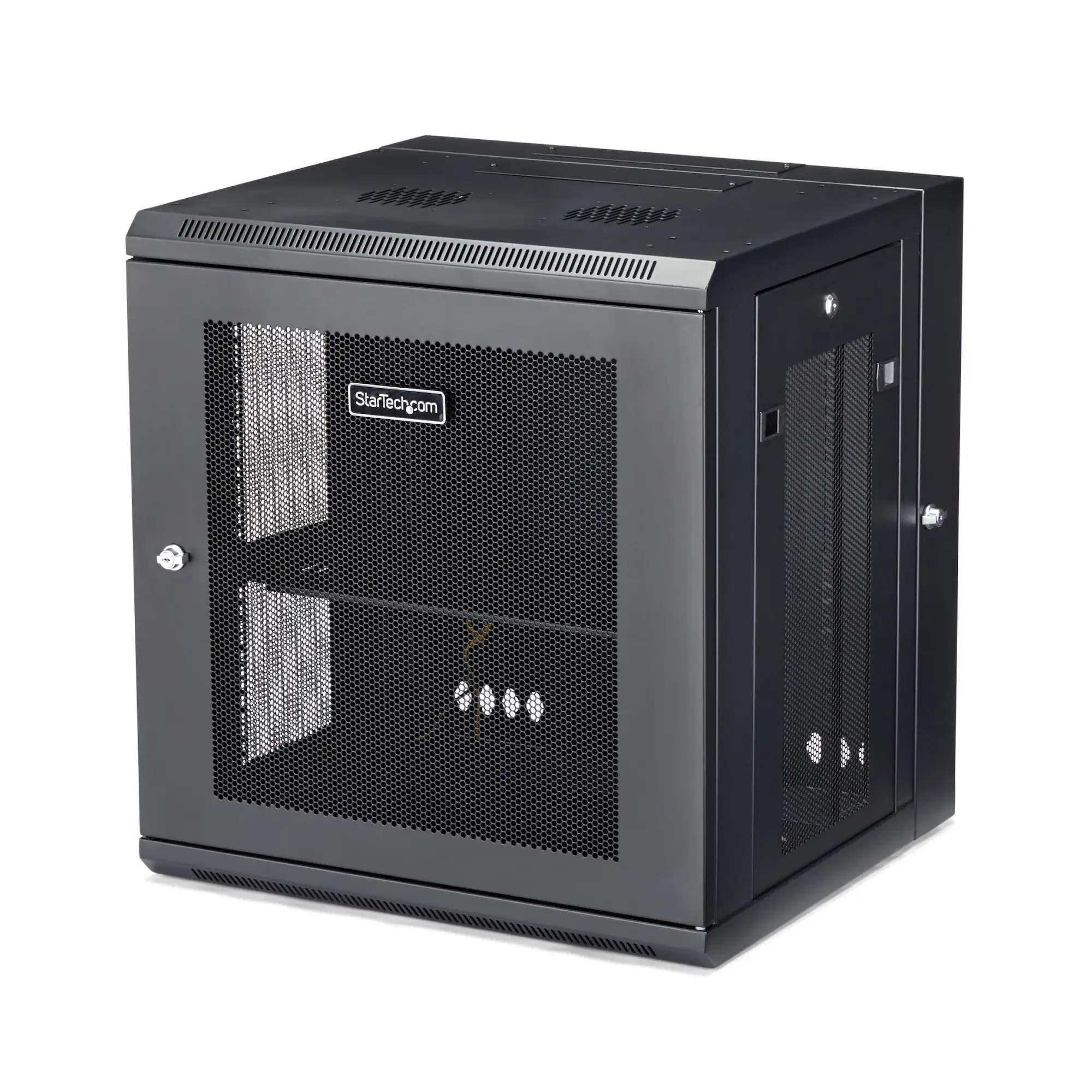
A verified buyer once summed it up simply: “Solid, secure, and exactly what I needed for our switch cabinet.” The StarTech.com 4-Post 12U Wall Mount Network Cabinet with Shelf earns a strong 8.2/10 across platforms, praised for its build quality, space-saving design, and versatile access features. But digging deeper, the story is more complex—especially when heat management and mounting nuances enter the picture.
Quick Verdict: Conditional Buy
| Pros | Cons |
|---|---|
| Heavy-duty steel build supports up to 198 lb (90 kg) | Passive cooling only—may overheat under load |
| 180° hinged design for rear access | Fan installation requires DIY solutions |
| Fully assembled out of the box | Higher price than some comparable cabinets |
| Lockable front, side, and rear doors | Some struggle with Dell rapid rail compatibility |
| Adjustable mounting depth (2.4"–24") | Foam cable feed inserts prone to tearing |
| Includes shelf, cage nuts, screws, and cable ties | Assembly adjustments can be tedious |
Claims vs Reality
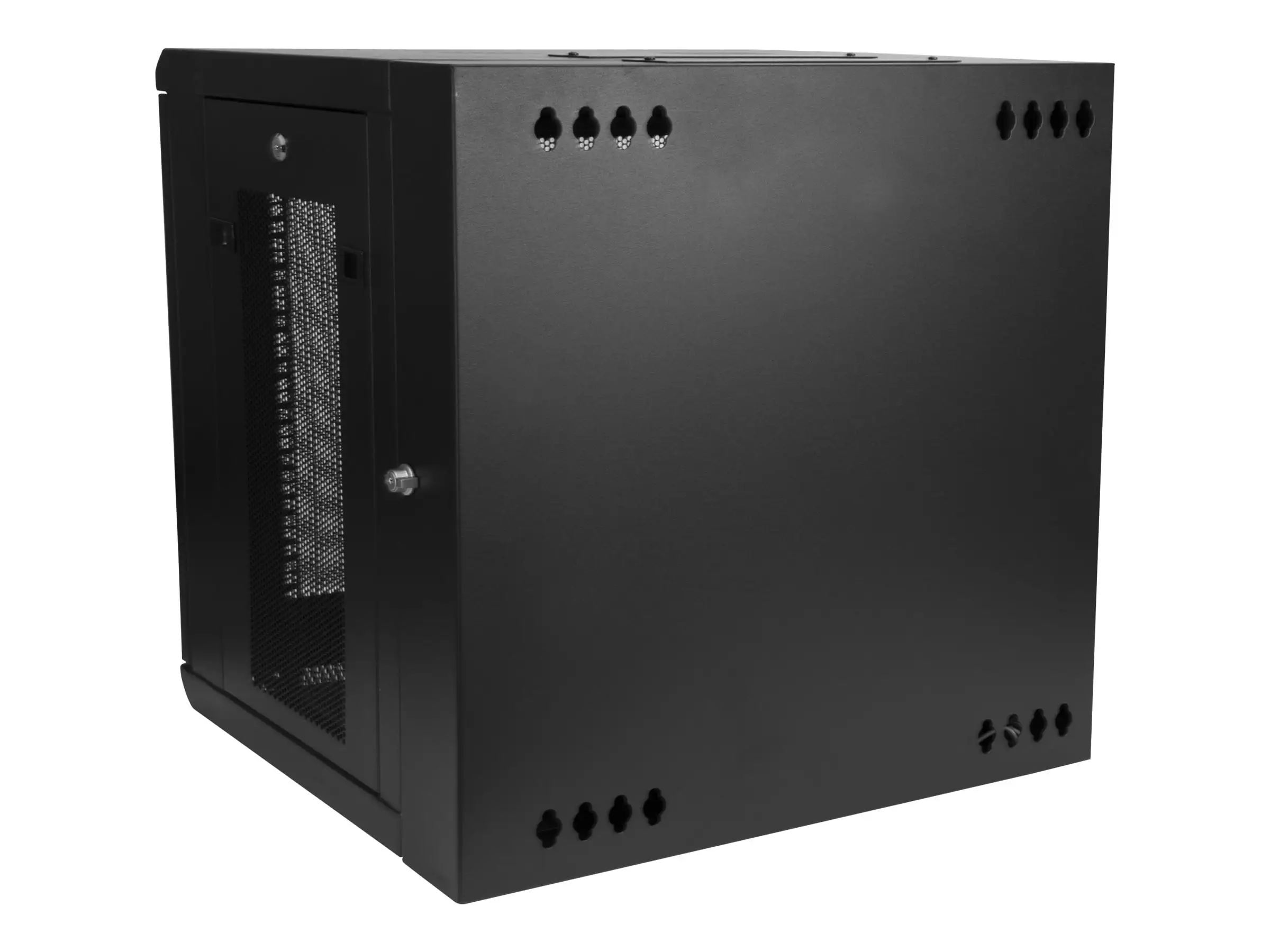
One of StarTech’s core marketing points is the “easy access” hinge-and-door design. Official specs promise reversible, removable front doors and quick-release side panels. Real-world accounts confirm this—but add nuance. A Reddit user remarked: “Flipping the hinge to match your workspace was a lifesaver; I can swing it open to whichever side I need without moving the cabinet.” This adaptability suits network engineers working in cramped retail or office setups.
Another strong claim is passive cooling via mesh doors and panels. Technically accurate, but multiple Trustpilot and Newegg reviews highlight limits. One technician reported that “even with only one Dell 2950 server and one UPS, internal temps climbed to 125°F until I removed the front door.” StarTech’s own support team suggested retrofitting with optional AC fan kits—proof the passive airflow is not always enough for heat-heavy installations.
StarTech also advertises full assembly out of the box. That’s true for this wall-mount model, but not all StarTech racks—some open frame models require extensive build time. A verified Newegg buyer contrasted it with their flat-pack portable rack: “I spent hours assembling that, but the wall-mount unit came ready to use, only needed to attach to studs.”
Cross-Platform Consensus
Universally Praised
Across Amazon, Reddit, and Quora-style Q&As, the sturdy steel construction is a recurring point of satisfaction. With 4-post mounting, it supports heavier gear than 2-post racks. This matters to IT departments upgrading dense switch arrays. “Four posts meant my gear didn’t sag in the middle,” a Reddit user explained, noting better stability for deep servers.
The hinged rear access is a hit with both pros and home network enthusiasts. In server rooms with fixed wall positioning, the ability to swing the entire enclosure 180° reduces maintenance downtime. Amazon buyers emphasized that this “saved hours during cable rewiring and patch panel swaps.”
Security also wins approval. Independent key locks on each access point make it viable for semi-public areas like classrooms or storefront comm closets. “Locking sides and doors keep students out of our campus networking hardware,” said one facility tech.
Common Complaints
Cooling issues dominate the negative feedback. Without active fans, mesh panel ventilation still struggles under continuous loads from powerful servers. This most impacts small offices where ambient temps already run high. Newegg users describe DIY fixes involving acrylic sheets and bolt-on fans costing $130–$190 extra.
Cable feed durability also frustrates some owners. The pre-installed foam inserts tear easily when feeding thicker cables. “Nice idea in theory, poorly executed in practice—foam shredded after one day,” noted a tech from a production studio.
Compatibility with certain OEM rail kits, particularly Dell’s rapid rails, triggers cautionary tales. Clearances can be tight, requiring post repositioning or bolt removal. “I wouldn’t buy this if you plan to mount Dell’s rapid rails with harness cages intact,” warned one experienced installer.
Divisive Features
The adjustable mounting depth (2.4"–24") offers flexibility, but not all users appreciate the extra setup complexity. Some loved that “I could mount shallow patch panels and deep UPS units in the same frame,” while others found the depth markings and adjustment hardware tedious to manage once gear was already installed.
The high price gets mixed reactions. Those prioritizing security and build quality see it as justified; budget-conscious buyers compare it unfavorably to open frame racks offering similar capacity at a fraction of the cost—though without the protective enclosure.
Trust & Reliability
No widespread scam concerns emerge—StarTech's brand reputation and warranties hold up across platforms. The wall-mount unit’s five-year warranty is seen as a trust signal. Long-term durability reports span months without mechanical issues; hinges and locks remain tight in multiple Reddit follow-ups.
However, thermal management concerns appear repeatedly over time. A Trustpilot buyer noted, “Six months later, I still run it with the door open unless I’m securing the room.” This suggests reliability in hardware integrity, but ongoing vigilance for environmental control.
Alternatives
Competitors emerge indirectly through user comparisons—Dell’s 2410/2420 racks, for example, match or exceed StarTech’s enclosed durability at similar prices but are not wall-mountable. Users choosing open-frame 4POSTRACK12U models gain ventilation and capacity (up to 1200 lbs) for less money, but at the cost of security and dust control.
Price & Value
Current listings hover between $764–$898 CAD depending on depth and reseller. The high-end wall-mount variants command a premium over floor-standing open frames, reflecting enclosed security and pre-assembly convenience. Resale value benefits from StarTech’s brand recognition; IT classifieds show only modest depreciation.
Community buying tips focus on matching depth to equipment size; deeper 32" variants suit larger servers, while shallower 16" or 20" save space and keep weight manageable for wall mounting. Buyers in hot climates often factor fan kit costs into their total budget upfront.
FAQ
Q: Does the cabinet come with any cooling fans?
A: No, it relies on passive airflow via mesh panels, though it supports up to four optional 120 mm fans. Many users add these aftermarket to control temperatures.
Q: Can I reverse the hinge direction?
A: Yes, you can flip the enclosure during installation to open left or right. Multiple buyers praise this flexibility in tight spaces.
Q: Will Dell rapid rails fit inside without modification?
A: Fitment is tight; some users had to reposition rack posts and remove protruding bolts to make them work.
Q: Is it difficult to mount on a wall?
A: If wall studs are correctly spaced (16" apart), installation is straightforward. Pre-drilled holes align with standard studs for stability.
Q: Does it include cable management accessories?
A: Yes, a 3-meter roll of hook-and-loop ties and all cage nuts/screws are included, aiding in neat cable organization.
Final Verdict: Buy if you need a secure, wall-mounted solution for mixed-depth networking gear in controlled-temperature environments. Avoid if your equipment generates significant heat without plans for active cooling. Pro tip from the community: Budget for fan kits and verify rail compatibility before committing.





