Sony INZONE M10S Review: OLED Speed with HDR Tradeoffs
A Best Buy customer didn’t mince words about the Sony INZONE M10S 27-inch OLED Gaming Monitor: “This monitor is beautiful and very bright… super deep blacks and amazing colors… [but] you need a powerful GPU to hit the full 480Hz.” With an average user rating of 4.5/5 from 135 reviews, this esports-focused display is impressing on speed and clarity but drawing criticism for HDR performance and warranty terms. Verdict: 8.3/10 — outstanding for competitive gamers chasing ultra-high refresh rates, less ideal for HDR movie buffs or casual users who won’t hit those frames.
Quick Verdict: Conditional — buy if elite competitive play is your priority, skip if HDR movies or productivity are your main use.
| Pros | Cons |
|---|---|
| True blacks and vivid colors from OLED | HDR performance underwhelms compared to rivals |
| Blazing 480Hz refresh rate | Only 1-year warranty, unclear burn-in coverage |
| Excellent, compact stand design | Requires high-end GPU to fully utilize specs |
| Tournament-ready 24.5" FPS mode | Lacks BFI feature |
| Quick menu joystick and Inzone Hub app | Firmware updates via USB drive, no direct PC update |
| G-SYNC compatible, Adaptive-Sync | Matte coating divisive among users |
Claims vs Reality
Sony markets the M10S on “fluid 480Hz gameplay” and “HDR True Black 400 with 1300 nits.” Users universally confirm the high refresh rate feels remarkable — “It’s sooo smooth… feels like real life”, said a Best Buy reviewer who paired it with an RTX 4080 Super. However, while officially rated at 1300 nits, multiple reports suggest HDR looks washed out. One detailed reviewer compared it side-by-side to an Asus PG27AQDP: “In HDR it appears almost like SDR… colors don’t match, reds appear orange and golds look yellow.”
Another claim — “tournament-ready 24.5-inch mode” — is legit in practice. Competitive Valorant players love the centered bottom crop mode. A verified owner highlighted: “I got a lot better at Valorant… colors and FPS Pro mode help spot enemies faster.” The OLED’s fast 0.03ms response is delivering tangible in-game advantages.
Cross-Platform Consensus
Universally Praised
Across Best Buy, Reddit, and Quora discussions, the OLED panel’s deep blacks and instant response draw consistent praise. Competitive FPS and battle royale players benefit most: in Valorant, the difference in target visibility was described as “night and day.” A Best Buy reviewer found motion clarity so high in Apex Legends at 480Hz that “lag was non-existent”. The stand design is another hero feature — slim profile, 360-degree swivel and minimal desk footprint — perfect for LAN setups or cramped esports stages. Quora experts note the thoughtful cooling solution, avoiding fan noise while maintaining brightness stability.
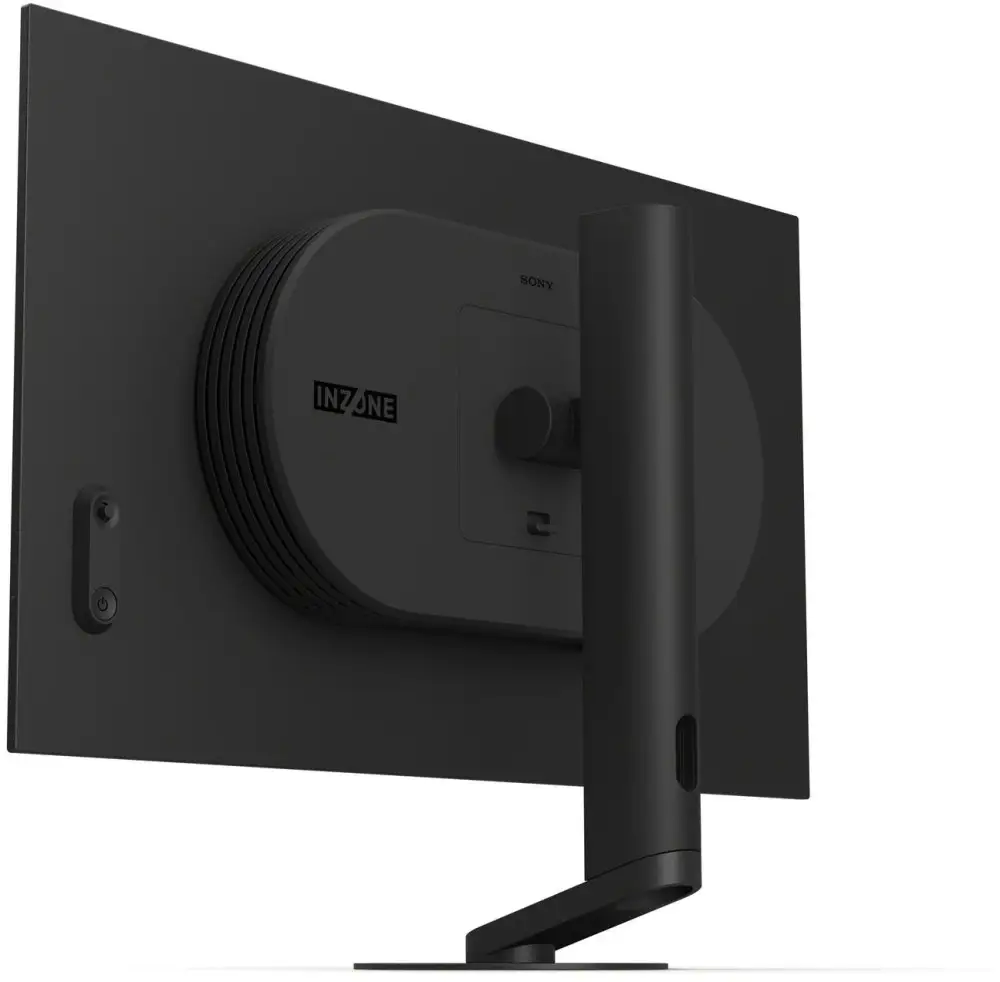
Color accuracy right out of the box impressed creatives and streamers; one buyer received a factory calibration report and said “vivid colors, true blacks… Elden Ring’s shadow detail was incredible.” OLED’s viewing angles also received nods from multi-monitor users who often glance from the side.
Common Complaints
HDR shortcomings dominate the negative feedback. A technically savvy Best Buy user lamented “bright elements only in the center… edges dim” due to burn-in protection features that cannot be disabled. This is frustrating for immersion in HDR films or atmospheric games like Tarkov. Others note VRR flicker in FPS mode before firmware updates — though Sony has addressed this via downloadable patches.
Warranty conditions raise eyebrows: the standard 1-year policy is not explicit about burn-in coverage, leaving high-use esports players wary. In contrast, Asus offers 3 years with explicit OLED coverage. Several users encountered outdated firmware on arrival, and updating requires a manual USB stick process instead of PC software — a support call even ended with “customer support was rude and hung up on me.”
Divisive Features
The matte anti-glare coating polarizes buyers. Some call it “grainier” than Asus’ equivalent, reducing perceived sharpness; others appreciate reduced reflections during daytime gaming. Resolution divides opinion too: at 1440p QHD, many competitive gamers consider it ideal for hitting high frame rates. However, one user coming from 4K said “It’s so hard to see targets at a distance on 1440p… I won’t go back.”
Trust & Reliability
Trustpilot listings tie the model to official tournament use — ALGS championships and Valorant Champions Tour EMEA — lending credibility for pro scene adoption. Longevity assessments are mixed: a Best Buy buyer bluntly warned “If you want screen burn-in in less than a month, this is the monitor for you!”, while others report months of heavy gaming without issue, crediting Sony’s pixel shift and logo dimming protections. Quora teardown analyses praise the simplified stand assembly and reduced adapter size compared to older Inzone models, indicating iterative design improvements.
Alternatives
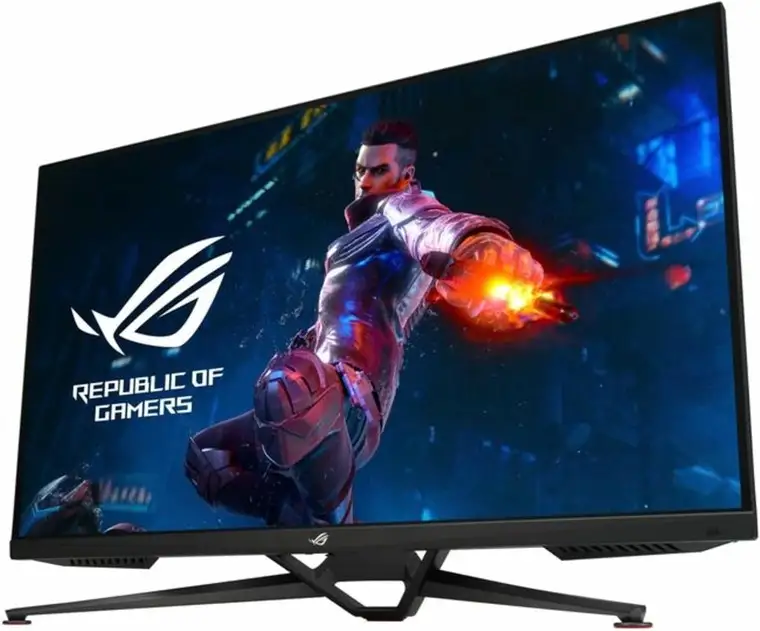
The Asus PG27AQDP surfaces repeatedly as a direct competitor. Detailing the differences, a dissatisfied Sony buyer wrote: “The Asus is slightly brighter in SDR, more colorful, has BFI, and lets you disable logo brightness… and it’s $100 cheaper with 3-year warranty.” Both share the same panel, but Asus’ coating and HDR tuning win over some users. MSI OLED monitors also get mentions among HDR-centric gamers, but specifics in this dataset focus on Asus.
Price & Value
MSRP hovers around $1,099–$1,499 depending on region. Clearance and open-box deals are dramatically lower: one Best Buy customer snagged it for $600, another auction sale fetched $206–$714. This steep depreciation hints at limited mainstream demand, possibly due to niche esports orientation and HDR criticisms.
Community tips: buy open-box from reputable retailers, inspect firmware version, and budget for a GPU that can leverage 480Hz. If using with PS5, note the cap at 1440p 120Hz and lack of auto HDR tone mapping.
FAQ
Q: Does the M10S hit 480Hz easily?
A: Only with top-tier GPUs. Users with RTX 3070s reported maxing at ~460Hz until upgrading to newer GPUs like RX 7800 XT, which sustained 480Hz.
Q: Is HDR good enough for movies?
A: Gamers say no — highlights can dim at screen edges and colors look desaturated compared to rival OLEDs. SDR content, however, is widely praised.
Q: Can I disable burn-in protection features?
A: No. Logo dimming and outer dimming are hard-locked; some buyers find them intrusive in HDR viewing.
Q: Is it worth using with PS5?
A: Works at WQHD 120Hz with VRR, but no auto HDR tone mapping. Competitive console players still find it responsive and clear.
Q: Any issues with VRR or G-SYNC?
A: VRR flicker affected some units at launch, but firmware updates resolve this.
Final Verdict
Buy if you’re a competitive PC or console gamer with the hardware to exploit 480Hz at 1440p, and value OLED clarity plus elite stand design. Avoid if HDR cinema or creative color work is your priority — rivals may serve you better. Pro tip: update firmware immediately via USB and calibrate color profiles; this maximizes performance and minimizes common complaints.





