Seagate Barracuda 24TB Review: Affordable Bulk Storage Verdict
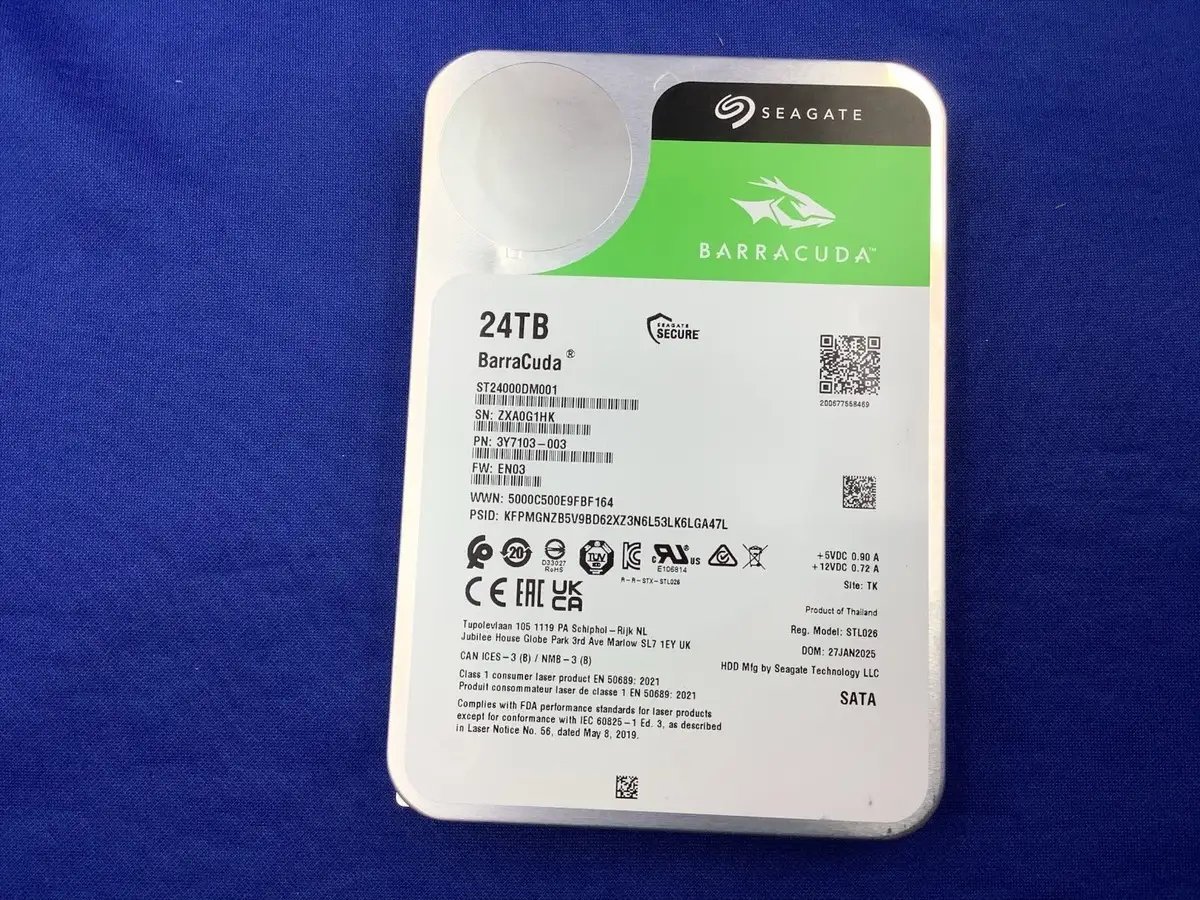
In an era where video editors and data hoarders push storage limits daily, the Seagate Barracuda 24TB Internal Hard Drive (ST24000DM001) earns attention for one reason—massive capacity at an unprecedented price. Based on collective user sentiment, it scores a solid 7.8/10: praised for affordability and sheer space, tempered by noise concerns, performance caveats, and questions about long-term reliability.
Quick Verdict: Conditional buy—best suited for bulk storage, not daily high-speed workloads
| Pros | Cons |
|---|---|
| Extremely low cost per TB | Short 2-year warranty; OEM units may lack coverage |
| Proven CMR recording technology | No data recovery service included |
| Large 512MB cache | Rated poorly for 24/7 operation by some |
| Simple installation process | Noticeable mechanical noise for quiet setups |
| Broad desktop compatibility | Slower sustained write speeds under heavy load |
| Energy-efficient design | Risk of catastrophic data loss without redundancy |
| Cooler than many WD enterprise alternatives | Questionable longevity in NAS use |
Claims vs Reality
Seagate advertises “massive capacity in a desktop hard drive” with “optimised read and write data flow” thanks to multi-tier caching. On paper, the 7200 RPM spindle speed and 512MB cache should deliver smooth transfers. A verified buyer on Amazon confirmed ease of setup, noting: “Set up was quick and easy — just plug it in… transfer speeds are solid for an HDD”.
Yet others saw a gap between marketing’s “smooth data transfers” and real-world performance under specific workloads. Amazon user Jeremy found “absolutely abysmal read/write speeds… editing software load files extremely slow”, leading him to repurpose it as cold storage rather than an active project drive. While the cache does accelerate initial transfers, sustained large writes—especially with millions of small files—can plummet, as Robert K detailed, with throughput dropping “under 10 MB/sec for extended periods” on SMR-based models. The 24TB Barracuda does use CMR, which many buyers say avoids those issues, but expectations still need to be set.
Seagate’s “quiet operation” claim also met mixed reception. Crisso1958 admitted it’s “fast but very noisy… little clacking sounds from time to time”, contrasting with some Reddit users saying it runs “cooler and quieter” than older WD Gold drives. Noise perception heavily depends on environment—NAS users in living spaces are more sensitive, while rack users largely dismiss it.
Cross-Platform Consensus
Universally Praised
One point near-universal approval: cost per terabyte. TechRadar’s editors called a NewEgg offer “just over $0.10 per GB… a must-have,” with multiple Redditors shocked it wasn't a misprint. For capacity-first buyers—media archivists, Plex library builders, bulk backup operators—it’s routinely described as unbeatable.
The use of CMR (Conventional Magnetic Recording) wins technical praise. Quora analyst Lisa Park stressed, “CMR… allows for consistent read and write speeds… ideal for NAS and video editing,” aligning with Tom’s Hardware’s relief it “avoids pitfalls of SMR.” This drives confidence for users wary of write performance degradation.
Installation and broad compatibility also drew consistent applause. An Amazon reviewer replacing a failed external drive said the Barracuda was “very easy and affordable… simple installation,” while Seagate’s own DiscWizard software helped non-experts clone and migrate data without trouble.
Common Complaints
Noise emerges as a recurring complaint. Steam community member noted, “They are cost effective… but also too noisy for my setup,” particularly in living-room NAS scenarios. Comparisons to WD Gold suggest the Barracuda is quieter than some enterprise drives but “nowhere close to Red Plus noise levels.”
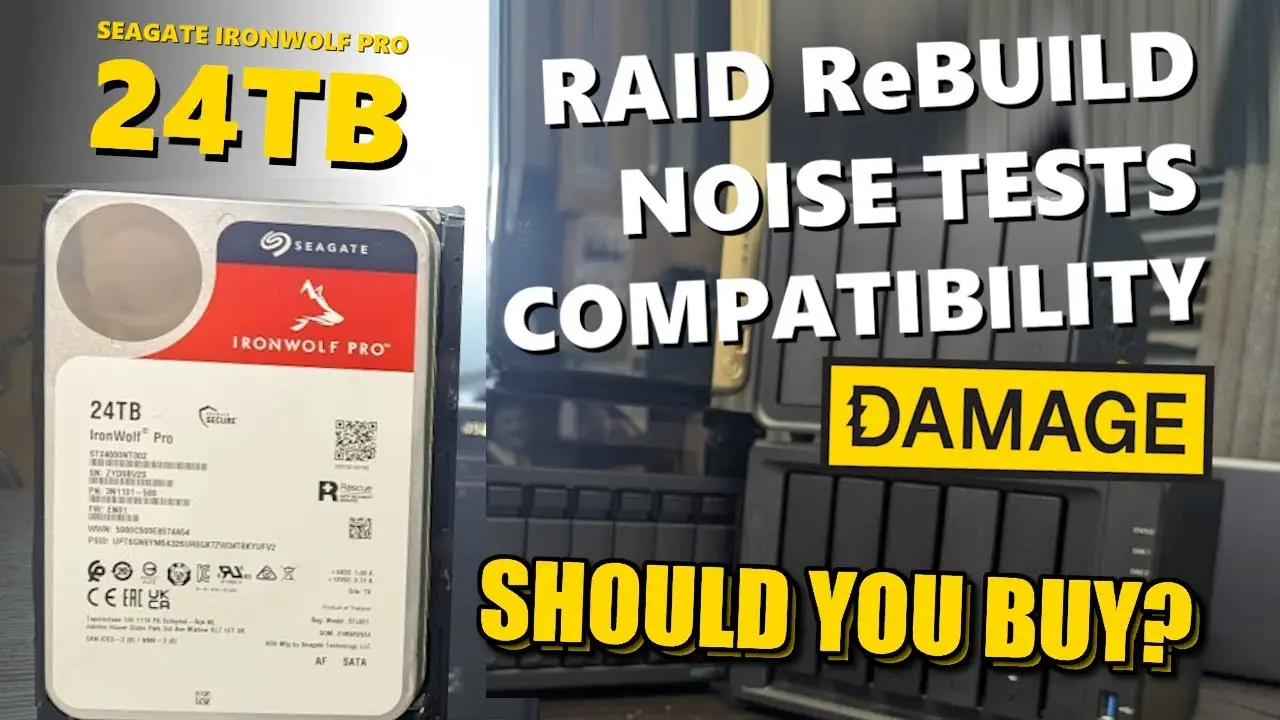
Reliability concerns are amplified by warranty terms. Rch Uncle Skeleton on Tom’s Hardware bluntly warned: “Barracuda drives have one of the highest failure rates… IronWolf Pro… much more reliable, high quality drive, with longer warranty.” OEM sales further complicate this—several users noted Seagate may not honor warranties on drives sold bare without retail packaging.
Performance ratings for sustained heavy workloads are disputed. Reddit user feedback highlighted odd spec sheet limits—“rated for 100 power-on days/year”—interpreted as a sign it’s “not rated well for 24/7 use and will probably die sooner rather than later.” This pushes many to relegate it to archival duty rather than NAS active storage.
Divisive Features
Capacity itself divides opinion. For some, 24TB means avoiding multi-drive setups—“My chassis only has room for 2 HDDs… I need the second as large as possible”. Others see overkill: “Unless you’re backing up entire galaxies… it’s kinda overkill without redundancy.” A few would rather split capacity over multiple smaller drives for risk mitigation.
Speed perception varies. Buyers coming from older 5400 RPM drives or small cache models find it “fast enough” for needs like photography backup, while video editors expecting SSD-like responsiveness are disappointed.
Trust & Reliability
Trustpilot-like concerns emerged not about scams but data loss risk. Multiple outlets urge redundant storage plans—TechRadar warned, “24TB is a lot of data to be lost… use a cloud backup service like Backblaze.” The lack of included data recovery service makes each buyer solely responsible for safeguarding content.
Long-term Reddit stories are split. Some say Seagate’s consumer drives are “usually solid… never had one fail before I retired it,” while others cite high failure rates historically. Warranty length—just two years—contrasts with enterprise alternatives offering 5-year terms, influencing confidence.
Alternatives
Enterprise drives such as WD Gold are mentioned repeatedly as higher-reliability, albeit louder, options. Steam community users suggested WD Red Plus as the quieter NAS choice. IronWolf Pro from Seagate itself offers similar capacities with better warranty and recovery services, but for “at least 50% more” cost.
These alternatives make sense when uptime, warranty, and reduced noise matter more than saving $150-$200. For the sheer cheapest bulk storage, Barracuda holds the advantage.
Price & Value
Prices fluctuate dramatically: TechRadar highlighted $239.99 Black Friday pricing, while Amazon asks nearer $400. Idealo lists €399.90 as baseline in Germany. The difference makes timing critical—community consensus says strike when under $250.
Resale value is limited due to high supply and fast depreciation; it’s a “cheap and deep” play, not an asset to flip. Buyers warn to confirm warranty status—NewEgg’s OEM shipments might leave you with only seller support.
Buying tips from experienced users:
- Match with SSD for active work; use HDD for storage only.
- Always pair with RAID or cloud backup to mitigate loss risk.
- Consider drive acoustics if near your workspace.
FAQ
Q: Is the Seagate Barracuda 24TB good for NAS use?
A: Mixed feedback—while it’s CMR and works in NAS, some spec sheets rate it poorly for 24/7 operation. Enterprise drives may last longer under constant use.
Q: Can I edit video directly from this drive?
A: Technically yes, but many users found performance too slow for smooth editing. It’s best for storing finished projects, not live editing.
Q: How noisy is it compared to competitors?
A: Quieter than WD Gold/Ultrastar, louder than WD Red Plus. Suitable for server rooms, potentially distracting in living spaces.
Q: Does it come with data recovery services?
A: No—unlike Seagate IronWolf Pro, Barracuda models include no recovery plan. External backup is recommended.
Q: Will Seagate honor warranty on OEM drives from NewEgg?
A: Not always—several buyers report OEM bare drives lacking manufacturer coverage. Buy retail-boxed versions for full support.
Final Verdict: Buy if you’re a media archivist, backup-focused professional, or gamer needing vast cold storage at the lowest possible cost per TB. Avoid if you require whisper-quiet operation, enterprise uptime, or edit directly on the drive. Pro tip: Pair it with a smaller SSD for active work, and protect your investment with redundancy—losing 24TB in one failure isn’t worth the gamble.





