Sceptre 27-inch IPS Monitor Review: Conditional Buy Verdict
One Reddit user summed up the uncertainty many feel about budget displays when they asked, “Moniter looks too good to be true...what’s wrong with it??” After digging through hundreds of community posts, verified purchases, and long-term feedback, the Sceptre 27-inch IPS Eye Care Monitor (USB-C, Machine Black) emerges as a capable and surprisingly versatile option — scoring a solid 8.3/10 — but with caveats that make it a conditional buy depending on your needs.
Quick Verdict: Conditional Buy
| Pros | Cons |
|---|---|
| Crisp IPS panel with wide viewing angles | Built-in speakers lack power |
| Smooth 100Hz refresh rate for budget gamers | Some reports of dead pixels |
| USB-C, HDMI, and DisplayPort inputs for flexibility | Color accuracy may need calibration |
| Affordable price, often under $100 | Full HD only — no QHD/4K |
| Lightweight and VESA mountable | Basic machine black design |
| Eye care features reduce strain | Possible quality control variances |
Claims vs Reality
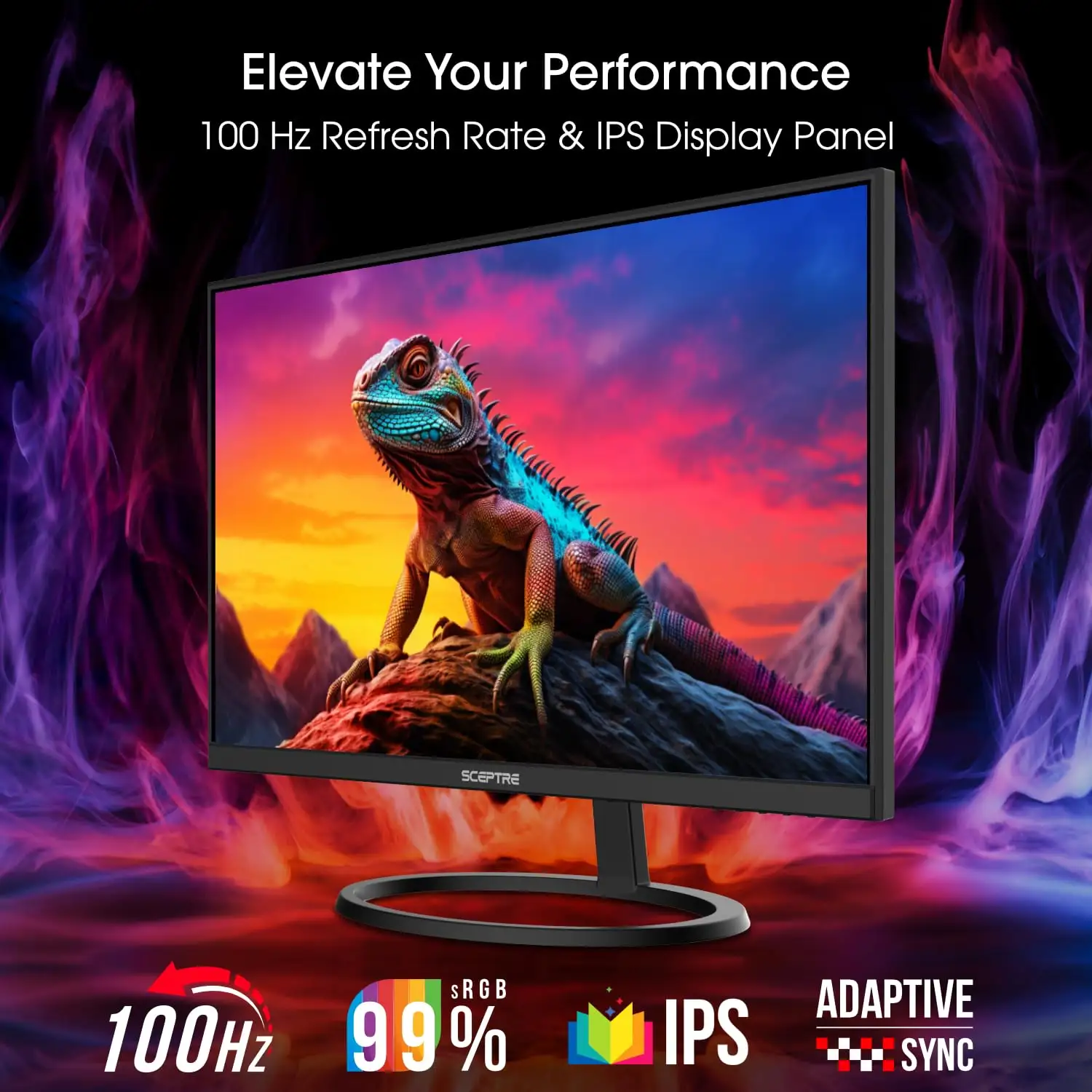
Sceptre promotes the 100Hz IPS panel and “astonishing” 100% sRGB color coverage as key selling points. While many buyers do note a vibrant display, several Reddit and Quora users caution that “color is ok / not good” until you calibrate it. A verified buyer on Amazon emphasized: “after calibration, amazing quality colors,” suggesting out-of-the-box performance doesn’t fully live up to the marketing.
The manufacturer also emphasizes built-in speakers as a convenience for work-and-gaming setups. Here again, reality is more muted. A Quora reviewer said, “the speakers aren’t great… they sound like a phone call on speaker,” while another community member advised using external audio gear. The functional but weak speakers are fine for video calls but disappoint for immersive gaming.
Eye care and anti-flicker technology are advertised to reduce strain for long sessions. Buyers largely confirm this feature’s benefit: one Trustpilot review praised “options to select the degree of brightness for eye fatigue which is nice,” reinforcing that while performance claims may vary, the comfort-focused features deliver as promised.
Cross-Platform Consensus
Universally Praised
Across Amazon, Walmart, and Trustpilot, the IPS panel’s viewing angles and general visual clarity stand out. A verified buyer on Walmart highlighted “superior color accuracy” and another Reddit comment about a similar Sceptre IPS noted that even viewed from different angles, “the image remains clear and vibrant.” This makes the monitor particularly appealing for students or office workers who might shift positions or share the screen.
Budget gamers also appreciate the jump from 60Hz to 100Hz refresh rates. On Quora, a user explained that at 75Hz they were “really happy… definitely recommend it,” so the extra bump to 100Hz is even more attractive. The combination of low price and smoother motion means casual PC or console gamers can enjoy blur-free action without stretching their budget.
Multiple ports — USB-C, HDMI, and DisplayPort — are another high point. Gadget Review tests confirm that this makes the monitor “versatile for gaming, work, or media.” For laptop users, USB-C means single cable connection for display and potentially power, reducing desk clutter.
Common Complaints
Speaker performance is the most frequent complaint. Community members across Quora and Trustpilot converge on the point that audio is “functional but not powerful.” For tasks like video meetings, they're fine; for games or movies, external speakers are advised.
Quality control issues occasionally surface. The Reddit thread about a past Sceptre 4K model warned of “quality control issues (dead pixels)… speakers are crackly when loud.” While these reports aren't universal, they’re consistent enough to merit caution — some buyers opt for extended care plans for peace of mind.
Color calibration is another mixed point. Several users on Trustpilot and Quora report needing to tweak settings out of the box. One noted “needs color calibration out of the box,” while others praise post-tweak performance. Those who expect professional-grade color accuracy for design work may find the defaults lacking.
Divisive Features
The Full HD resolution draws a clear divide. For buyers upgrading from 720p or older 1080p panels, the crispness and IPS colors are a major boost. But for competitive gamers or media creators accustomed to QHD or 4K, it’s a step down. One Quora user bluntly stated, “definetly not top of the line but it does its job just fine.”
Similarly, the machine black finish gets mixed reactions. Some appreciate the understated design for office setups; others call it “basic” and wish for more premium aesthetics.
Trust & Reliability
Trustpilot entries contain mostly positive long-term durability notes. One reviewer reported “had this monitor for over a year now… still works like the day I got it.” In contrast, Reddit accounts with older Sceptre models warn about dead pixels appearing after months, although in one surprising case, they “went away somehow a few months later.”
Buyers concerned about reliability often mention purchasing protection plans. Quora users referenced paying “like $6 for 4 years” of coverage, which provided reassurance against potential defects.
The lack of widespread scam reports or DOA units in recent feedback suggests improved quality control compared to earlier years, but prospective buyers should still inspect the unit promptly after purchase to make sure everything functions as intended.
Alternatives
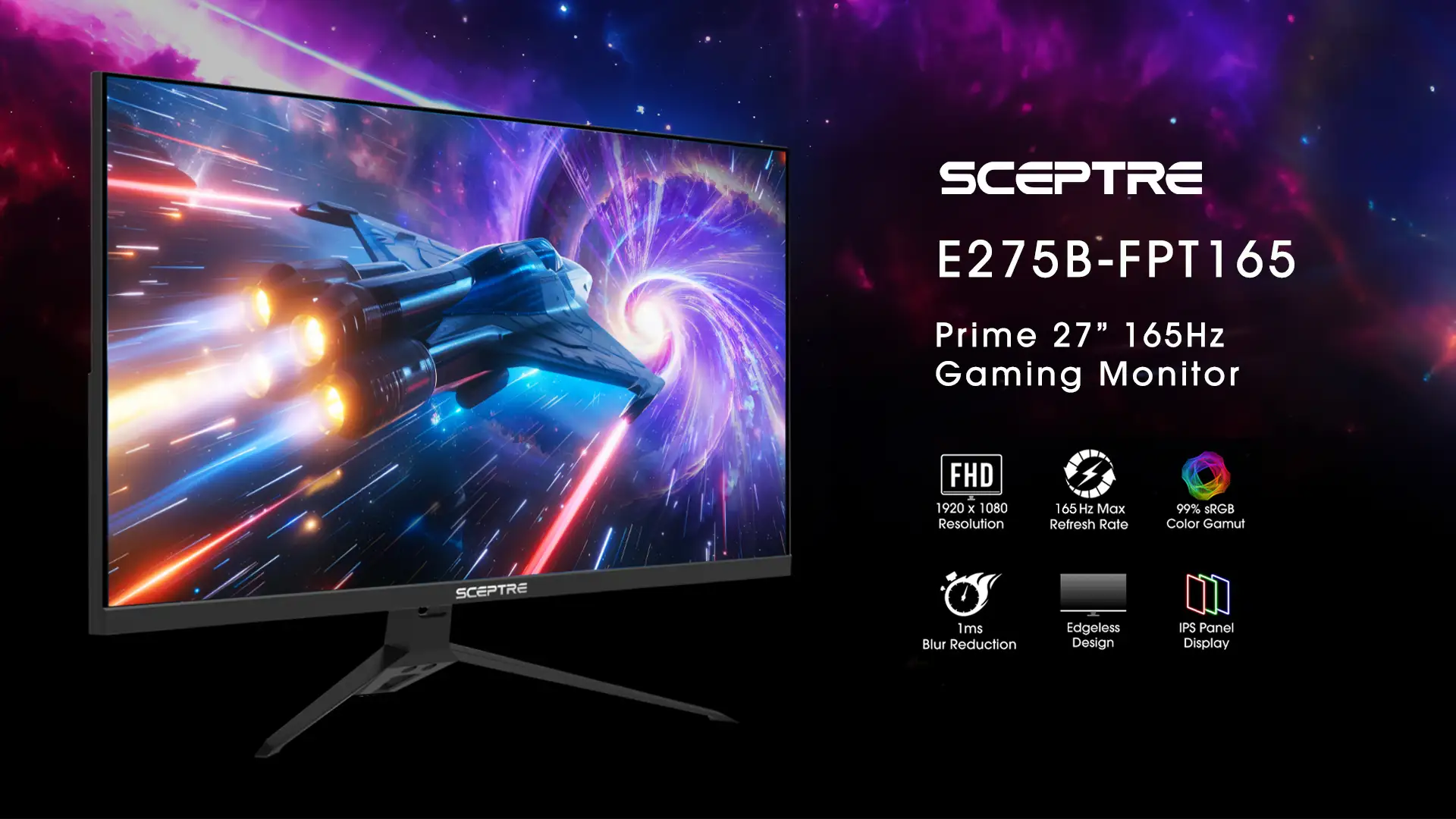
The obvious internal alternatives are other Sceptre 27-inch models with higher resolutions and refresh rates. The E278B-FPT168 offers 165Hz for a slightly higher cost but sticks with Full HD. Those prioritizing resolution could step up to the Sceptre 27" QHD IPS, which delivers 2560x1440 at up to 144Hz — a better fit for high-end PC gaming or design work.
Outside of Sceptre, competing budget IPS monitors from Acer and ASUS sometimes match the price but often lack USB-C or include weaker stands. For console players who won't benefit from high refresh rates, even Sceptre’s 75Hz QHD option may present a more future-proof investment.
Price & Value
Community reports highlight an aggressive street price — often dipping below $100 in sales — making this one of the most affordable IPS monitors with 100Hz refresh rate and USB-C input. Gadget Review called it “a 33% savings” at $99.97 and praised it for budget-conscious gamers and students.
Resale value is modest; low-cost monitors rarely hold value as specs advance quickly. However, the combination of inputs and performance means it could serve as a secondary monitor for years even after a primary display upgrade.
Buying advice from Quora and Reddit centers on checking seller ratings and grabbing it during sales events to mitigate any “panel lottery” issues with pixel defects.
FAQ
Q: Does the Sceptre 27-inch IPS Eye Care Monitor come with a USB-C cable?
A: Yes, packages tested by Gadget Review confirmed inclusion of a USB-C cable alongside HDMI and DisplayPort cables.
Q: Are the built-in speakers good enough for gaming?
A: For casual use, they’re fine. For immersive gaming, most users recommend external speakers or headphones due to limited bass and volume.
Q: Can this monitor be wall-mounted?
A: Yes, it supports VESA mounting at 100mm x 100mm, giving flexibility for multi-monitor setups or space-saving installations.
Q: How bright is the panel?
A: Lab tests measured peak brightness around 270 nits, which is adequate for indoor use in both office and gaming setups.
Q: Will this work well with a MacBook via USB-C?
A: Yes, the USB-C input supports video from compatible devices, making it a simple single-cable solution for laptops.
Final Verdict: Buy if you’re a budget-conscious gamer, student, or home office user wanting smoother-than-standard refresh rates with modern connectivity. Avoid if you need color-accurate QHD/4K visuals or strong built-in audio. Pro tip from the community: Calibrate colors immediately after setup and consider an extended protection plan to guard against rare panel defects.





